Cross-Portal Readiness
Cross-portal readiness checklist: learners, exams, fees, library, and health demo sequence status.
Who can use this
- ADMIN
Path
/admin/cross-portal
Dependencies
- Use after initial setup to verify portals have seed activity.
- Refresh after completing each demo step.
Screenshot
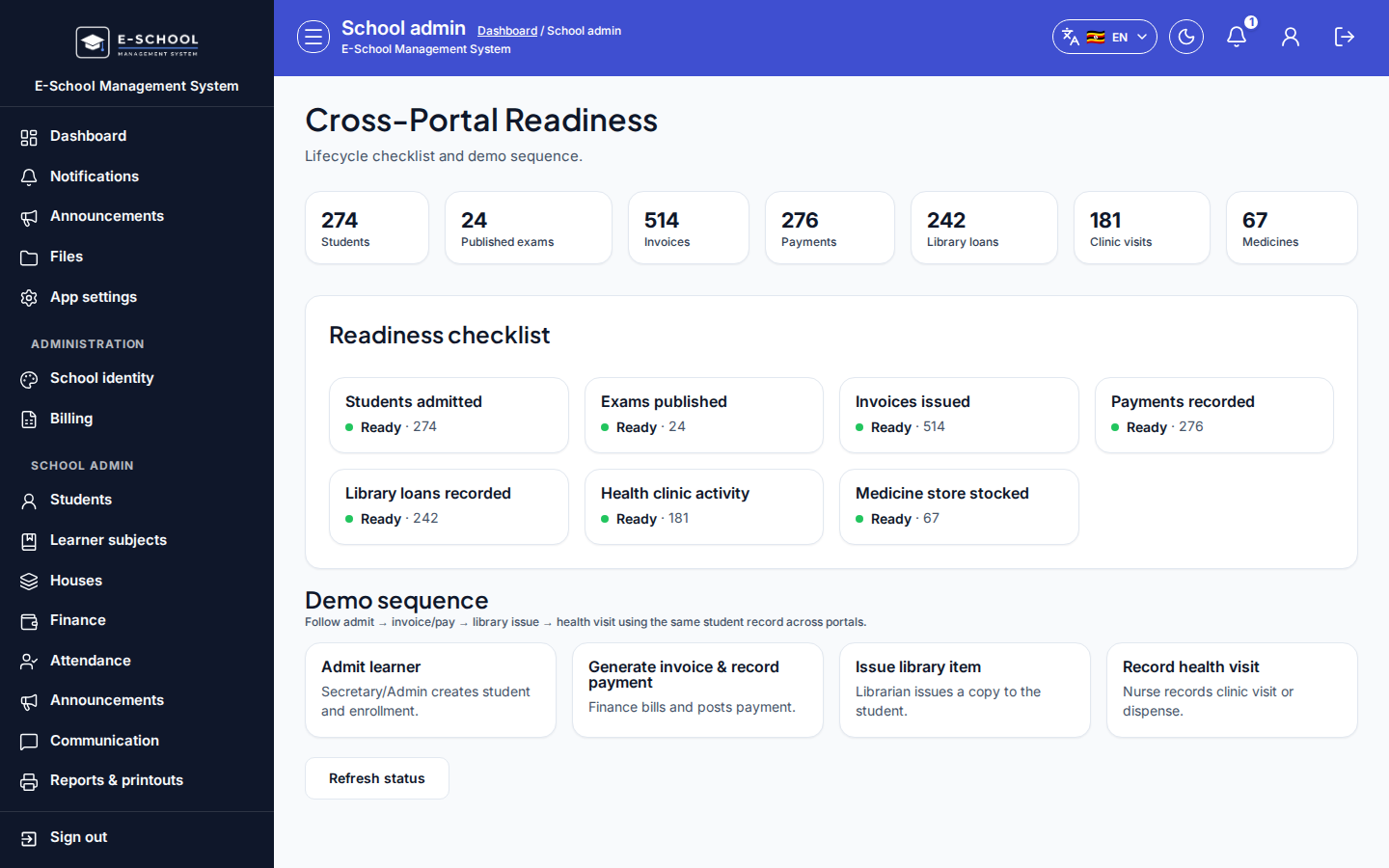
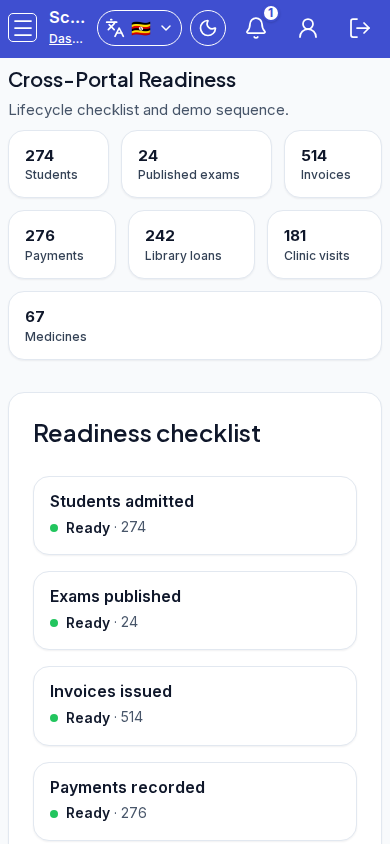
Steps
- Open Cross-Portal Readiness at
/admin/cross-portalas ADMIN.
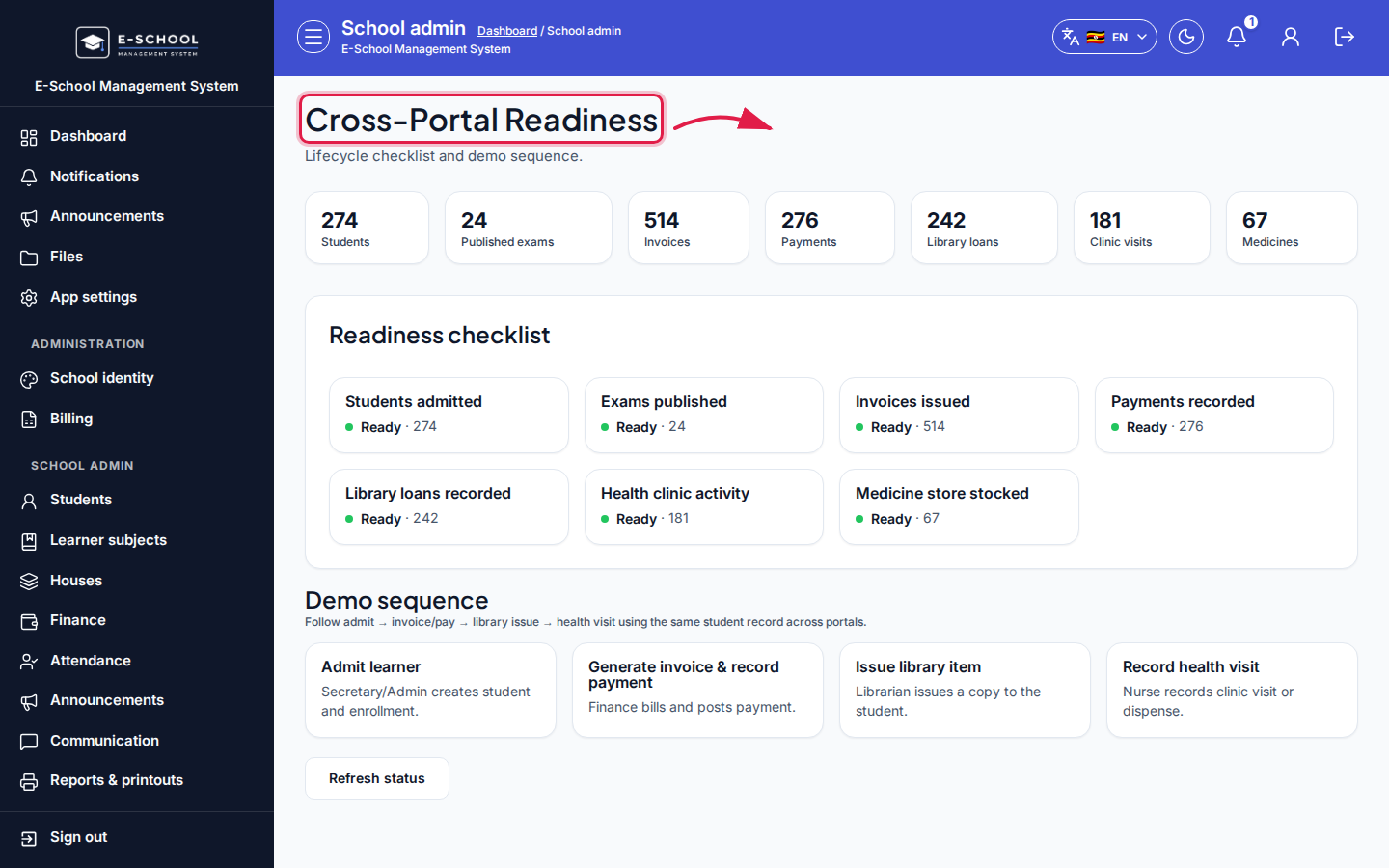 Desktop - focus for step 1
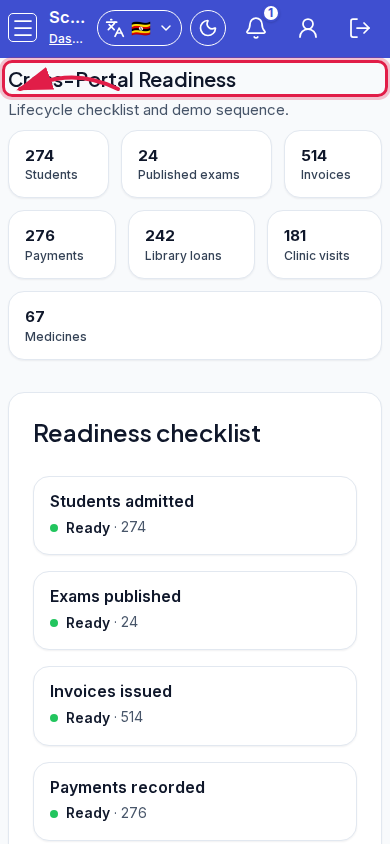 Mobile - focus for step 1
- Review KPIs: Students, Published exams, Invoices, Payments, Library loans, Clinic visits, Medicines.
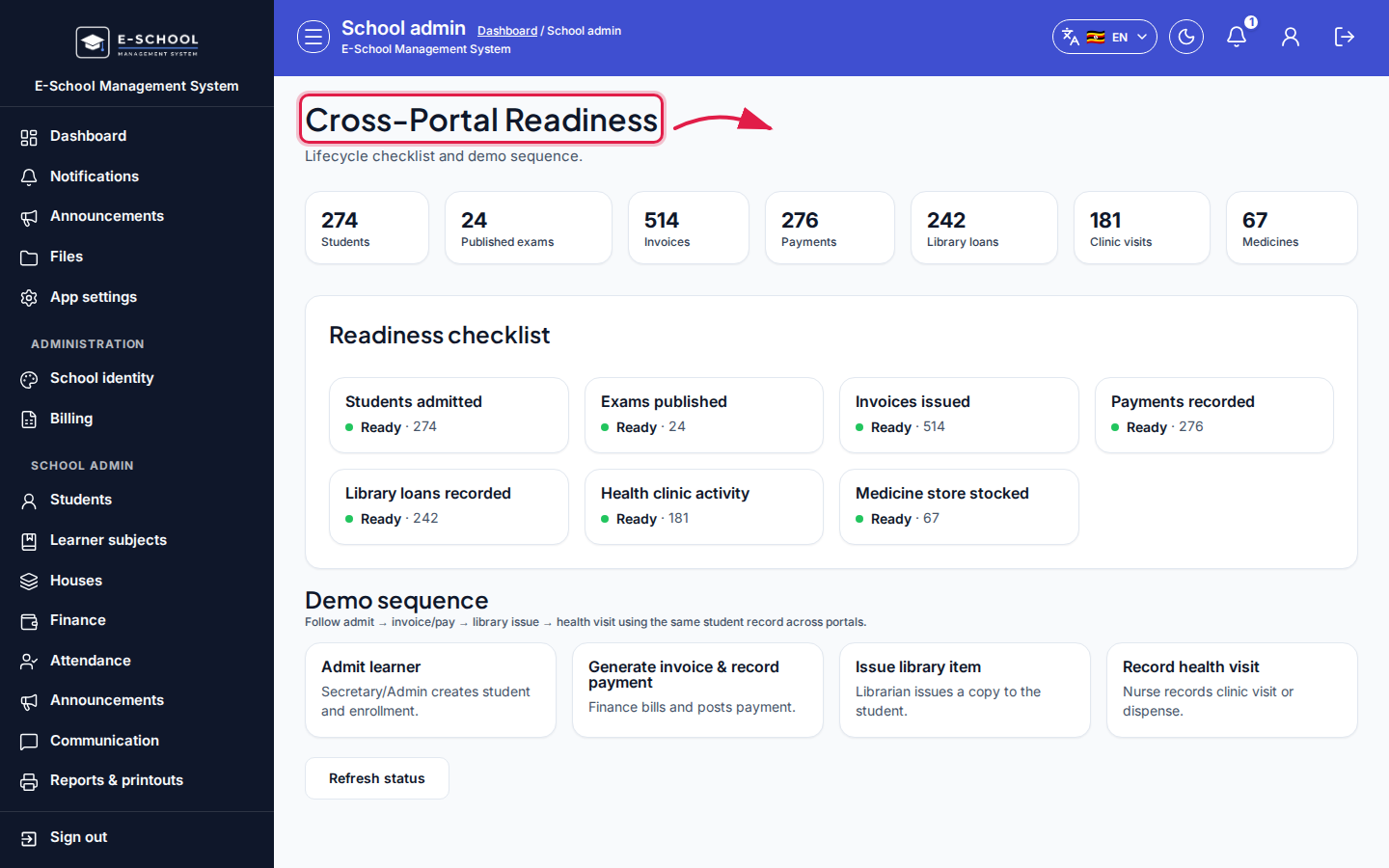 Desktop - focus for step 2
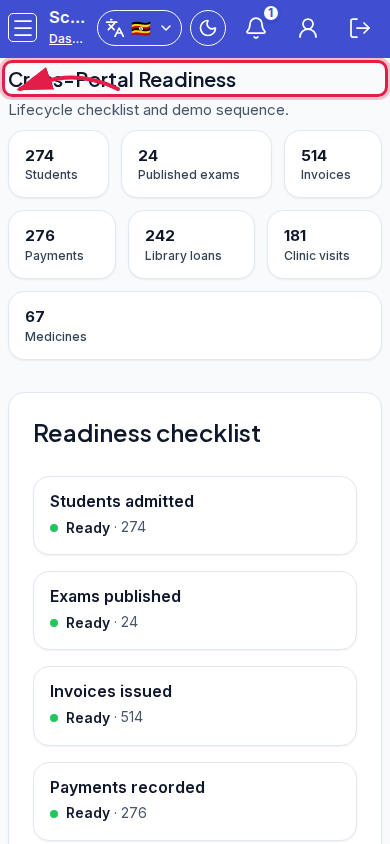 Mobile - focus for step 2
- Walk Readiness checklist / Demo sequence: Admit learner → Generate invoice & record payment → Issue library item → Record health visit.
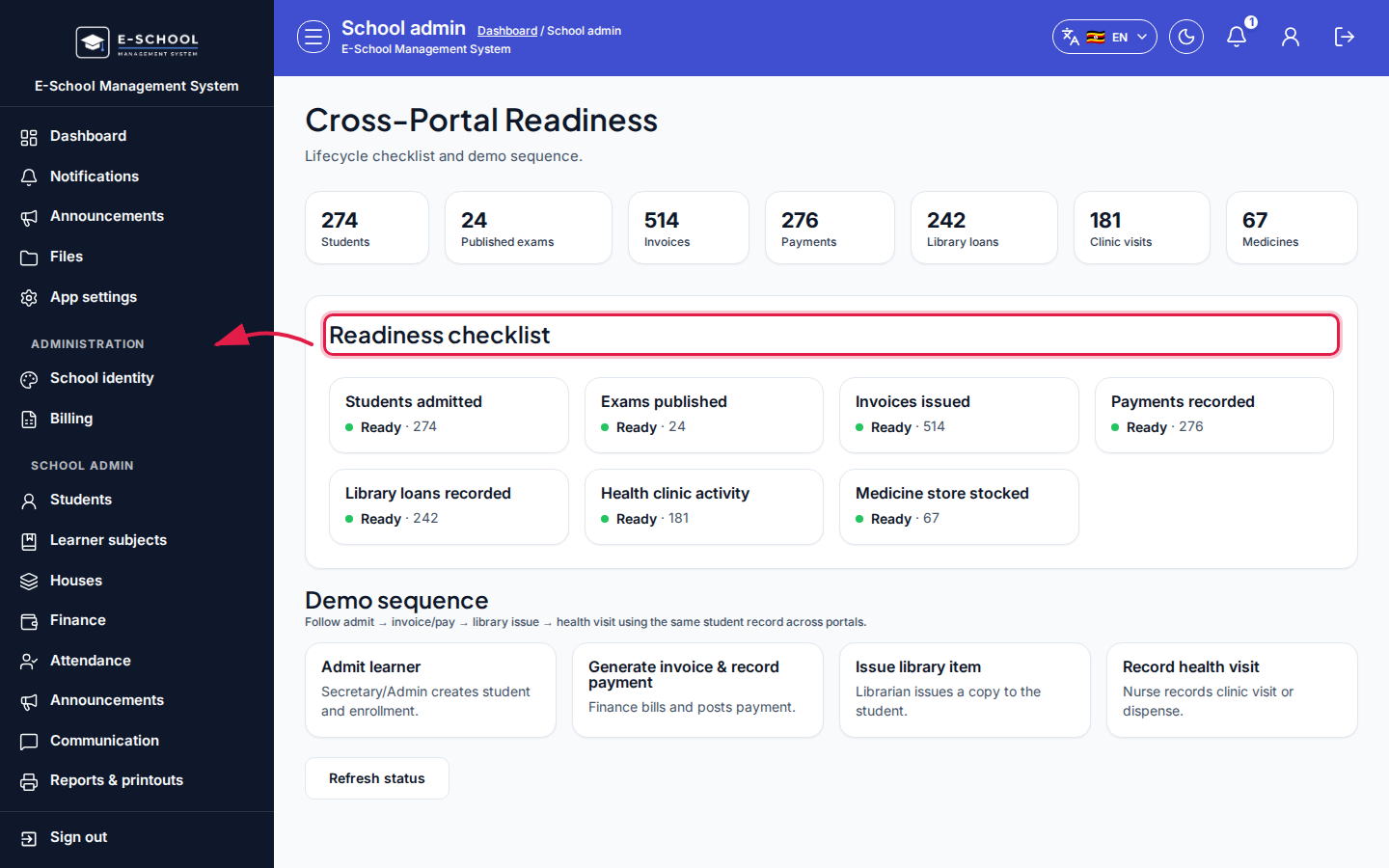 Desktop - focus for step 3
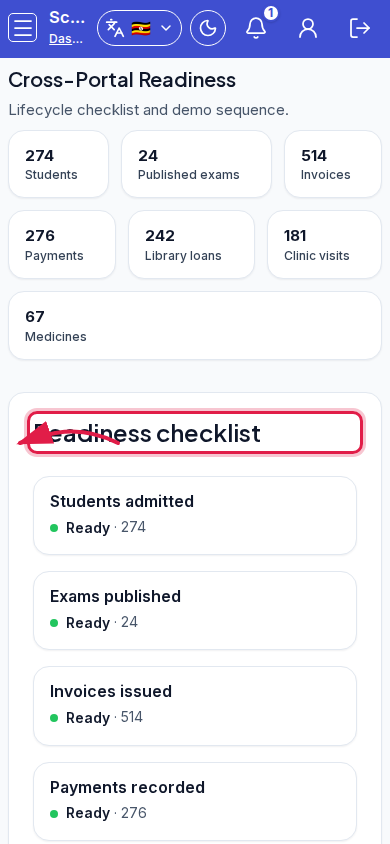 Mobile - focus for step 3
- Click Refresh status. Use Open admit form when students are Pending.
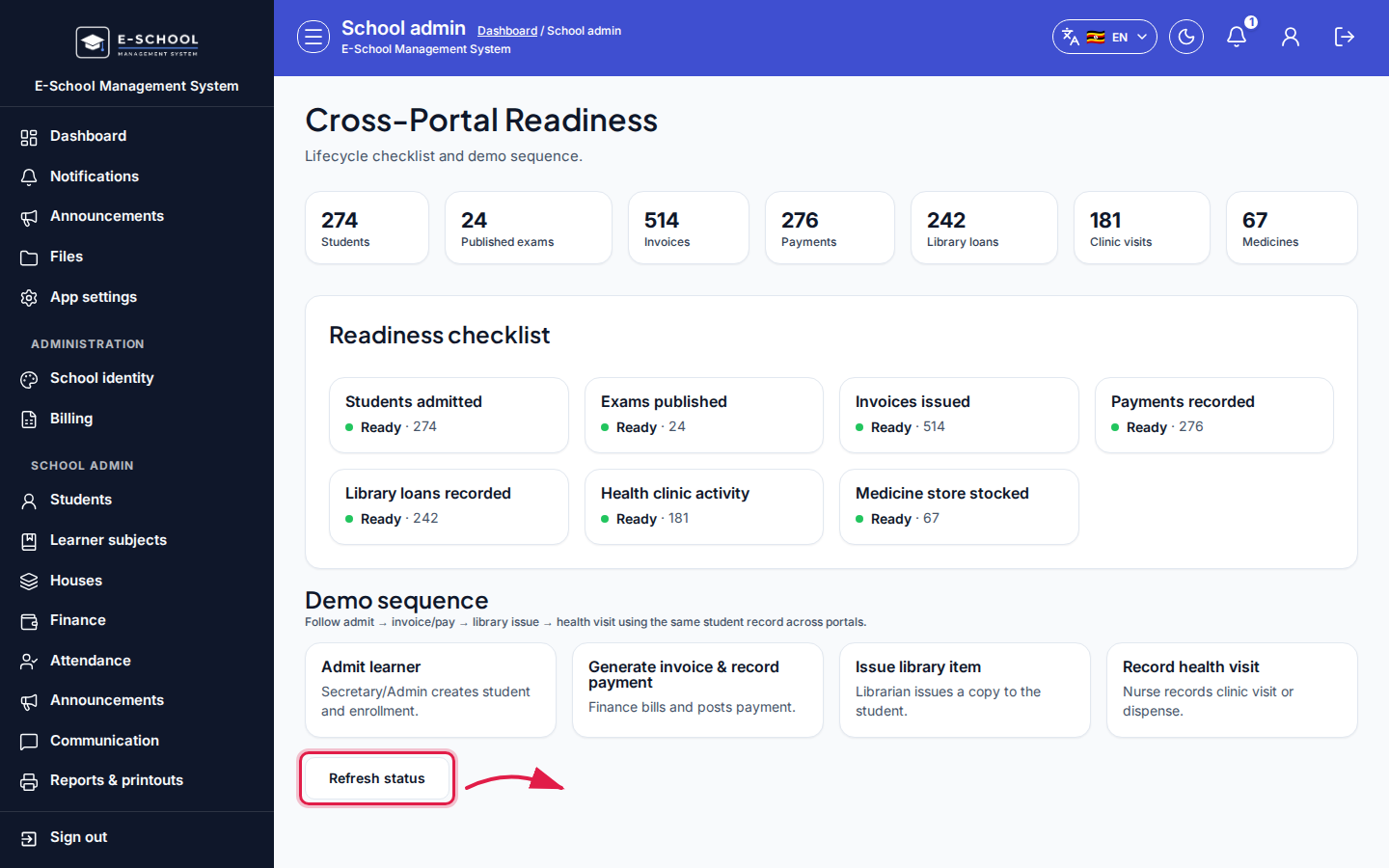 Desktop - focus for step 4
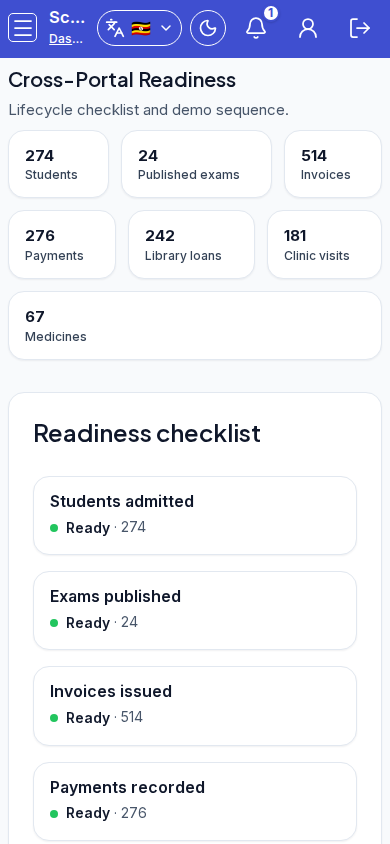 Mobile - focus for step 4
- Treat Pending items as setup work, not production incidents.
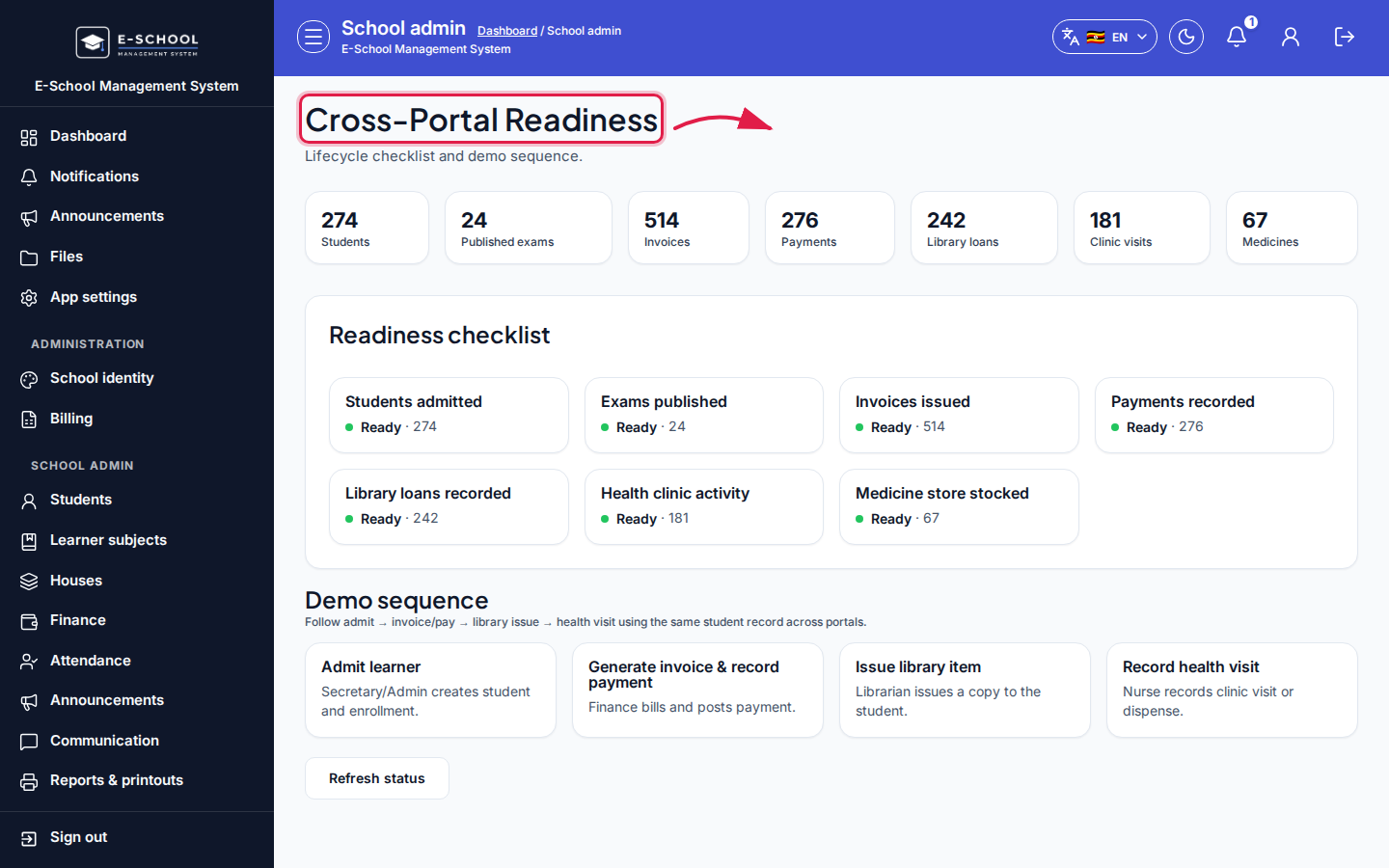 Desktop - focus for step 5
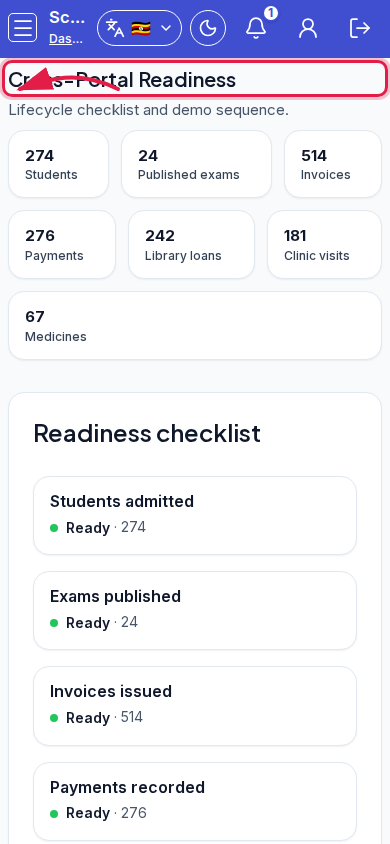 Mobile - focus for step 5
Fields and actions
- KPIs and Ready/Pending checklist
- Demo sequence steps
- Refresh status / Open admit form
Common mistakes
- Ignoring Pending fee steps before go-live
- Refreshing without completing the underlying screen
- Confusing demo sequence with daily ops