Teachers
Staff directory leaf (same Staff table as Staff & users). Prefer Staff & users for day-to-day work; this route remains for deep links and prints.
Who can use this
- ADMIN
Path
/admin/teachers
Dependencies
- Prefer managing staff from Staff & users so Accounts stay in sync.
- Subjects and classes should exist before assigning specializations or class teacher roles.
- Portal login is a separate Accounts step - a Staff row alone does not create a password.
Screenshot
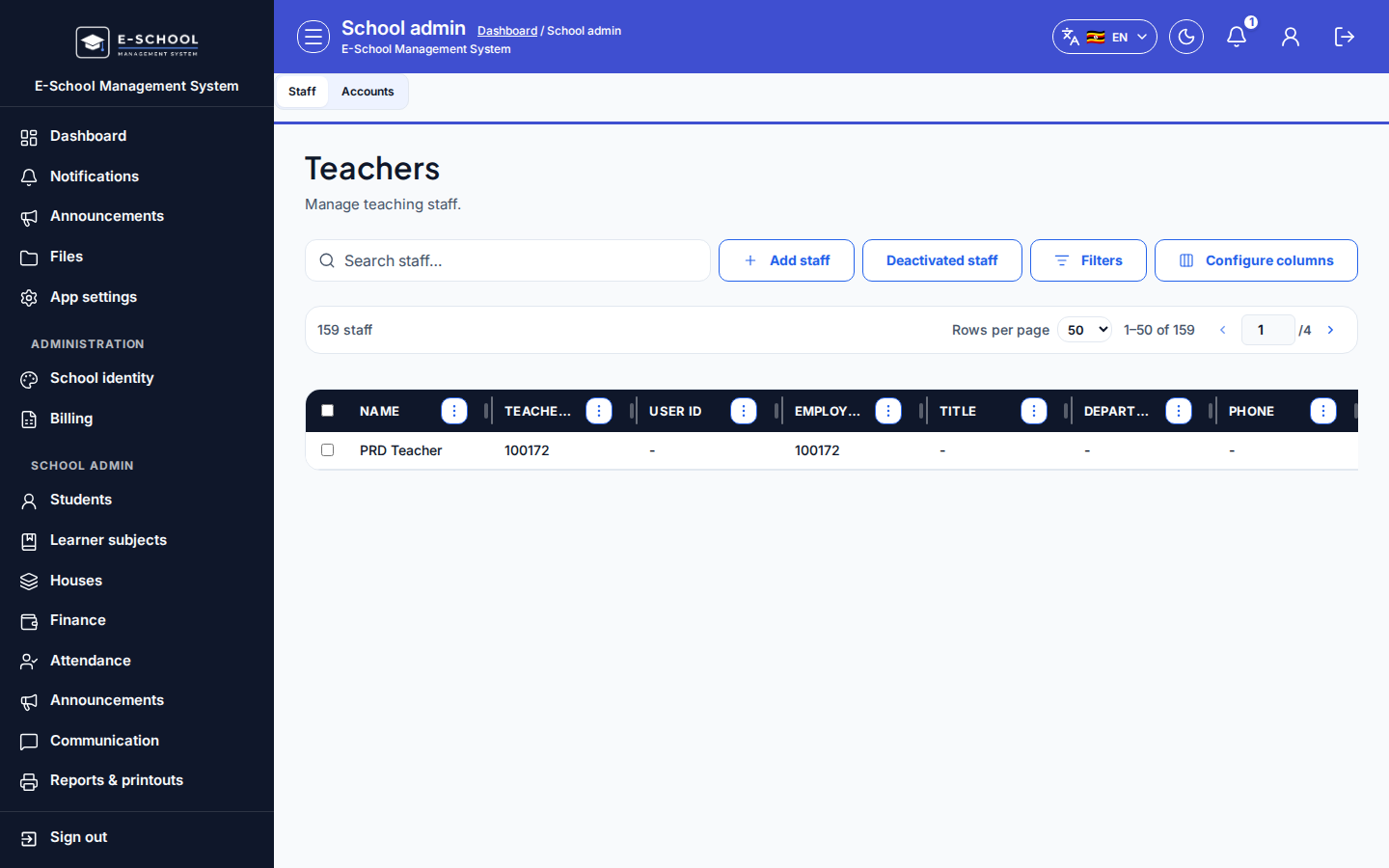
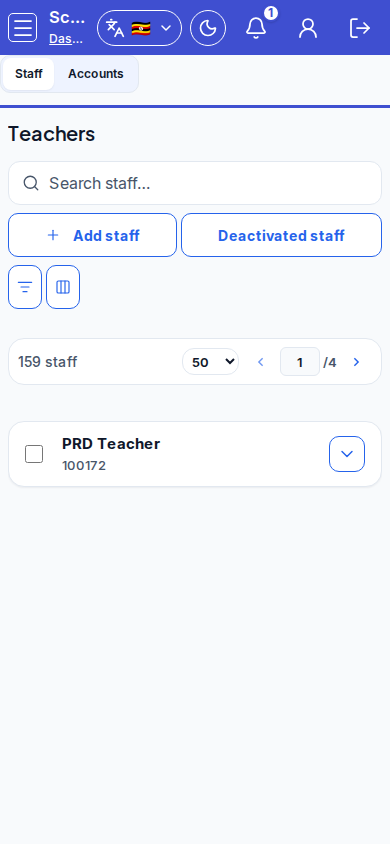
Steps
- Open Teachers at
/admin/teachers, or the Staff tab on Staff & users.
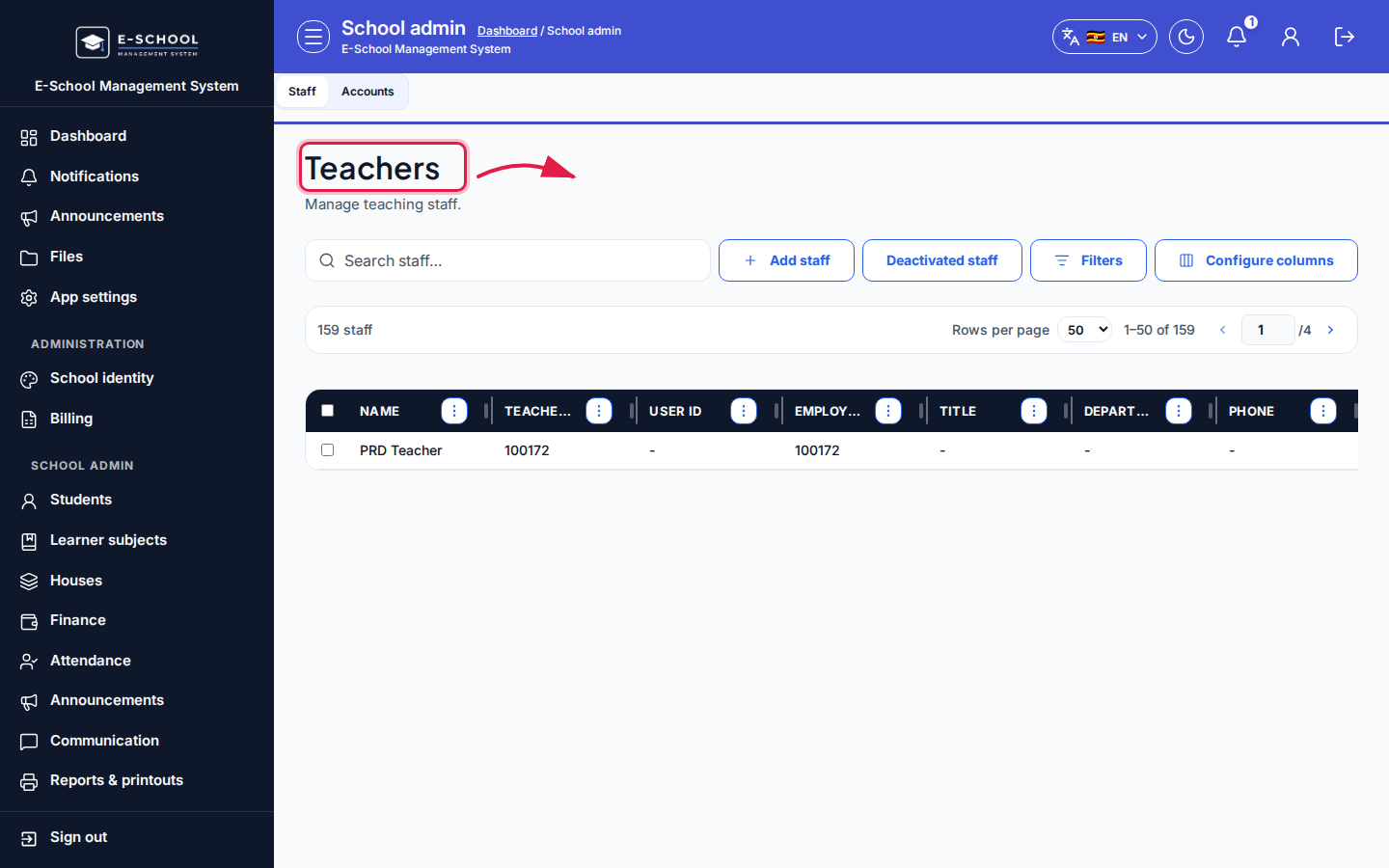 Desktop - focus for step 1
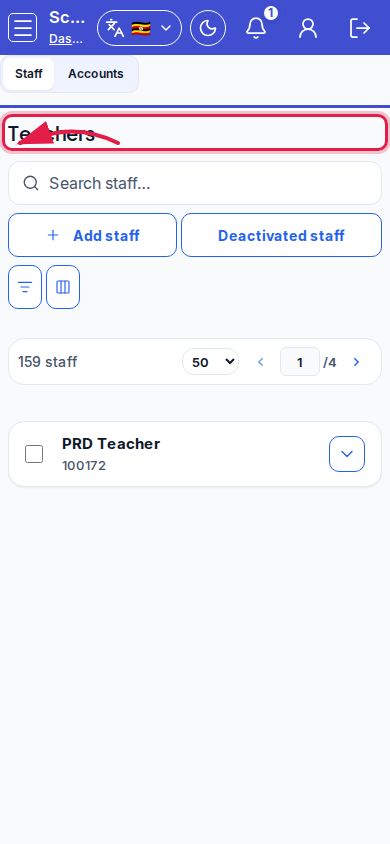 Mobile - focus for step 1
- Click Add staff, complete photo and employment fields, optional subjects, then Save staff.
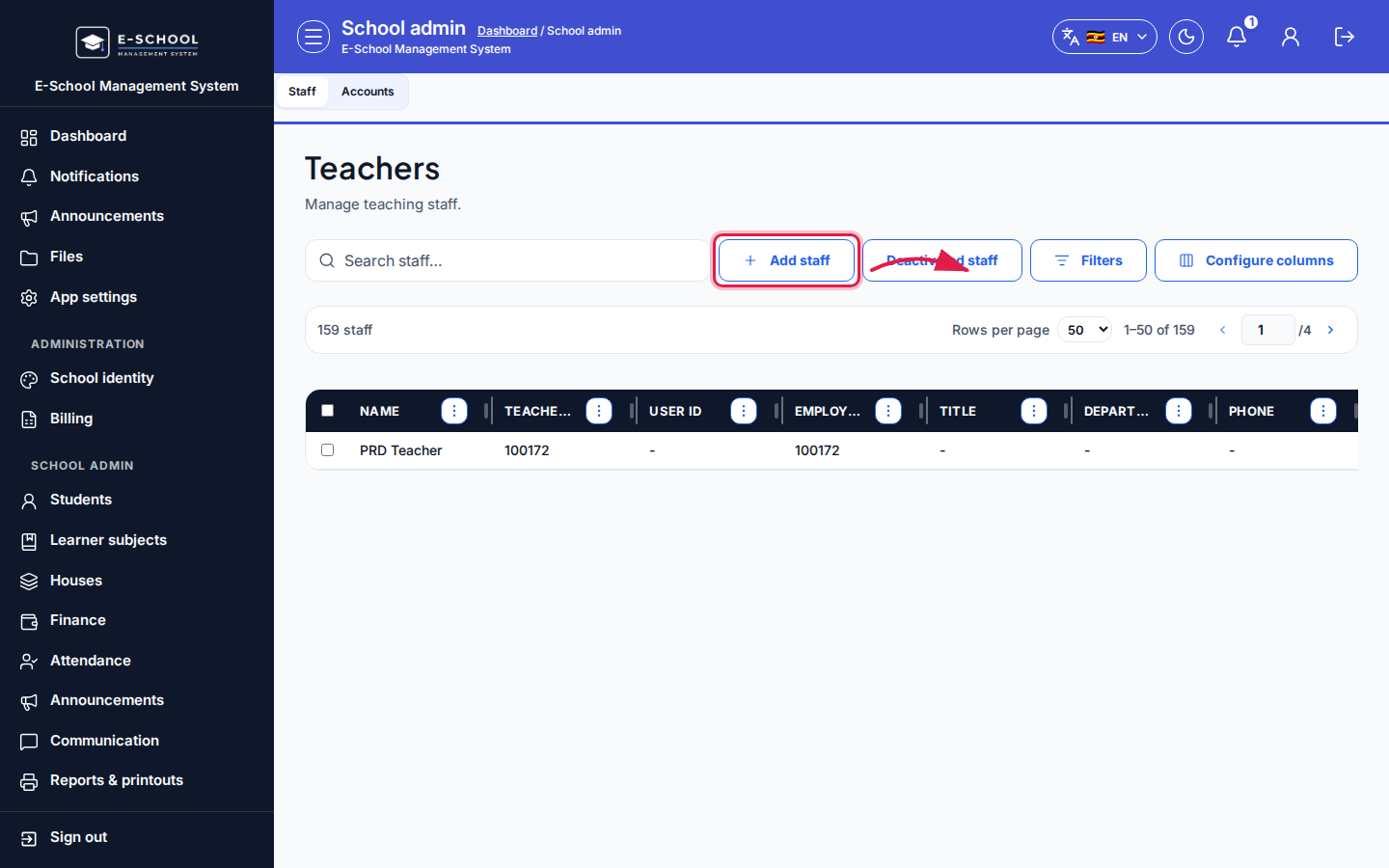 Desktop - focus for step 2
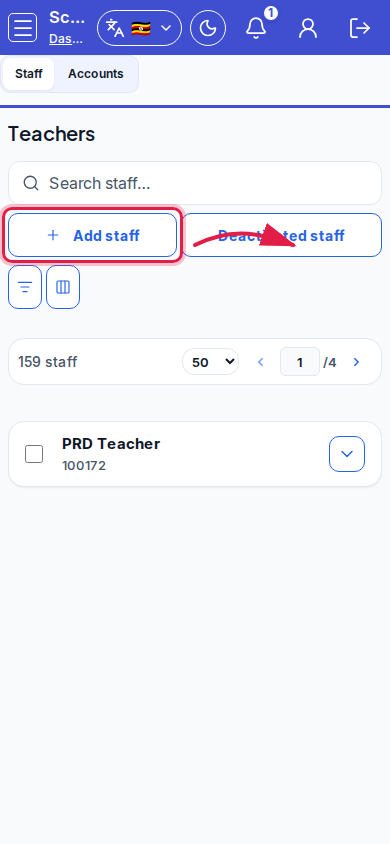 Mobile - focus for step 2
- Link a login account when the teacher must sign in; otherwise leave Not linked.
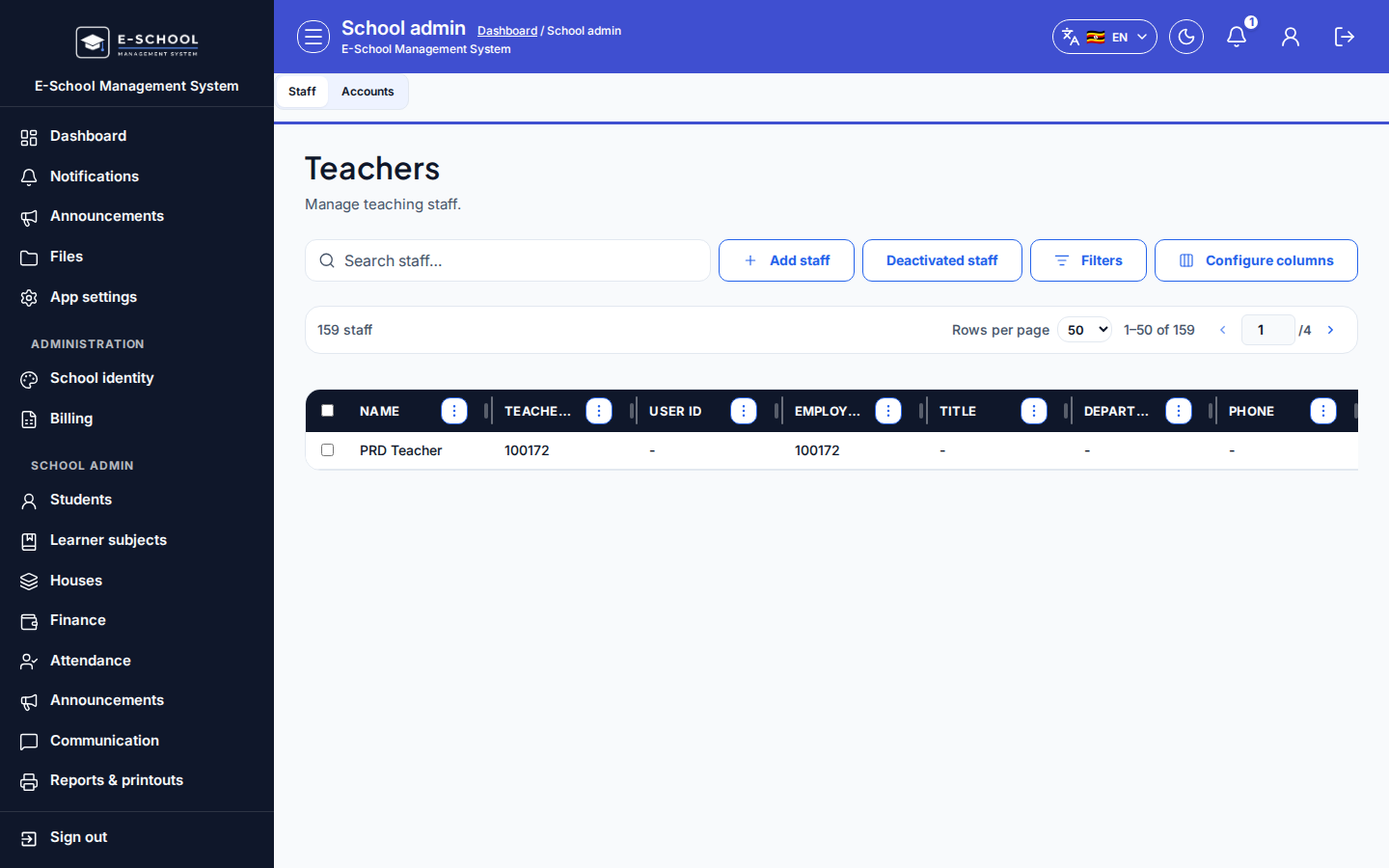 Desktop - focus for step 3
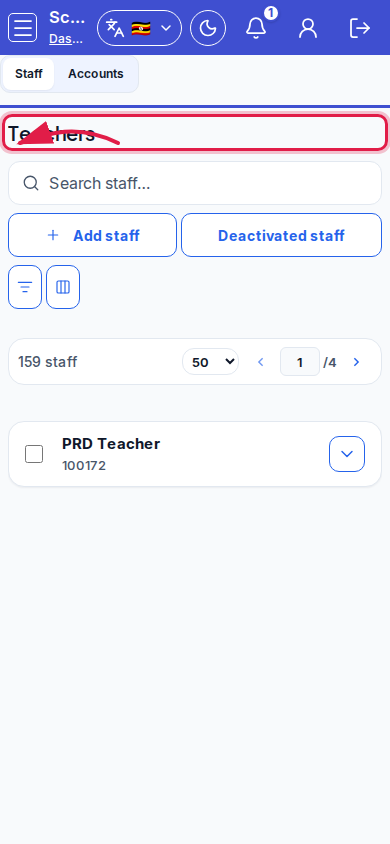 Mobile - focus for step 3
- Use search / Configure columns; switch to Deactivated staff when reviewing leavers.
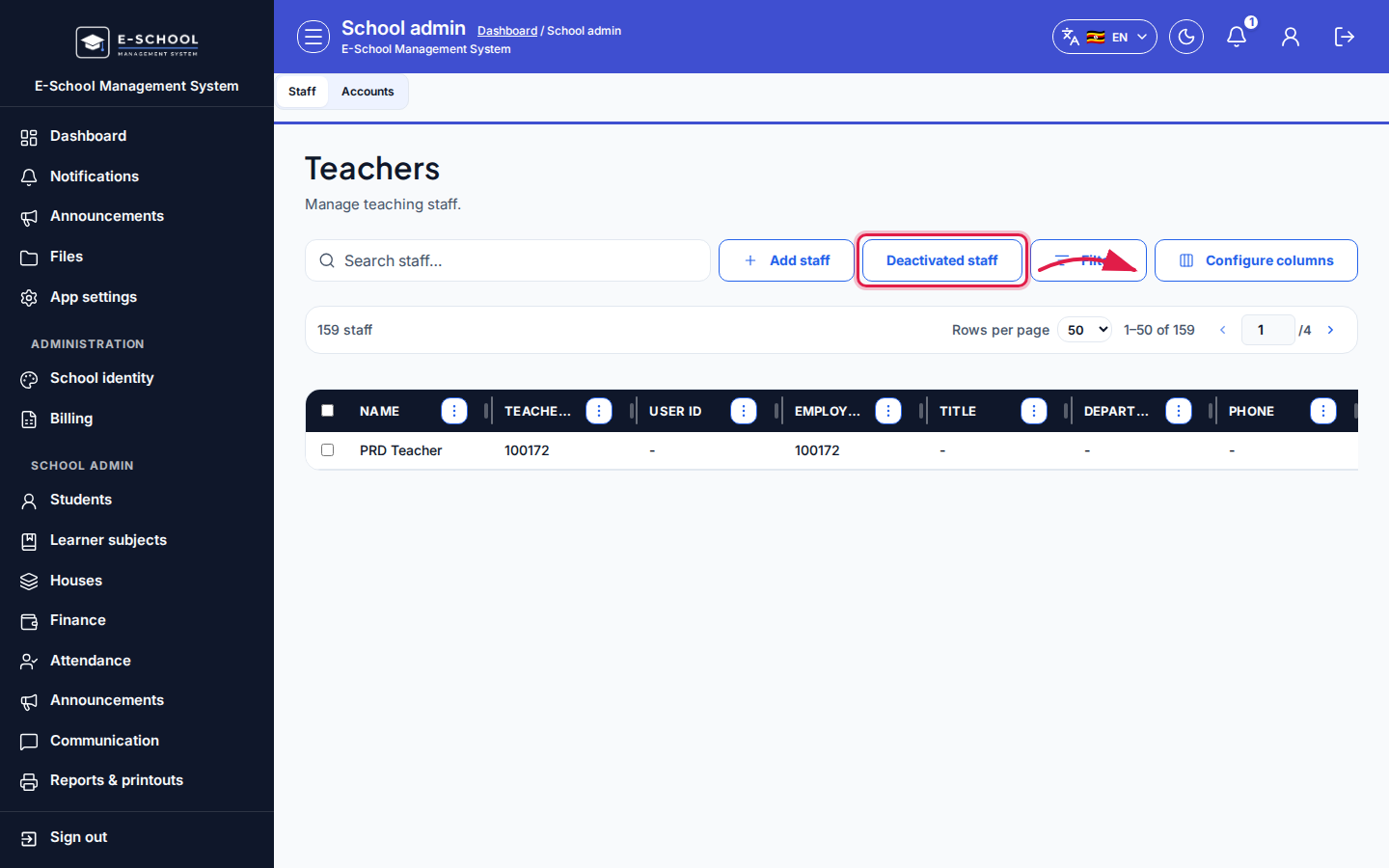 Desktop - focus for step 4
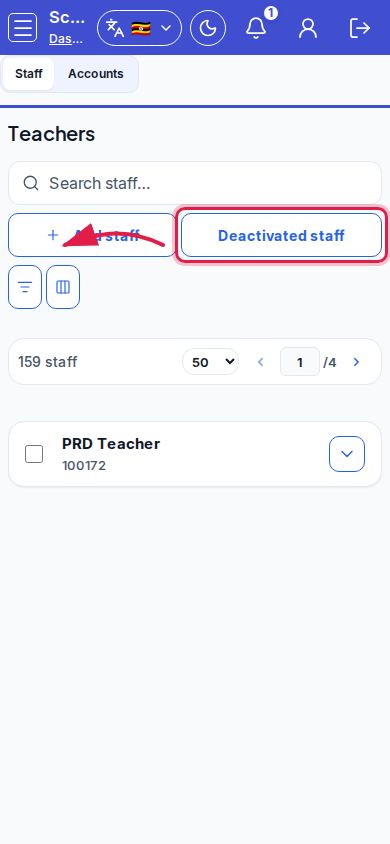 Mobile - focus for step 4
- Assign timetable slots separately on Timetable after the staff row exists.
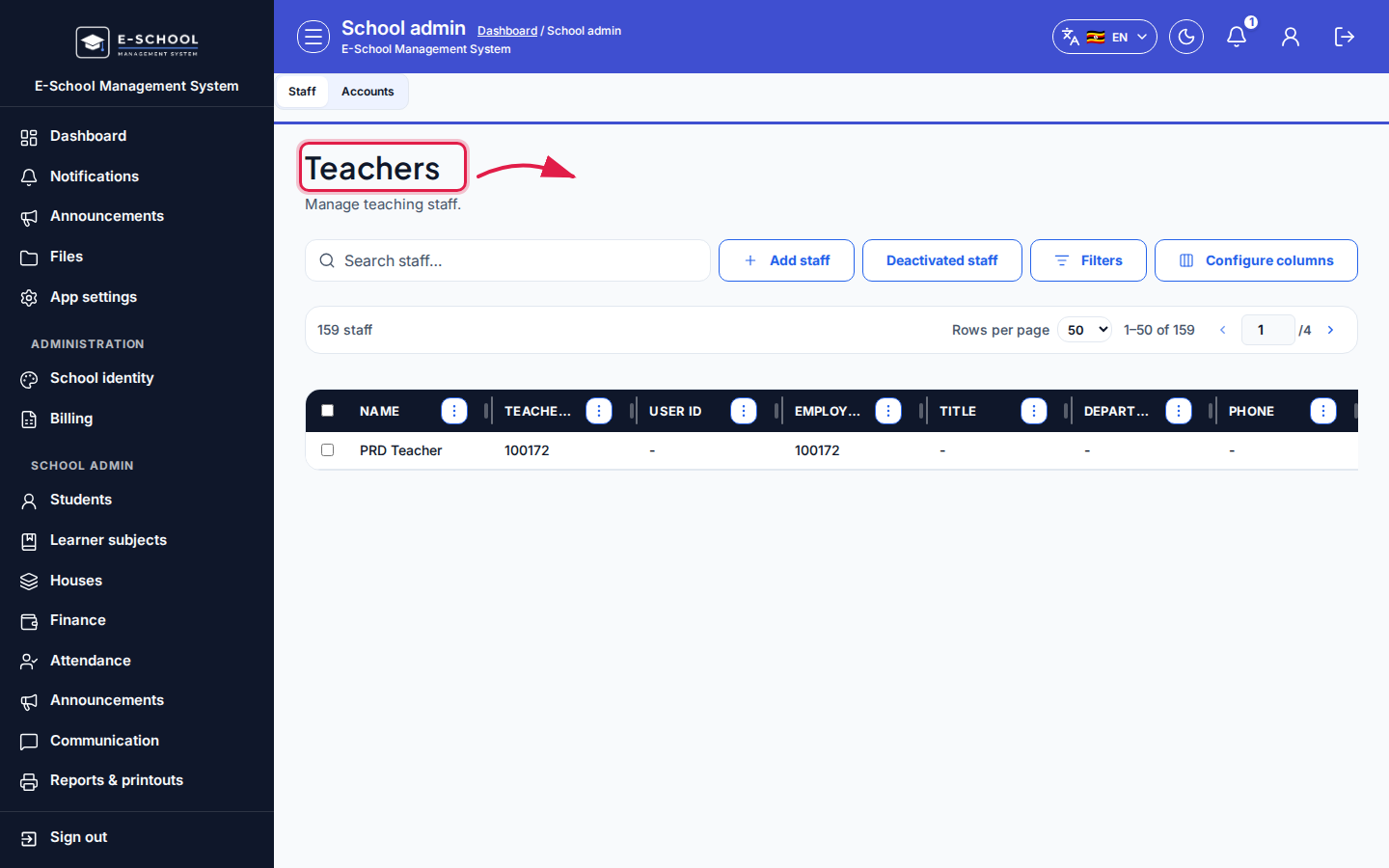 Desktop - focus for step 5
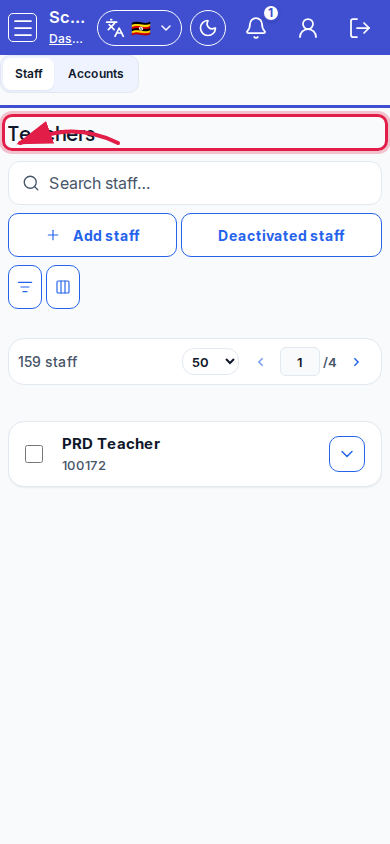 Mobile - focus for step 5
Fields and actions
- Add staff / Edit staff / Save staff
- Employee no / Teacher ID / Photo / Title / Employment type / Subjects / Linked account
- Deactivate / Deactivated staff / Active staff
- Configure columns / Search staff…
Common mistakes
- Confusing Teacher ID with login User ID
- Creating login without required photo
- Duplicate staff rows for the same person
- Expecting timetable placement to happen on this screen