Announcements
Publish school announcements to school-wide, staff, students, or parents audiences.
Who can use this
- ADMIN
Path
/admin/communicate
Dependencies
- Recipients (class/role) exist; keep titles short for SMS-style reads.
- Staff messages and email log are separate office tools linked from here.
Screenshot
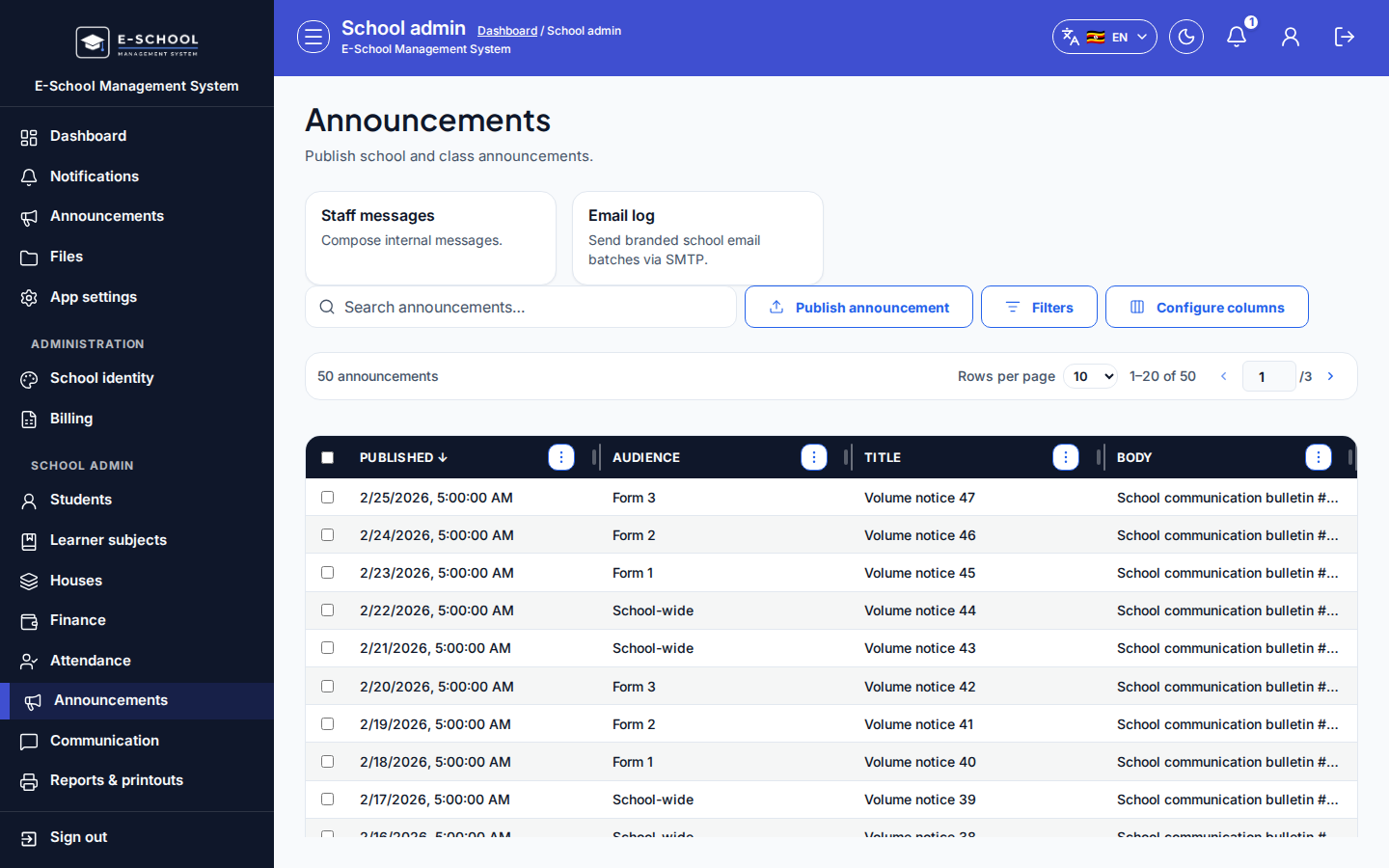
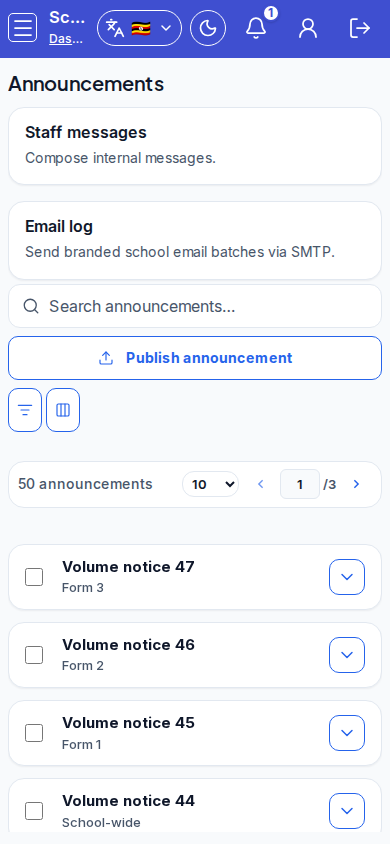
Steps
- Open Announcements at
/admin/communicateas ADMIN.
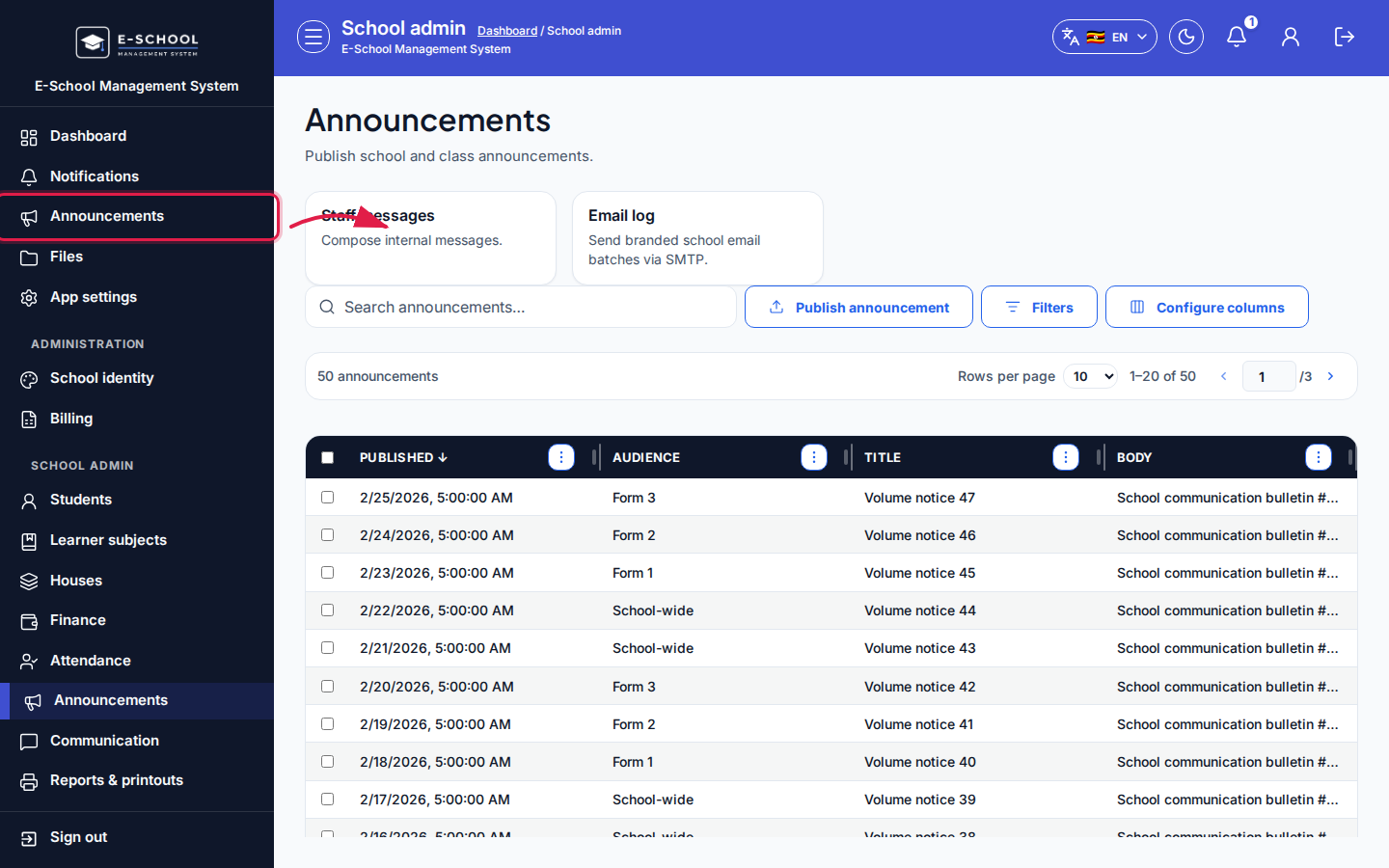 Desktop - focus for step 1
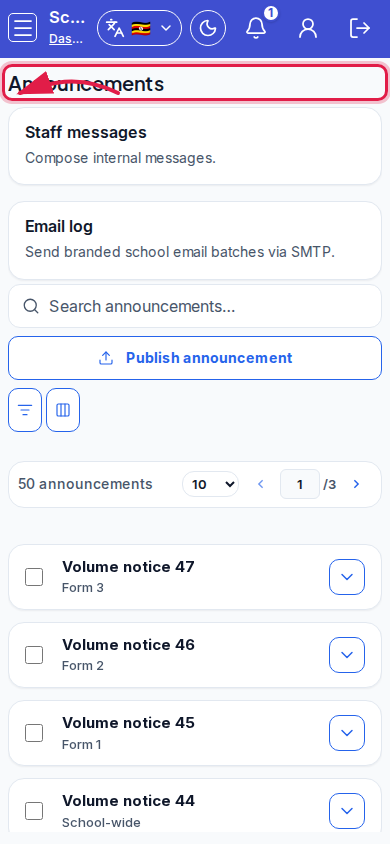 Mobile - focus for step 1
- Click Publish announcement. Choose Audience (School-wide, Staff only, Students, Parents), optional Class, Title, and Body.
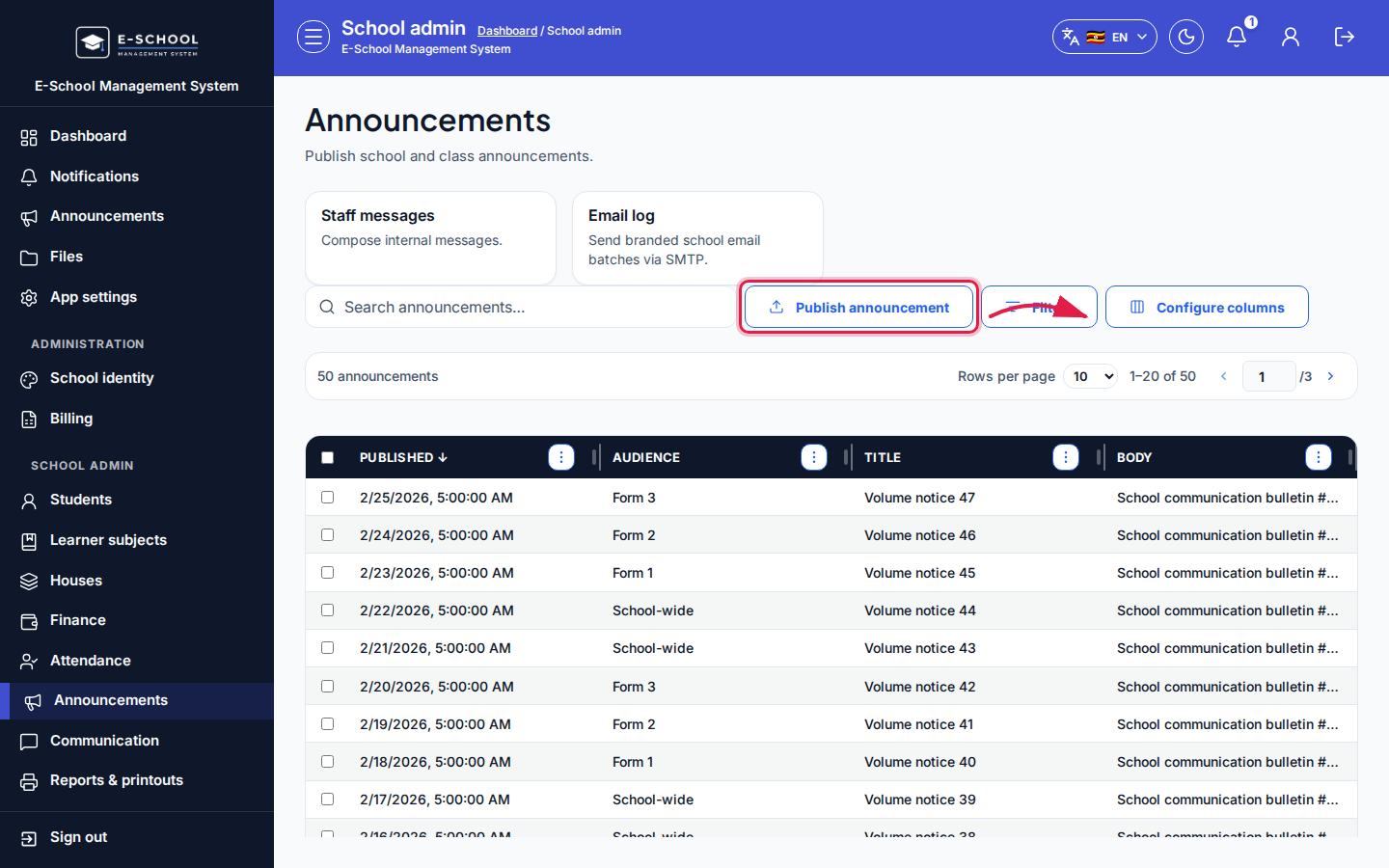 Desktop - focus for step 2
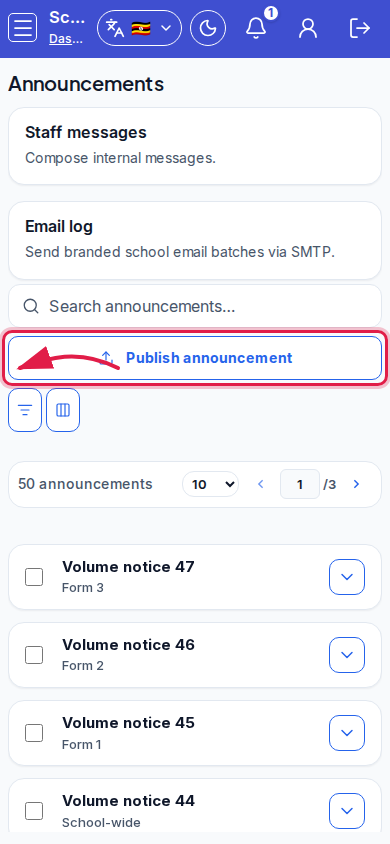 Mobile - focus for step 2
- Confirm Publish announcement. Search announcements afterward to verify.
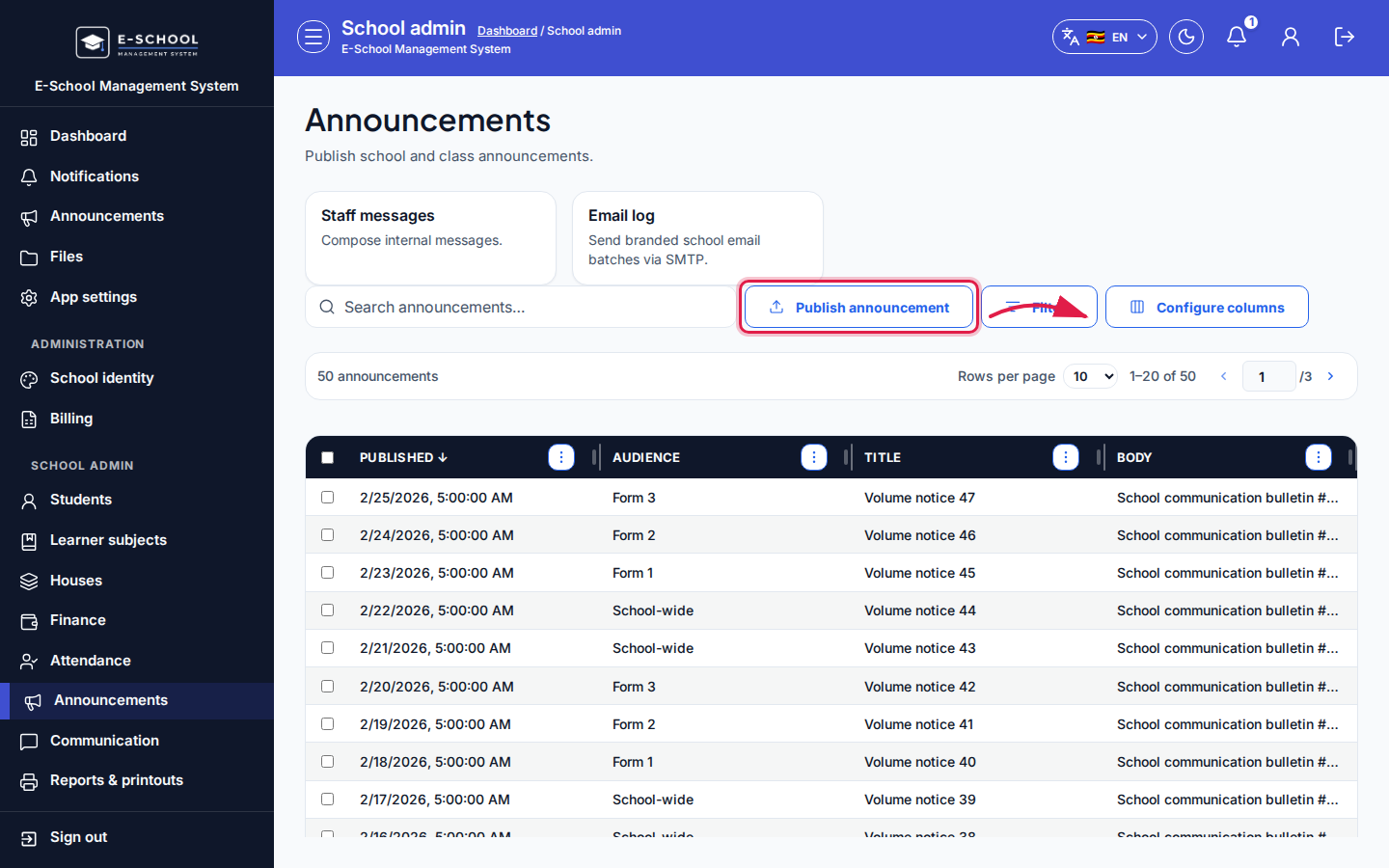 Desktop - focus for step 3
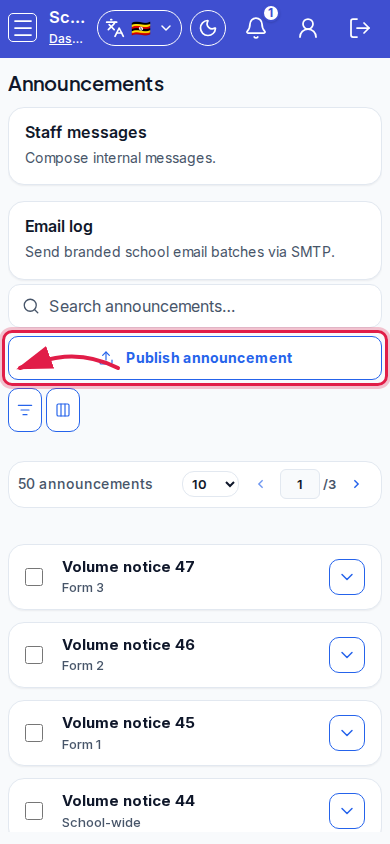 Mobile - focus for step 3
- Use quick actions Staff messages or Email log for other channels.
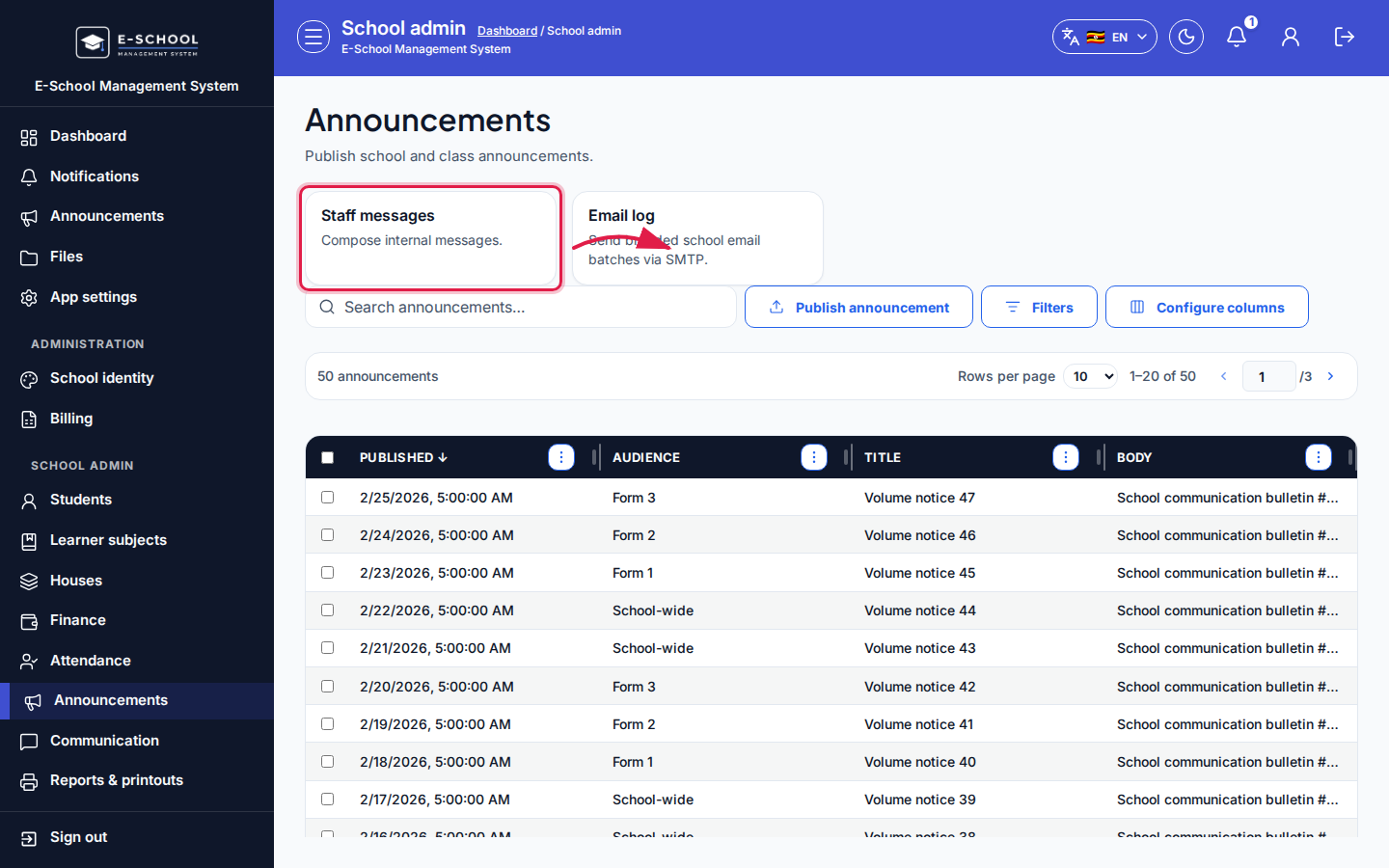 Desktop - focus for step 4
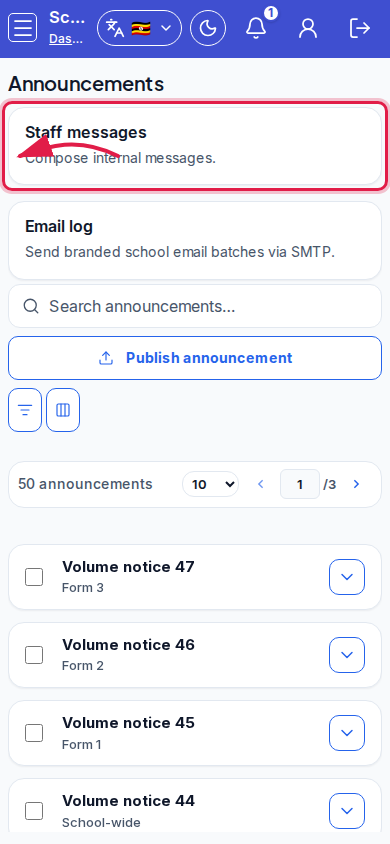 Mobile - focus for step 4
- Prefer editing a new announcement over silently changing an already-read one.
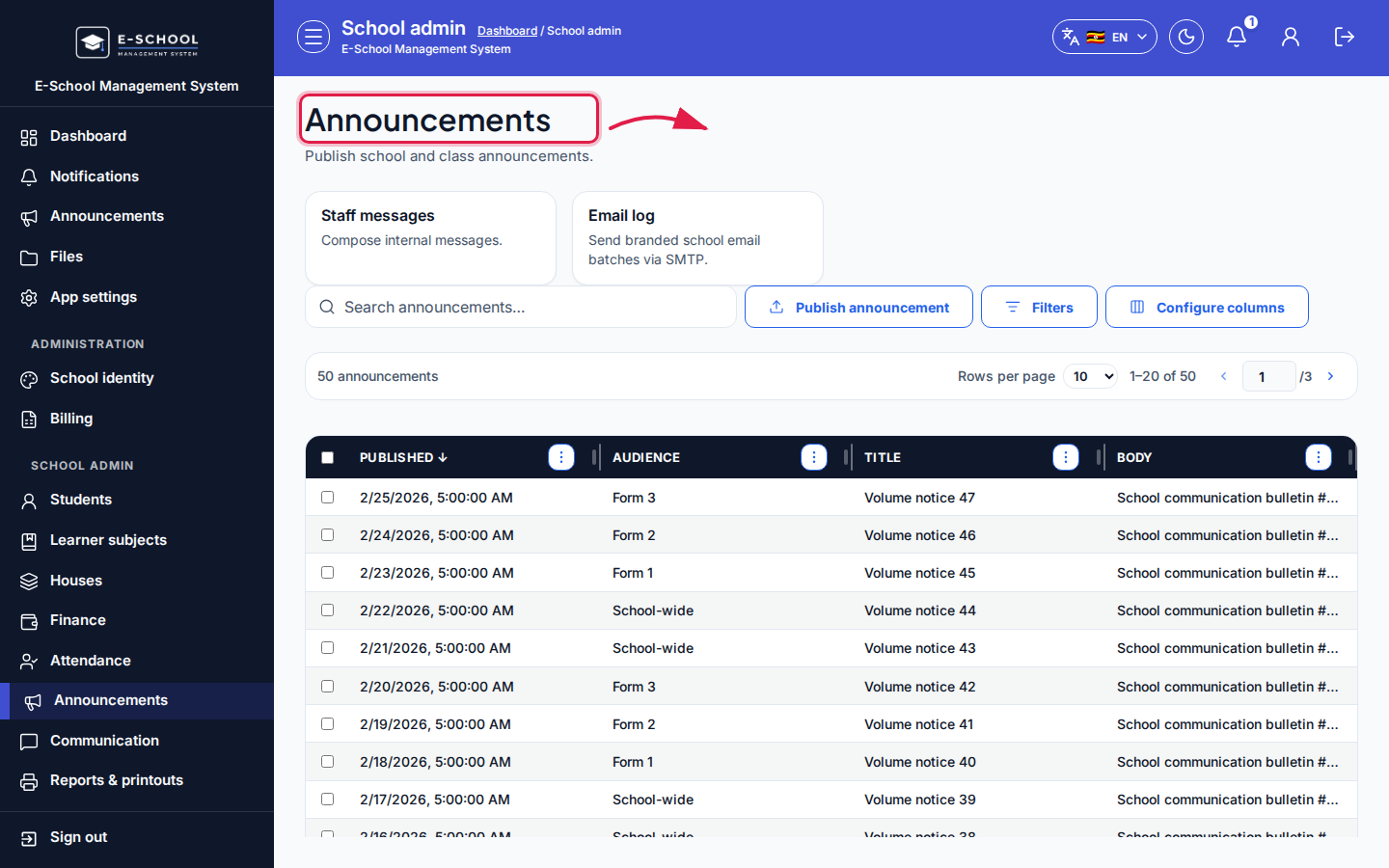 Desktop - focus for step 5
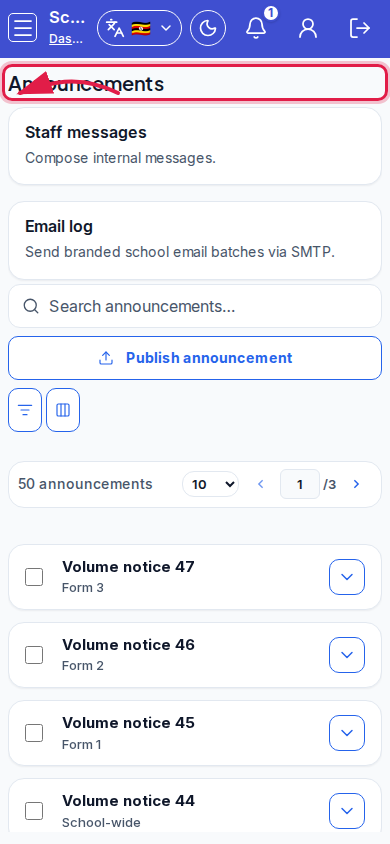 Mobile - focus for step 5
Fields and actions
- Publish announcement
- Audience, Class (optional), Title, Body
- Columns: Published, Audience, Title, Body
- Quick actions: Staff messages, Email log
Common mistakes
- Wrong audience (parents vs students)
- Publishing without a class when class-scoped was intended
- Expecting SMS delivery from this screen alone