Document templates
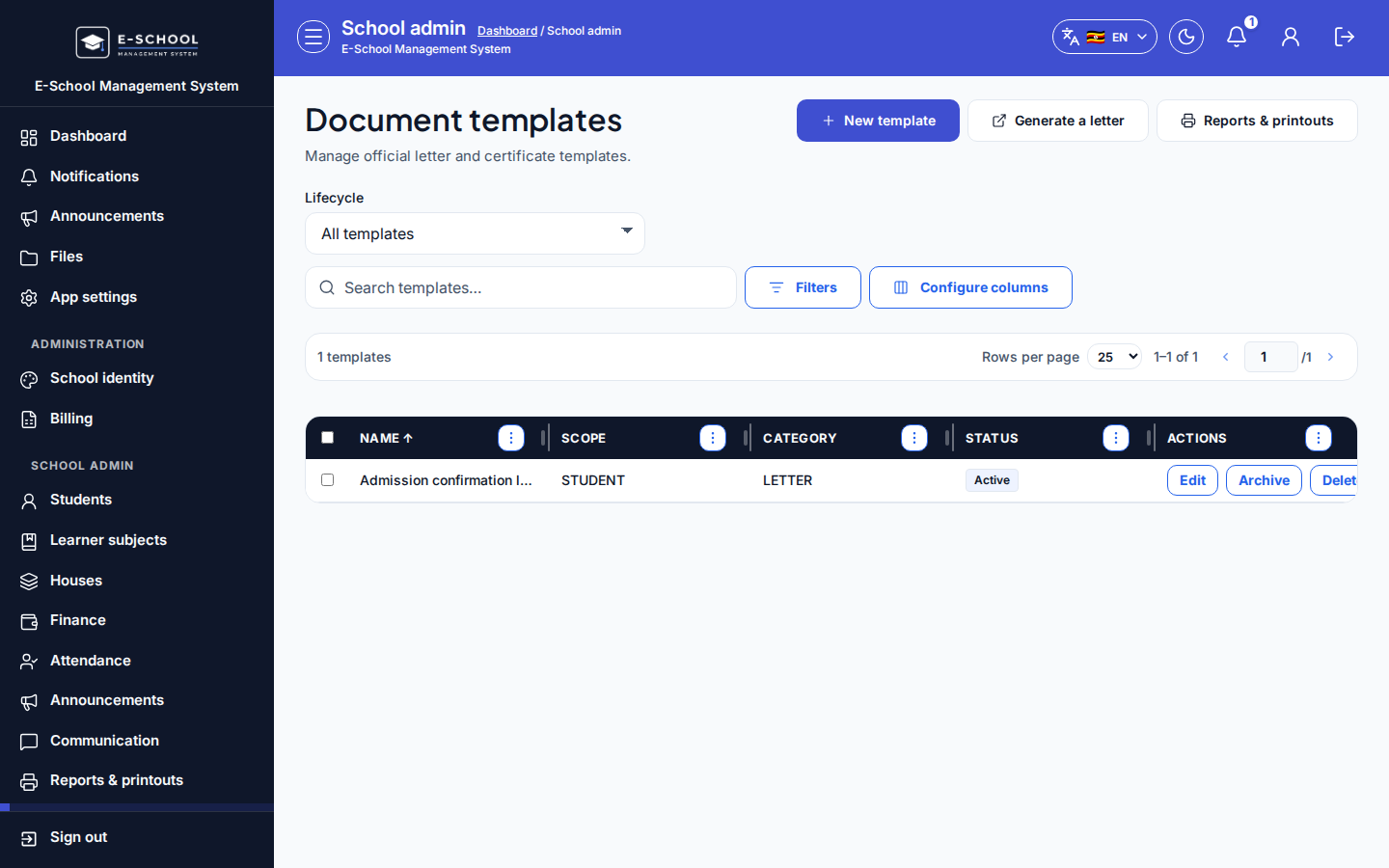
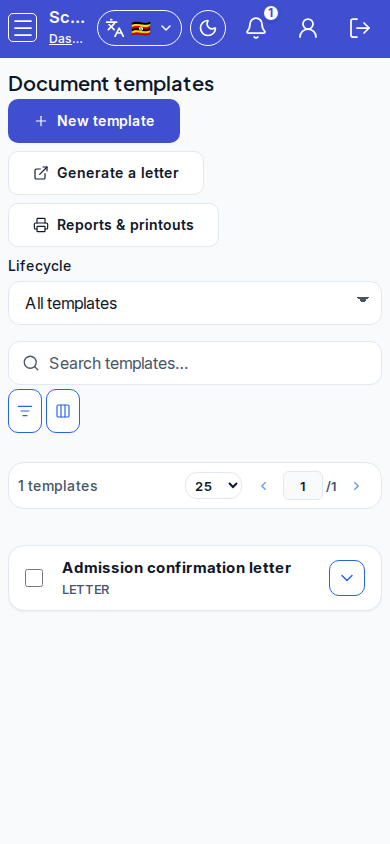
Document templates (letters/certificates) and letter generation for students or staff.
Who can use this
- ADMIN
Path
/admin/documents
Dependencies
- Person records (student/staff) exist before Generate a letter.
- Archive instead of deleting templates still referenced offline.
Screenshot
Steps
- Open Document templates at
/admin/documentsas ADMIN.
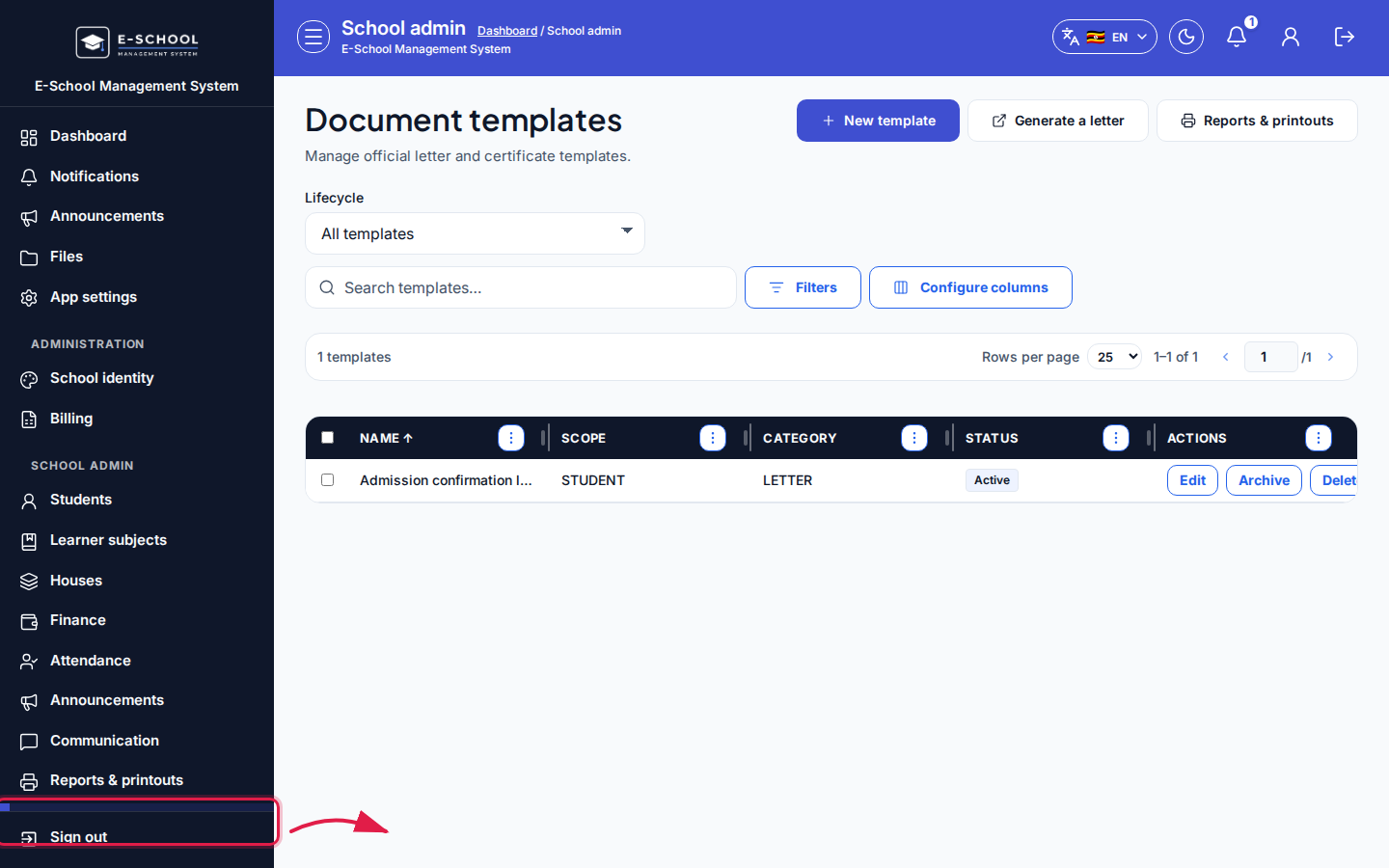 Desktop - focus for step 1
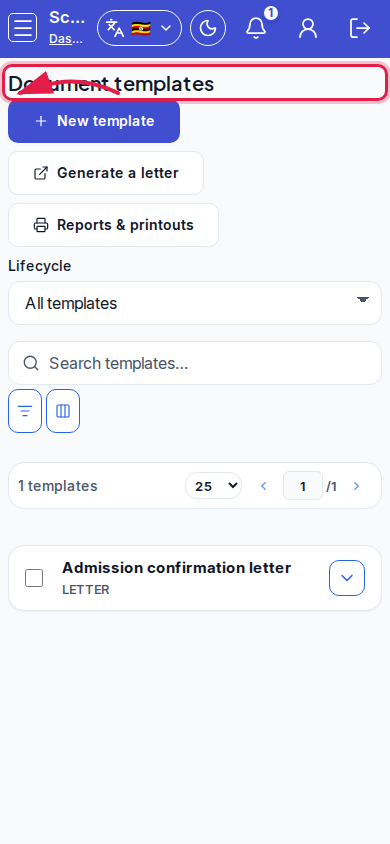 Mobile - focus for step 1
- Click New template. Set Name, Category (Letter / Certificate), Person scope, Sort order, Description, then Save template.
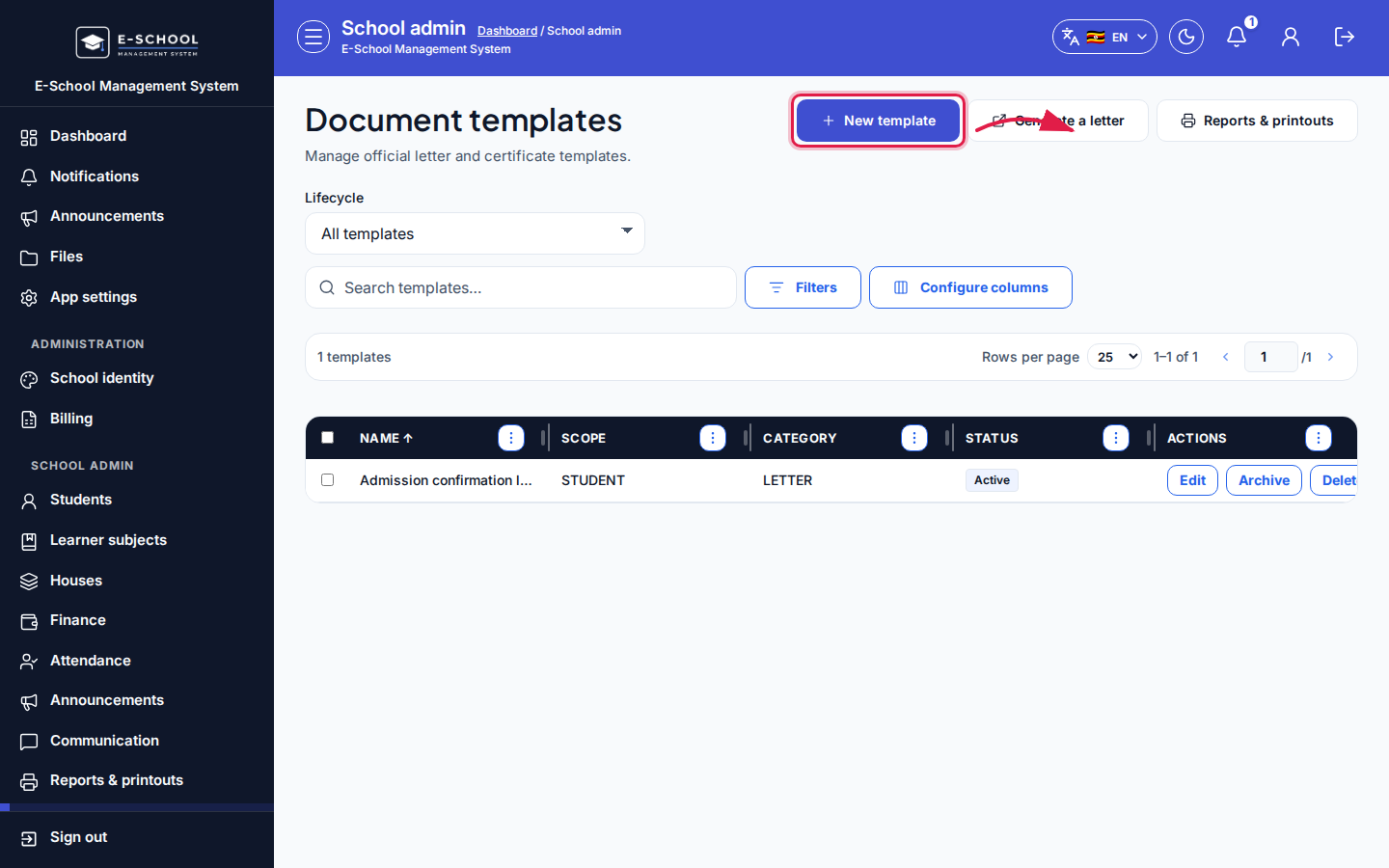 Desktop - focus for step 2
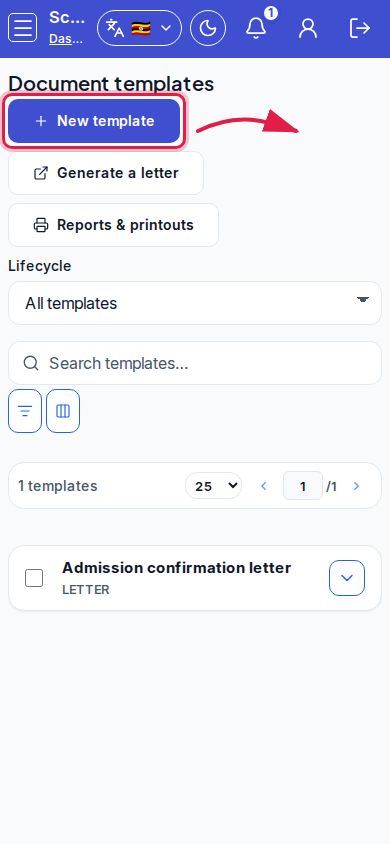 Mobile - focus for step 2
- Filter Lifecycle: All / Active only / Archived only. Row actions: Edit, Archive, Delete.
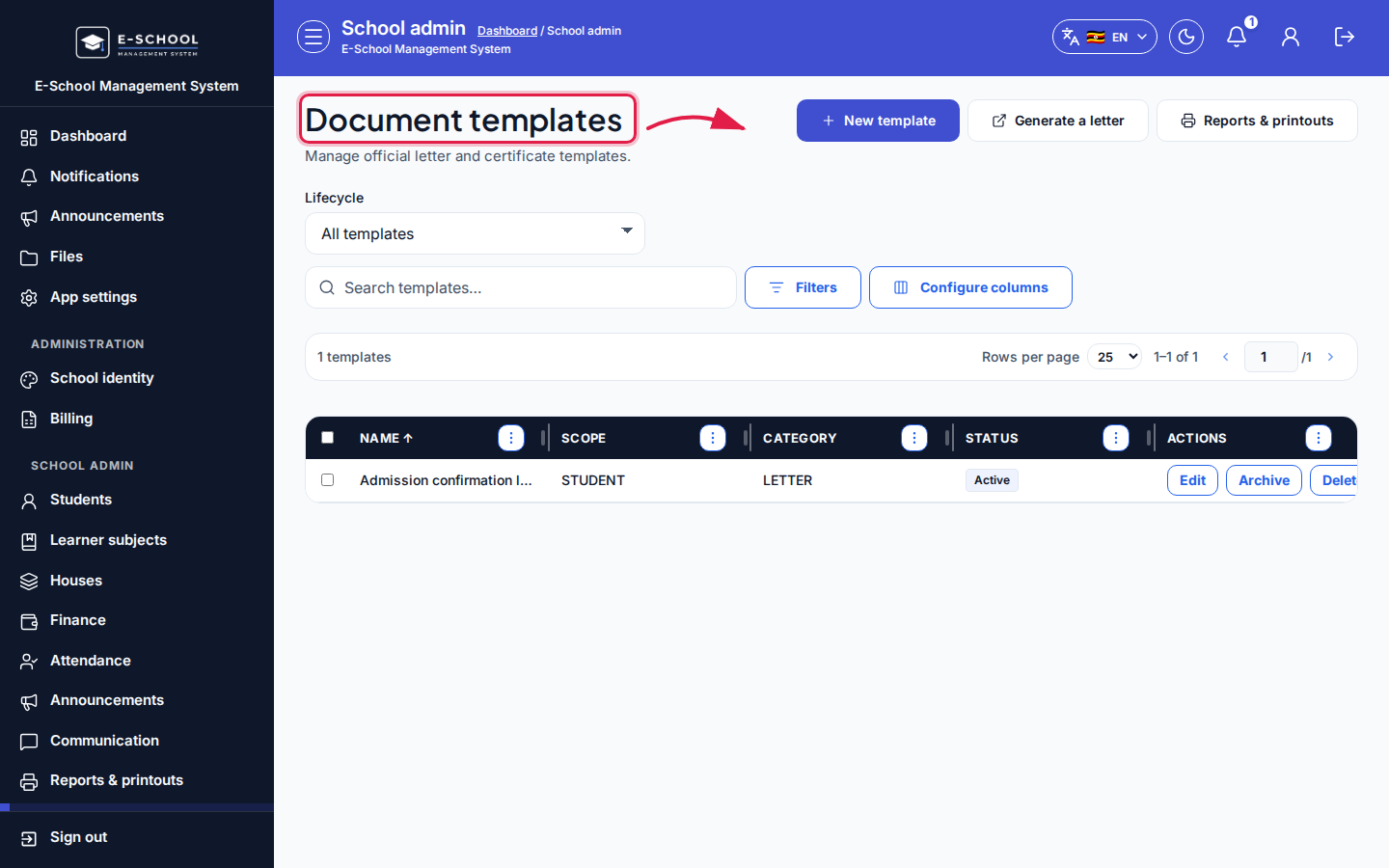 Desktop - focus for step 3
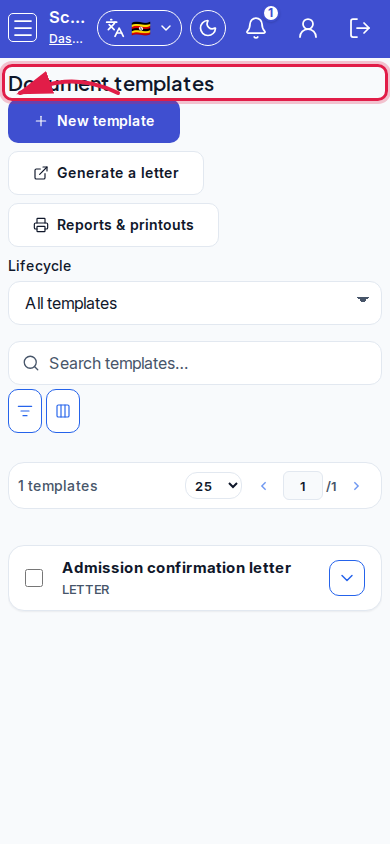 Mobile - focus for step 3
- Use Generate a letter when producing an instance; open Reports & printouts for list printouts.
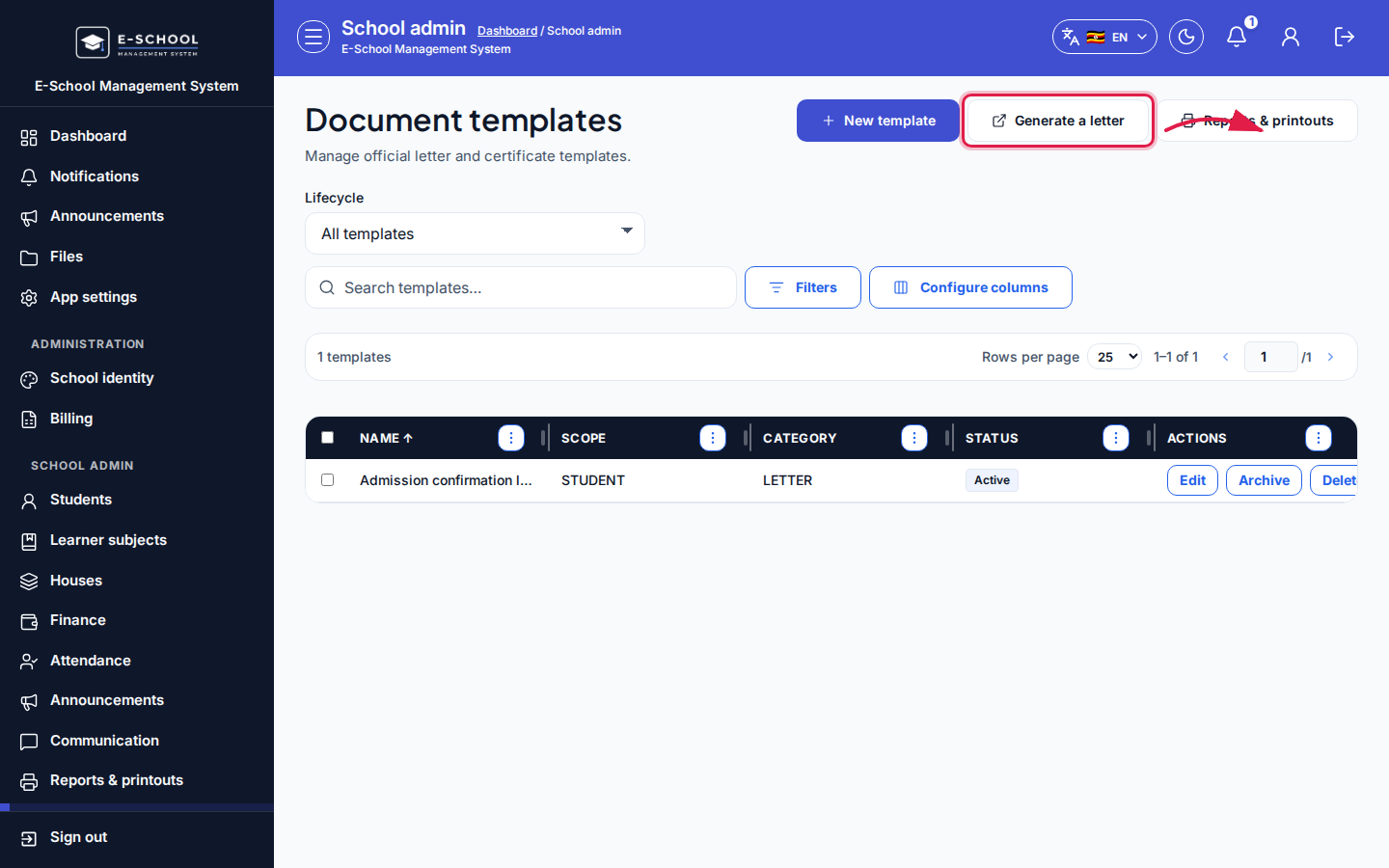 Desktop - focus for step 4
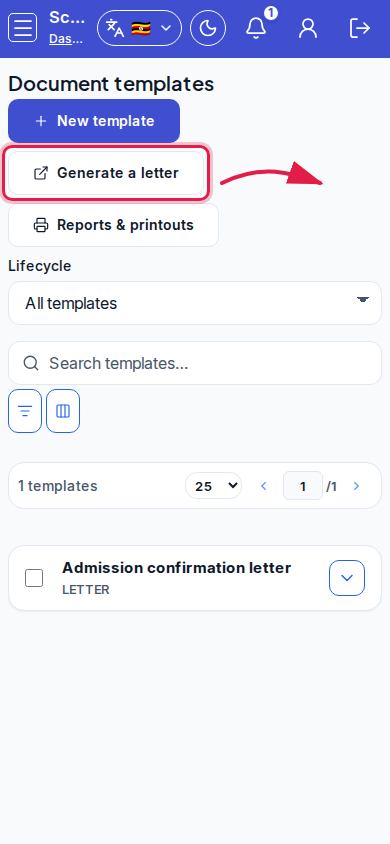 Mobile - focus for step 4
- Confirm Discard / Archive dialogs carefully.
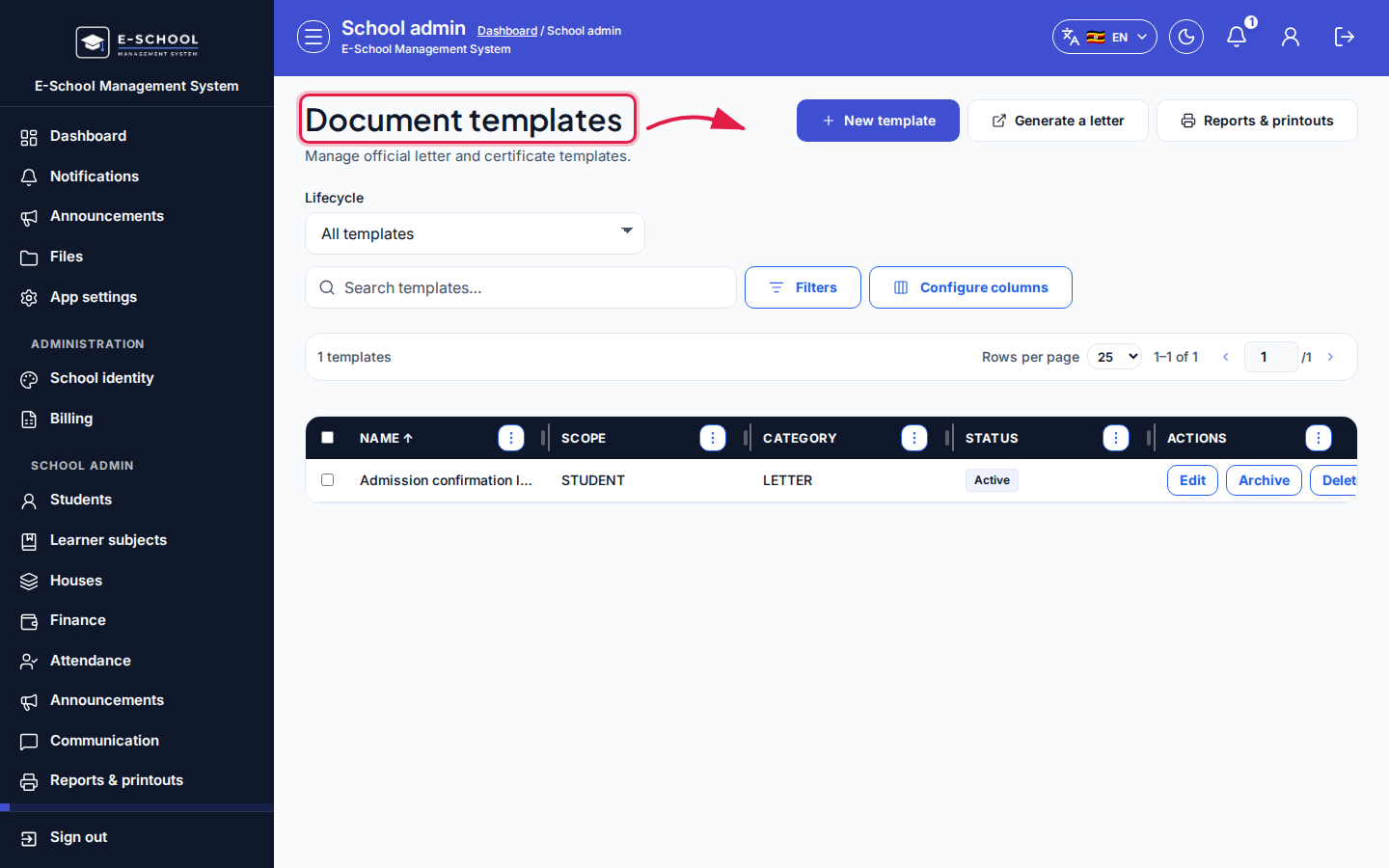 Desktop - focus for step 5
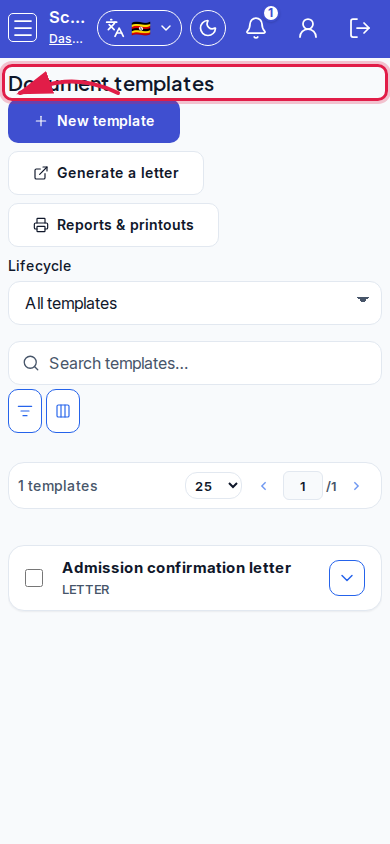 Mobile - focus for step 5
Fields and actions
- New template / Edit / Archive / Delete / Save template
- Generate a letter / Reports & printouts
- Fields: Name, Category, Person scope, Sort order, Description
- Lifecycle filter
Common mistakes
- Deleting a template still used for term letters
- Generating without selecting the person
- Leaving drafts Active