Issue / Return
Issue items to learners and return active loans with optional notes.
Who can use this
- LIBRARIAN
- ADMIN
Path
/library/issue-return
Dependencies
- Inventory item with available copies.
- Borrower (student) exists.
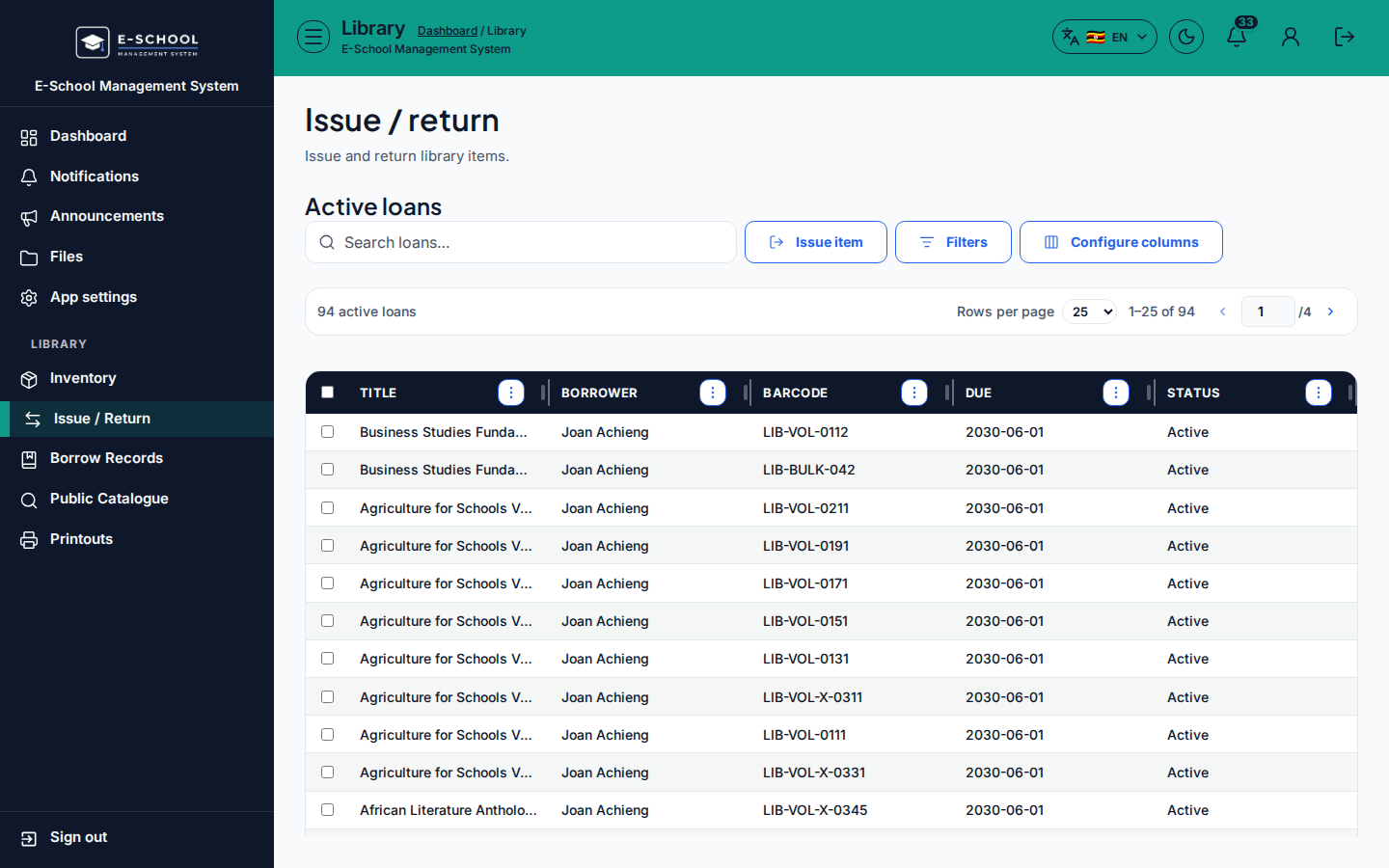
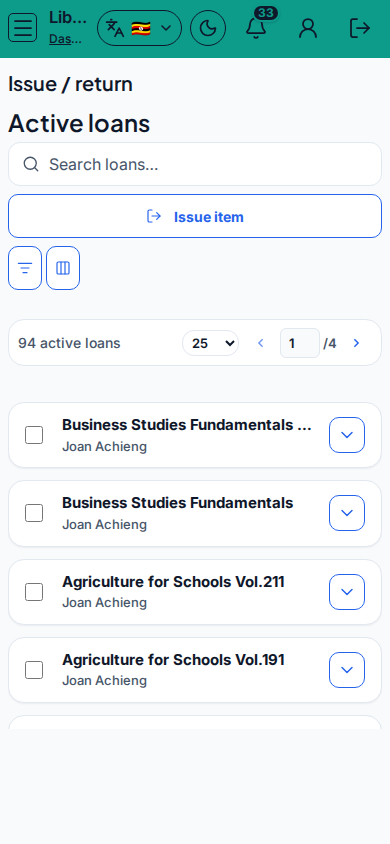
Screenshot
Steps
- Open Issue / Return at
/library/issue-returnas LIBRARIAN. - Under Issue item, choose Item, Borrower (student), Due date, optional Notes, then confirm issue.
- On Active loans, select a row, add Return notes (optional), then Return.
- Watch Status Active vs Overdue. Open View borrow records for history.
- If Item list is empty, fix Inventory first.
Fields and actions
- Issue item: Item, Borrower, Due date, Notes
- Active loans: Return, Return notes
- Columns: Title, Borrower, Barcode, Due, Status
- Links: View borrow records, Open inventory
Common mistakes
- Issuing when Available is 0
- Returning without confirming the borrower
- Missing due date leading to overdue surprises