Lesson Monitoring
Lesson observation register with rating and observed-on date.
Who can use this
- ADMIN
Path
/admin/printouts/lesson-monitoring
Dependencies
- Teaching staff exist to observe.
- Reach via Printouts → Lesson monitoring.
Screenshot
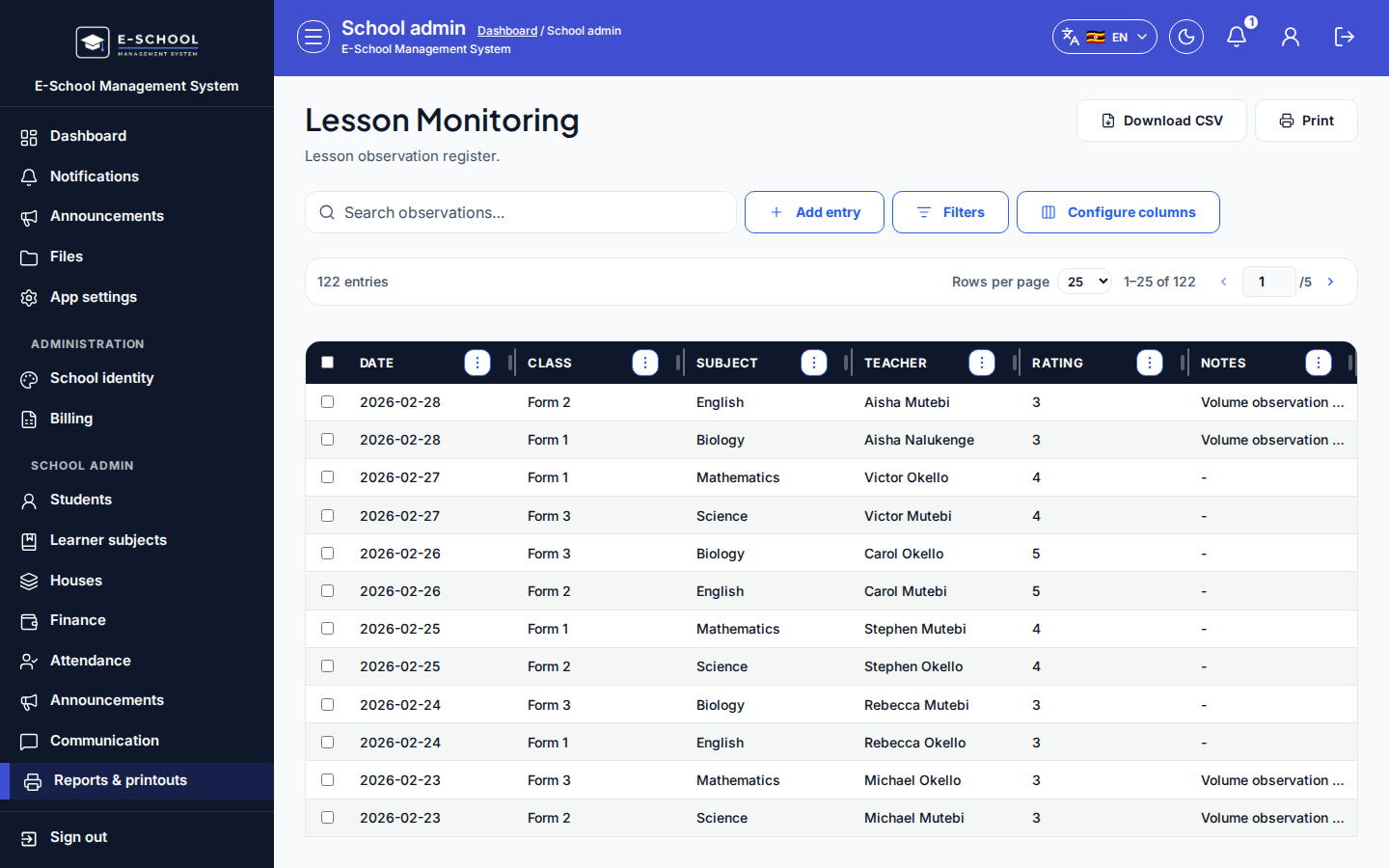
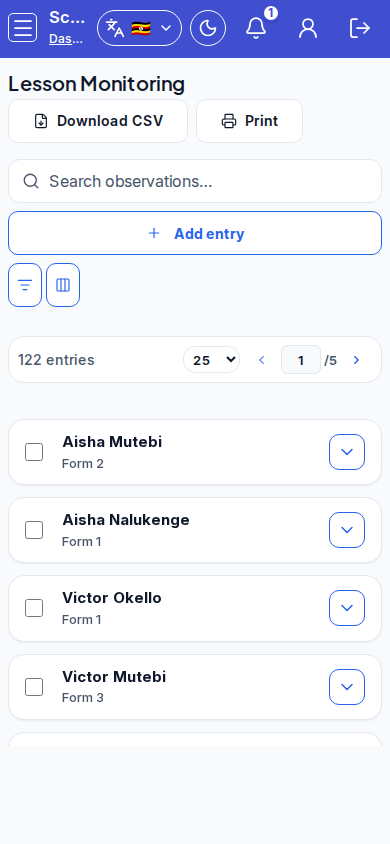
Steps
- Open Lesson Monitoring at
/admin/printouts/lesson-monitoringas ADMIN.
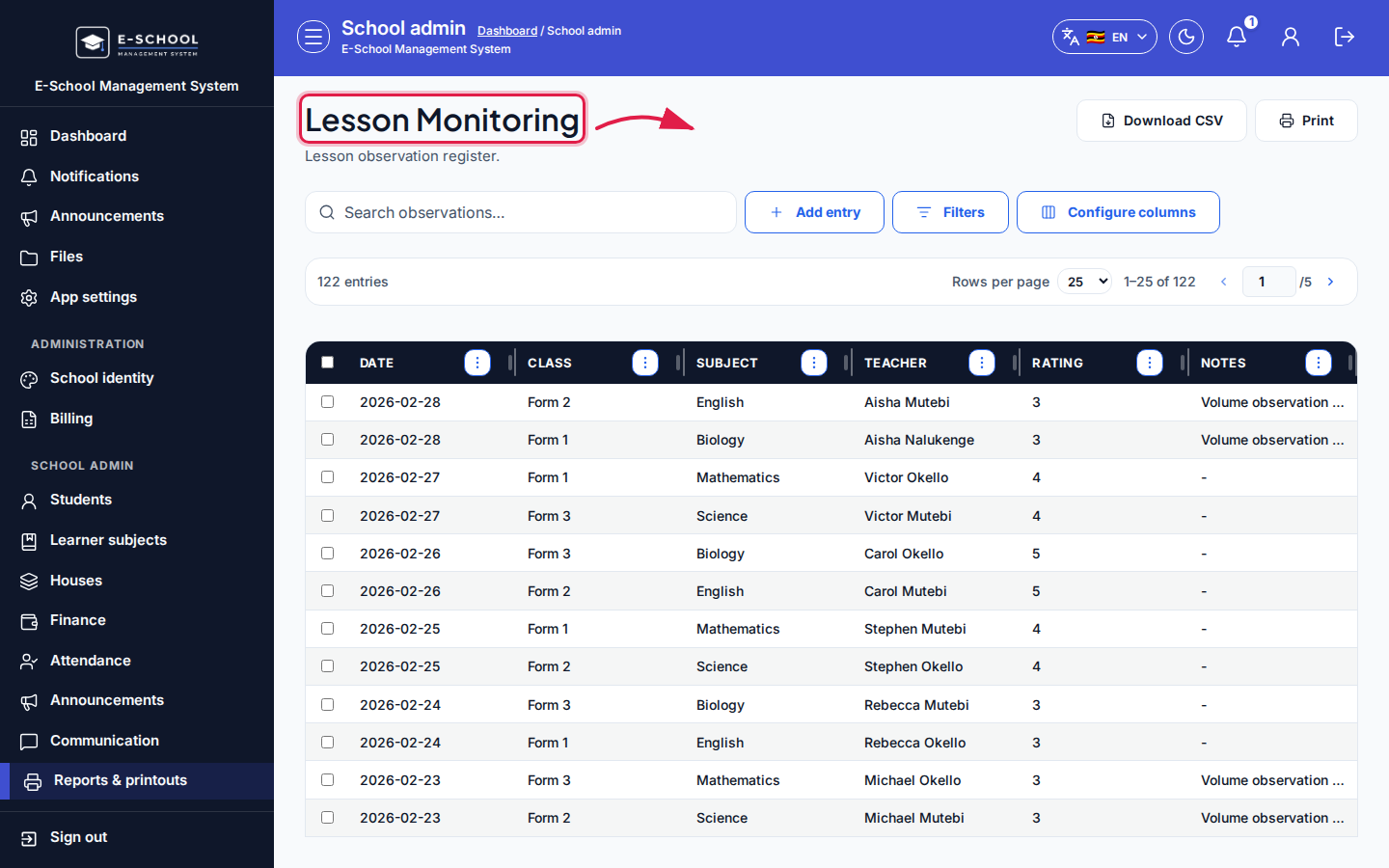 Desktop - focus for step 1
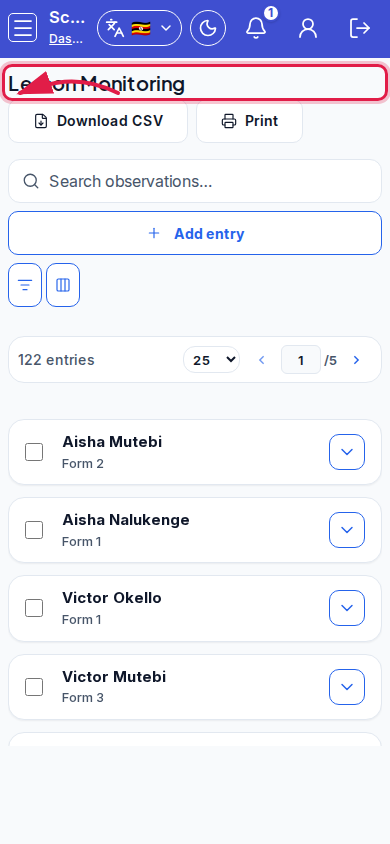 Mobile - focus for step 1
- Click Add entry / Add lesson observation.
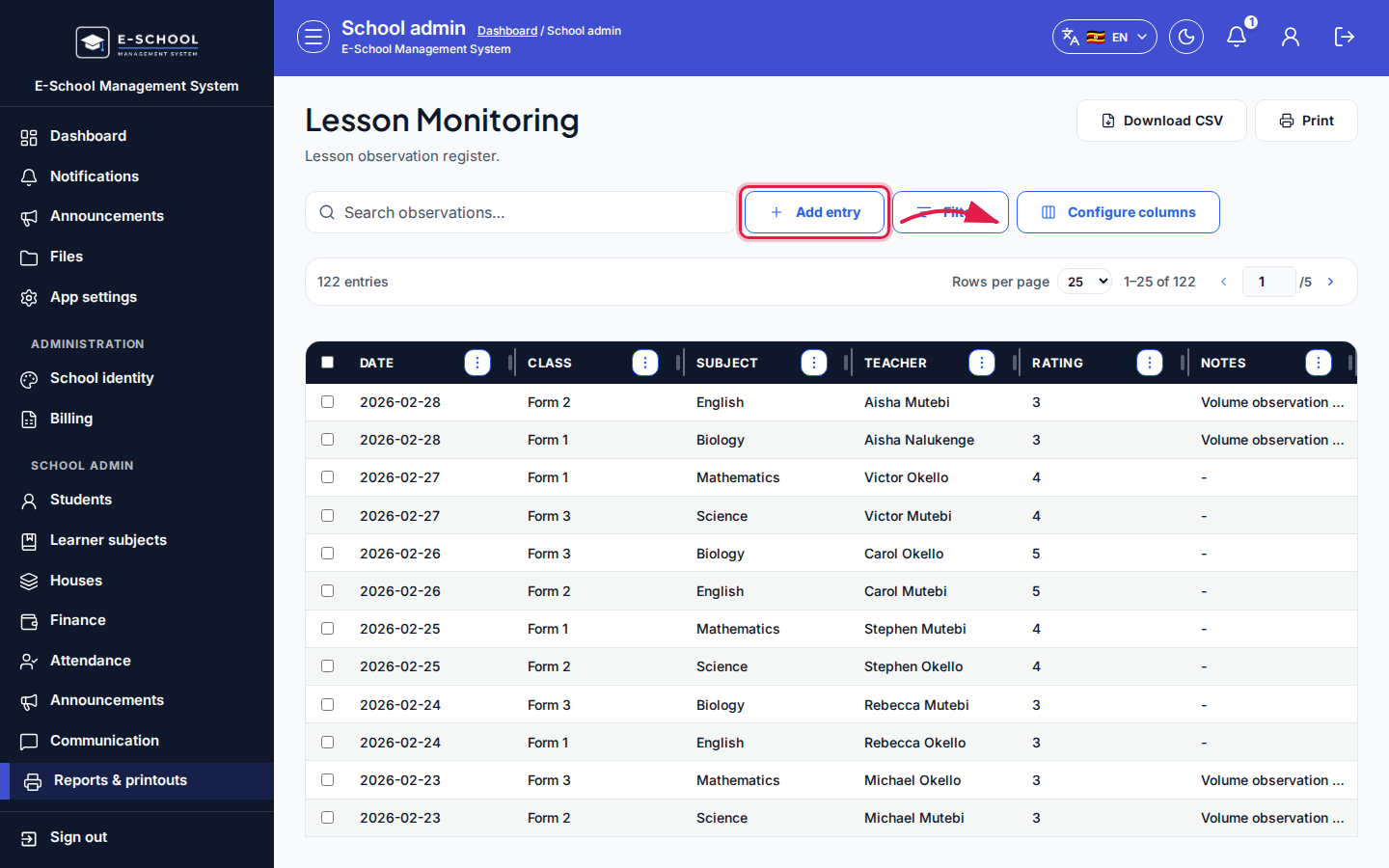 Desktop - focus for step 2
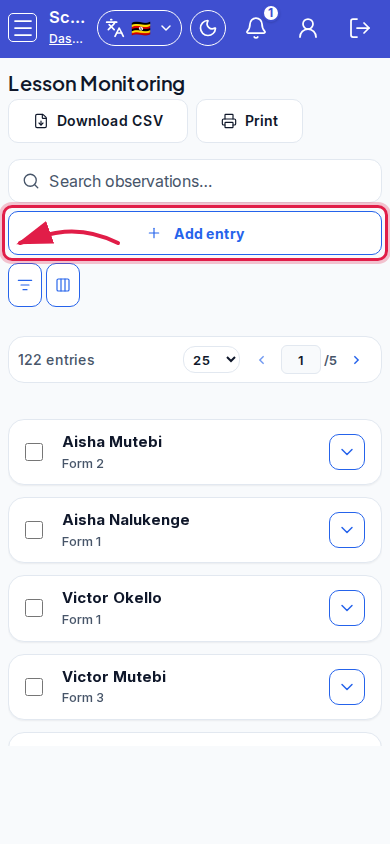 Mobile - focus for step 2
- Set Observed on and Rating (Excellent / Good / Fair / Needs improvement), plus any notes fields shown, then save.
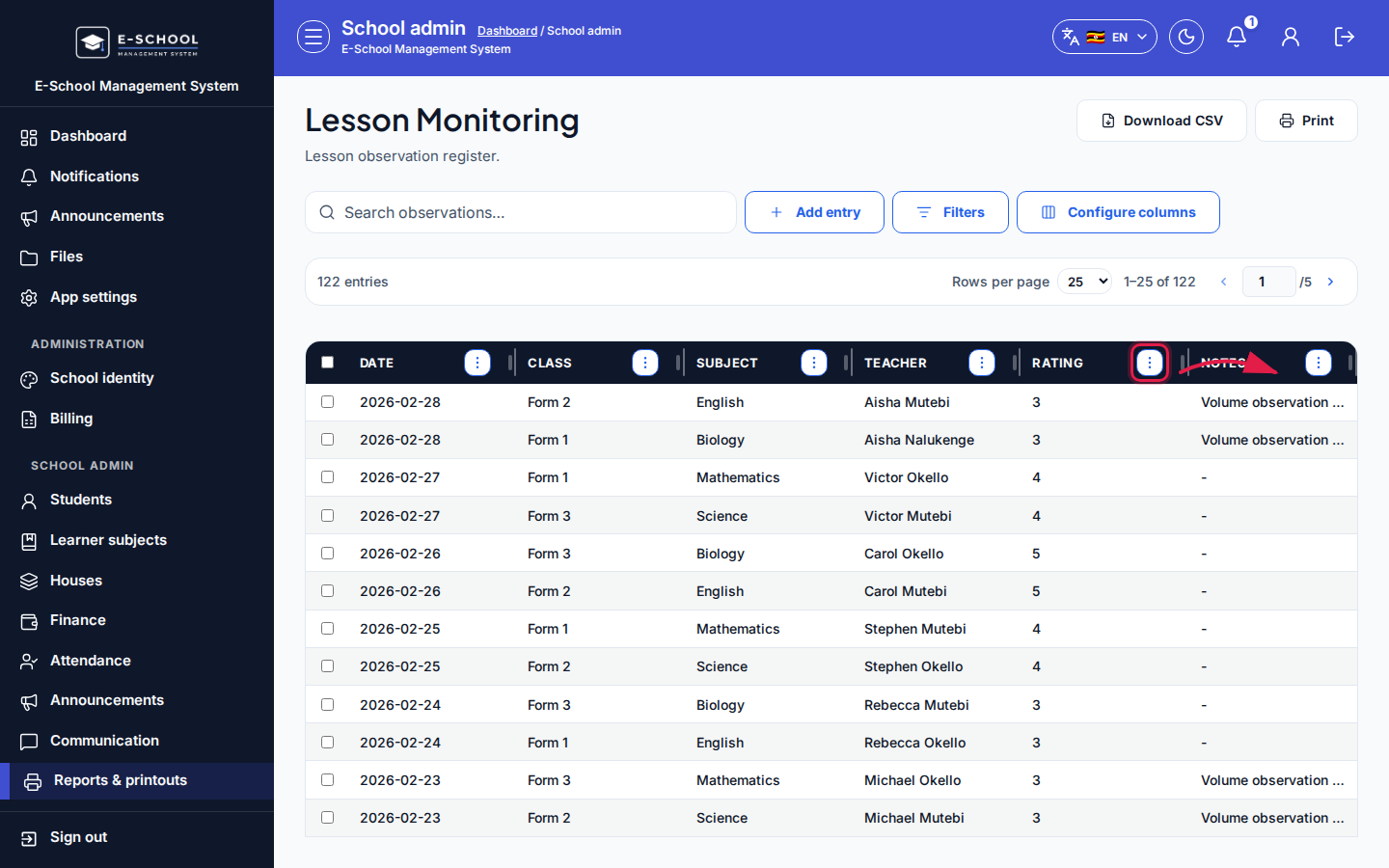 Desktop - focus for step 3
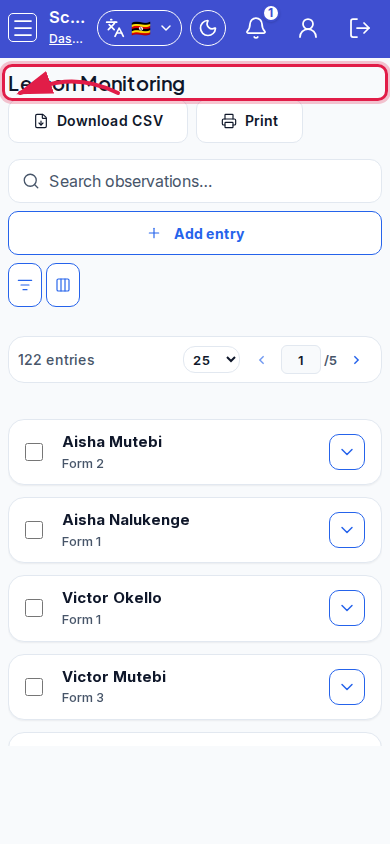 Mobile - focus for step 3
- Search observations when preparing appraisal packs.
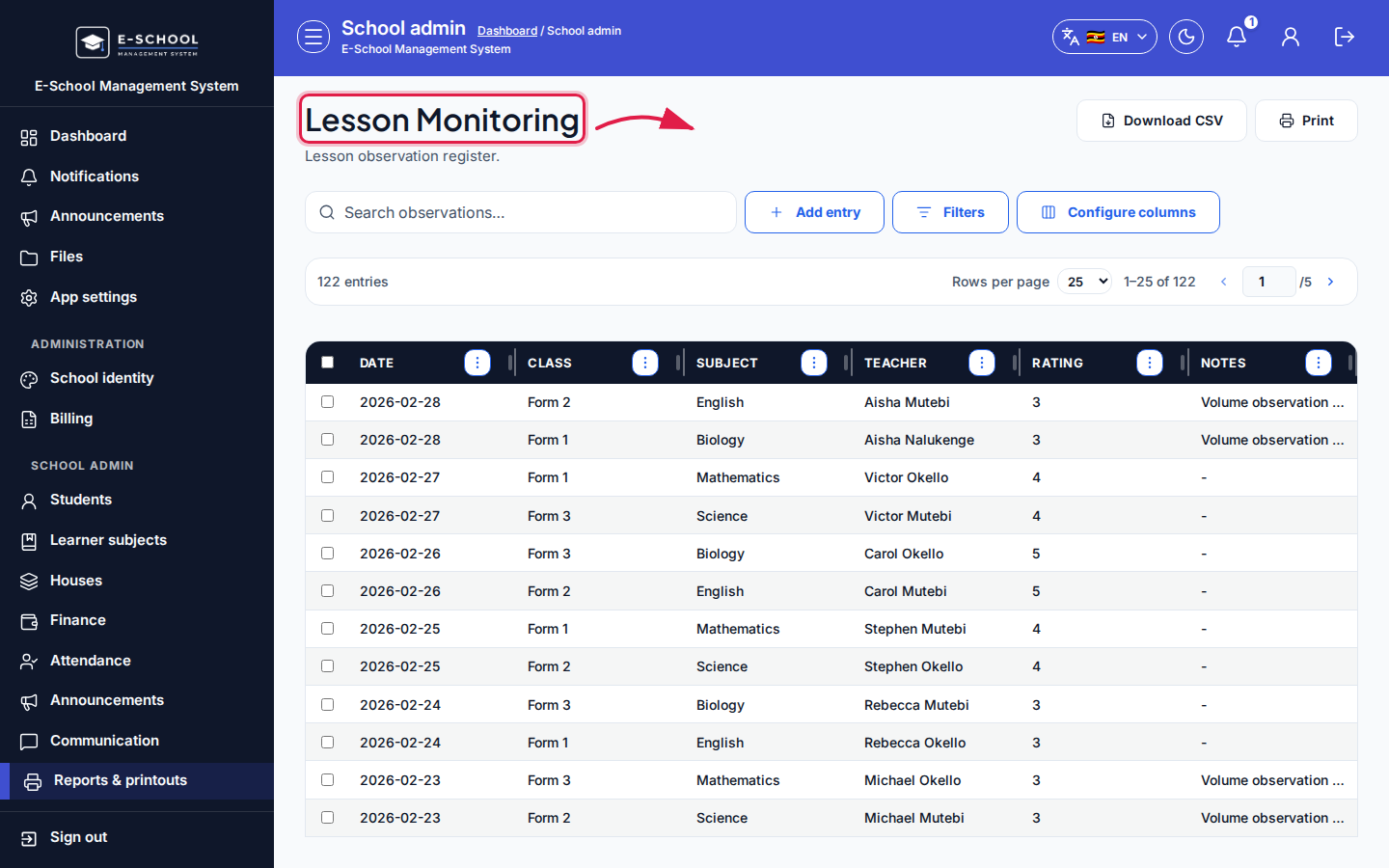 Desktop - focus for step 4
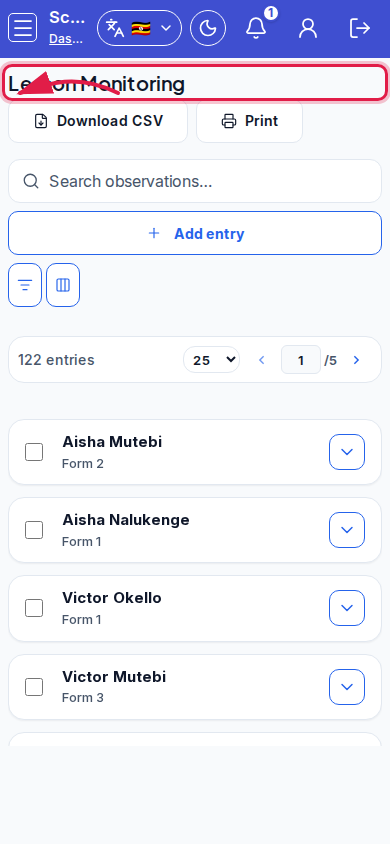 Mobile - focus for step 4
- Keep ratings consistent with school policy language.
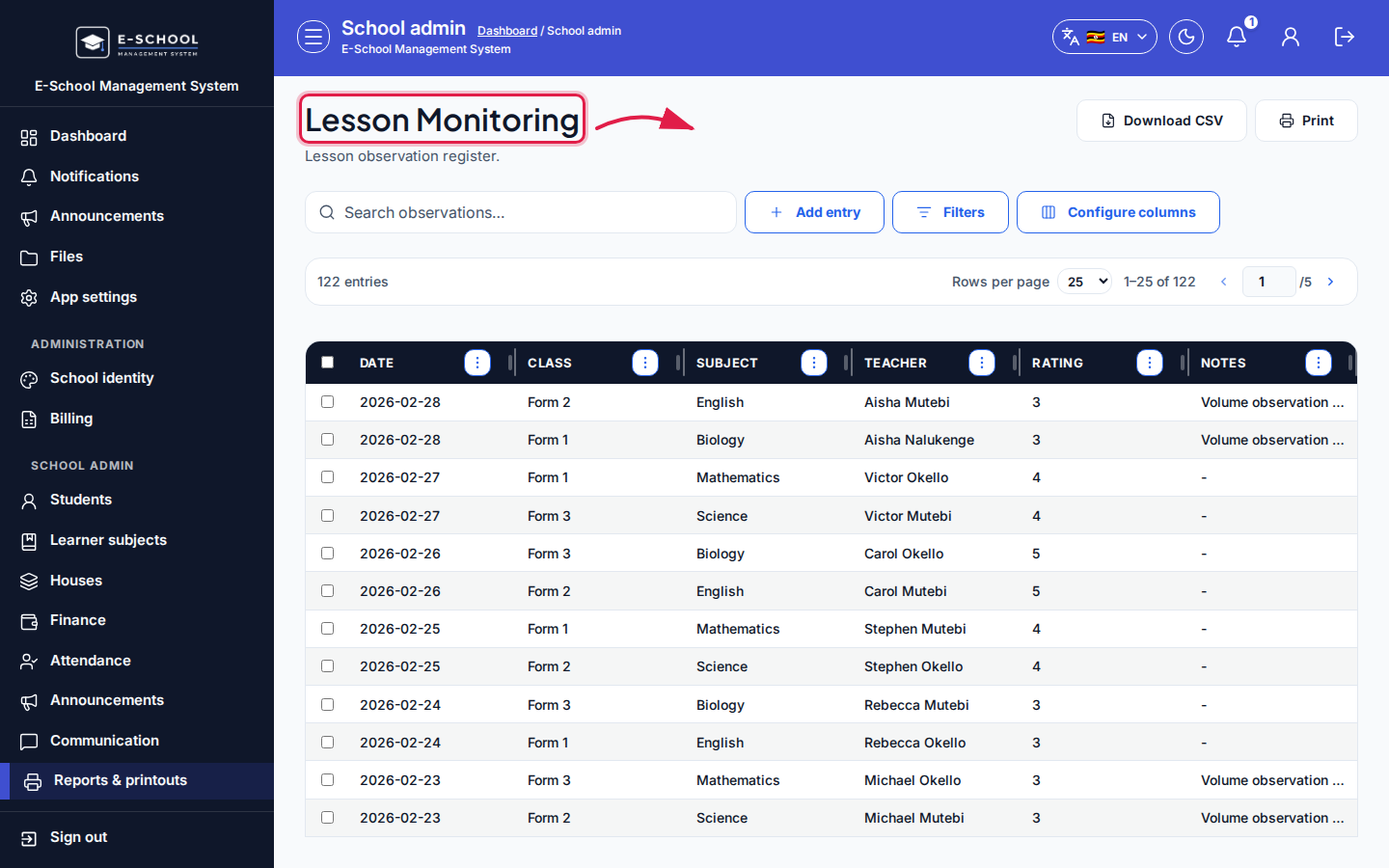 Desktop - focus for step 5
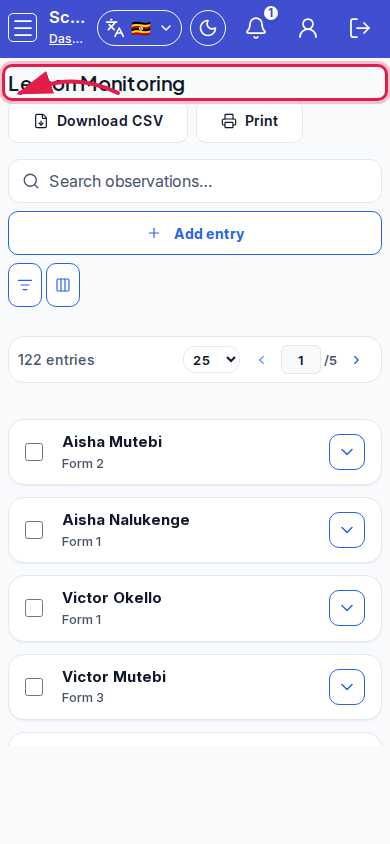 Mobile - focus for step 5
Fields and actions
- Add entry / Add lesson observation
- Observed on, Rating
- Search observations…
Common mistakes
- Backdating without notes
- Using Needs improvement without follow-up ownership