Marks Entry
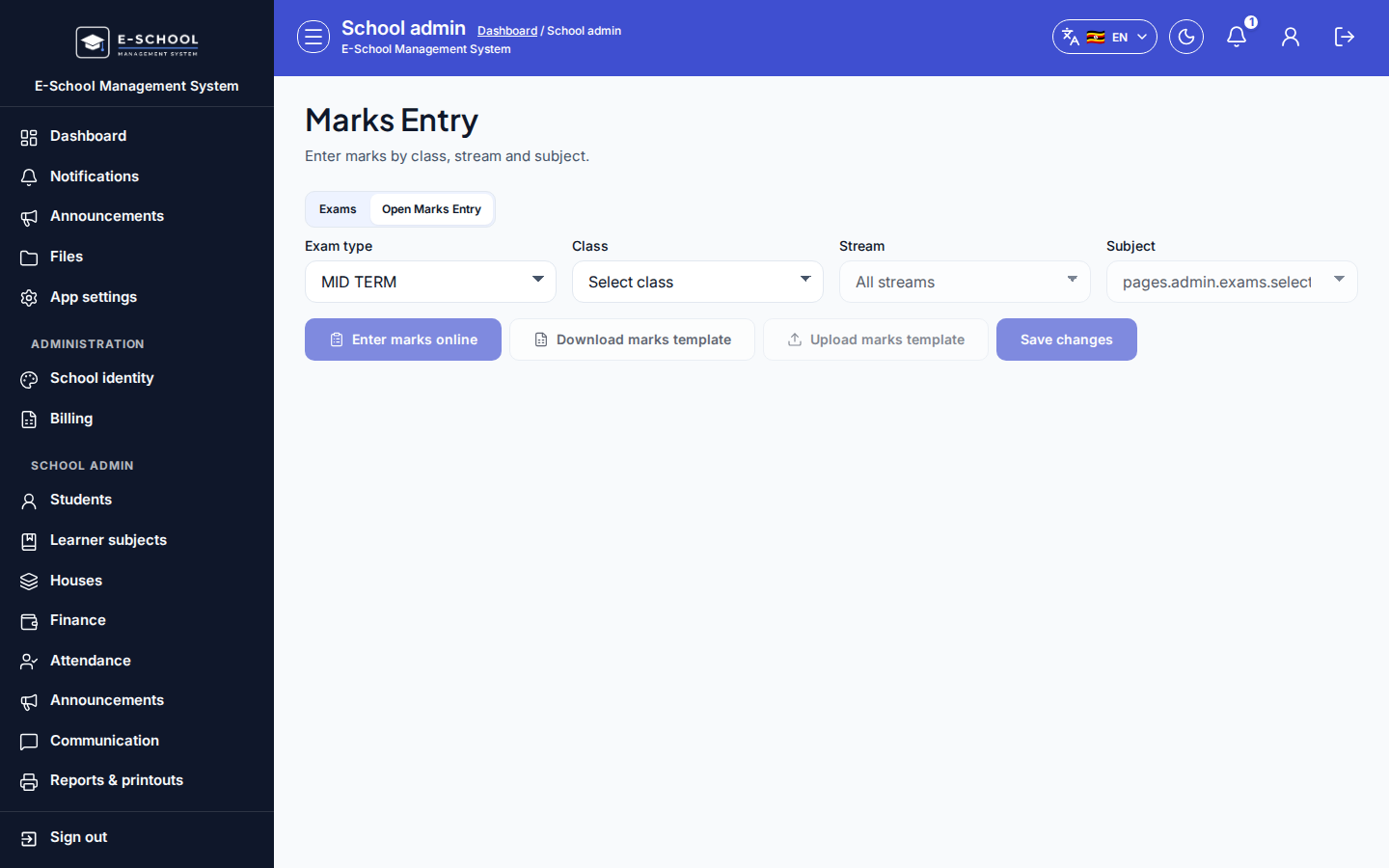
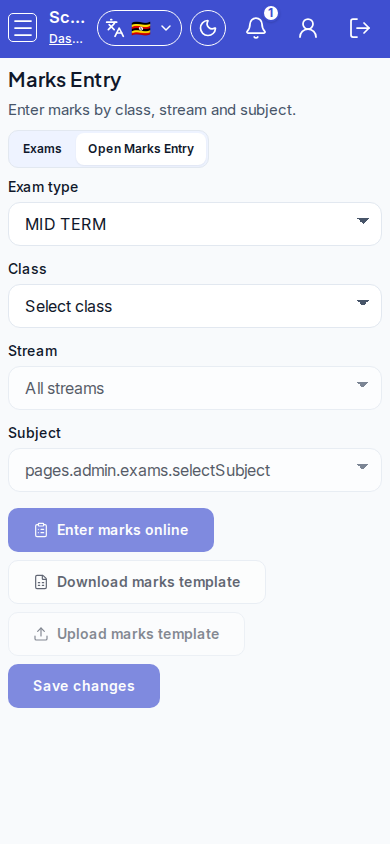
Admin grid to enter or correct marks by class, stream, subject, and exam (including AOI topics).
Who can use this
- ADMIN
Path
/admin/marks-entry
Dependencies
- Exams exist and match the term on Exams & marks.
- Learners must be registered on Learner subjects for the subject/stream or the grid shows empty.
- AOI needs a subject topic (and title); new topics may require assessment.create permission.
Screenshot
Steps
- Open Marks Entry at
/admin/marks-entryas ADMIN (or from Exams via Open Marks Entry).
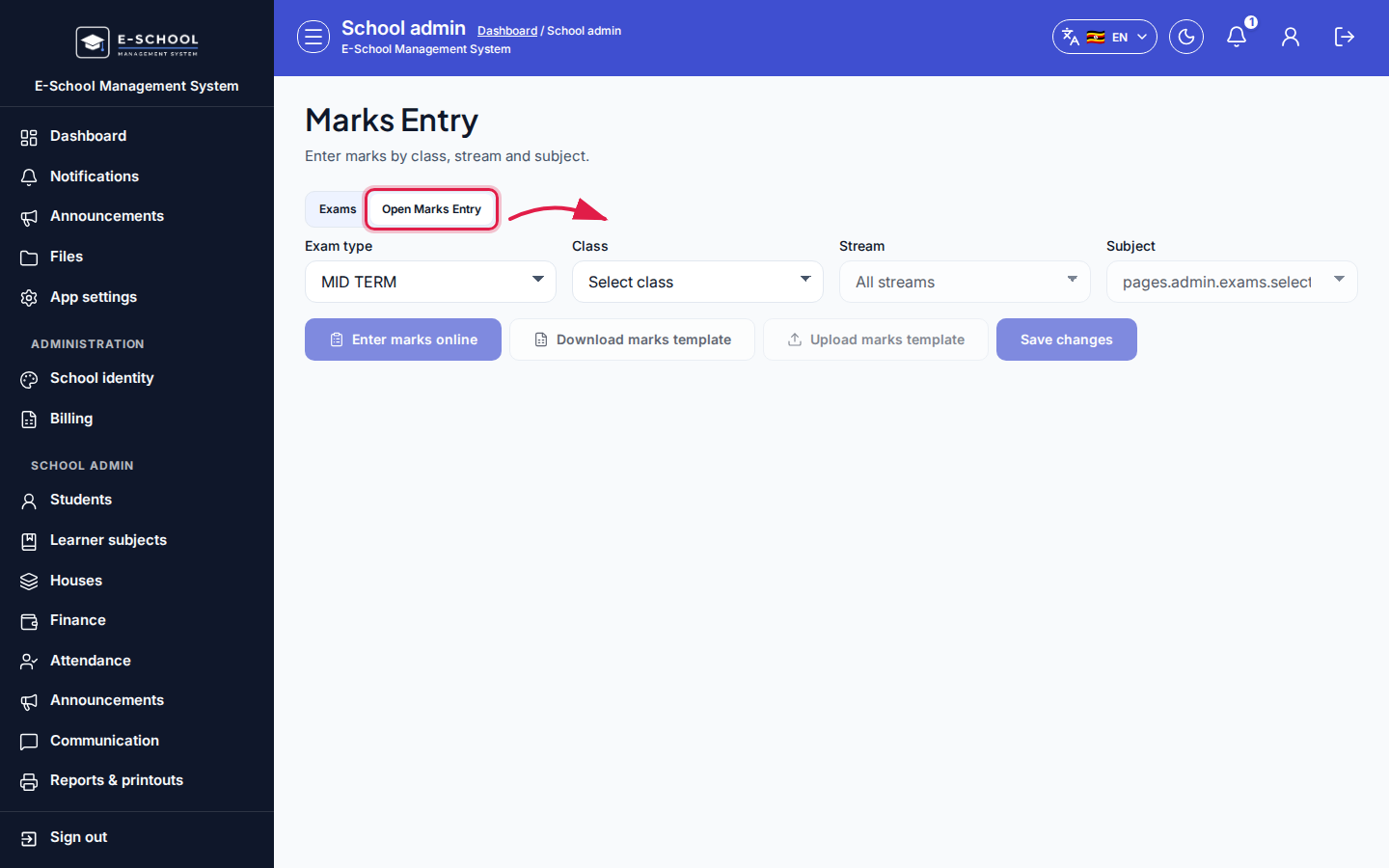 Desktop - focus for step 1
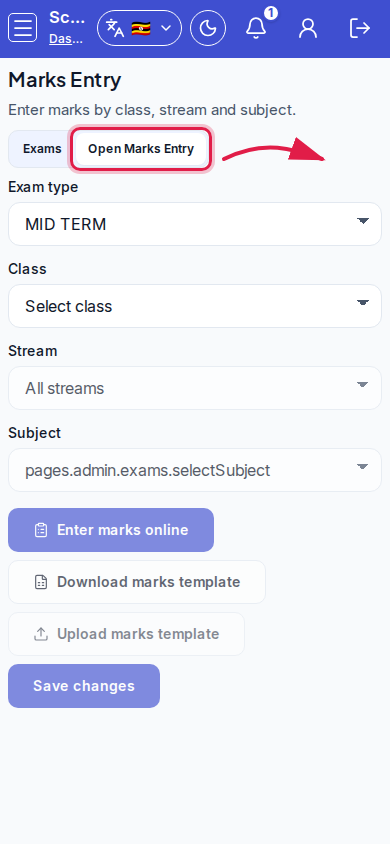 Mobile - focus for step 1
- Choose class, stream (or whole class), subject, and exam type. For AOI, pick or add a topic and AOI title; enter scores out of 20 (report card T1 scales to out of 3).
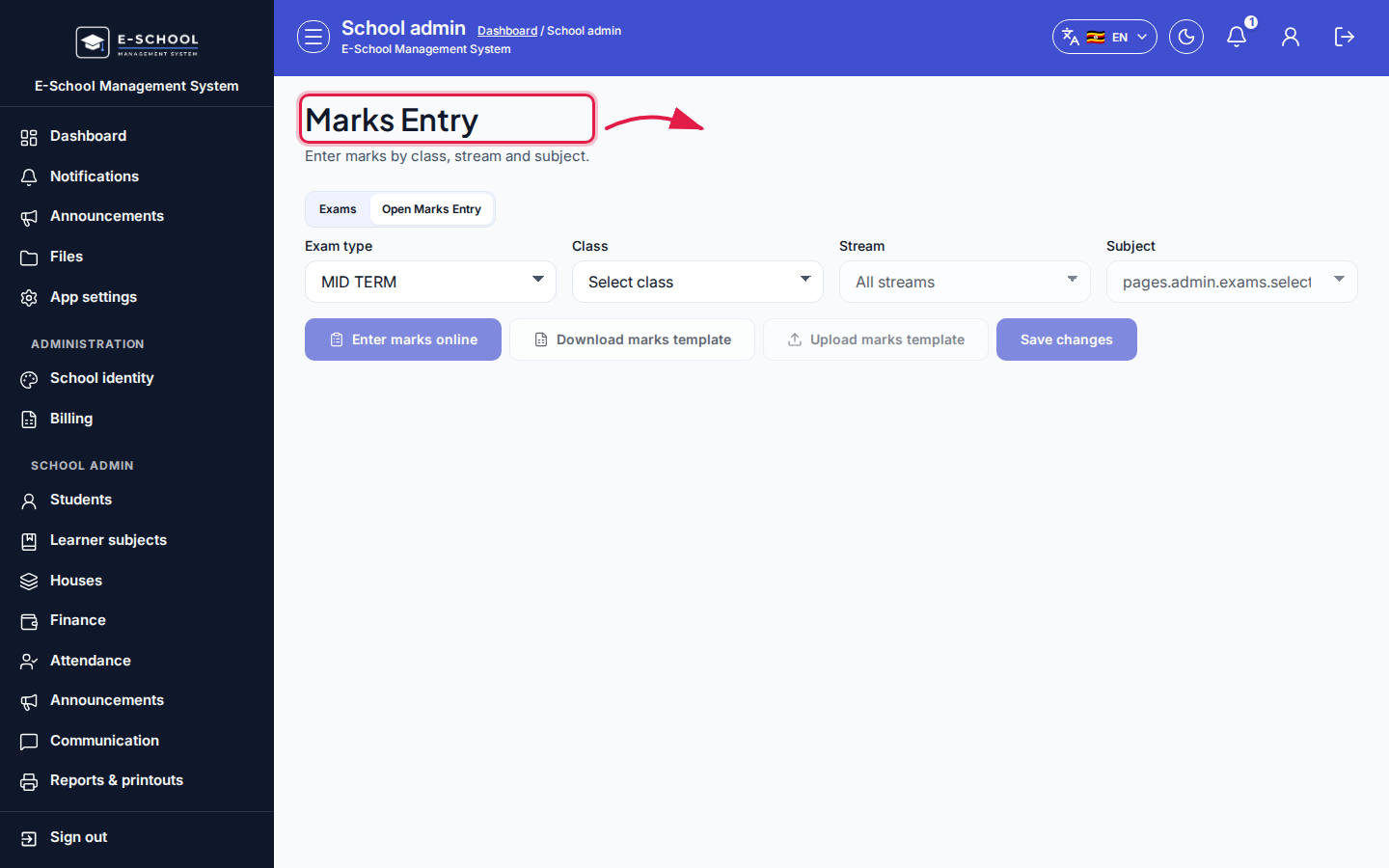 Desktop - focus for step 2
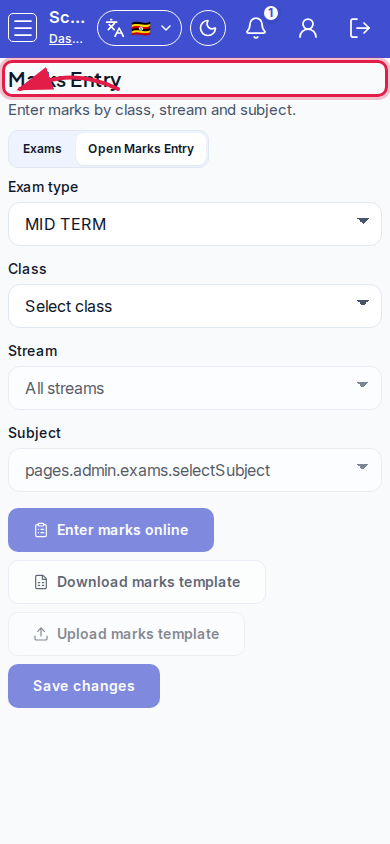 Mobile - focus for step 2
- Click Enter marks online to load the learner grid, or Download marks template / Upload marks template for bulk Excel/CSV.
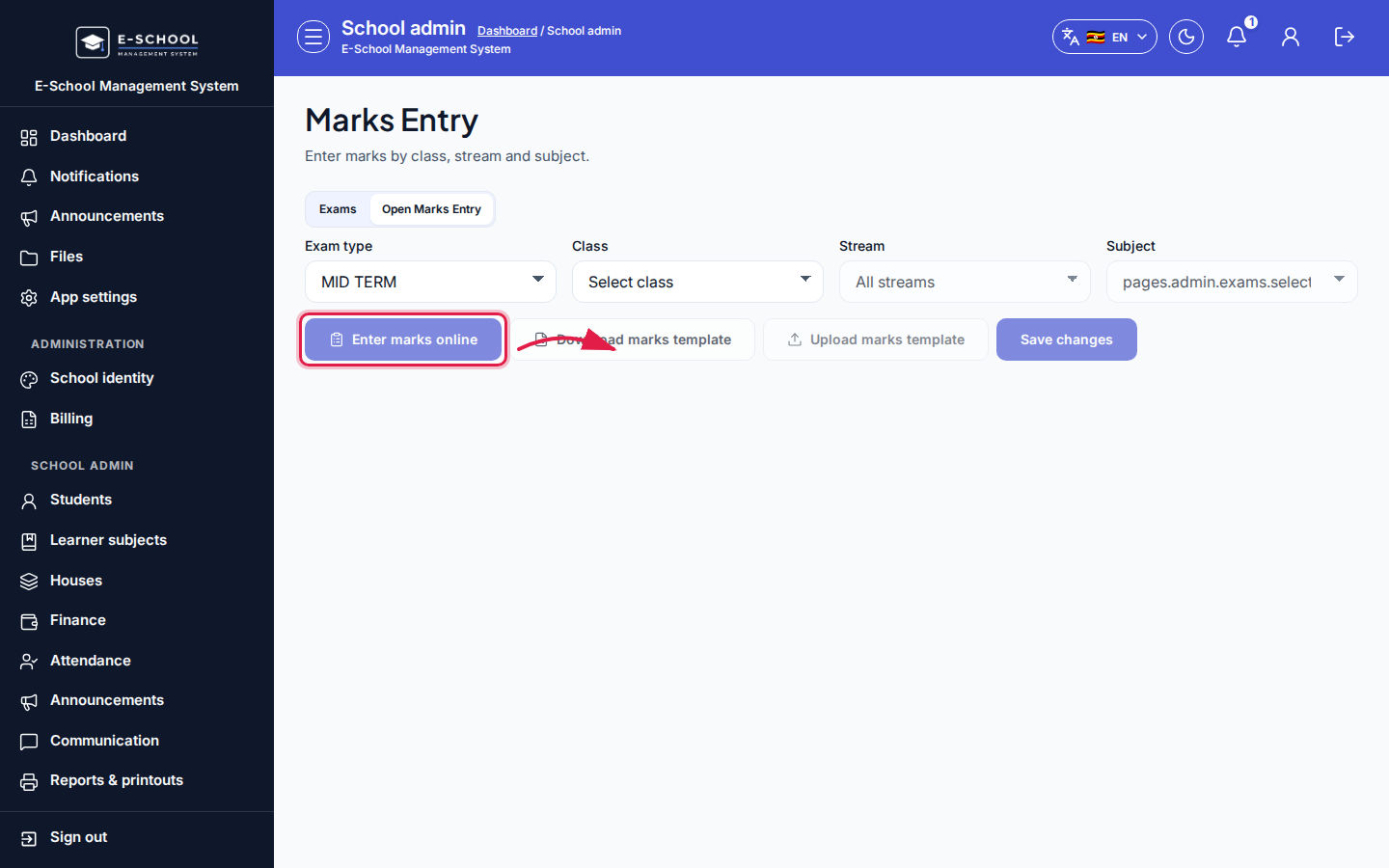 Desktop - focus for step 3
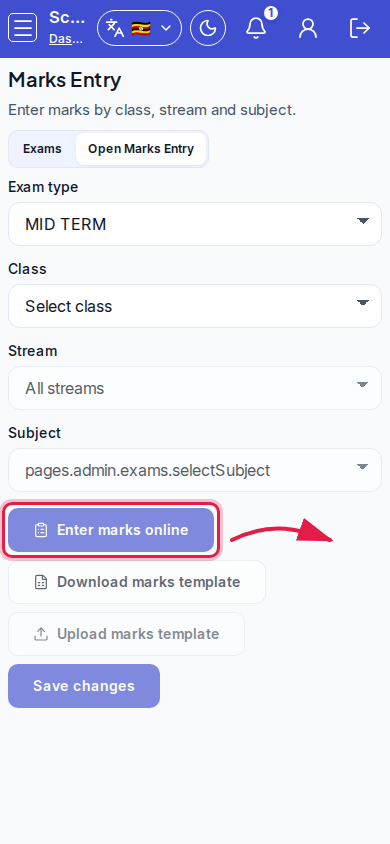 Mobile - focus for step 3
- Enter scores, then Save changes. Confirm the success toast before leaving.
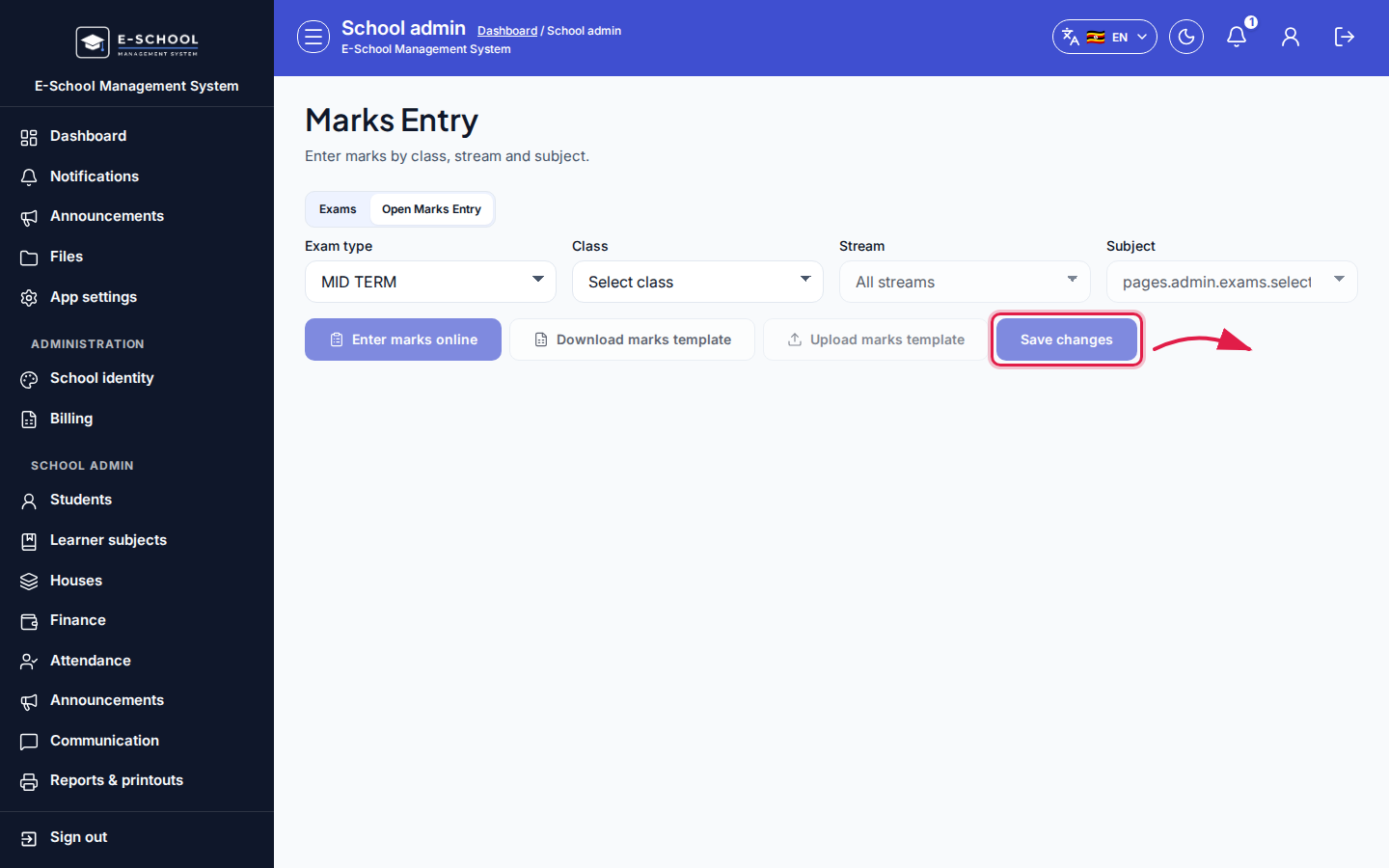 Desktop - focus for step 4
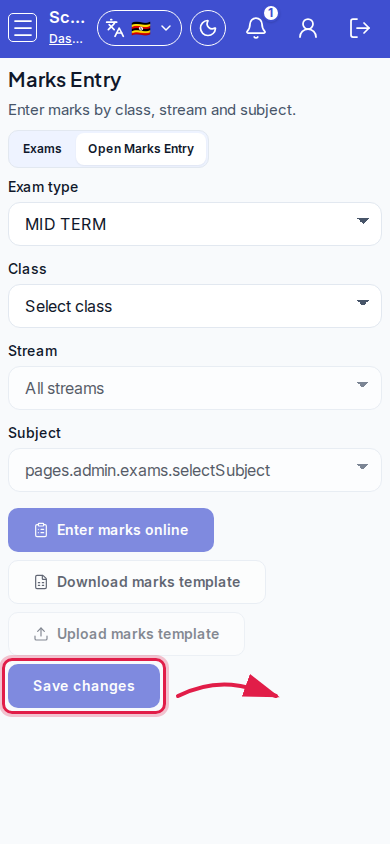 Mobile - focus for step 4
- Return to Exams & marks to Publish only after teachers finished the sheet - unpublished marks never reach report cards.
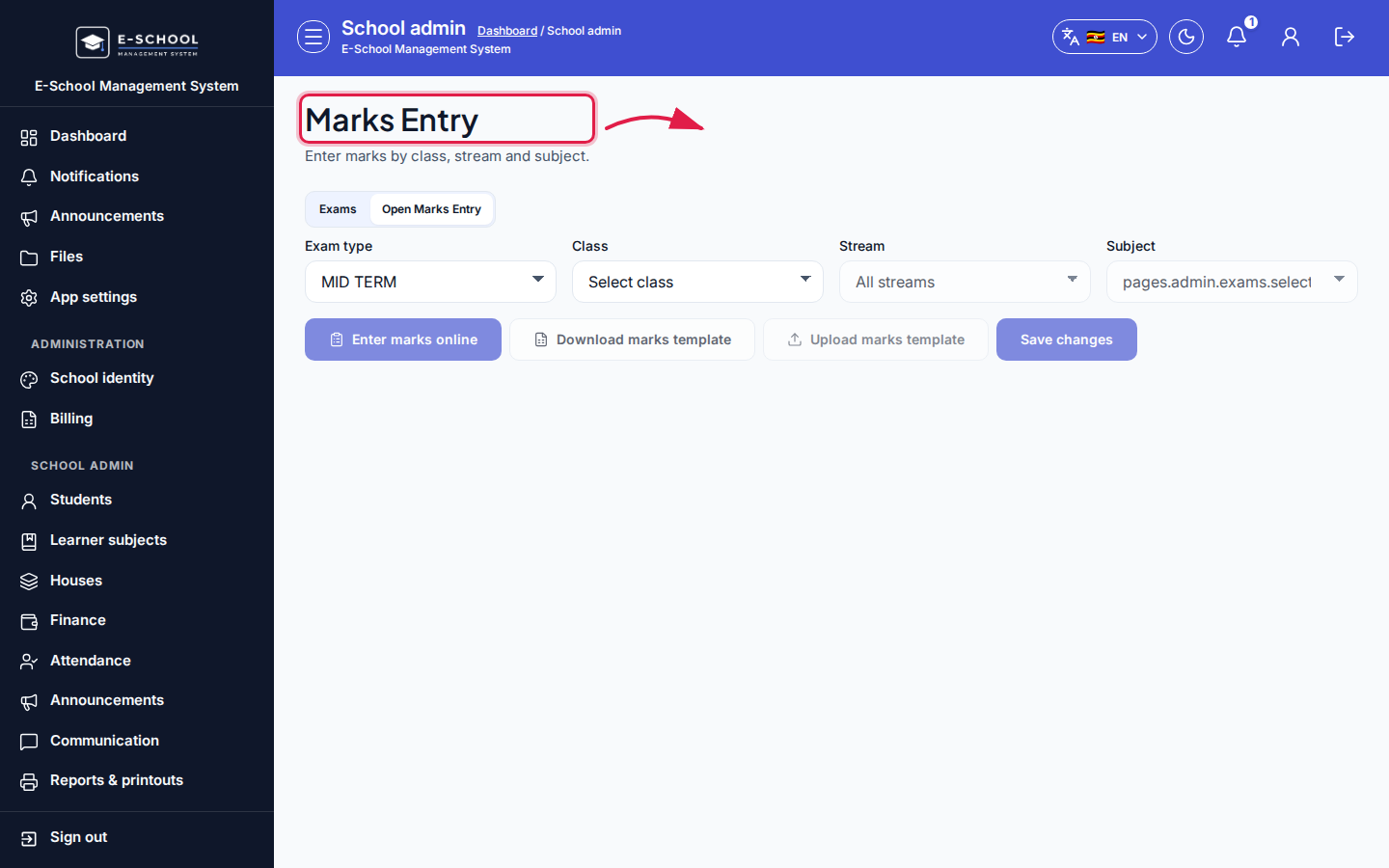 Desktop - focus for step 5
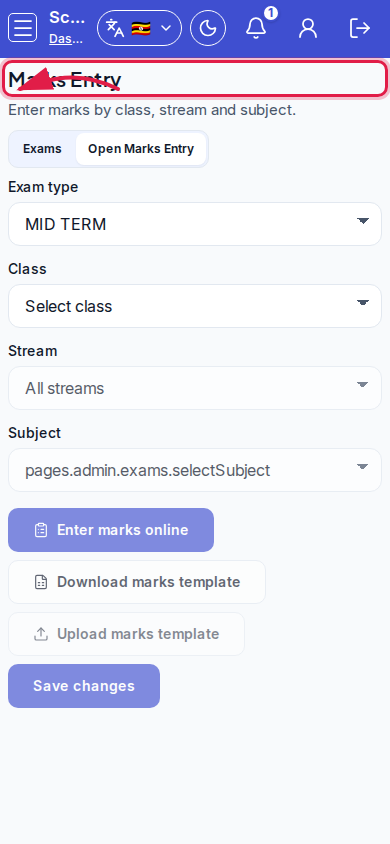 Mobile - focus for step 5
Fields and actions
- Class / Stream / Subject / Exam type
- AOI: Subject topic, New topic name, AOI title, Max score hint
- Enter marks online / Download marks template / Upload marks template / Save changes
- Search learners…; Registered / Not registered flags
- Link: Open learner subject selection / Manage streams
Common mistakes
- Saving against the wrong subject or exam
- Expecting marks on report cards before Admin publishes the exam
- Empty grid because learner subjects were never registered
- Uploading a template without keeping the header row
- Creating AOI without a topic when the class has none yet