Grade bands
Grade band letters/labels mapped to min/max scores for report cards.
Who can use this
- ADMIN
Path
/admin/grade-bands
Dependencies
- Define bands before publishing report cards that show grades.
- Keep ranges contiguous without gaps/overlaps.
Screenshot
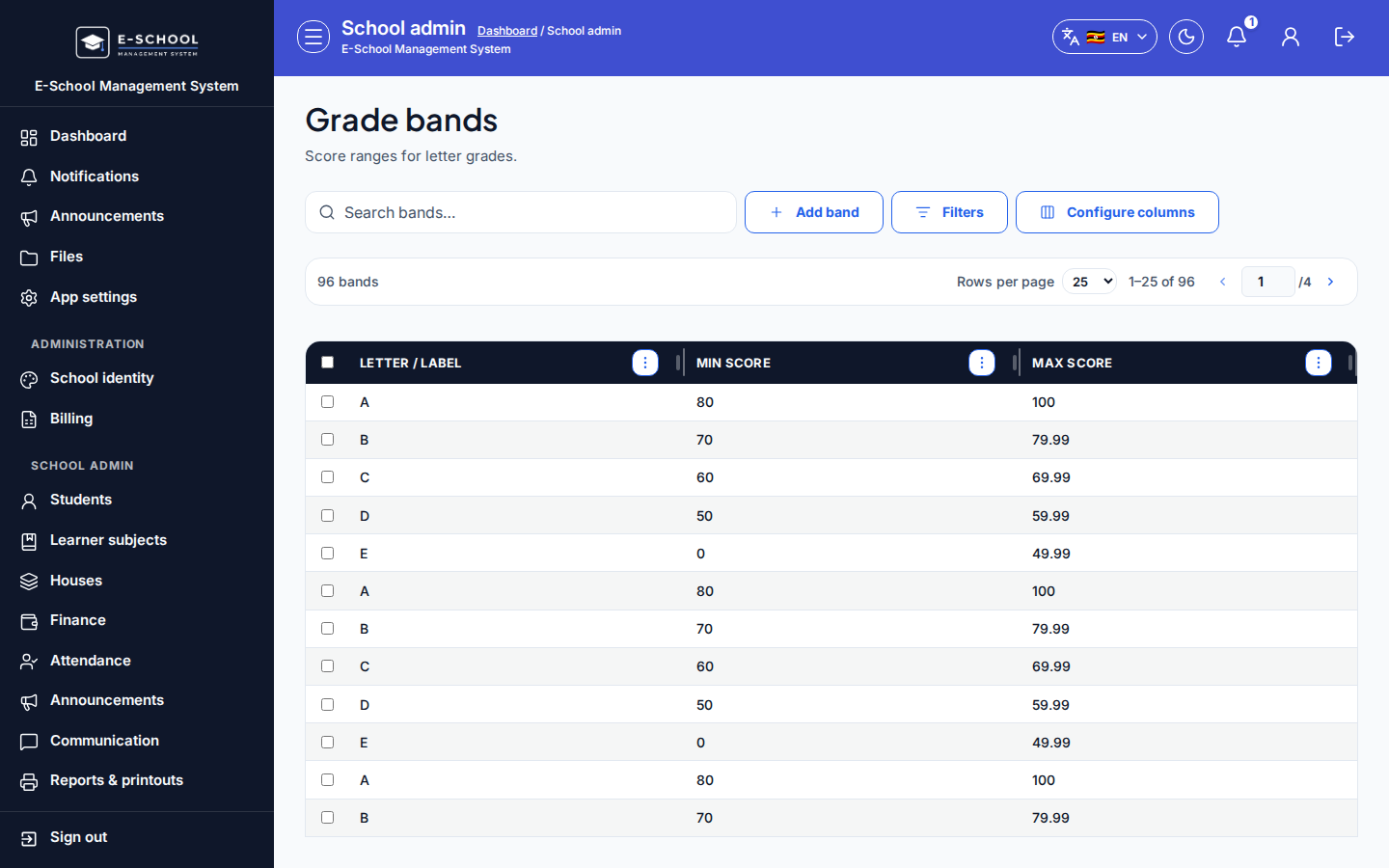
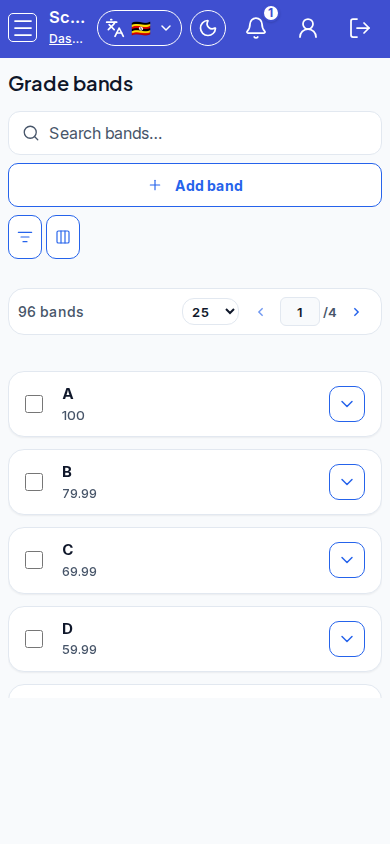
Steps
- Open Grade bands at
/admin/grade-bandsas ADMIN.
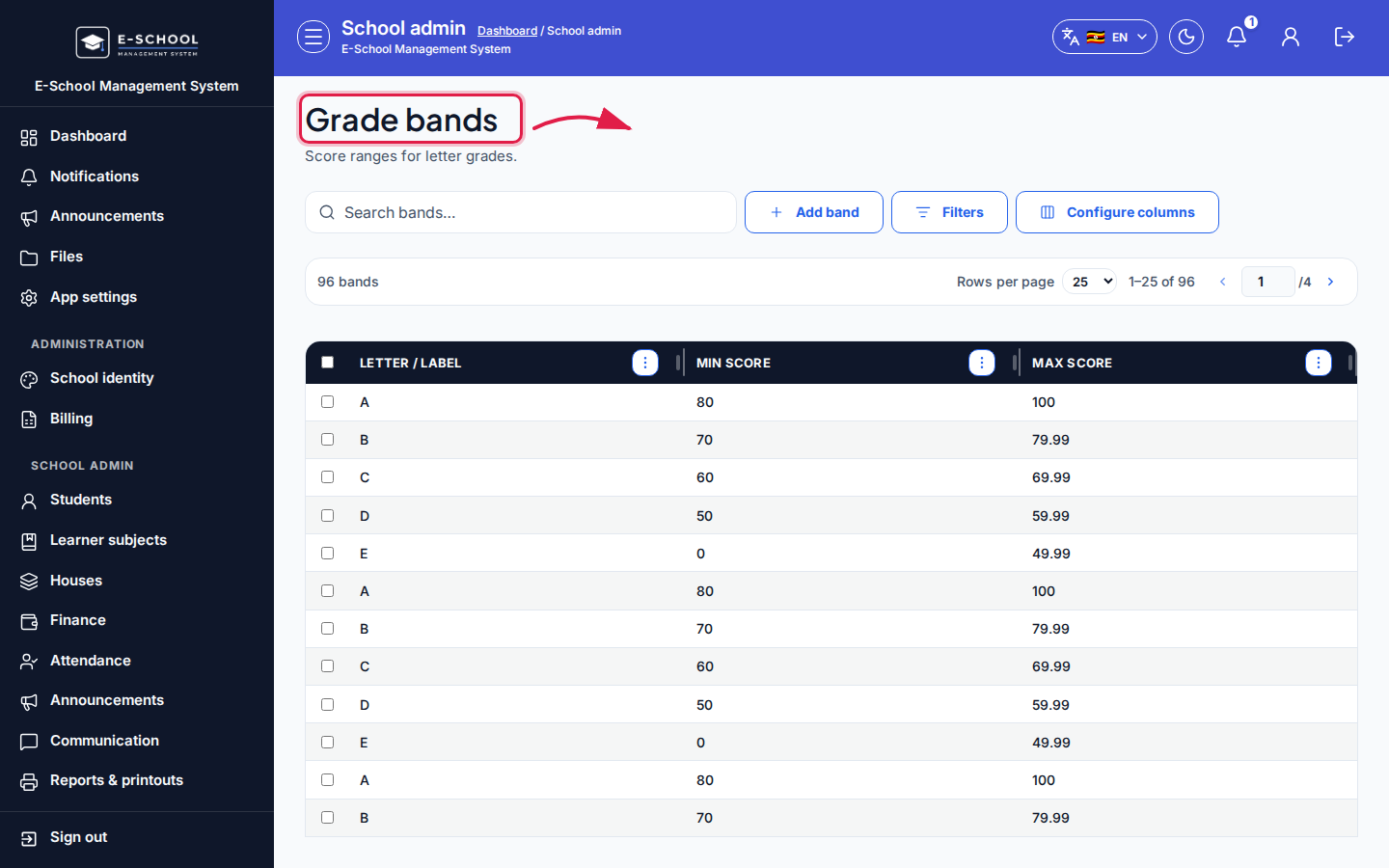 Desktop - focus for step 1
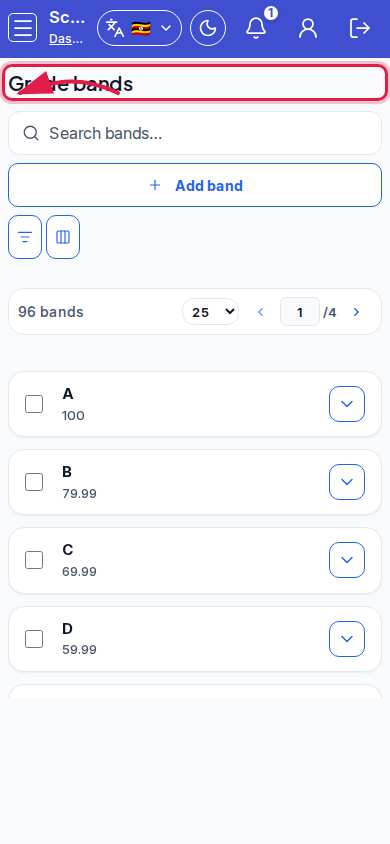 Mobile - focus for step 1
- Click Add band. Set Letter/label, Min score, Max score, then save.
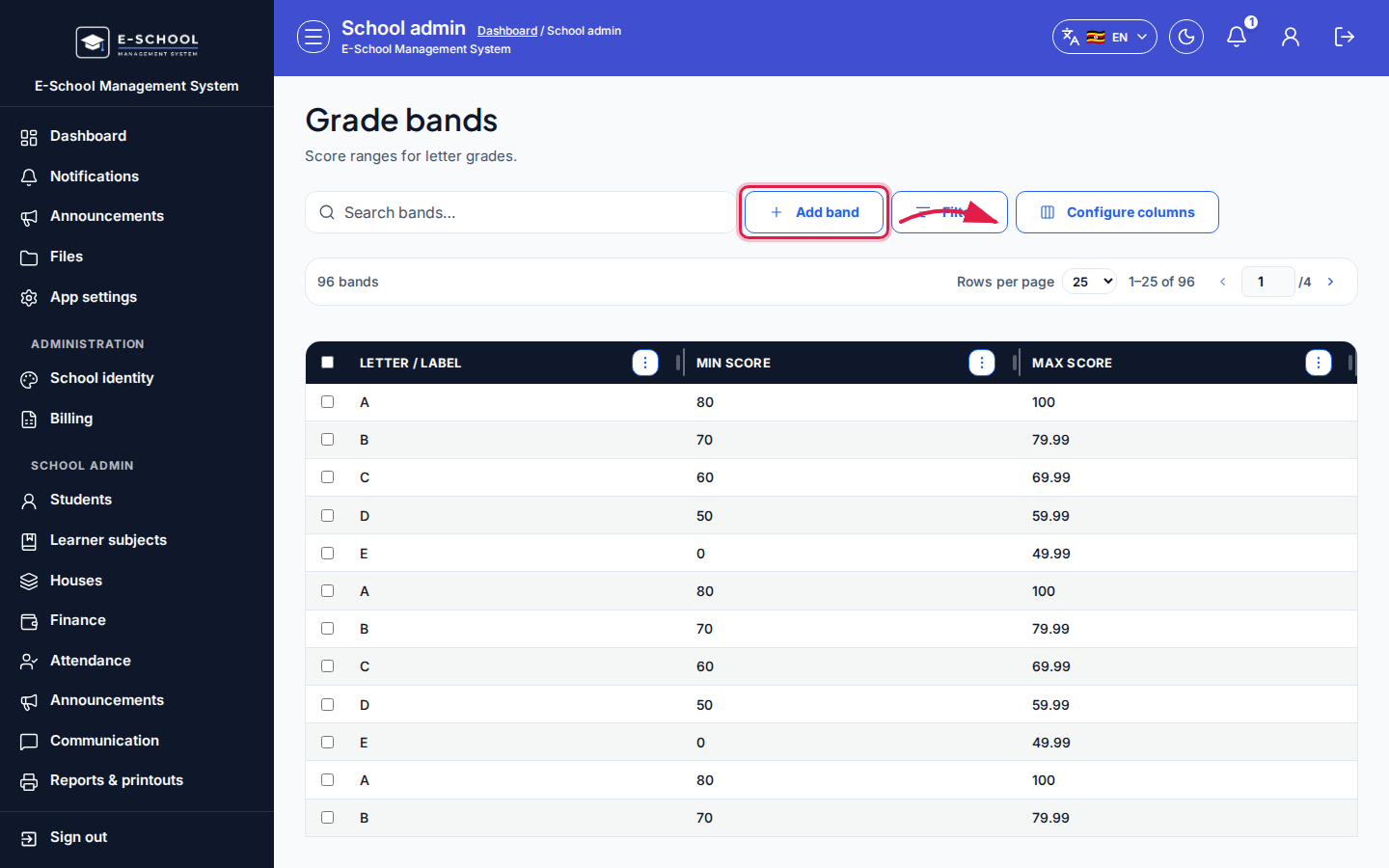 Desktop - focus for step 2
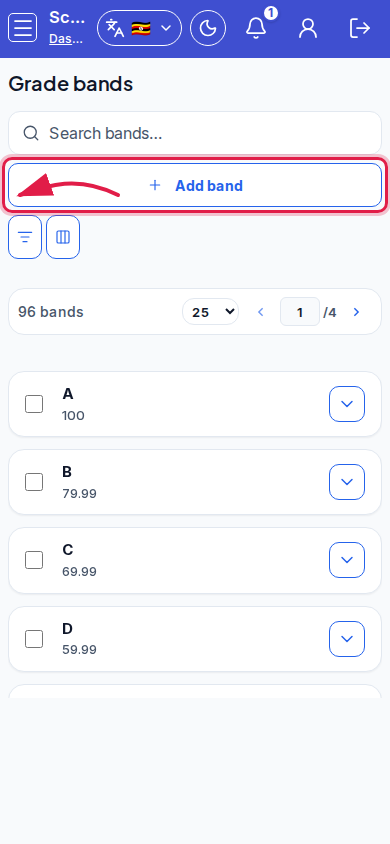 Mobile - focus for step 2
- Edit band to adjust boundaries. Open Report cards when ready to generate.
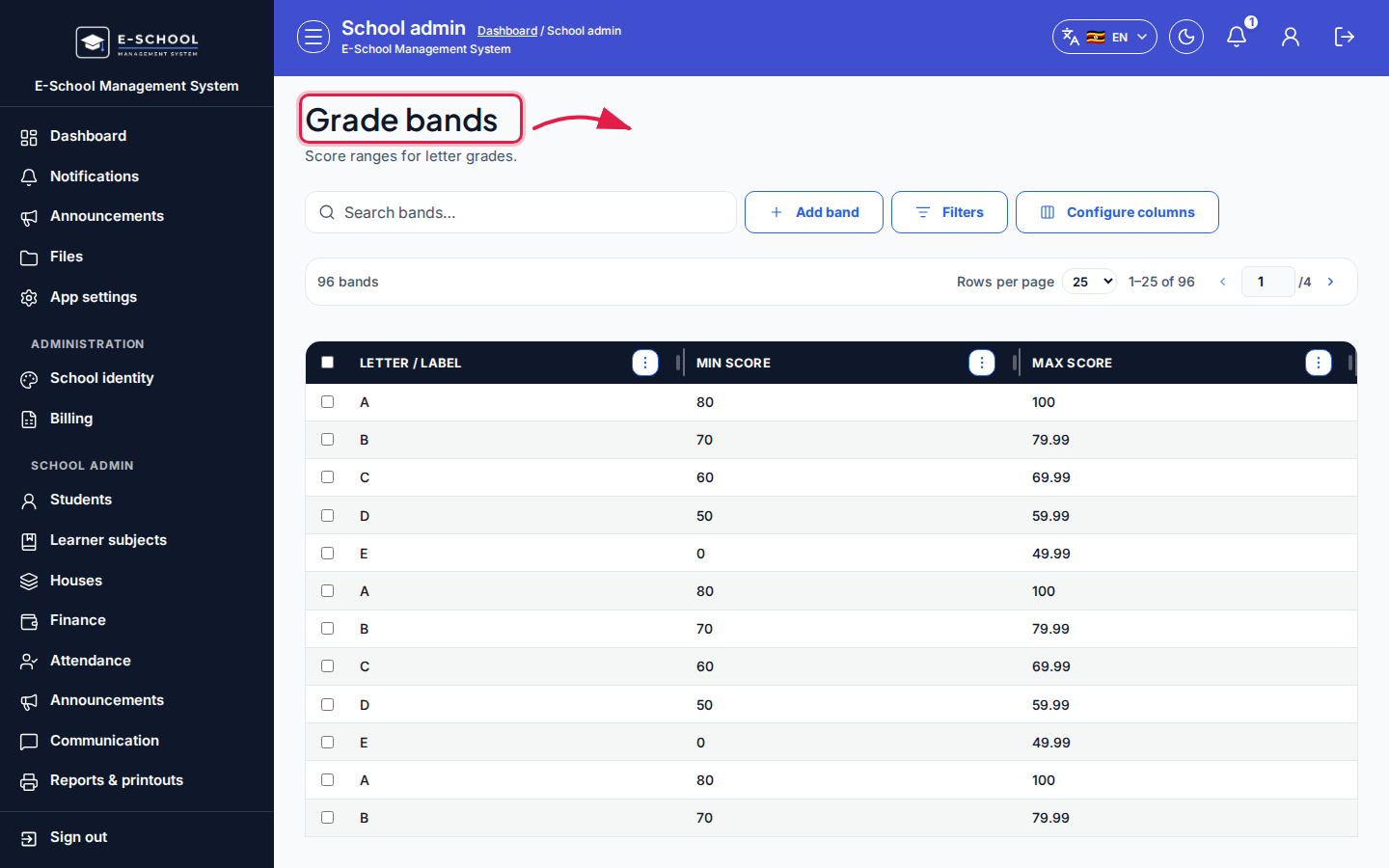 Desktop - focus for step 3
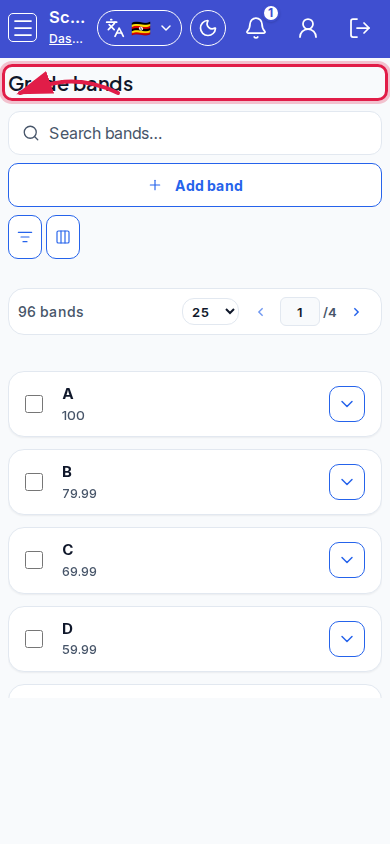 Mobile - focus for step 3
- Verify a sample score falls into exactly one band.
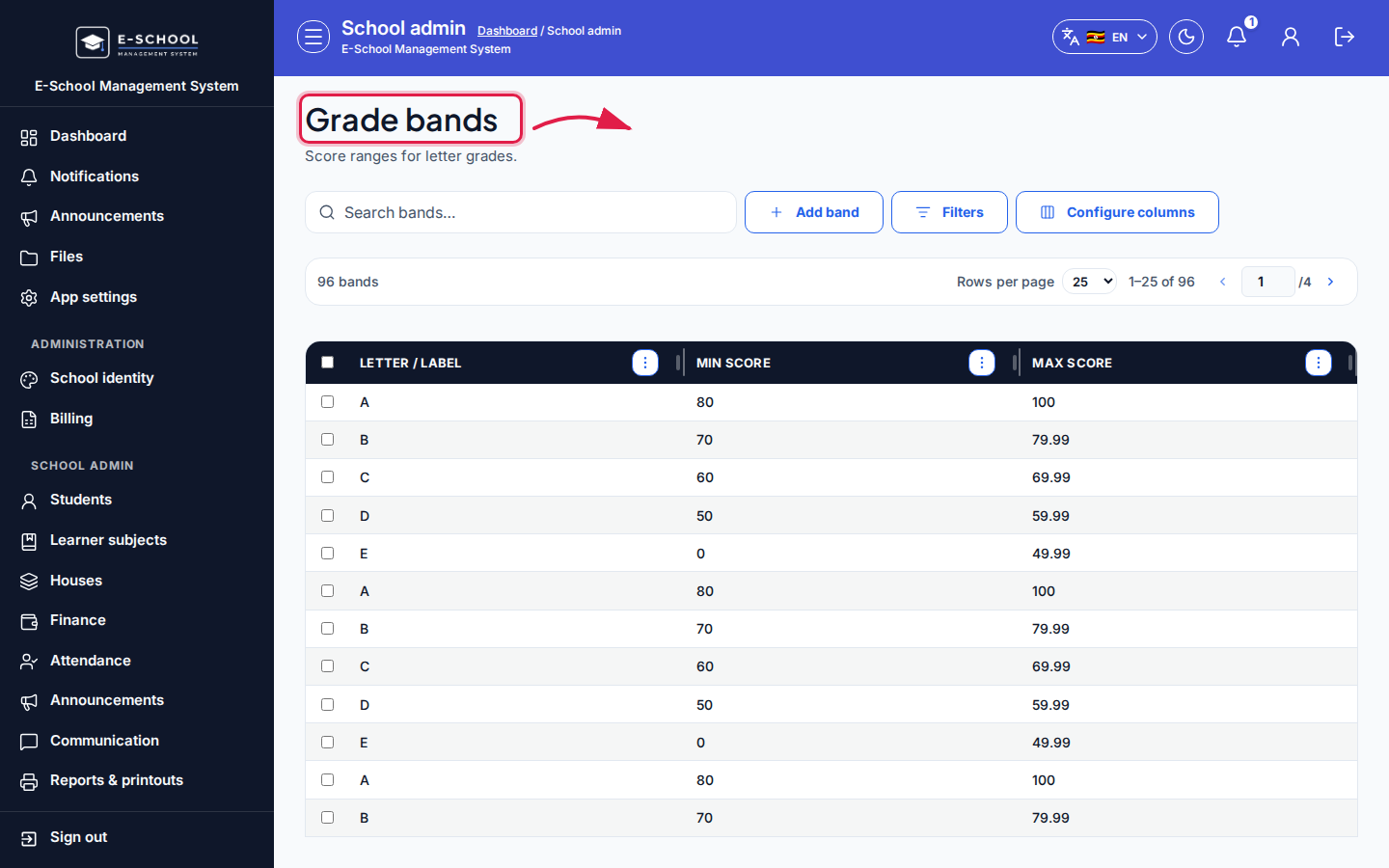 Desktop - focus for step 4
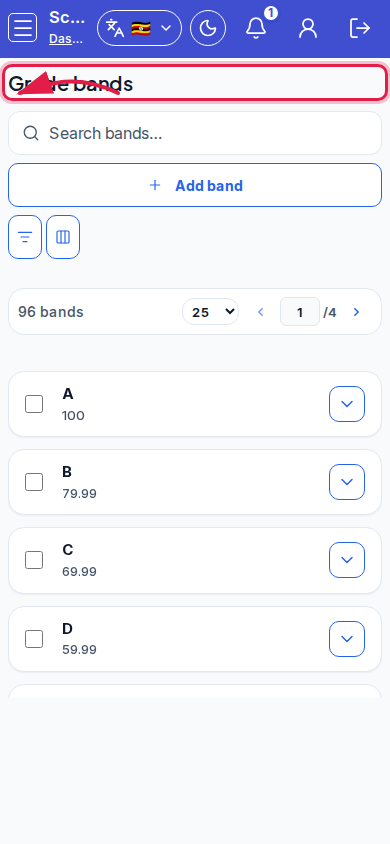 Mobile - focus for step 4
- Avoid deleting bands mid-term without regenerating cards.
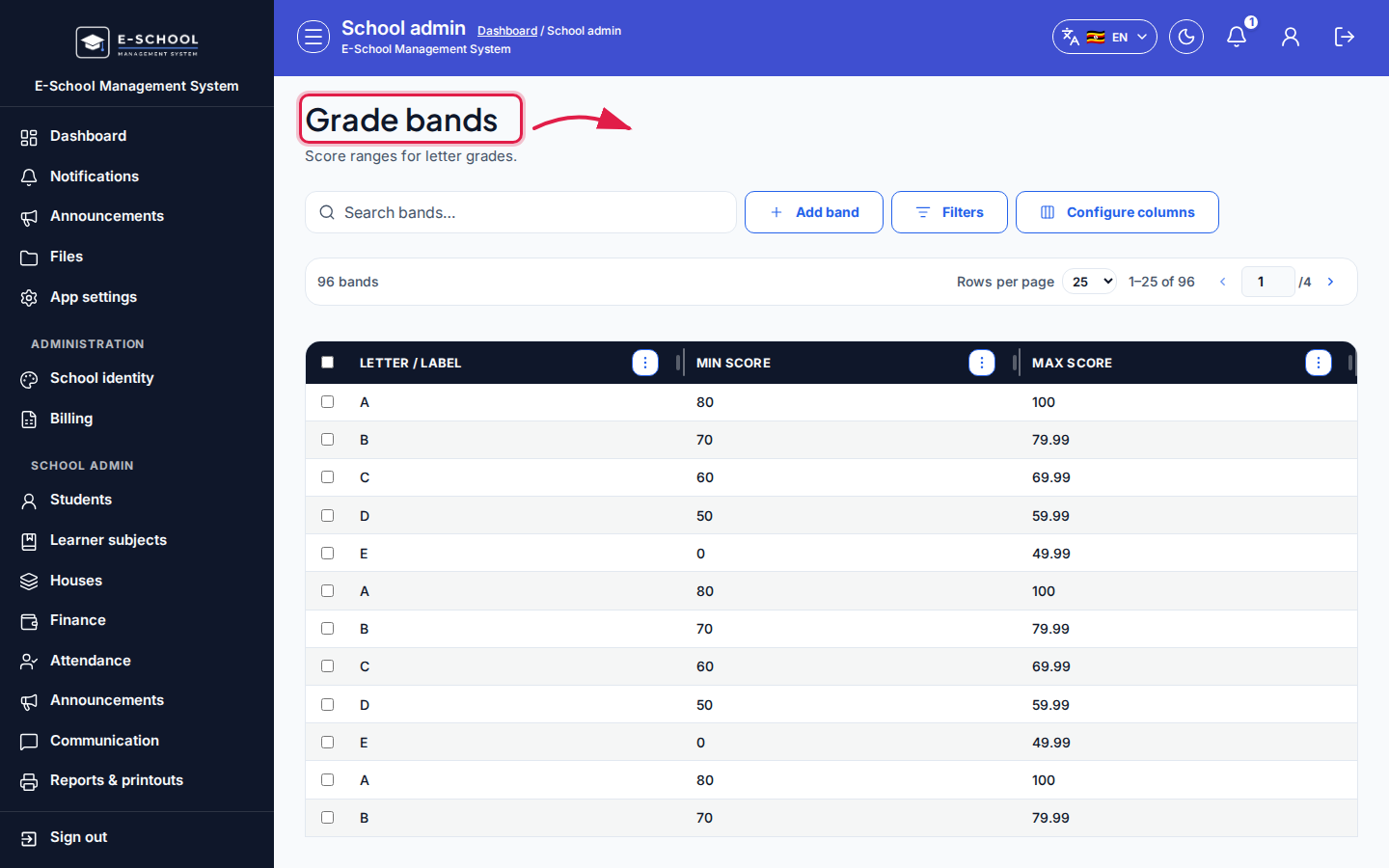 Desktop - focus for step 5
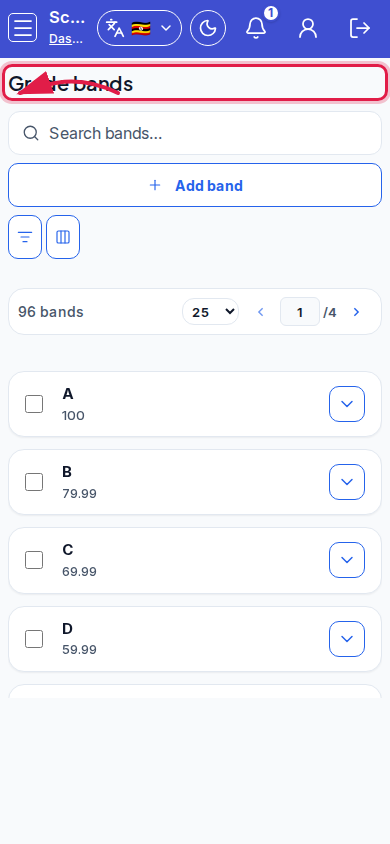 Mobile - focus for step 5
Fields and actions
- Add band / Edit band
- Letter / label, Min score, Max score
- Report cards link
Common mistakes
- Overlapping min/max ranges
- Gaps between bands
- Changing bands after cards were printed without reprint