Generate Invoices
Create term invoices from an active fee structure: scope, preview eligible learners, then confirm.
Who can use this
- FINANCE
- ADMIN
Path
/finance/billing/generate
Dependencies
- At least one active fee Item and Structure on Fee Setup.
- Learners must be active in the structure's class (not Alumni / Departed).
- Due date and optional class filter should match the billing period you intend.
Screenshot
Steps
- Open Generate Invoices at
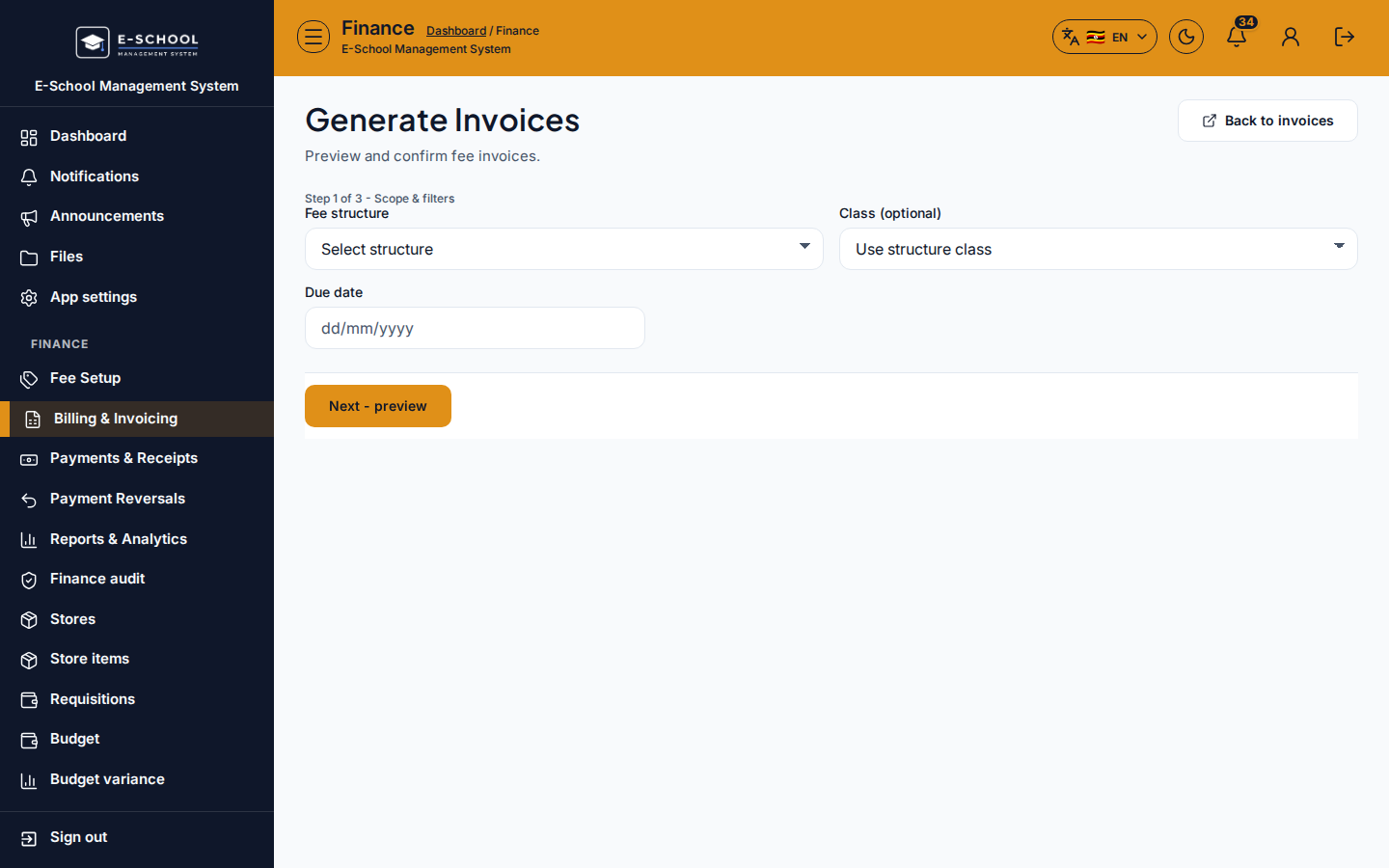
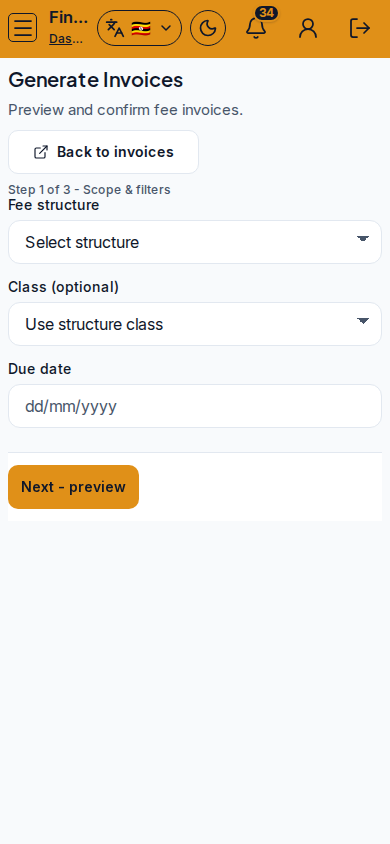
/finance/billing/generateas FINANCE. - Step 1 of 3 - Scope & filters: choose Fee structure, optional Class, and Due date. Prefer the structure whose class matches the cohort.
- Click Next - preview. Review Eligible vs Already billed / Skipped counts before creating anything.
- Step 2 of 3 - Preview: if the preview is empty, fix the structure or class, or admit missing learners - do not confirm blank runs.
- Step 3 of 3 - Confirm: click Next - confirm, then Confirm generate. Toast shows created vs skipped.
- Use View invoices or Record a payment from the success path when walk-ins start paying.
Fields and actions
- Fee structure / Class (optional) / Due date
- Next - preview / Back / Next - confirm / Confirm generate
- Preview columns: eligible, already billed, skipped
- View invoices / Record a payment / Back to invoices / Open fee catalogue
Common mistakes
- Confirming without reading the preview (wrong structure bills the wrong class)
- Generating when Fee Setup still has no structures
- Expecting Alumni or Departed learners to appear as eligible
- Re-running generate without noticing "Already billed" skips (duplicates are not created)