Learner subjects
Register which subjects each learner takes by class and stream. Required before meaningful marks grids and report cards.
Who can use this
- ADMIN
Path
/admin/learner-subjects
Dependencies
- Classes and streams exist (Classes).
- Subject catalogue exists (Subjects).
- Learners are admitted into the class you select (Students).
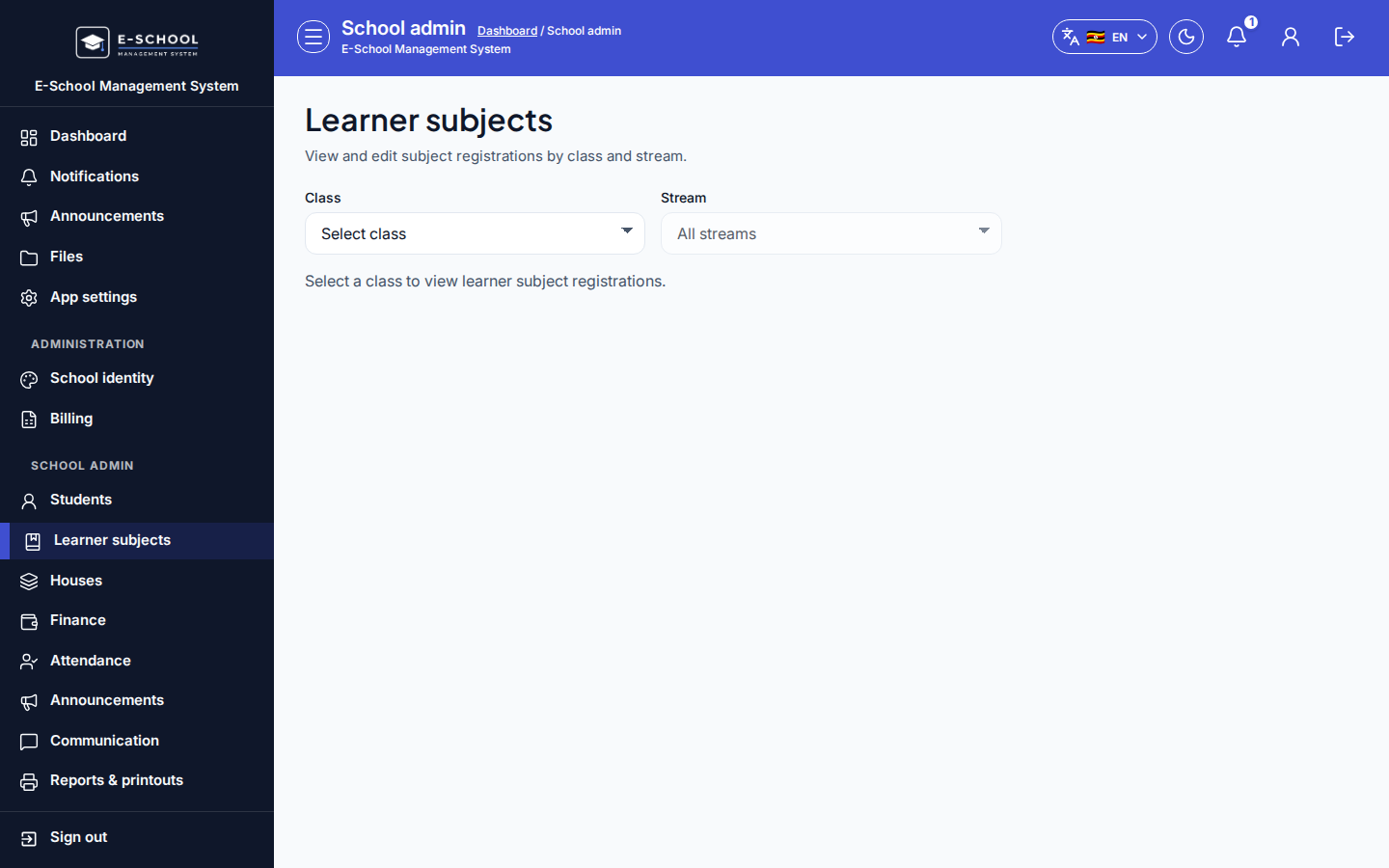
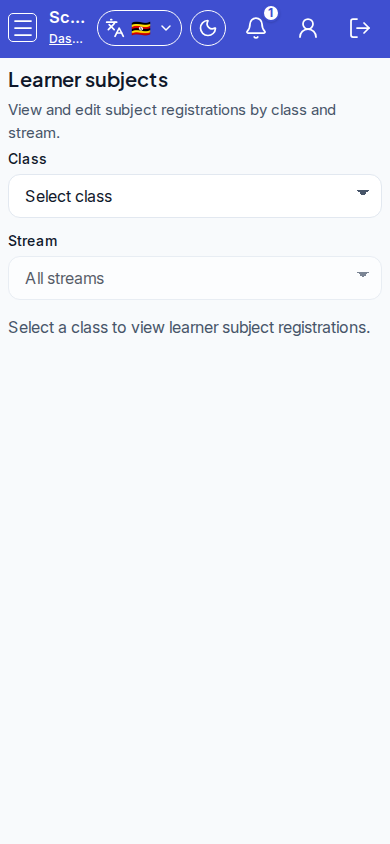
Screenshot
Steps
- Open Learner subjects at
/admin/learner-subjectsas ADMIN.
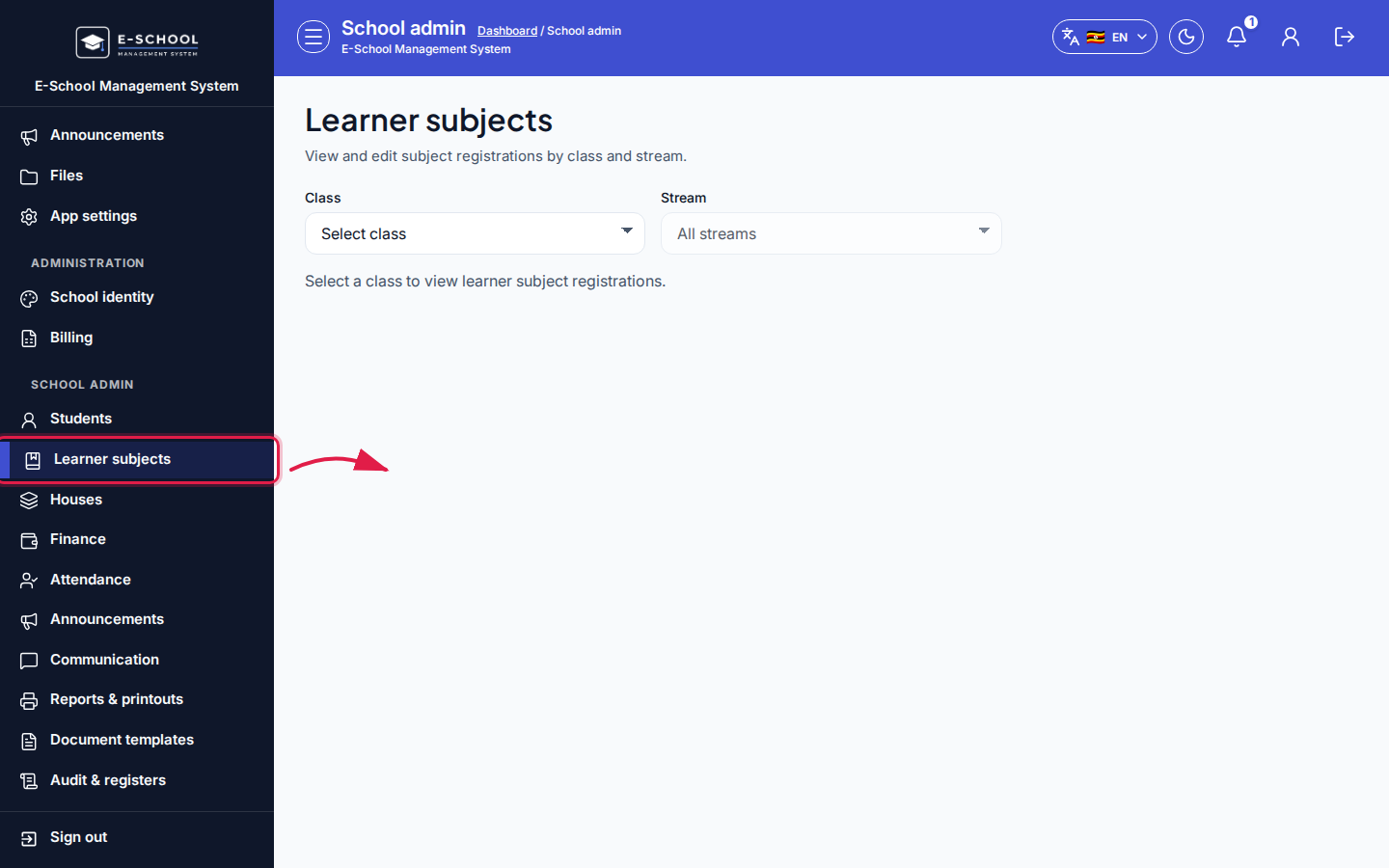 Desktop - focus for step 1
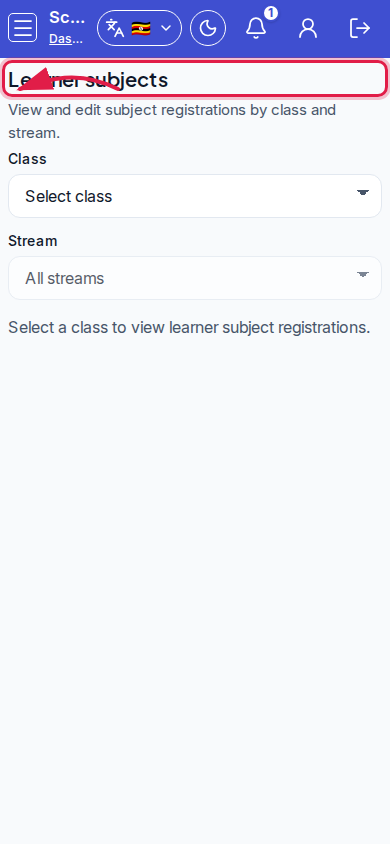 Mobile - focus for step 1
- Select class, then stream (All streams or a specific stream).
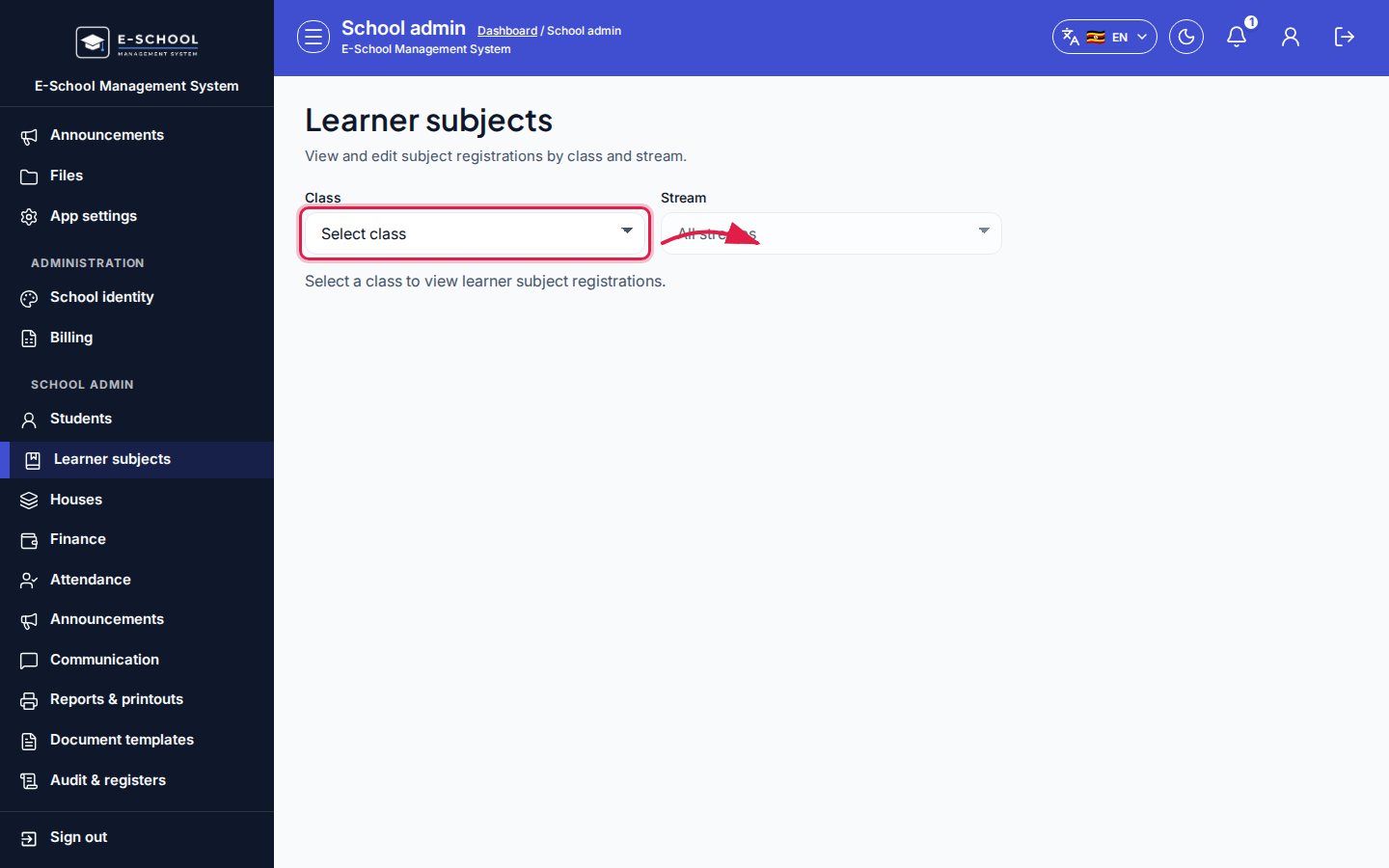 Desktop - focus for step 2
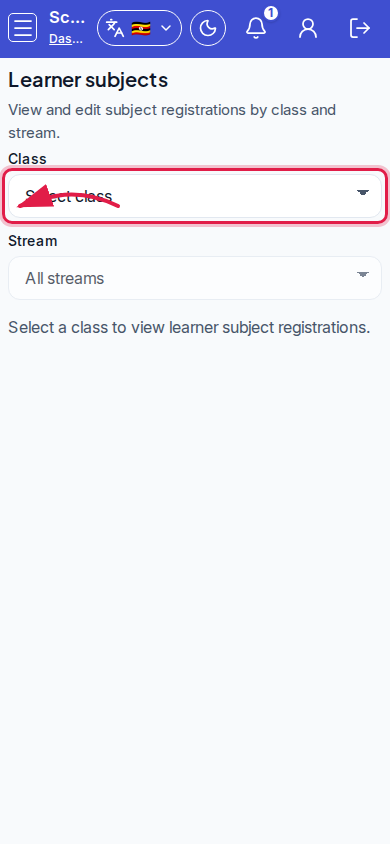 Mobile - focus for step 2
- For each learner row, tick or untick subjects. Core Form 1/2 subjects may already be selected from admit - adjust electives carefully.
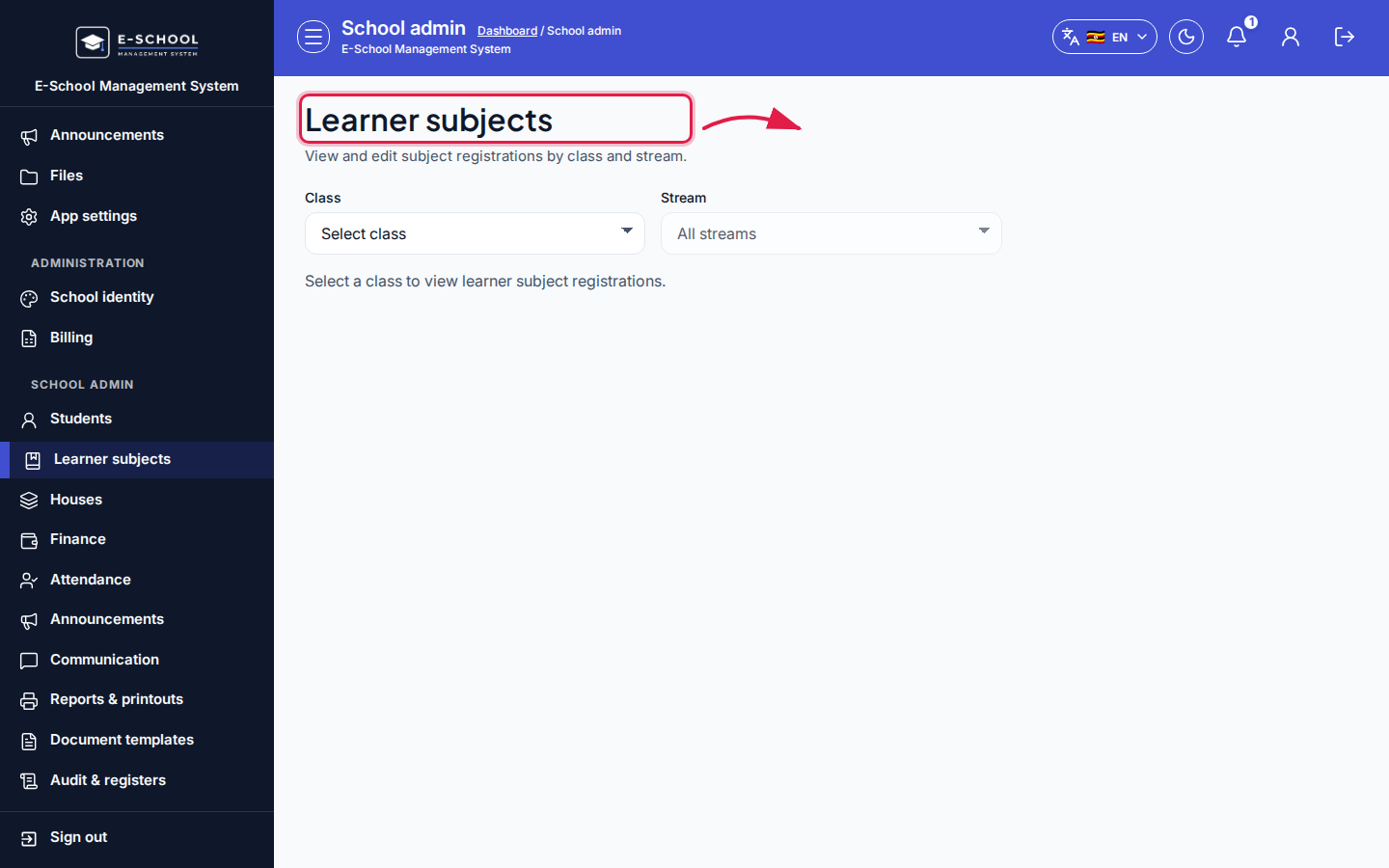 Desktop - focus for step 3
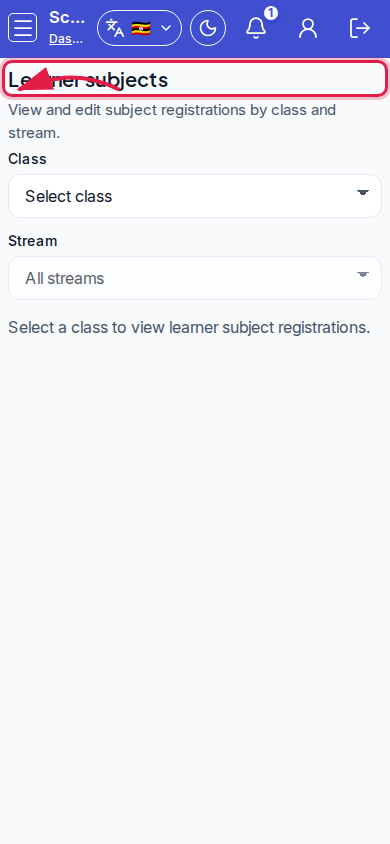 Mobile - focus for step 3
- Save subject changes and wait for the updated toast.
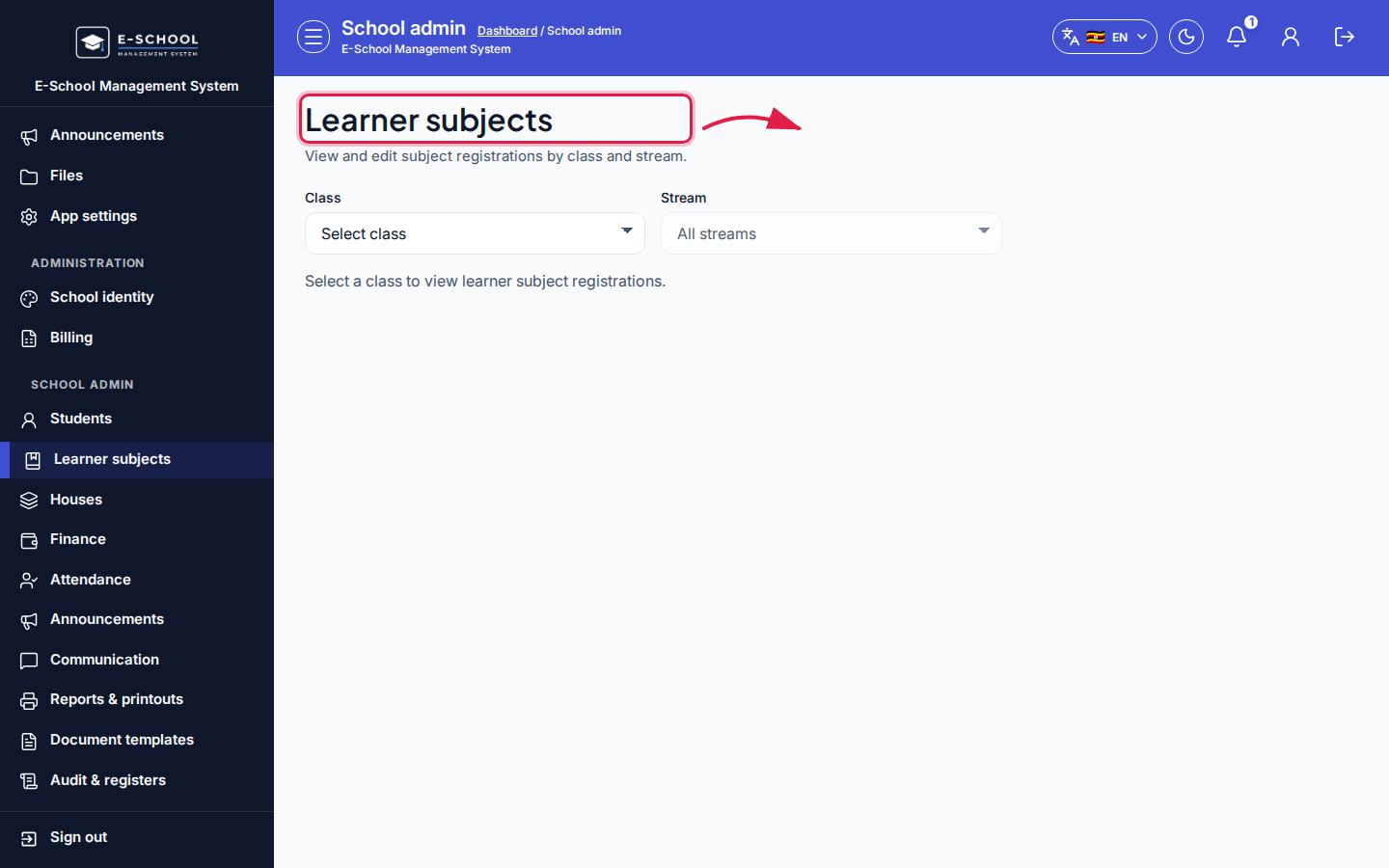 Desktop - focus for step 4
 Mobile - focus for step 4
- After bulk registration for a class, teachers can enter marks and Admin can generate Report cards.
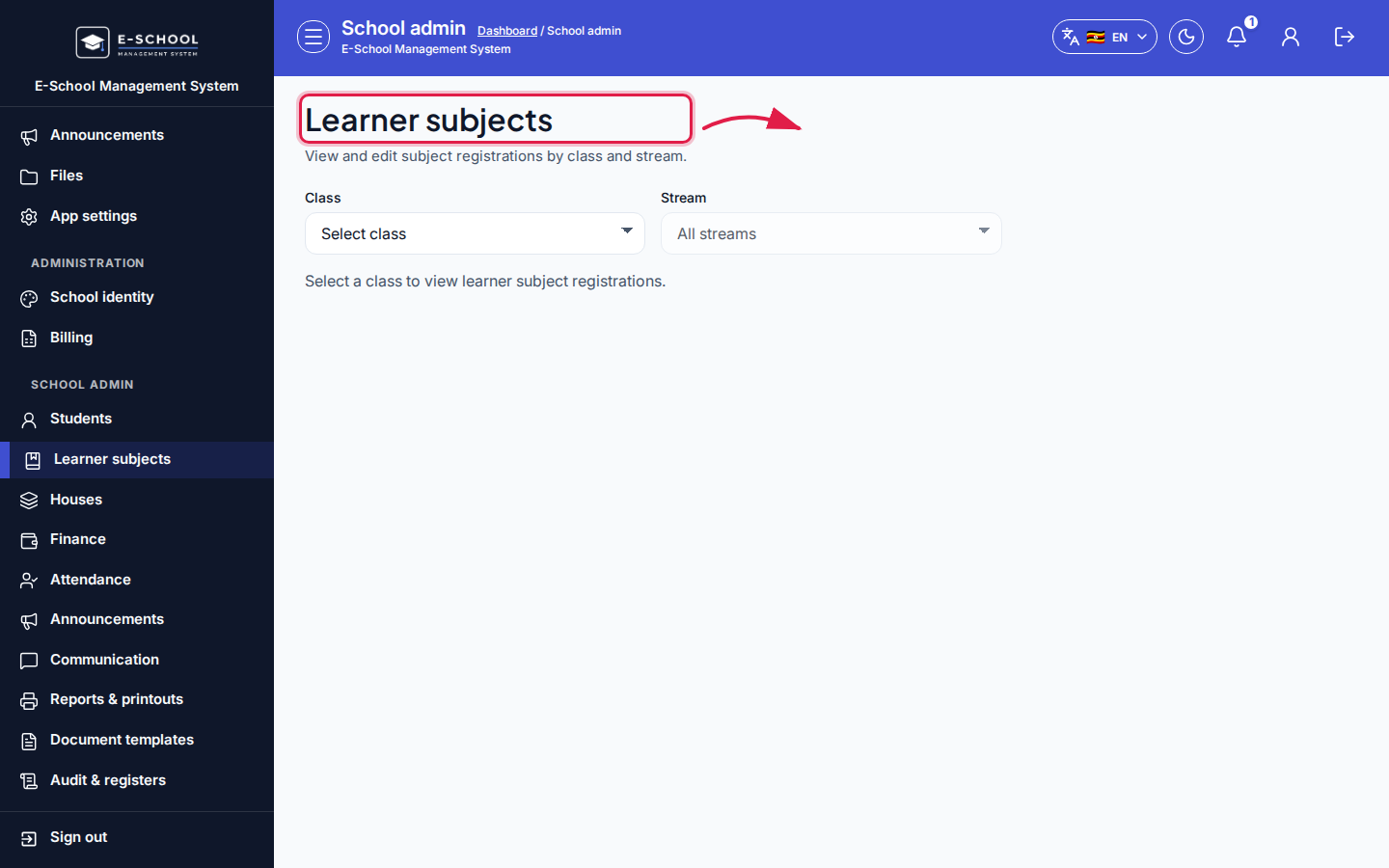 Desktop - focus for step 5
 Mobile - focus for step 5
Fields and actions
- Select class / Stream (All streams)
- Columns: ID, Name, Action (subject checkboxes)
- Save subject changes
- Empty state when no active learners in the class/stream
Common mistakes
- Unselecting a subject after marks exist (caution: can lose term subject marks)
- Leaving electives blank then wondering why report cards look empty
- Editing the wrong stream after a class move
- Expecting admit alone to cover every optional subject