Houses
Maintain house names used on residence fields, allocation, and report cards.
Who can use this
- ADMIN
Path
/admin/houses
Dependencies
- Houses should exist before House allocation.
- School year context comes from the Academic calendar.
Screenshot
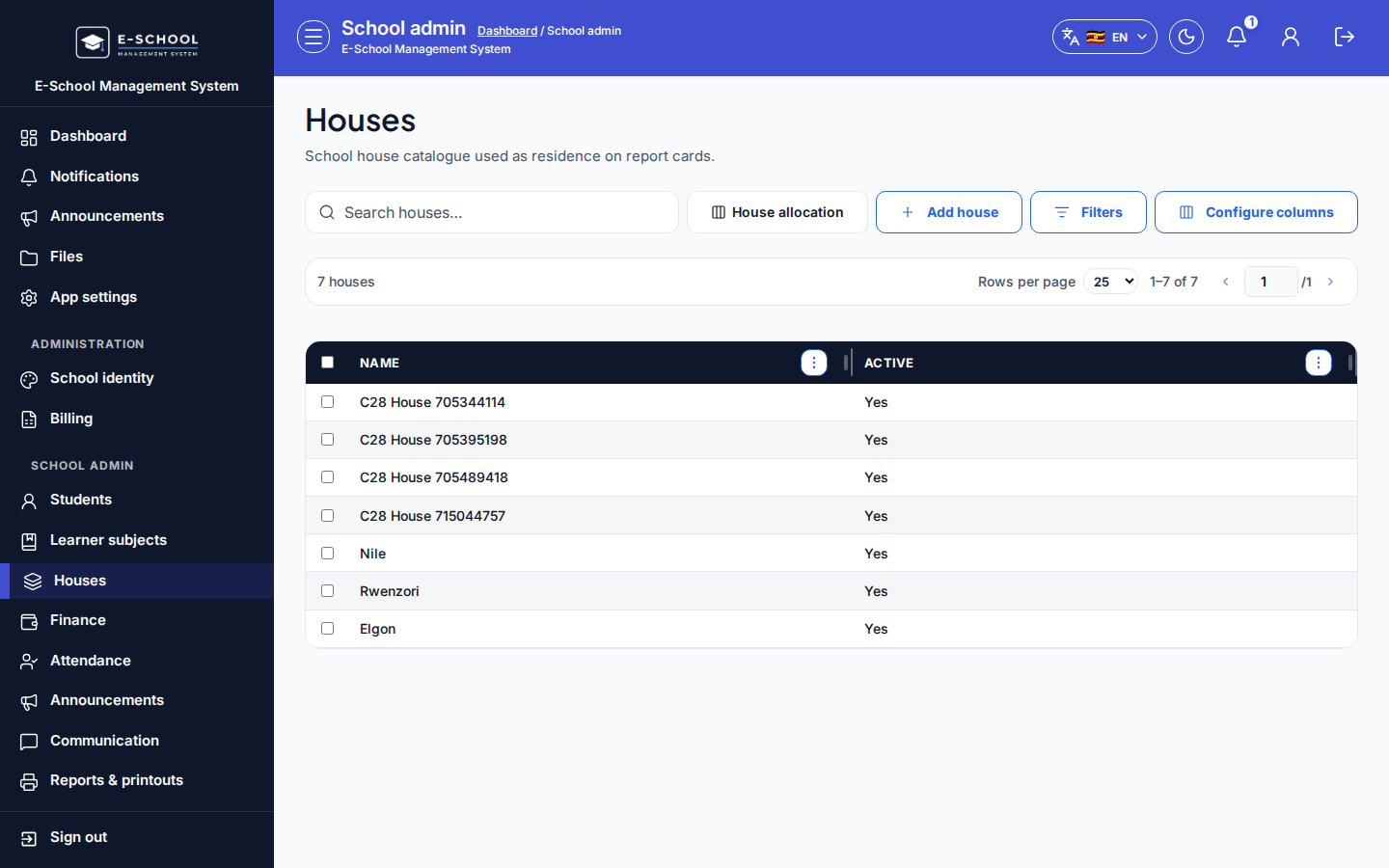
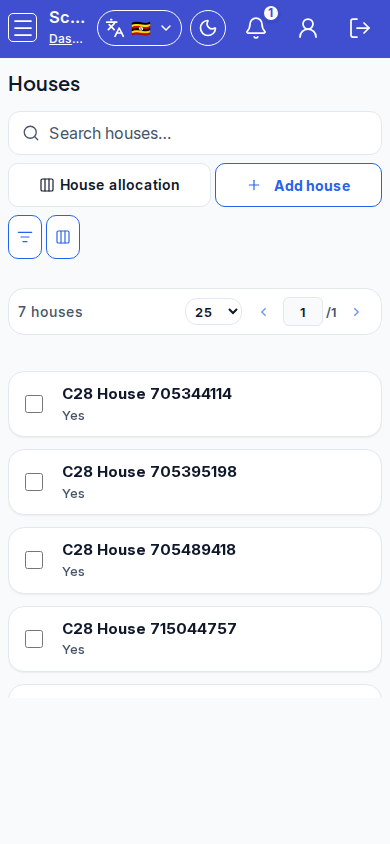
Steps
- Open Houses at
/admin/housesas ADMIN.
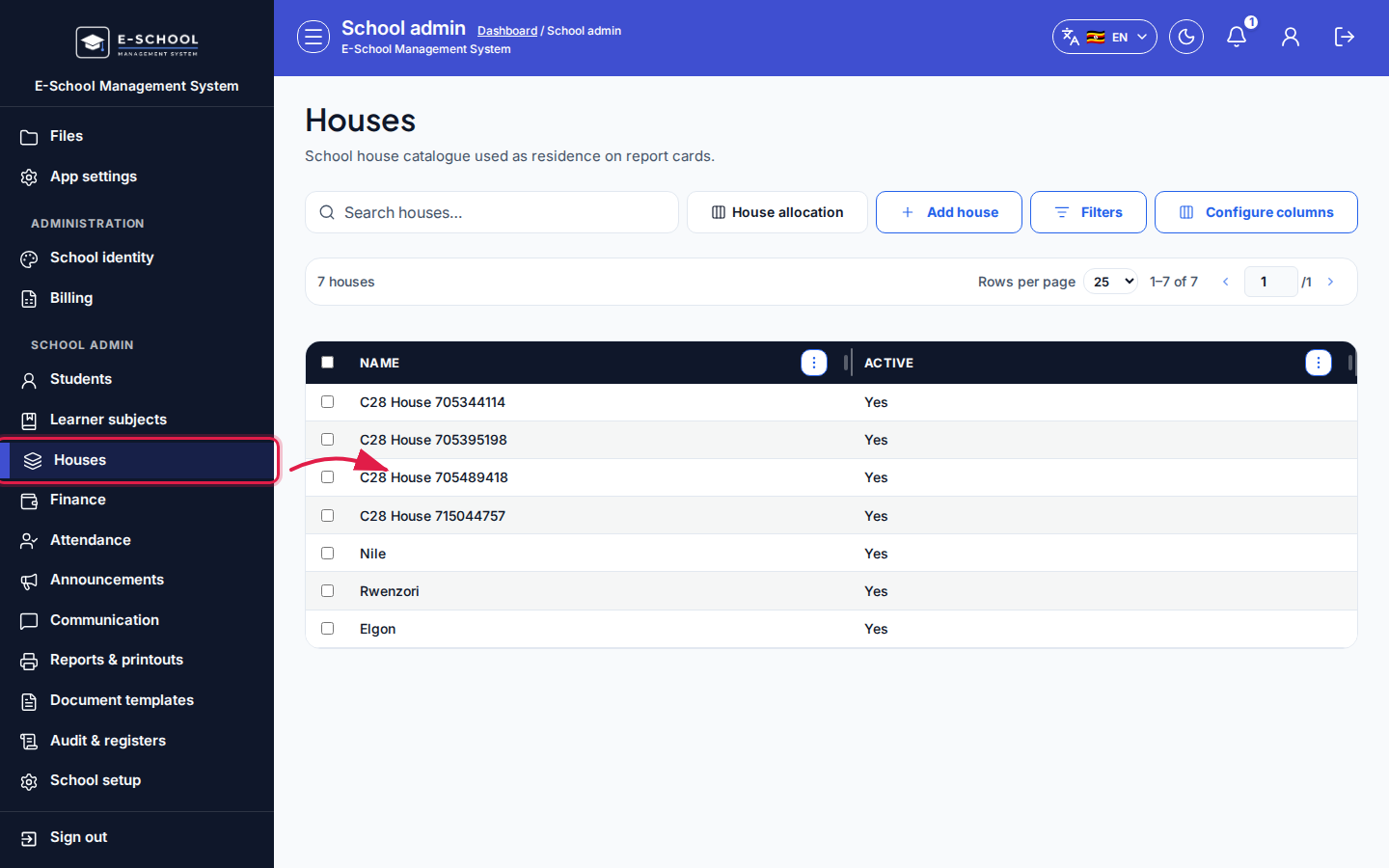 Desktop - focus for step 1
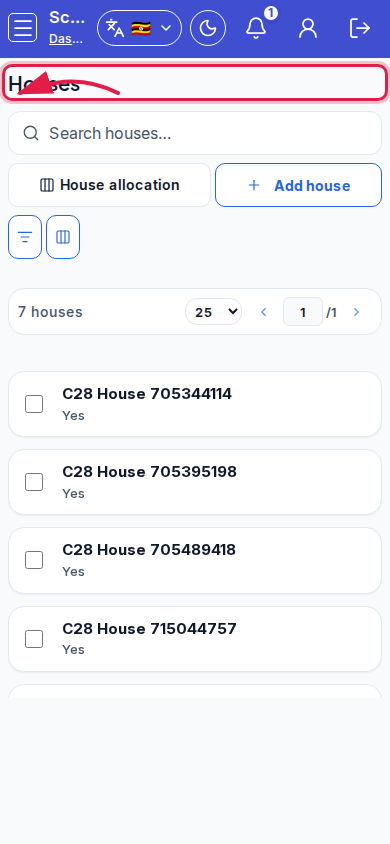 Mobile - focus for step 1
- Click Add house, enter Name, then Save.
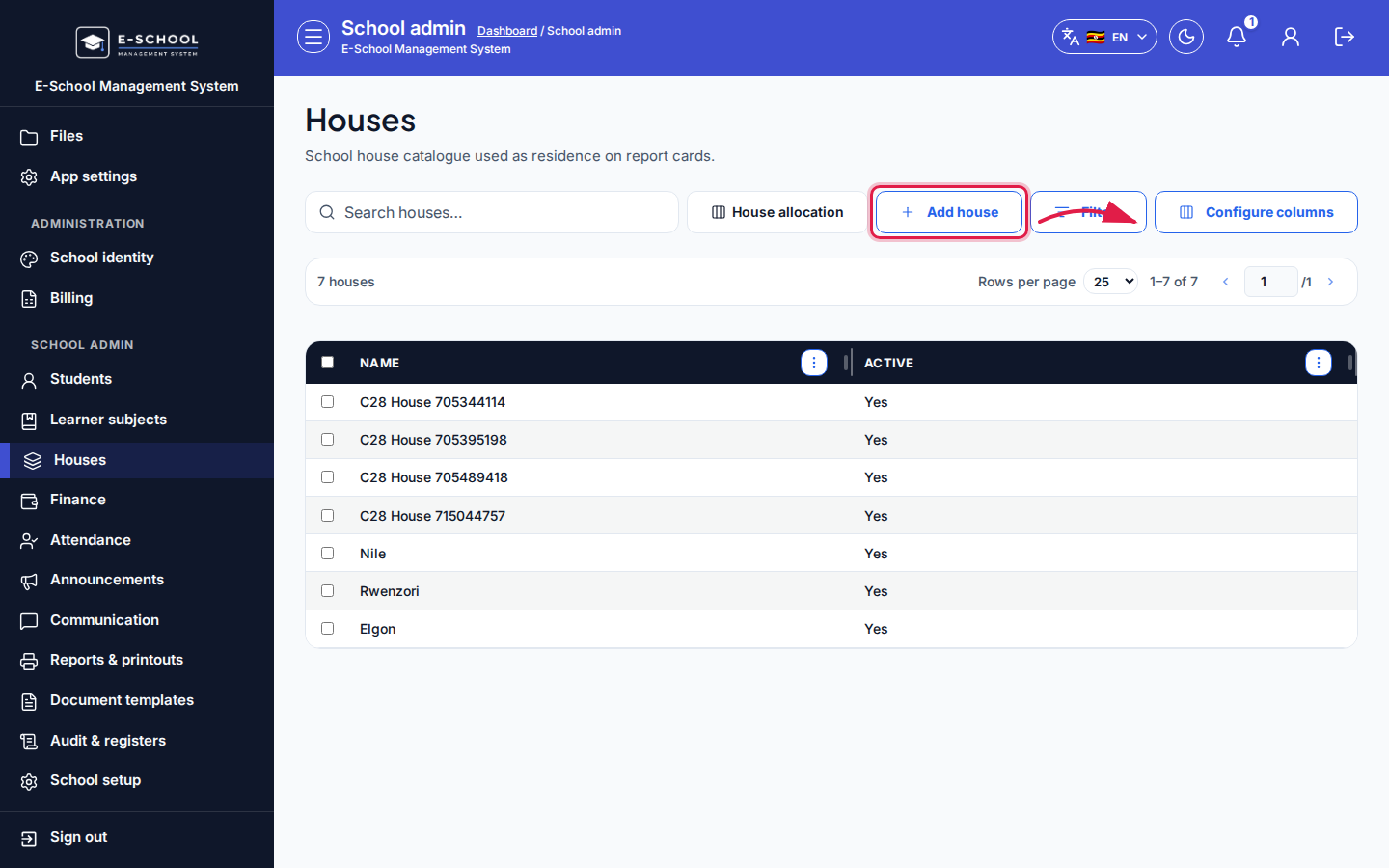 Desktop - focus for step 2
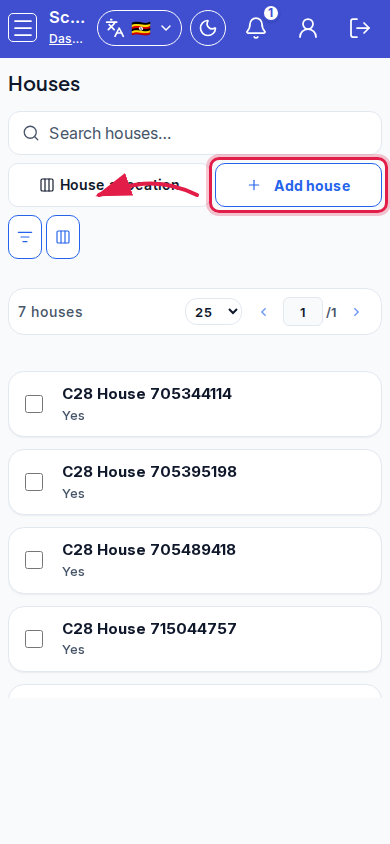 Mobile - focus for step 2
- Select a row to Edit, Deactivate, or Delete (only when unused).
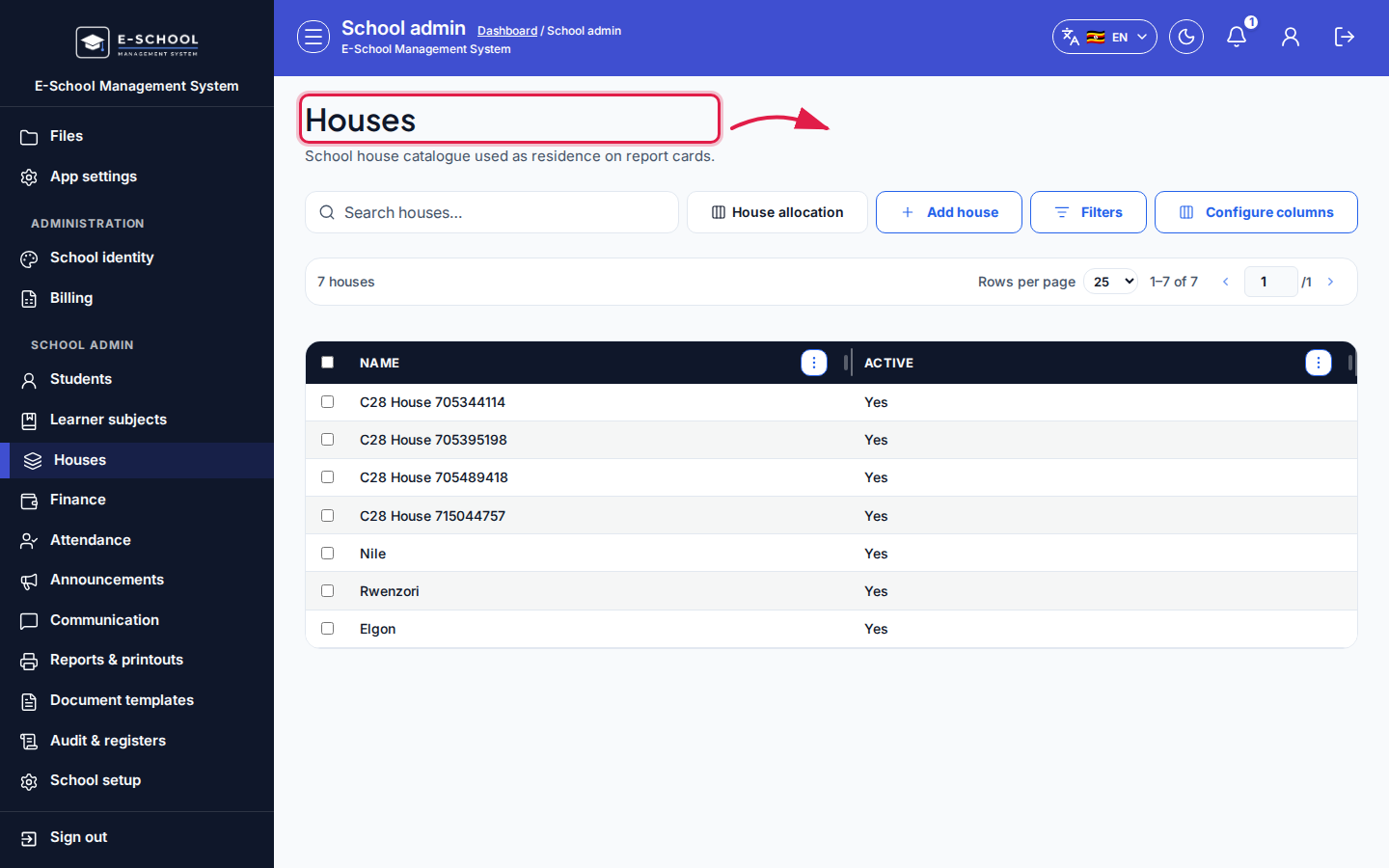 Desktop - focus for step 3
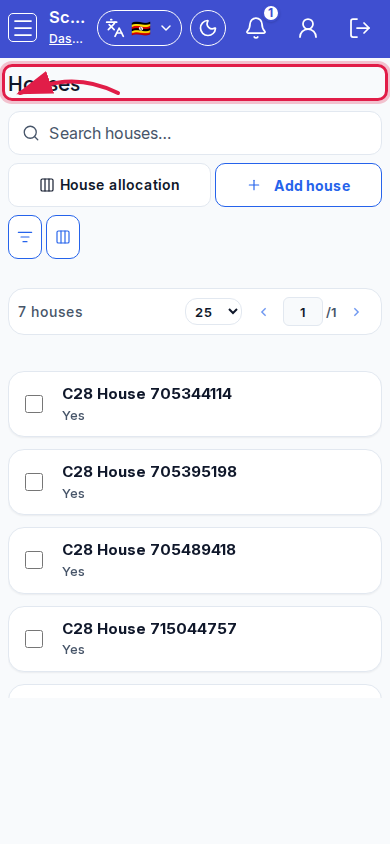 Mobile - focus for step 3
- Open House allocation from the toolbar when ready to assign learners.
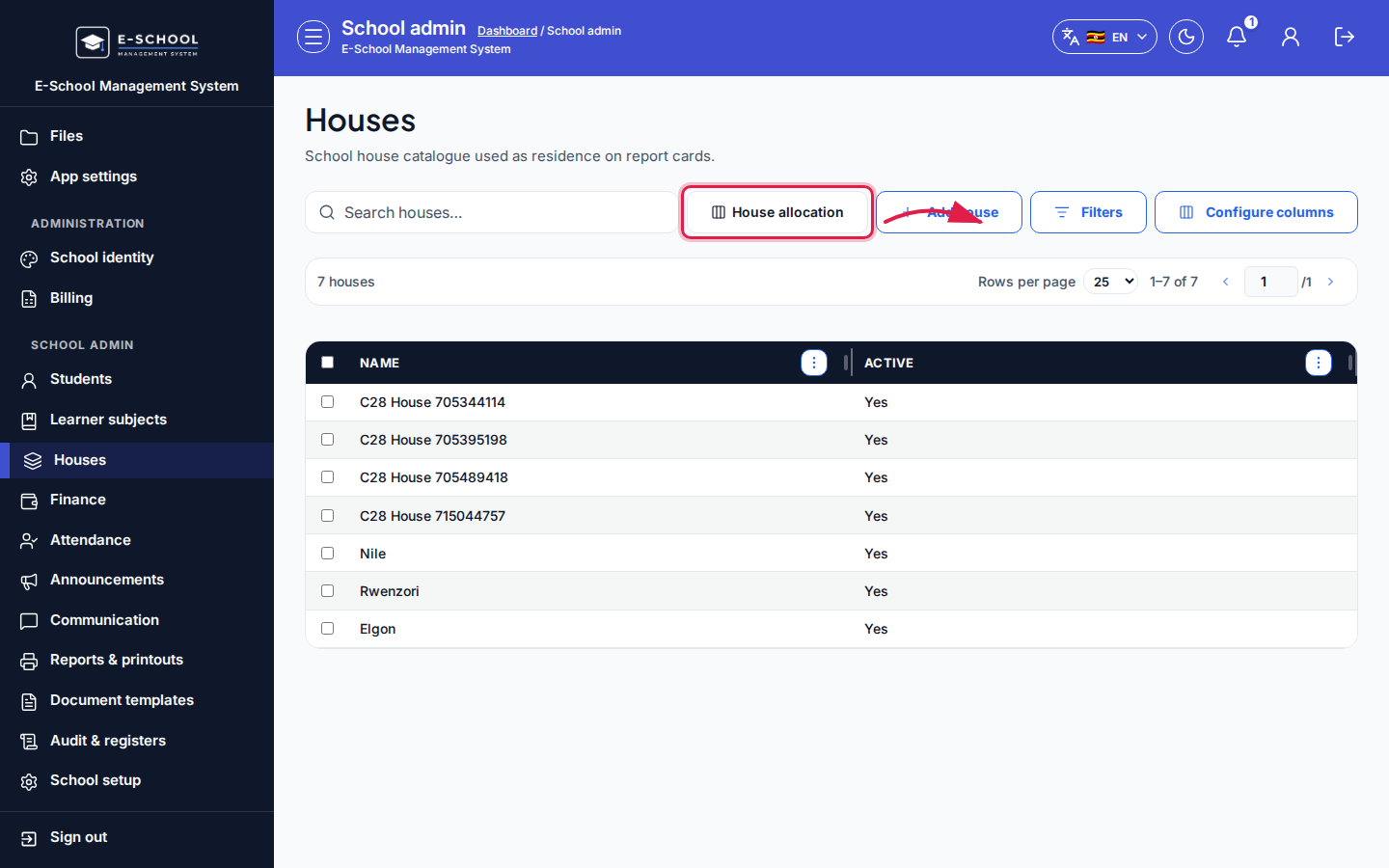 Desktop - focus for step 4
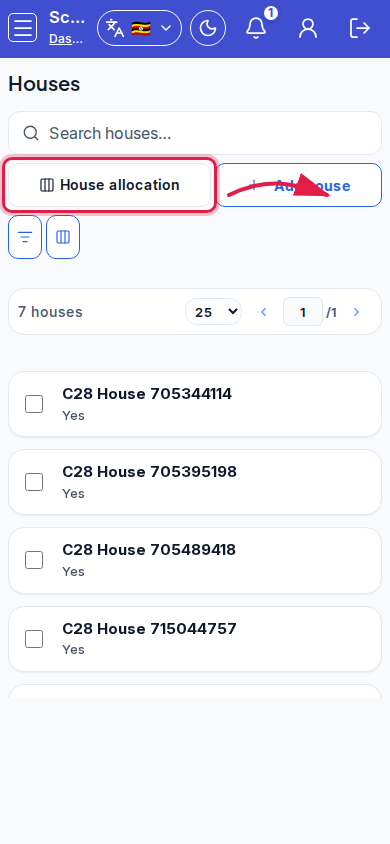 Mobile - focus for step 4
- Search houses before adding a near-duplicate name.
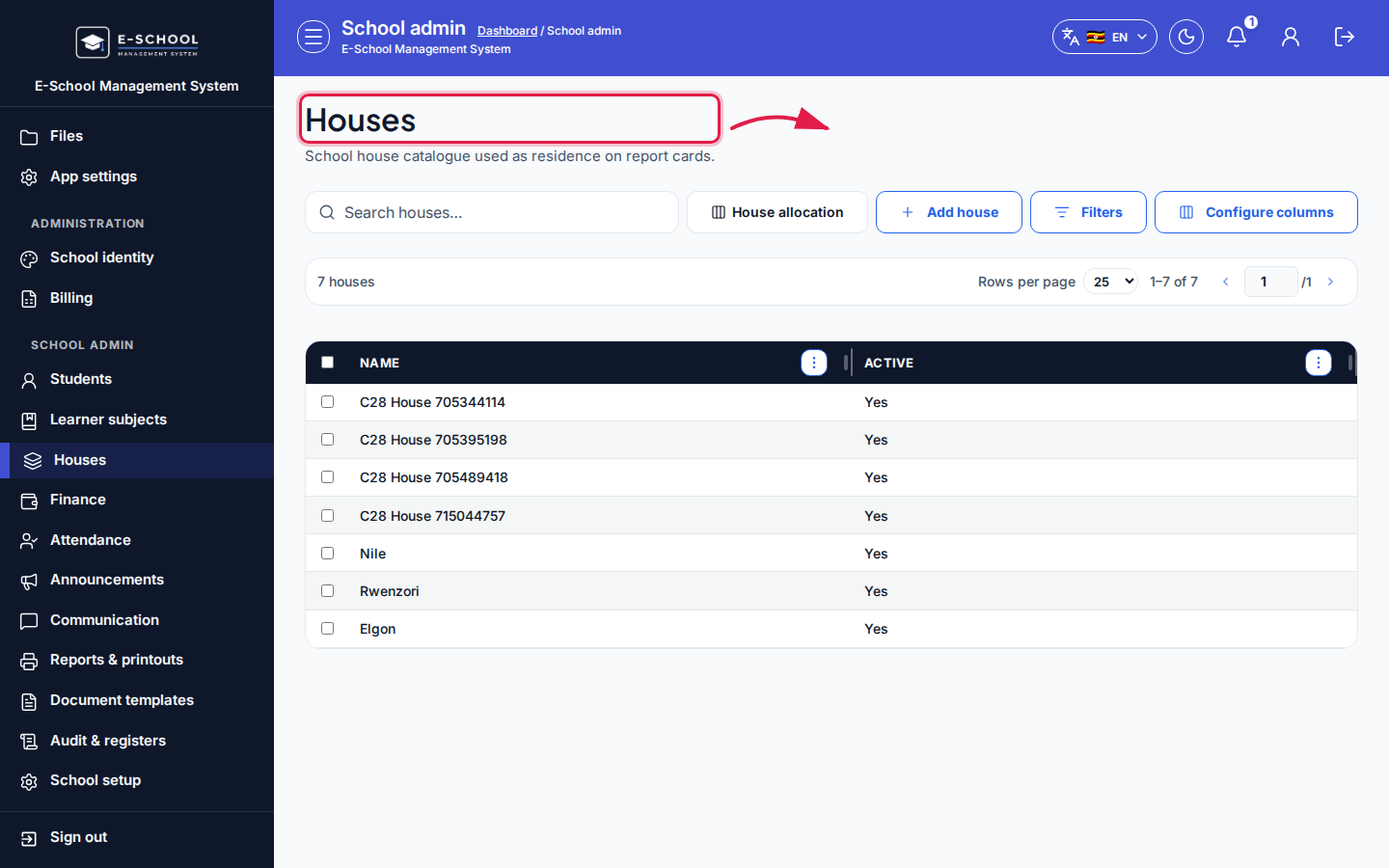 Desktop - focus for step 5
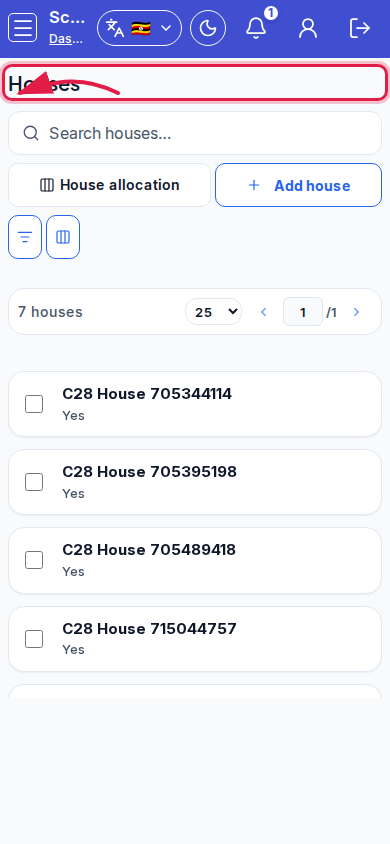 Mobile - focus for step 5
Fields and actions
- Add house / Edit / Deactivate / Delete
- House allocation (link)
- Columns: Name, Active
- Search / Configure columns
Common mistakes
- Allocating learners before houses are created
- Deleting a house still shown on report cards
- Using Deactivate and Delete interchangeably