Stores & Budget
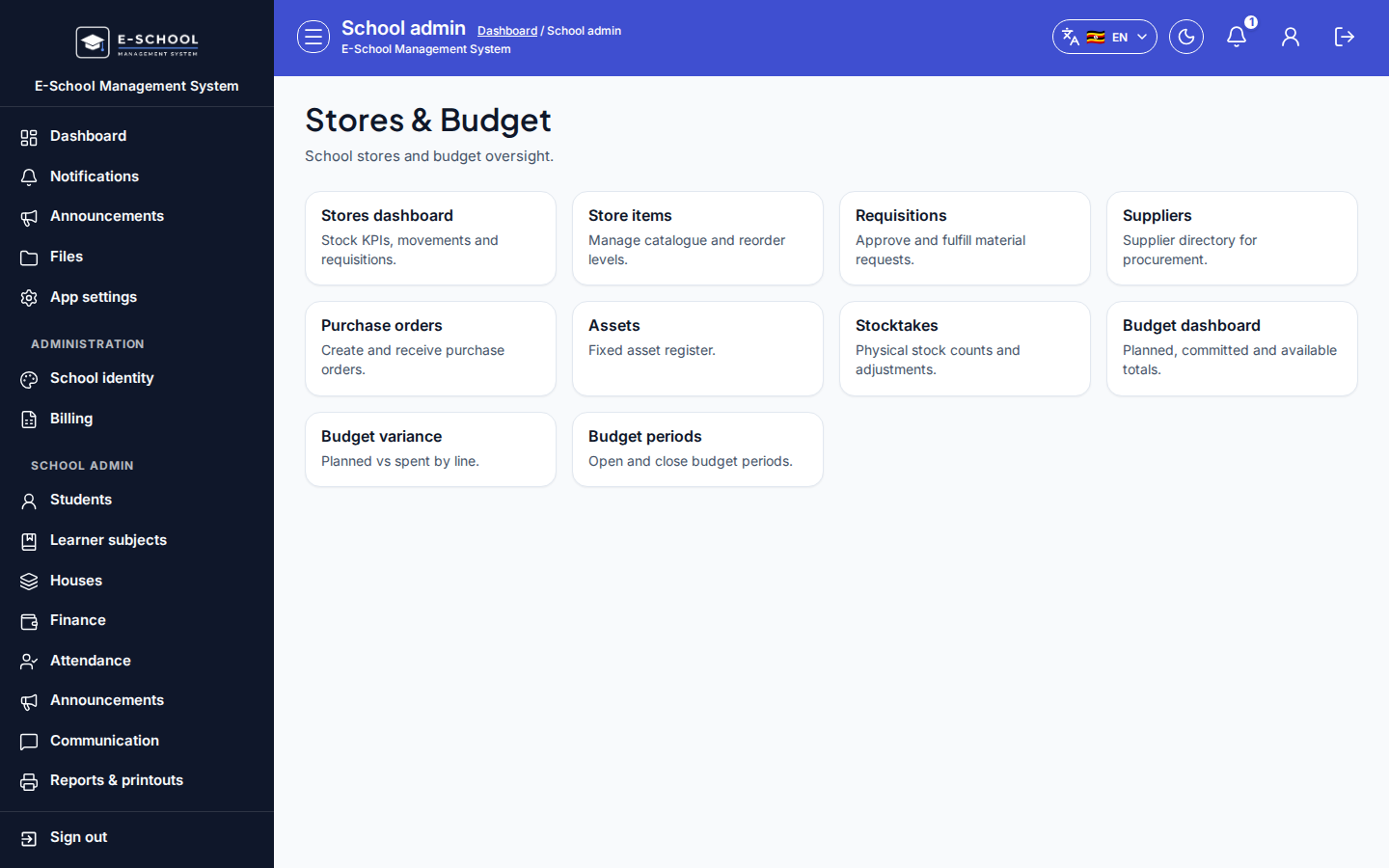
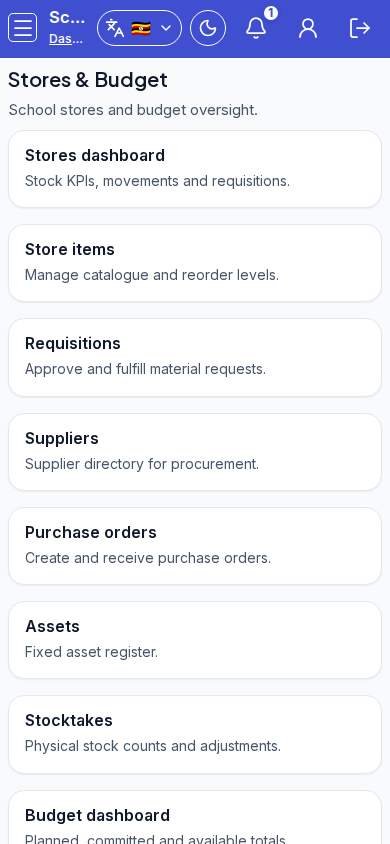
Admin hub for stores and budget modules: items, requisitions, POs, assets, stocktakes, and budget pages.
Who can use this
- ADMIN
Path
/admin/stores-budget
Dependencies
- Store items/locations before movements.
- Budget periods/lines before expenses/variance.
Screenshot
Steps
- Open Stores & Budget at
/admin/stores-budgetas ADMIN.
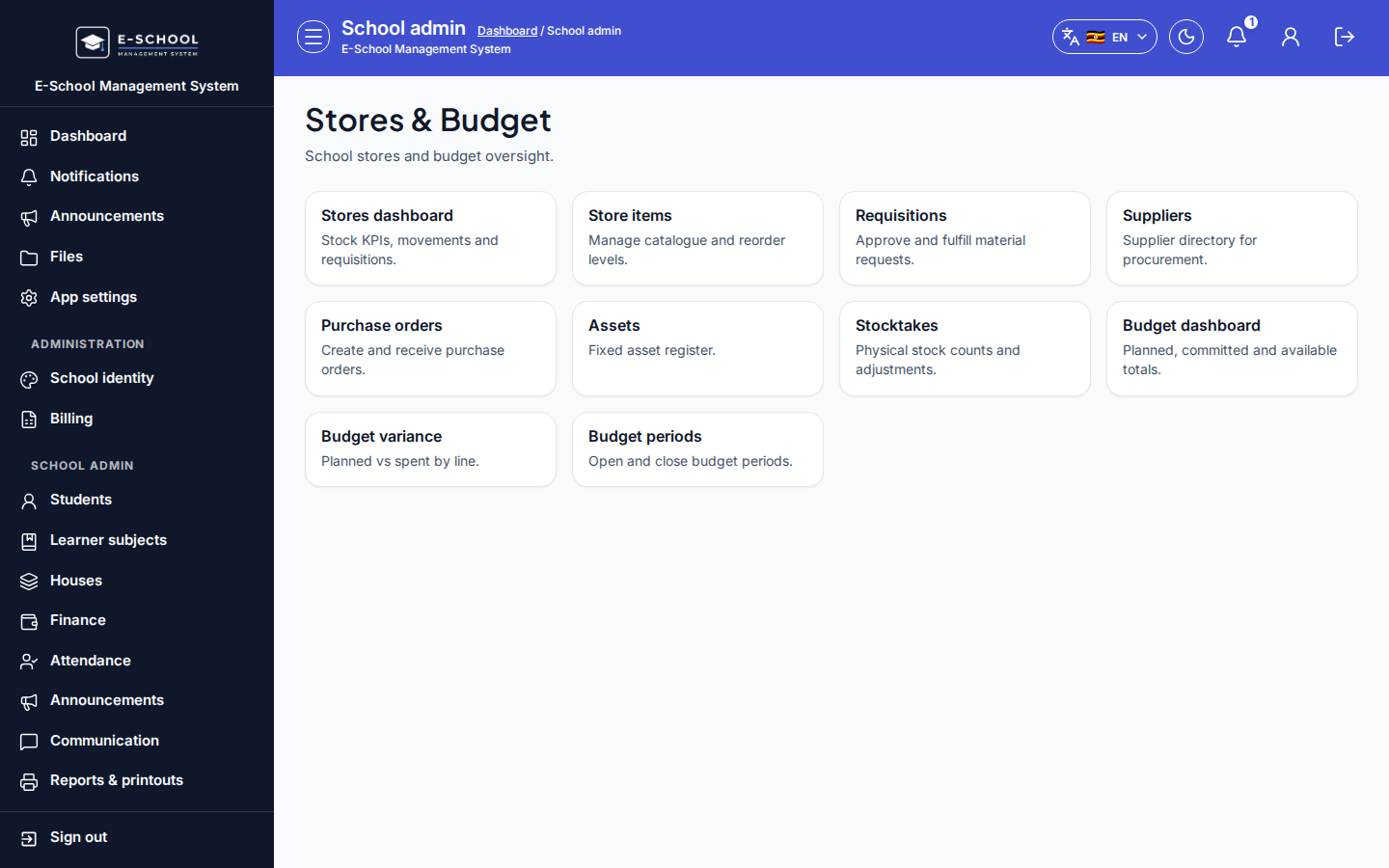 Desktop - focus for step 1
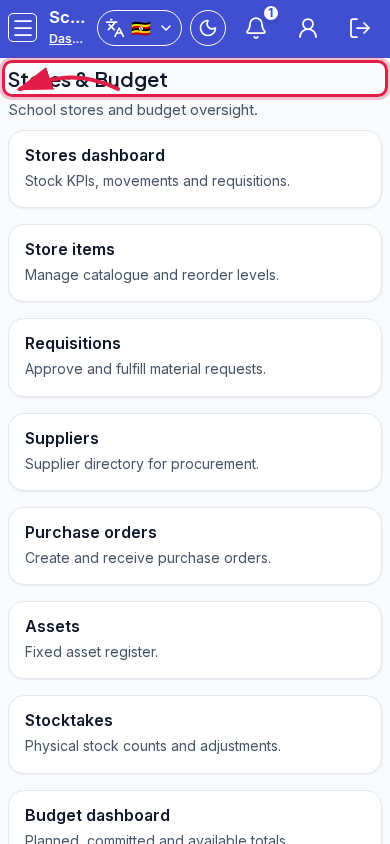 Mobile - focus for step 1
- Pick a stores link (dashboard, items, requisitions, suppliers, POs, assets, stocktakes) or budget link (dashboard, variance, periods).
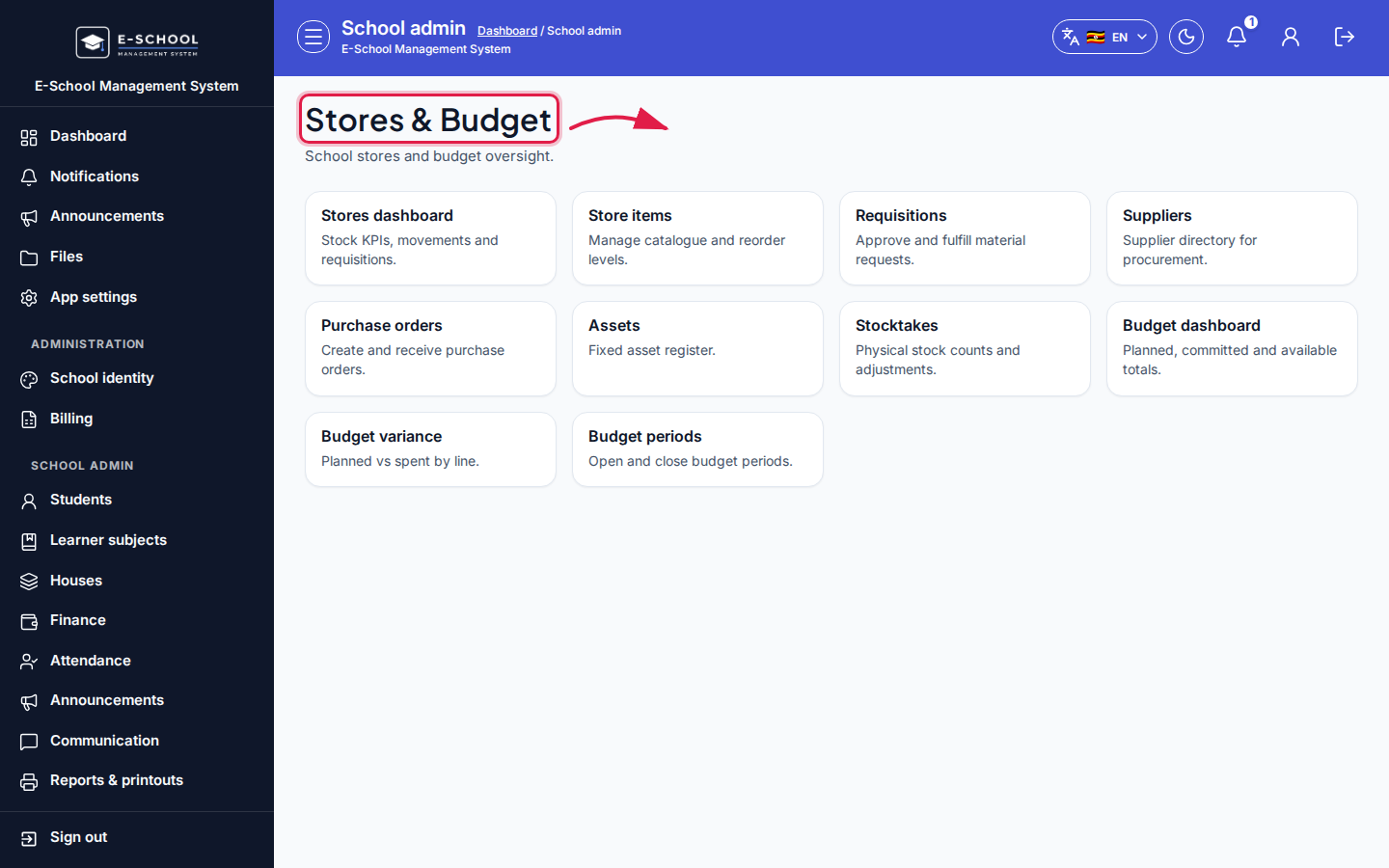 Desktop - focus for step 2
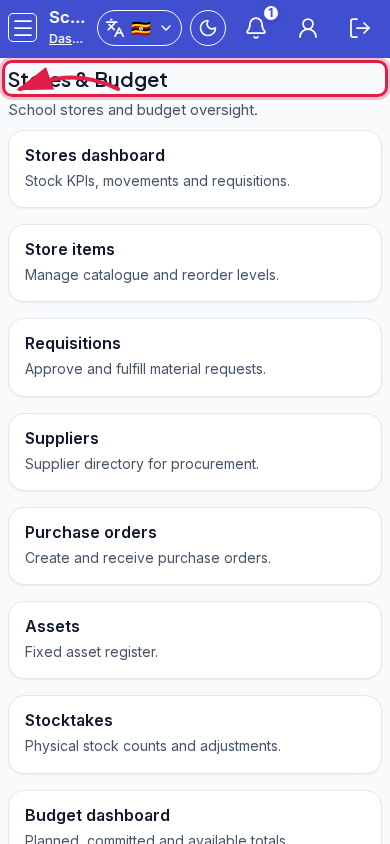 Mobile - focus for step 2
- Complete setup order: items → locations → requisitions/POs → GRN/stocktake.
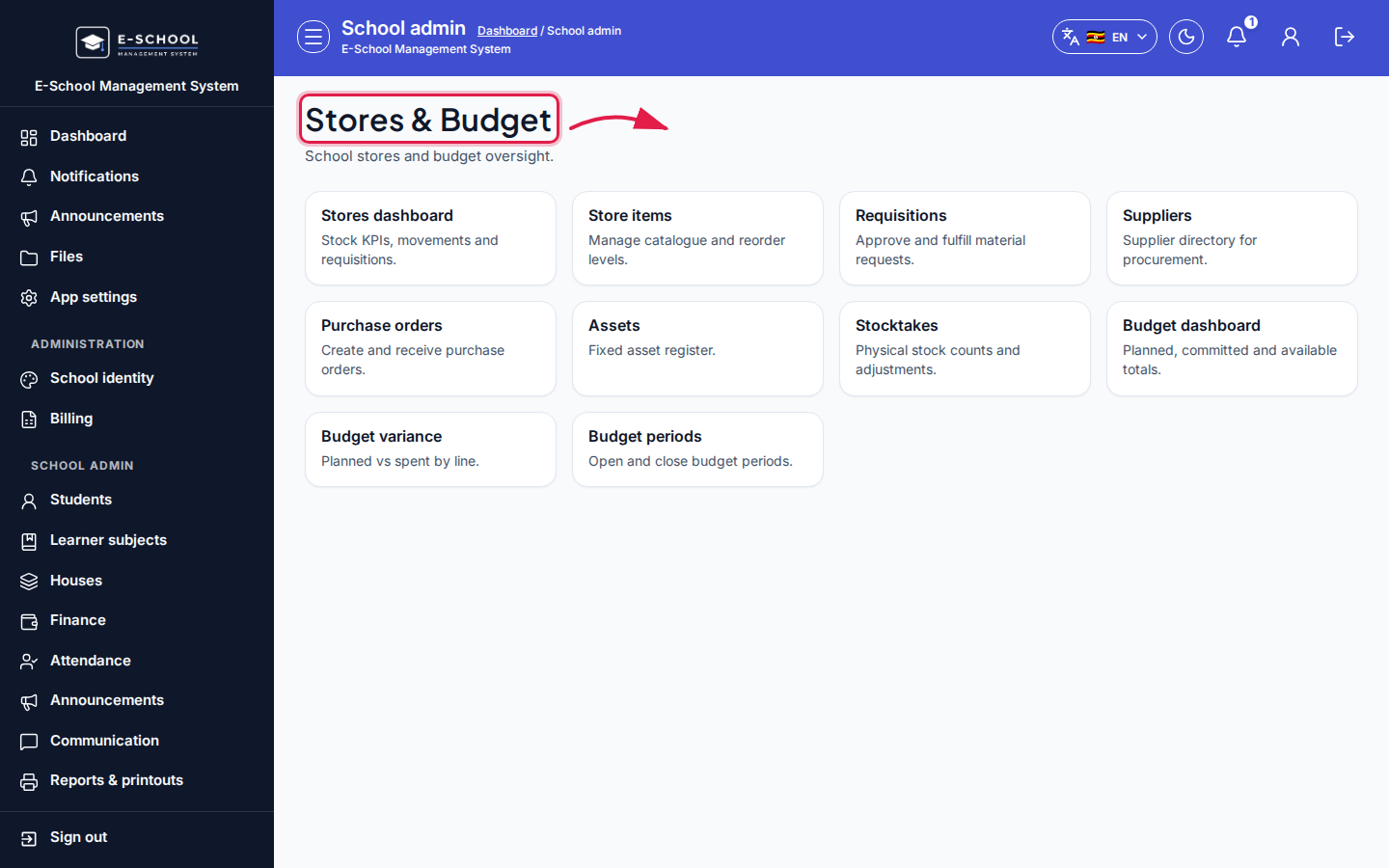 Desktop - focus for step 3
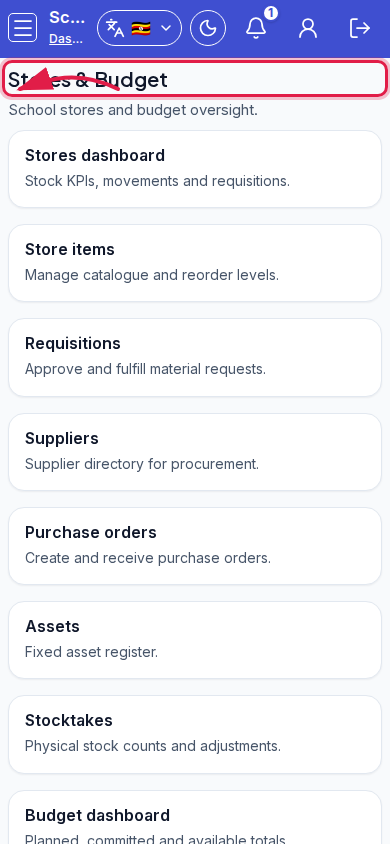 Mobile - focus for step 3
- For budget: periods → lines → expenses → variance.
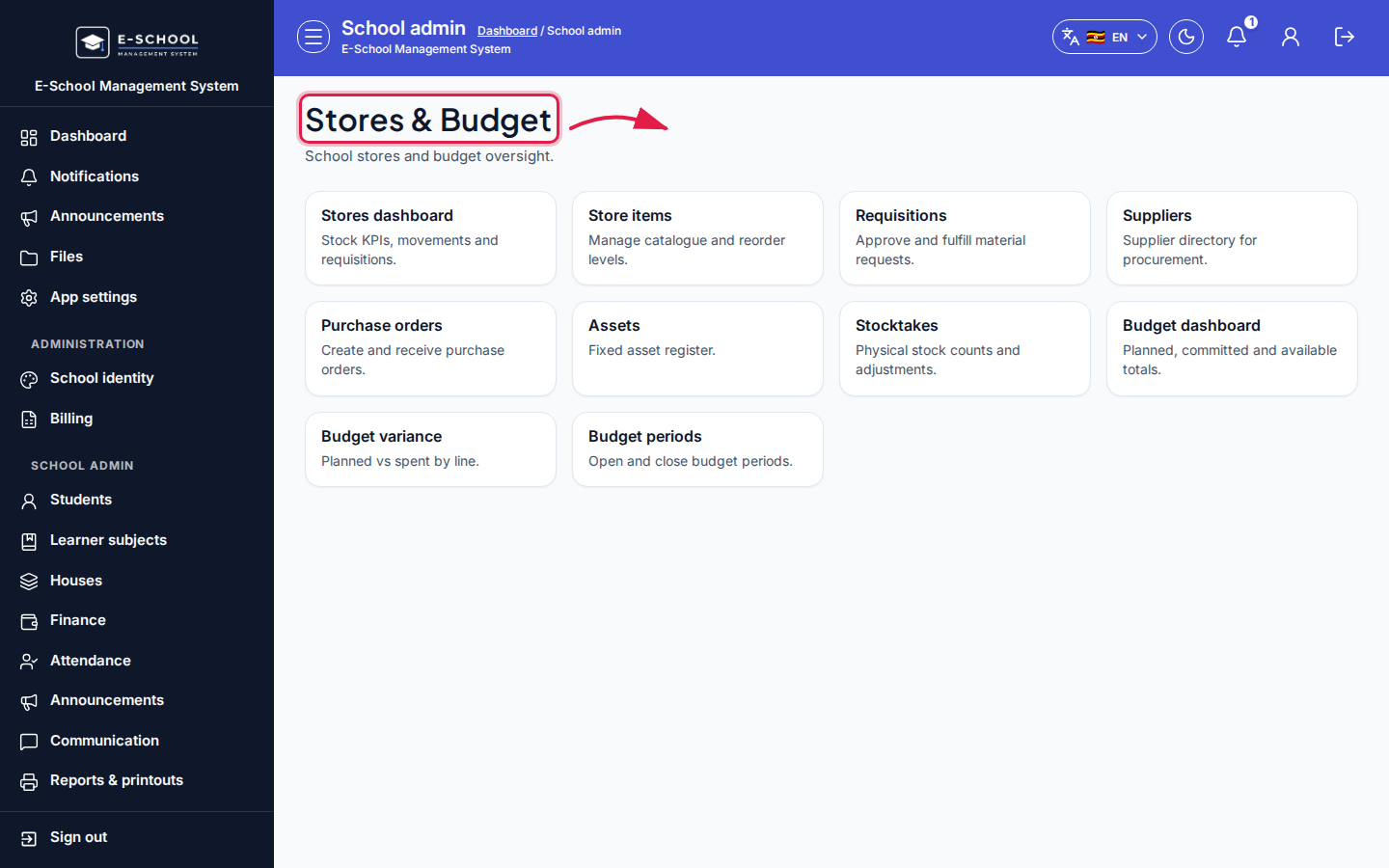 Desktop - focus for step 4
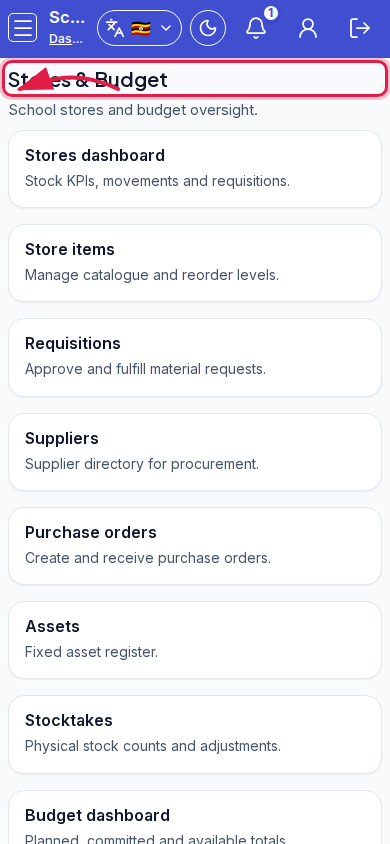 Mobile - focus for step 4
- Teachers request materials from their portal - approve via requisitions.
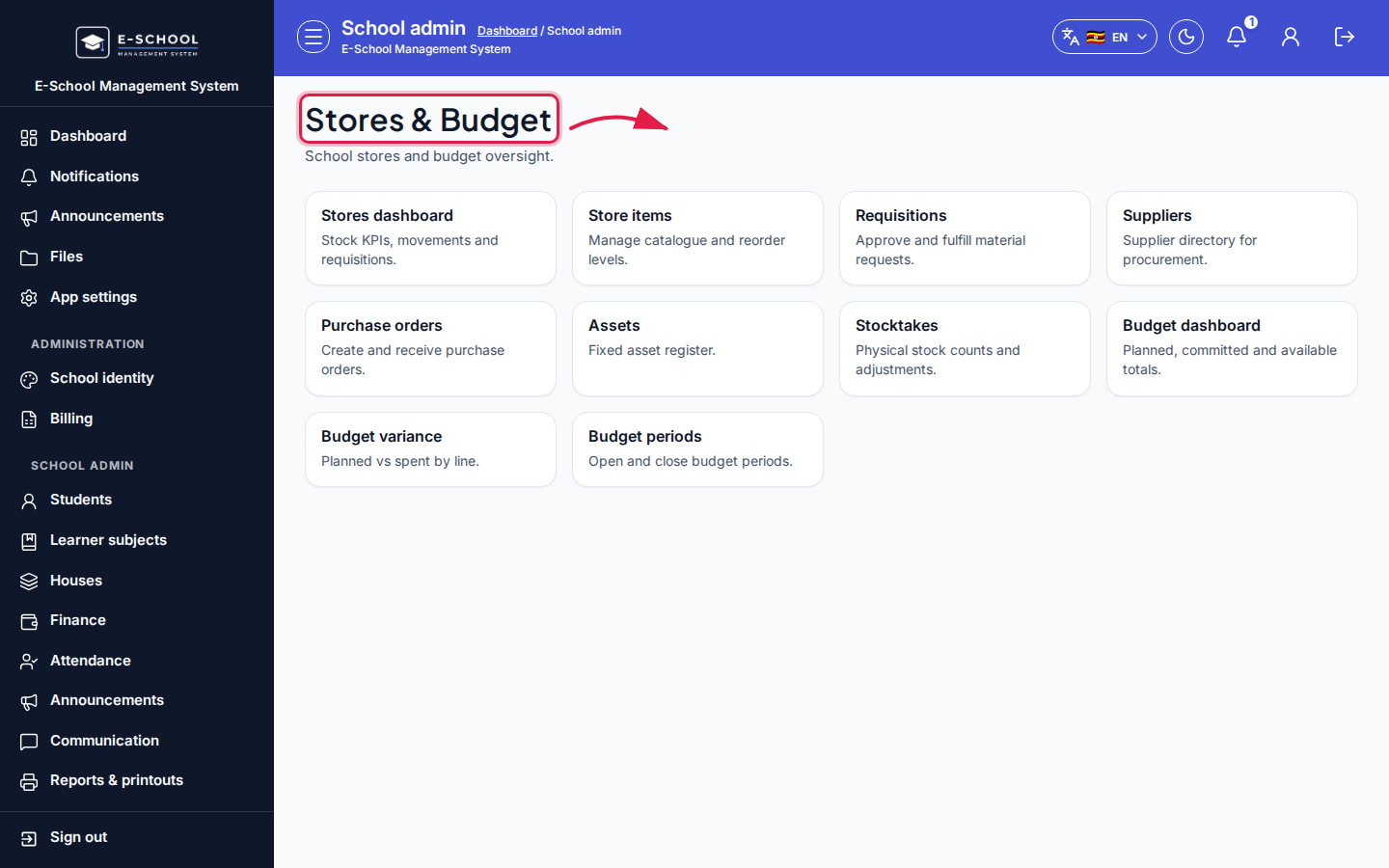 Desktop - focus for step 5
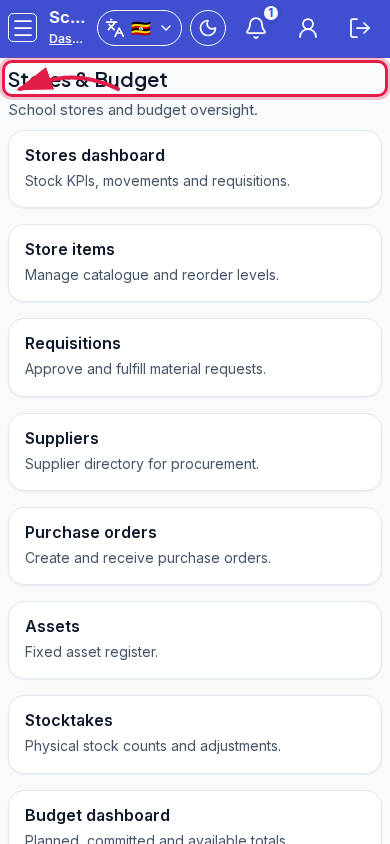 Mobile - focus for step 5
Fields and actions
- Hub links: Stores dashboard, Store items, Requisitions, Suppliers, Purchase orders, Assets, Stocktakes, Budget dashboard, Budget variance, Budget periods
Common mistakes
- Opening variance before periods/lines exist
- Approving POs for unknown SKUs