Request materials
Teacher material requisition: template download/upload or on-screen lines, then create & submit.
Who can use this
- TEACHER
- ADMIN
- SECRETARY
Path
/teacher/request-materials
Dependencies
- Store items catalogue exists.
- Cost center/note help finance route the request.
Screenshot
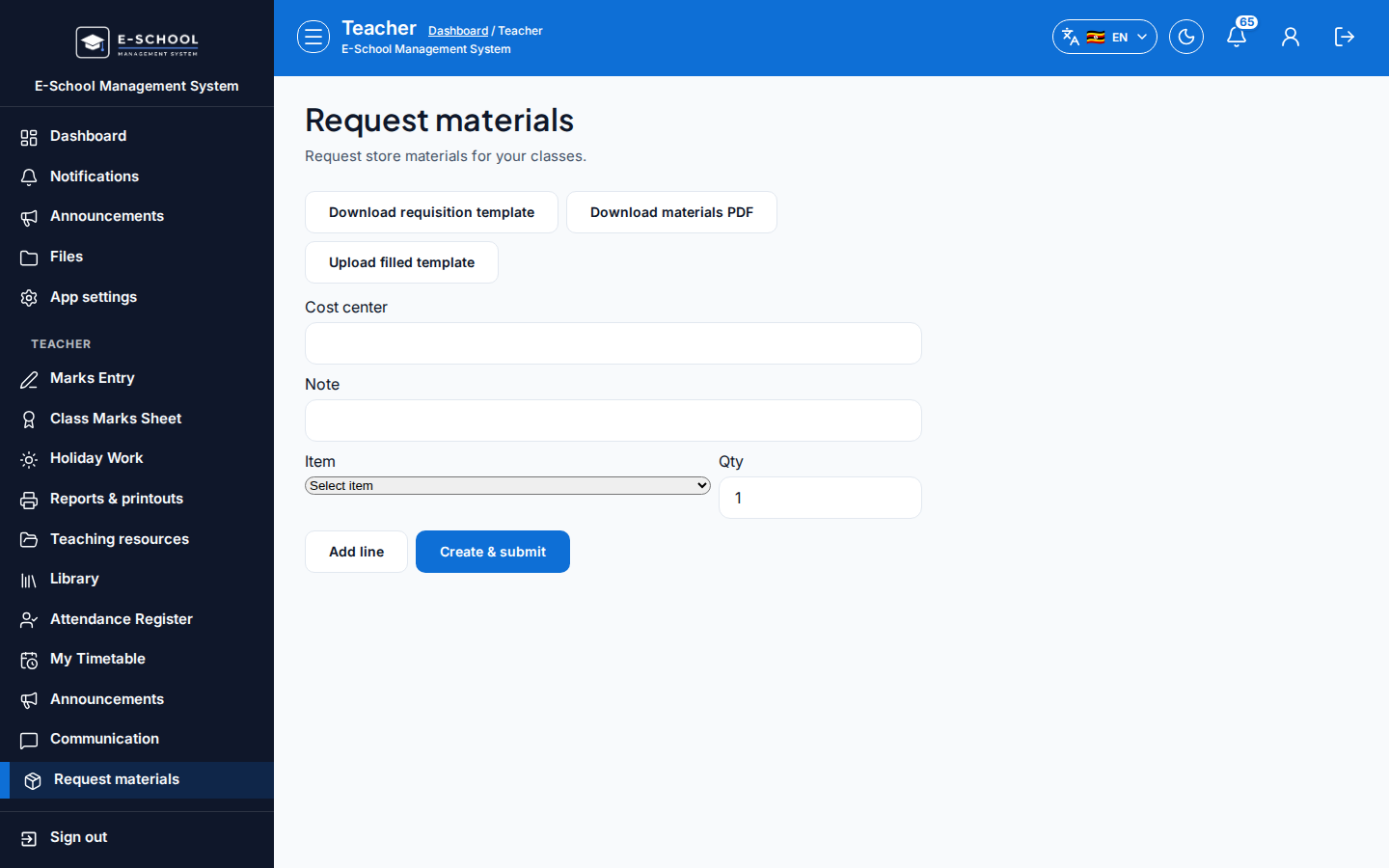
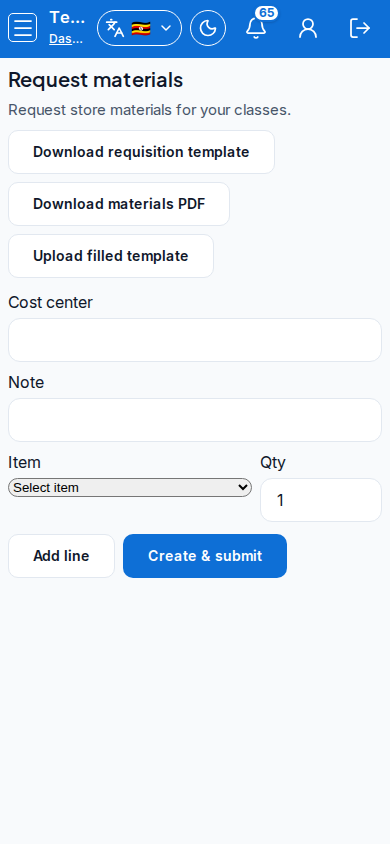
Steps
- Open Request materials at
/teacher/request-materialsas TEACHER.
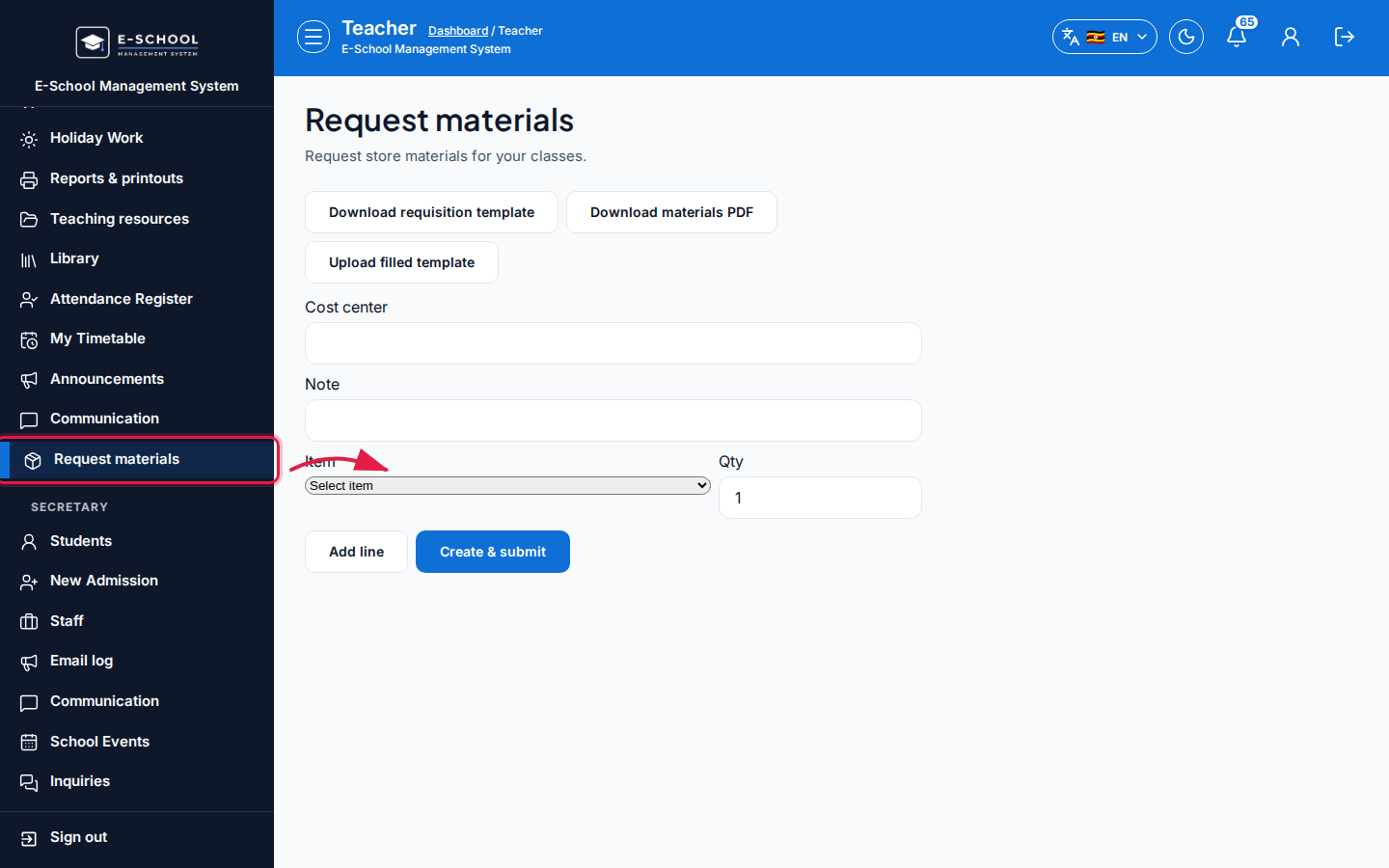 Desktop - focus for step 1
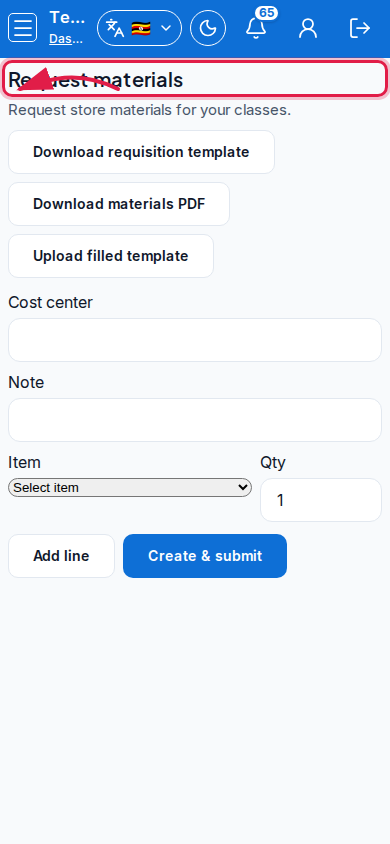 Mobile - focus for step 1
- Optionally Download requisition template / Download materials PDF, fill offline, then Upload filled template (see How to fill the requisition template).
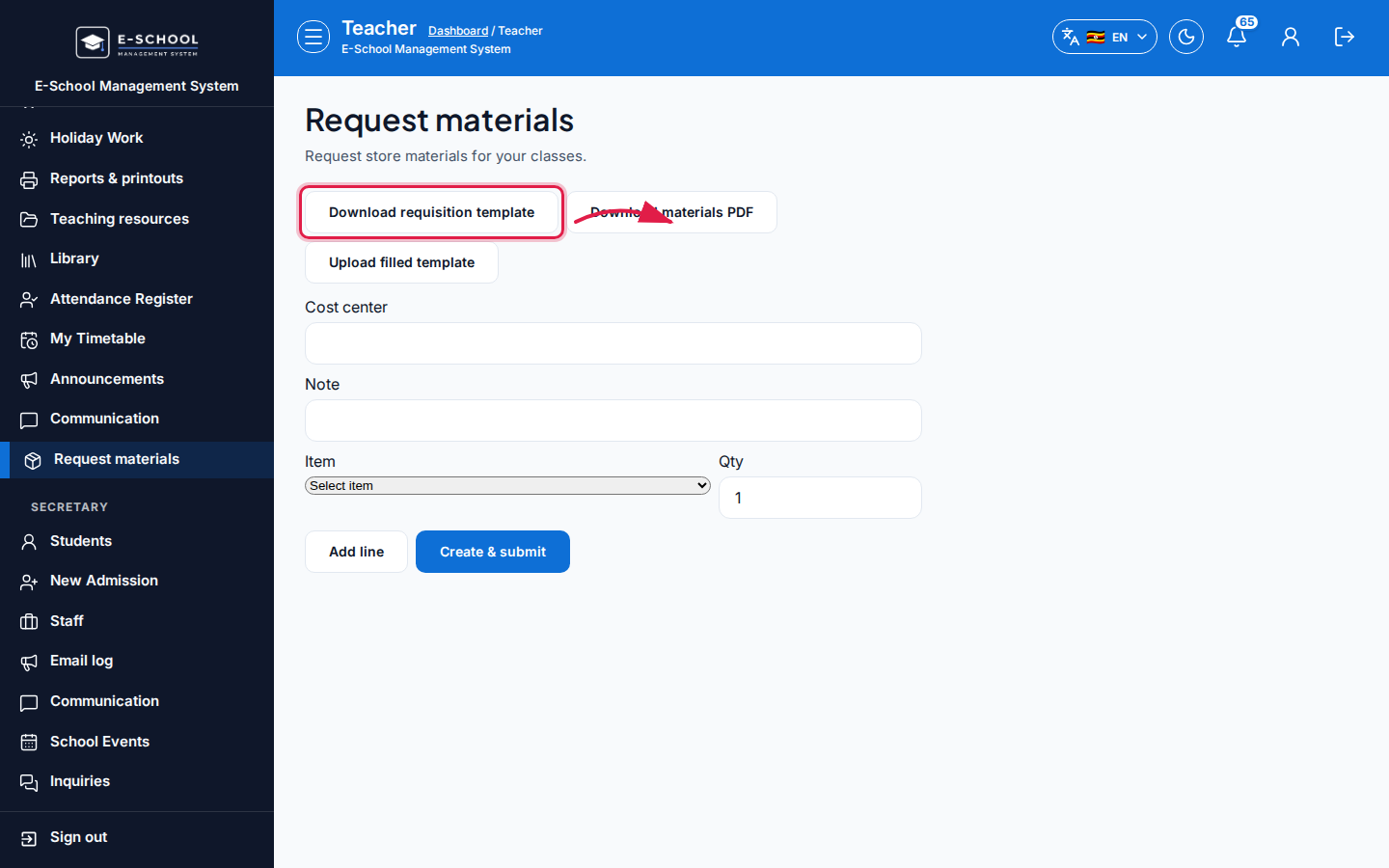 Desktop - focus for step 2
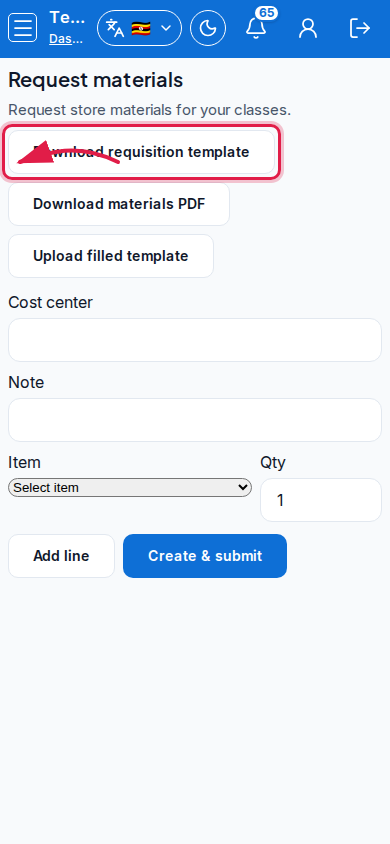 Mobile - focus for step 2
- Or Add line: select Item, Qty; set Cost center and Note.
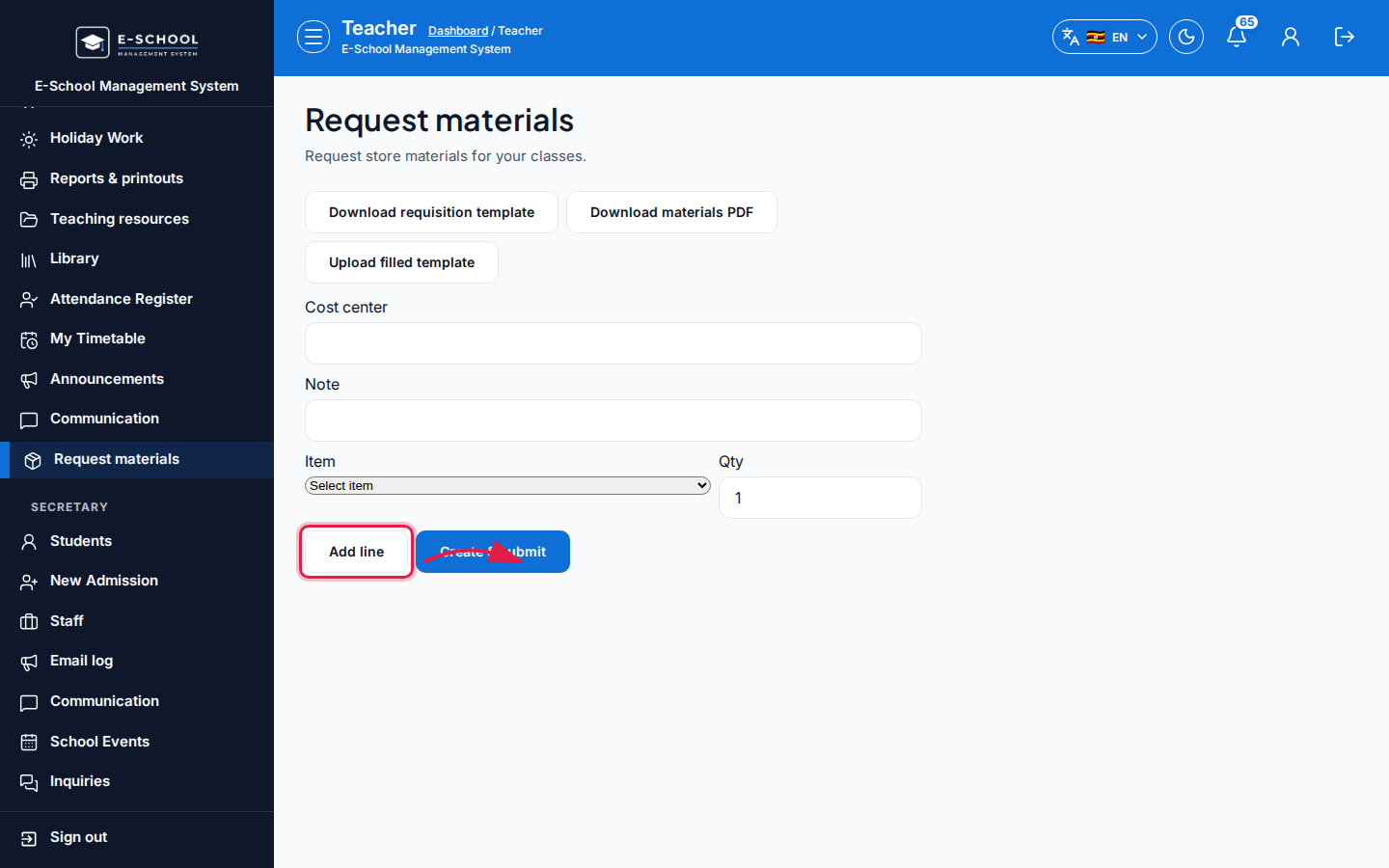 Desktop - focus for step 3
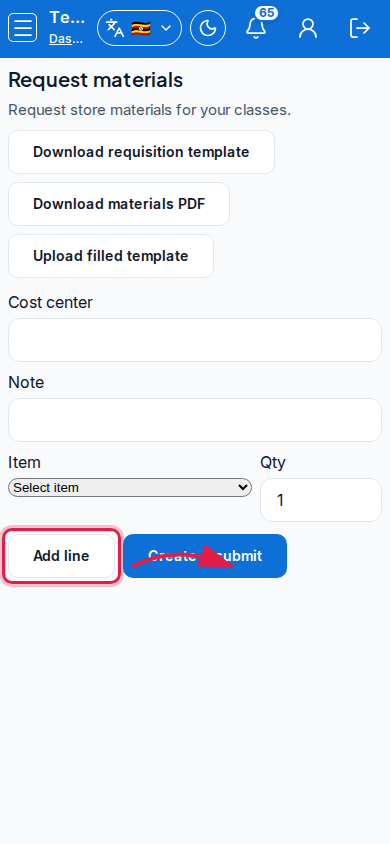 Mobile - focus for step 3
- Click Create & submit.
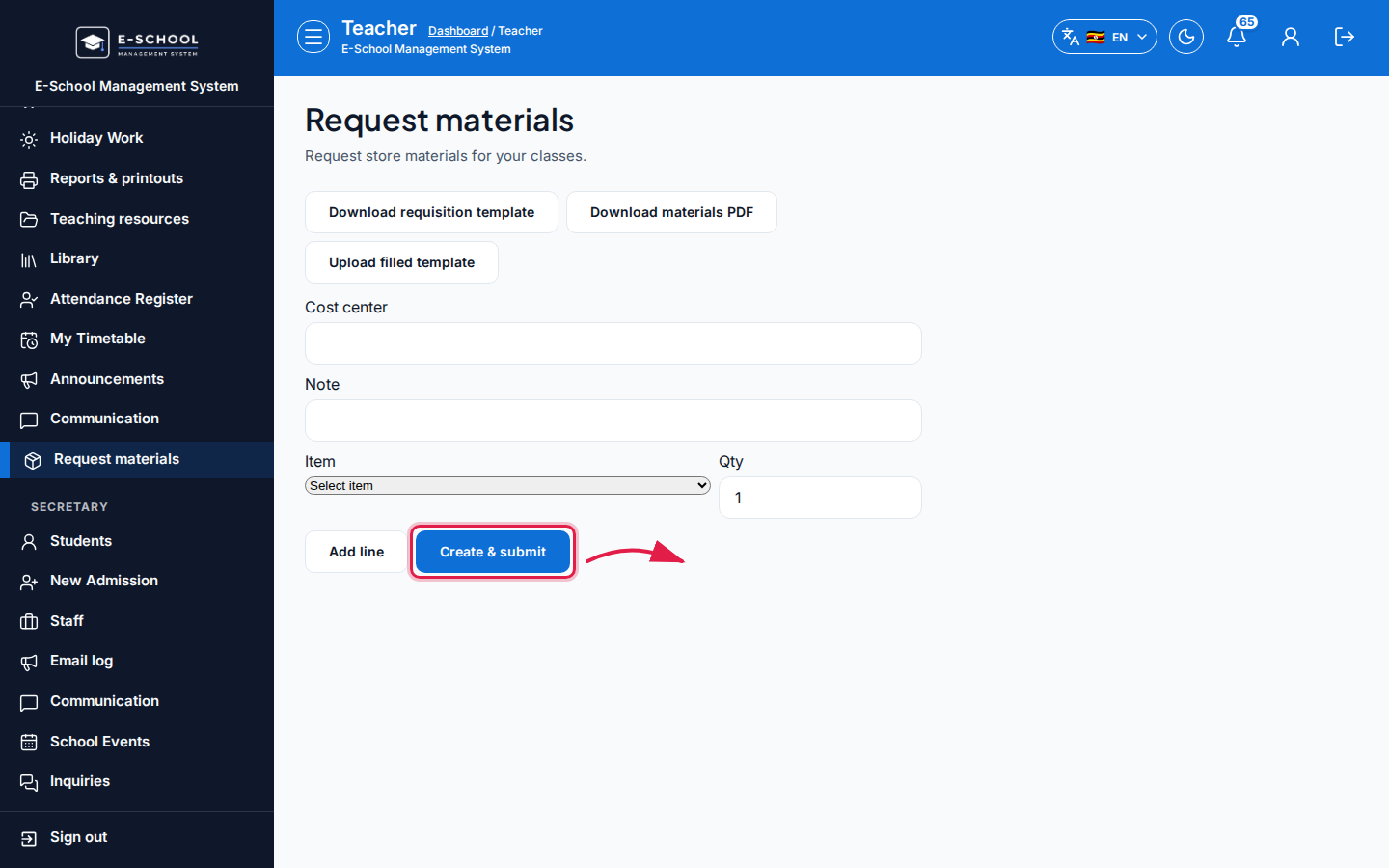 Desktop - focus for step 4
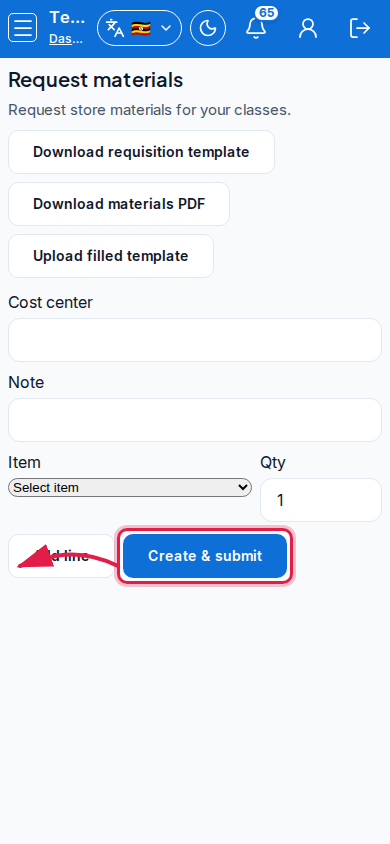 Mobile - focus for step 4
- Track approval with store/finance; do not assume stock is reserved until approved.
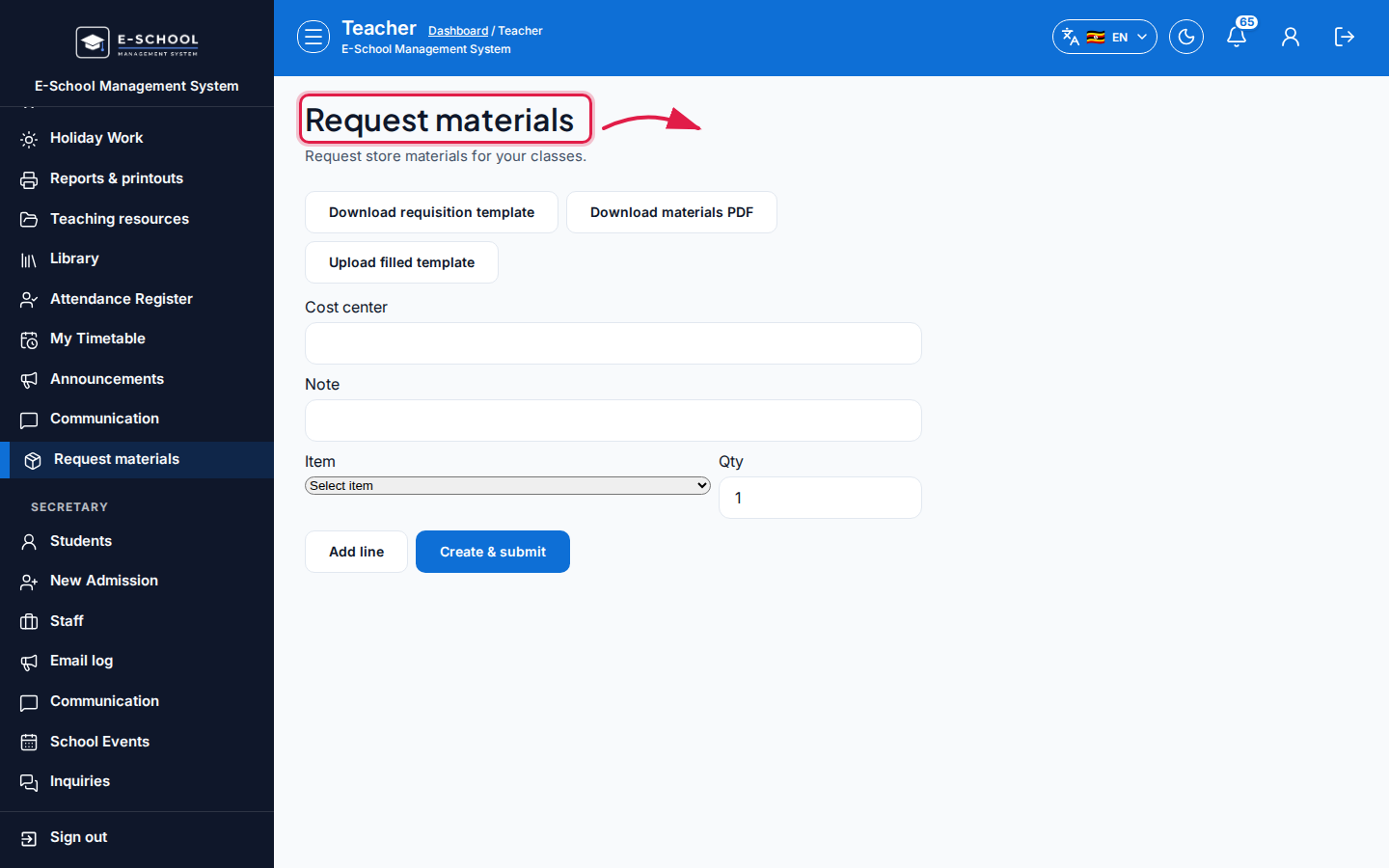 Desktop - focus for step 5
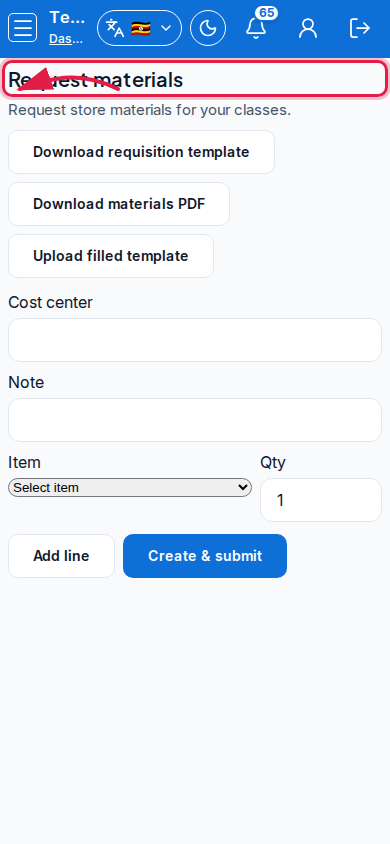 Mobile - focus for step 5
Fields and actions
- Download requisition template / Download materials PDF / Upload filled template
- Add line / Create & submit
- Cost center, Note, Item, Qty
- Dialog: How to fill the requisition template
Common mistakes
- Submitting without qty
- Wrong item selected
- Uploading an unfilled template