Store locations
Store locations (rooms/stores) used by receipts, transfers, and stocktakes.
Who can use this
- FINANCE
- ADMIN
Path
/finance/stores/locations
Dependencies
- Create locations before GRN/fulfillment.
- Keep names stable once used on movements.
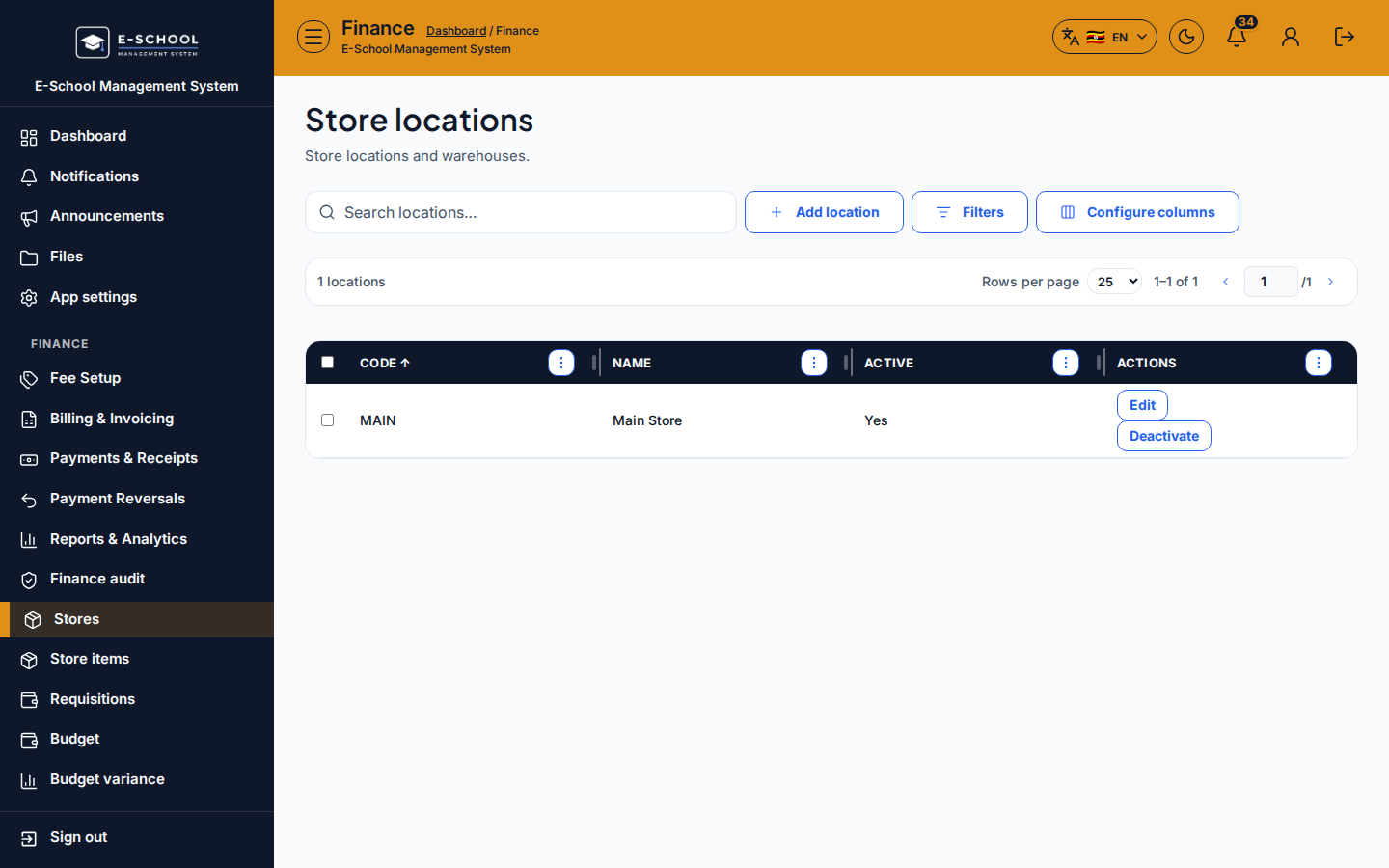
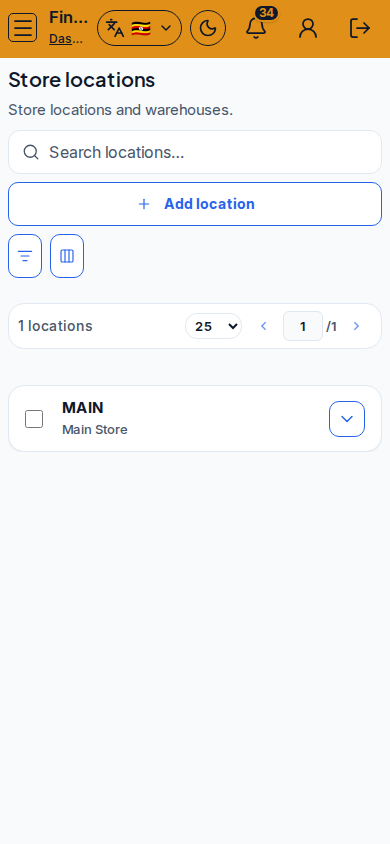
Screenshot
Steps
- Open Locations at
/finance/stores/locationsas FINANCE. - Add location with a clear name, then save.
- Edit location when labels change. Search locations as the list grows.
- Use locations on GRNs, transfers, and stocktakes.
- Do not delete a location with stock - transfer first.
Fields and actions
- Add location / Edit location
- Search locations…
Common mistakes
- Receiving goods with no location
- Duplicate location names
- Deleting locations that still hold qty