Collections
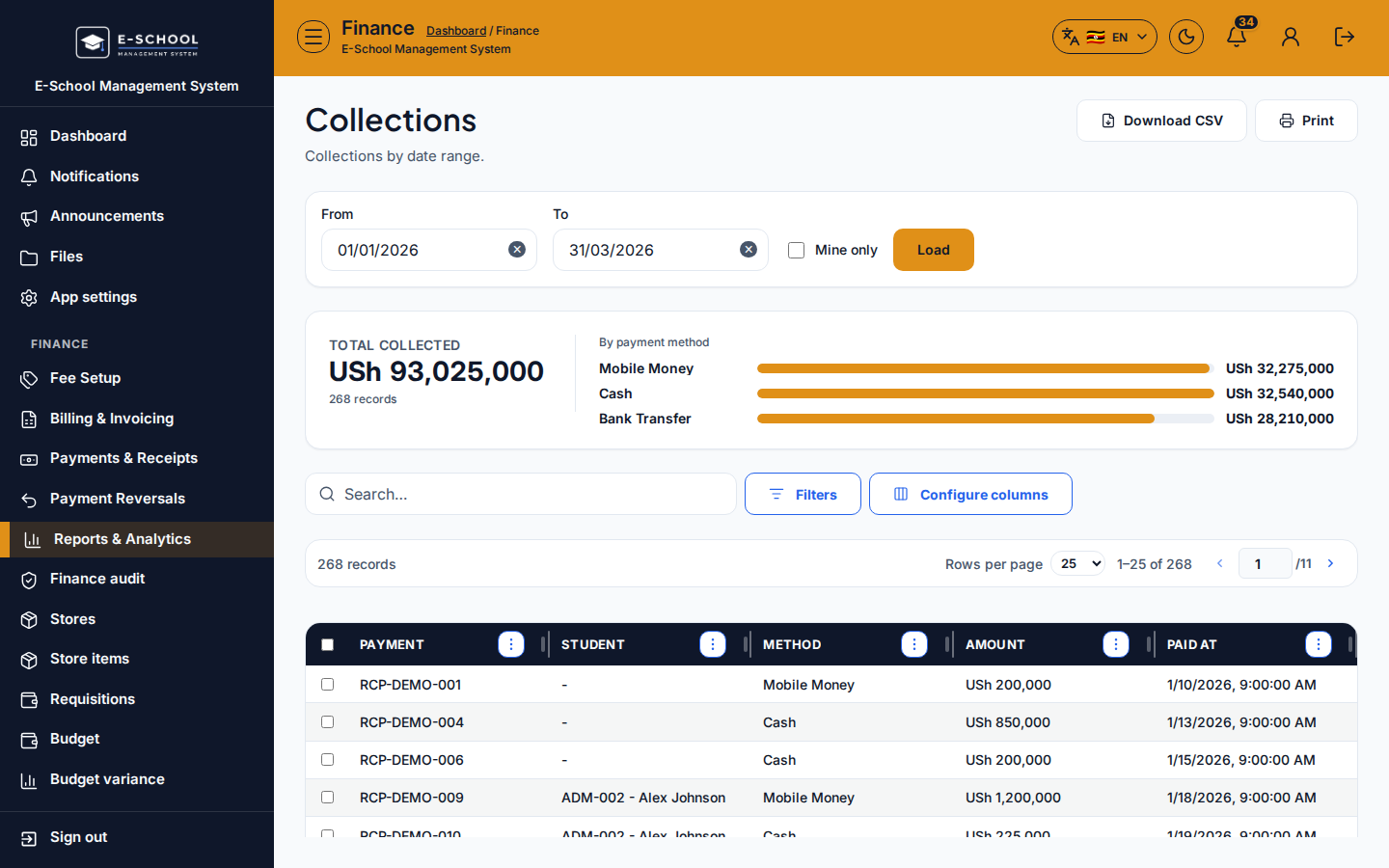
Collections report by date range, optionally limited to the signed-in cashier.
Who can use this
- FINANCE
- ADMIN
Path
/finance/reports/collections
Dependencies
- Payments recorded in the range.
- Load after setting From/To.
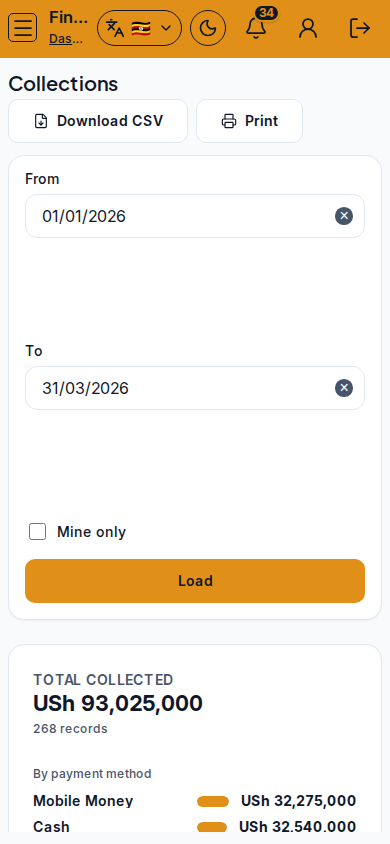
Screenshot
Steps
- Open Collections at
/finance/reports/collectionsas FINANCE. - Set From and To. Optionally Mine only.
- Click Load. Use Use demo range (Jan-Mar 2026) only on demo data.
- Review totals vs receipts. Export as needed.
- Reconcile differences on Cashier reconciliation.
Fields and actions
- From, To, Mine only, Load
- Use demo range (Jan-Mar 2026)
Common mistakes
- Forgetting Load after changing dates
- Mine only when you needed whole-office totals
- Demo range on production analysis