Discounts
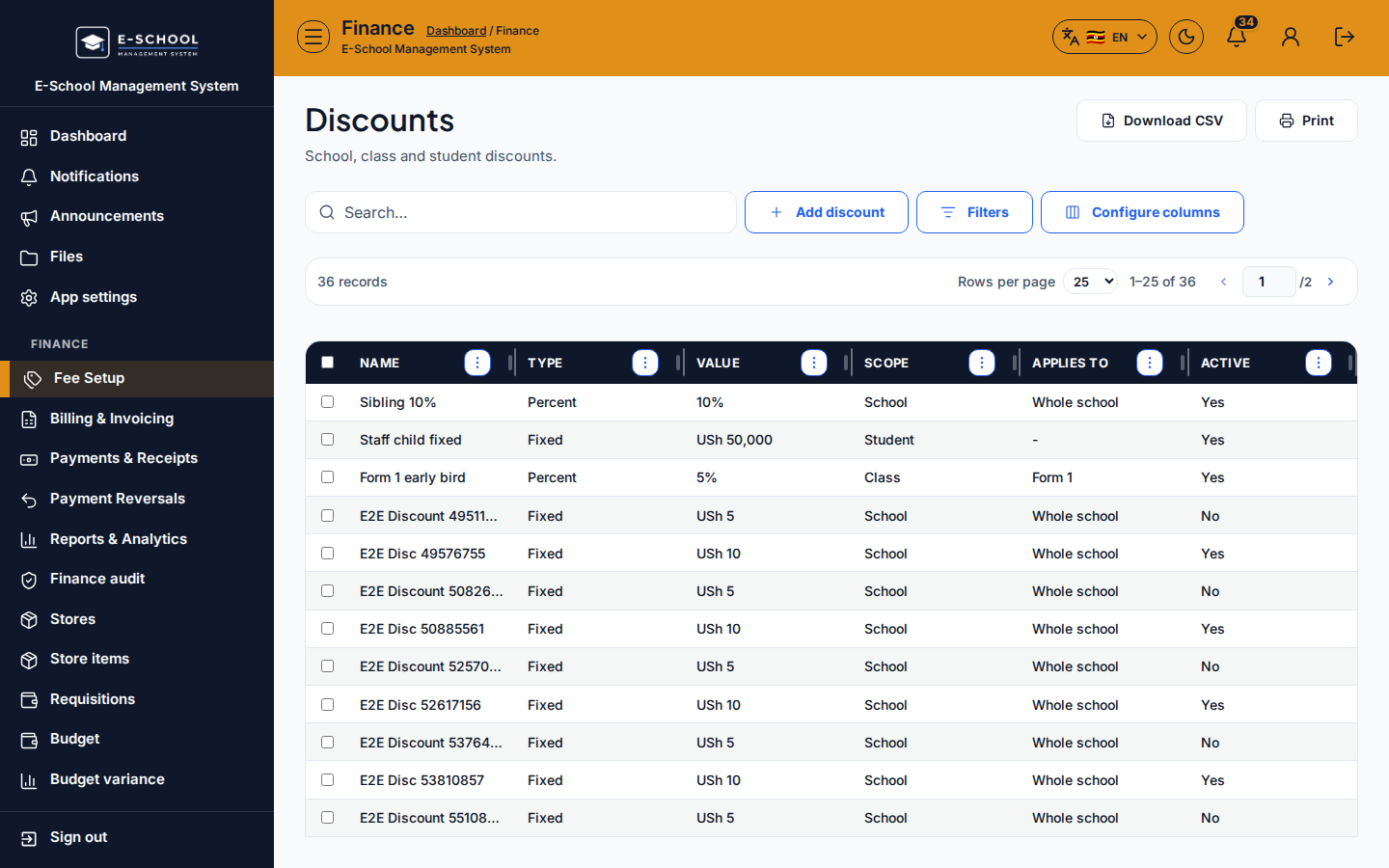
Fee discounts scoped to school, class, or student.
Who can use this
- FINANCE
- ADMIN
Path
/finance/fees/discounts
Dependencies
- Fee items/structures exist.
- Apply before or with generate per finance policy.
Screenshot
Steps
- Open Discounts at
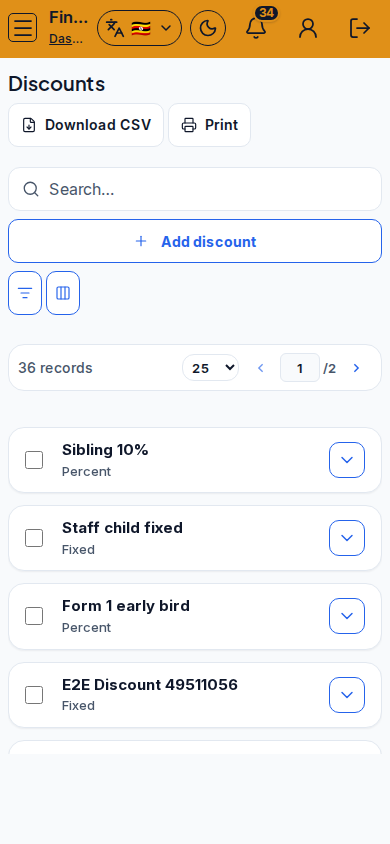
/finance/fees/discountsas FINANCE. - Click Add discount. Set scope School / Class / Student and amount/rules shown, then save.
- Review active discounts before generating term invoices.
- Edit or deactivate obsolete discounts.
- Do not stack unclear student discounts with overrides without review.
Fields and actions
- Add discount
- Scope: School / Class / Student
Common mistakes
- Class discount after invoices already generated without adjustment
- Student discount on the wrong learner
- Stacking with overrides unnoticed