Aging Report
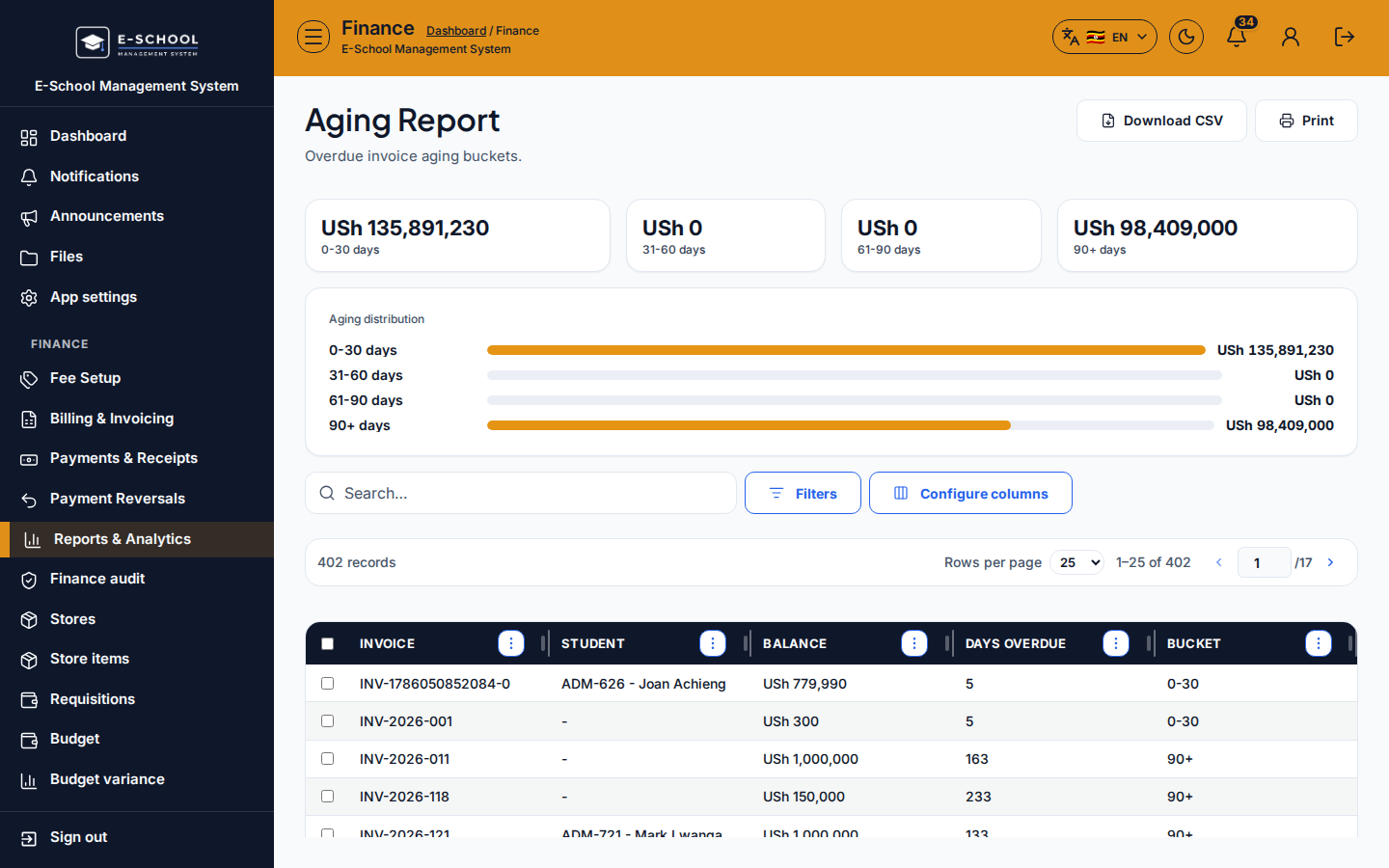
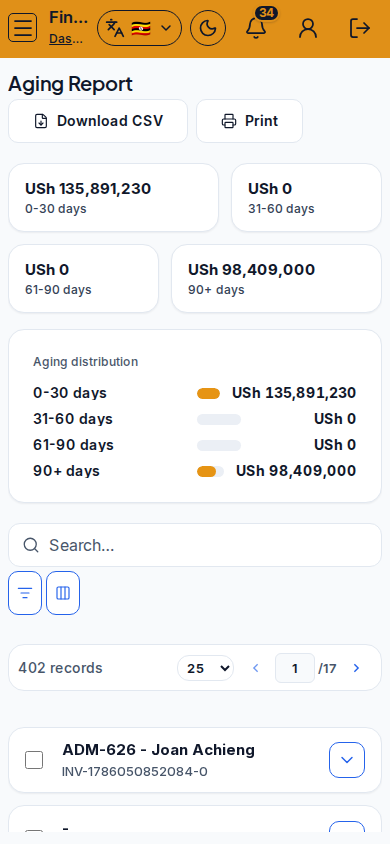
Aging report bucketed by days overdue for receivables follow-up.
Who can use this
- FINANCE
- ADMIN
Path
/finance/reports/aging
Dependencies
- Invoices with due dates and unpaid balances.
- Use with Defaulters for operational chase.
Screenshot
Steps
- Open Aging Report at
/finance/reports/agingas FINANCE. - Review Days overdue buckets and Aging distribution.
- Drill into problem buckets before calling guardians.
- Export for finance committee packs.
- Confirm due dates on fee generate if aging looks uniformly wrong.
Fields and actions
- Days overdue / Bucket / Aging distribution
Common mistakes
- Ignoring due date configuration upstream
- Treating aging buckets as cash collected