Payment Reversals
Reverse recorded payments with confirmation - keeps the audit trail intact.
Who can use this
- FINANCE
- ADMIN
Path
/finance/payments/reversals
Dependencies
- Original payment/receipt exists.
- Prefer reversal over deleting history.
Screenshot
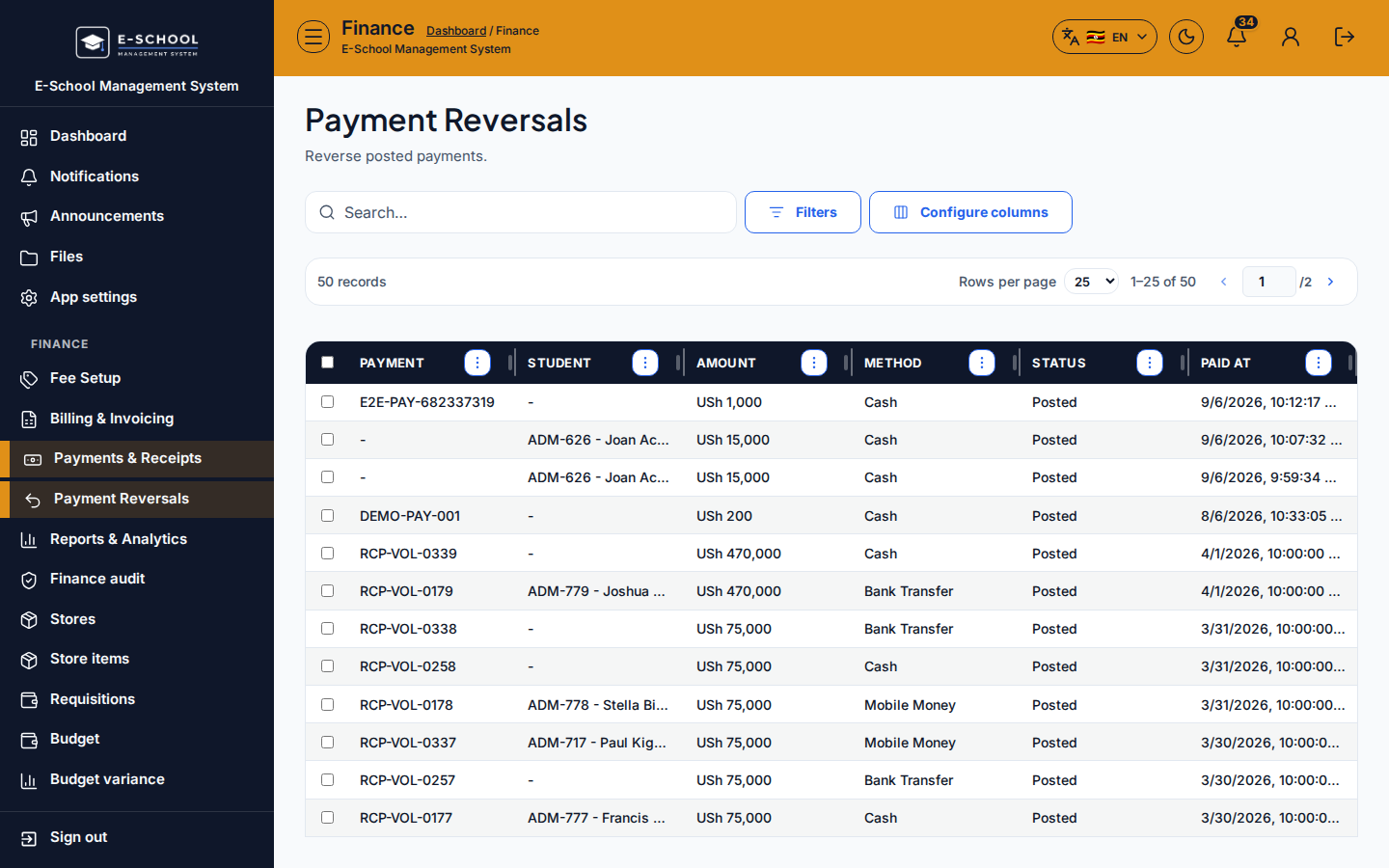
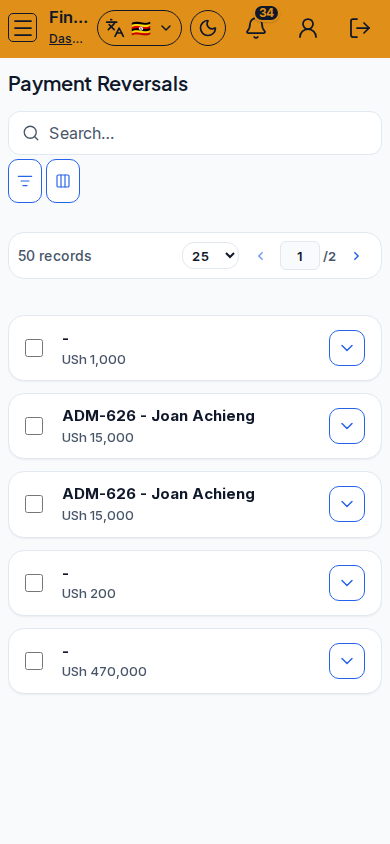
Steps
- Open Payment Reversals at
/finance/payments/reversalsas FINANCE. - Find the payment row. Click Reverse.
- Confirm Reverse payment? with the reason/process your school requires.
- Verify the learner ledger and outstanding balance afterward.
- Re-issue a corrected payment/receipt if collecting again.
Fields and actions
- Reverse
- Confirm dialog: Reverse payment?
Common mistakes
- Reversing the wrong twin receipt
- No follow-up re-post when money was valid
- Expecting void invoice to undo cash