Payments & Receipts
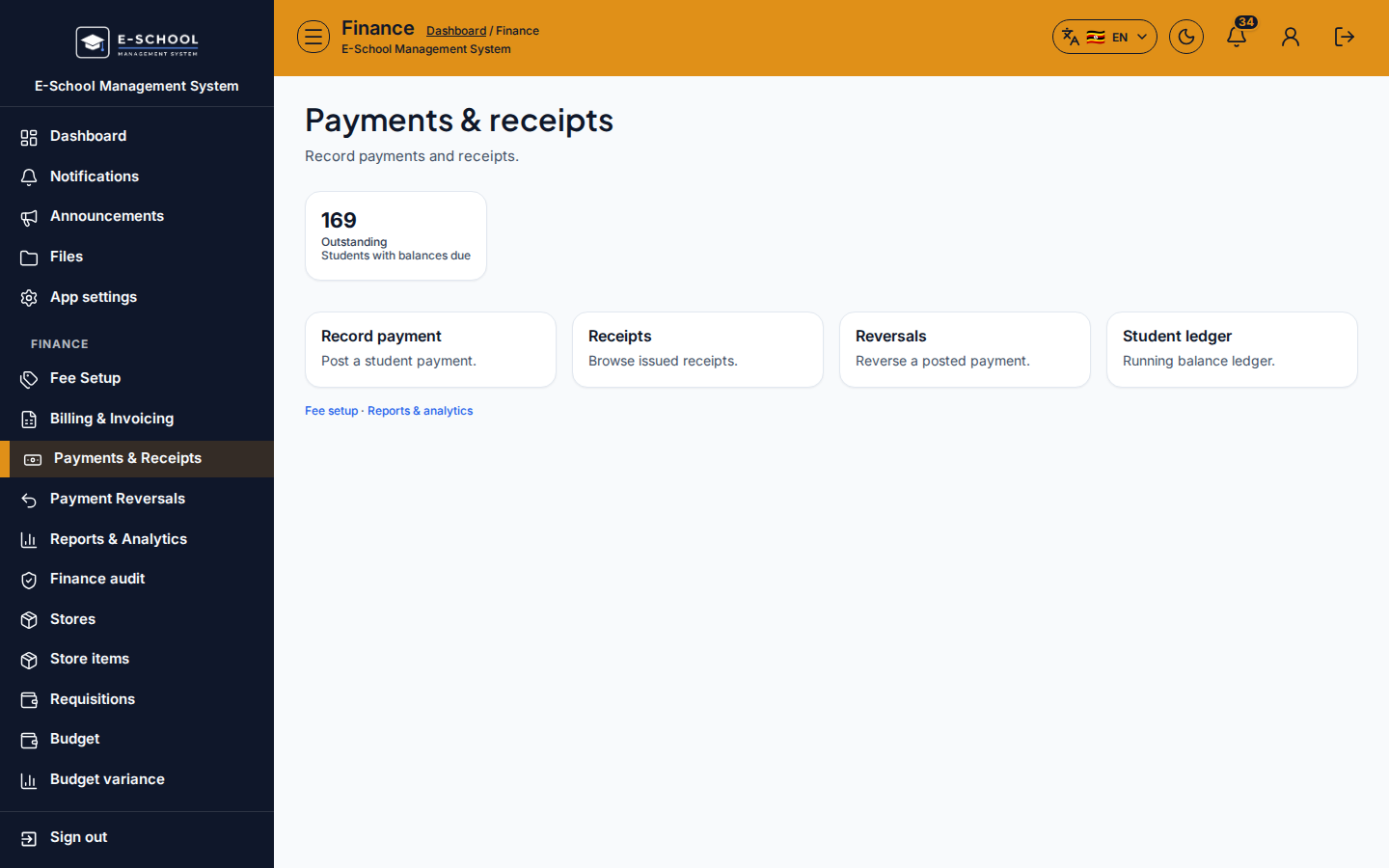
Payments hub linking record payment, receipts, reversals, and student ledger.
Who can use this
- FINANCE
- ADMIN
Path
/finance/payments
Dependencies
- Invoices outstanding for collections.
- Always issue a receipt after recording.
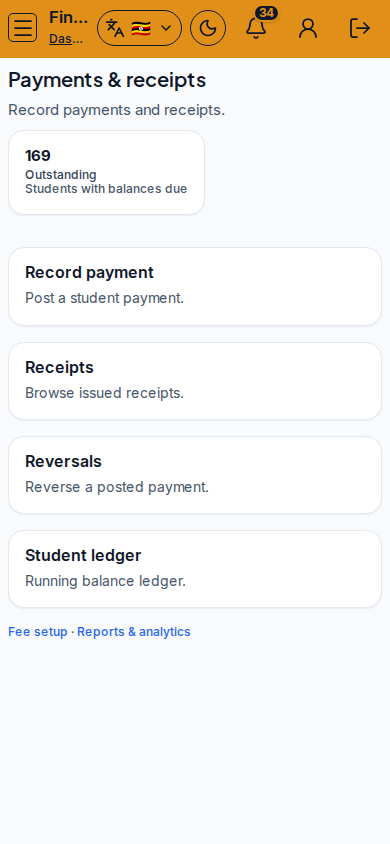
Screenshot
Steps
- Open Payments at
/finance/paymentsas FINANCE. - Click Record payment for cashier intake.
- Open Receipts, Reversals, or Student ledger as follow-up.
- Reconcile cashier totals at day end.
- Never reverse without a documented reason.
Fields and actions
- Record payment / Receipts / Reversals / Student ledger
Common mistakes
- Recording without selecting the correct learner
- Skipping receipt print
- Using void invoice instead of reversal