Students
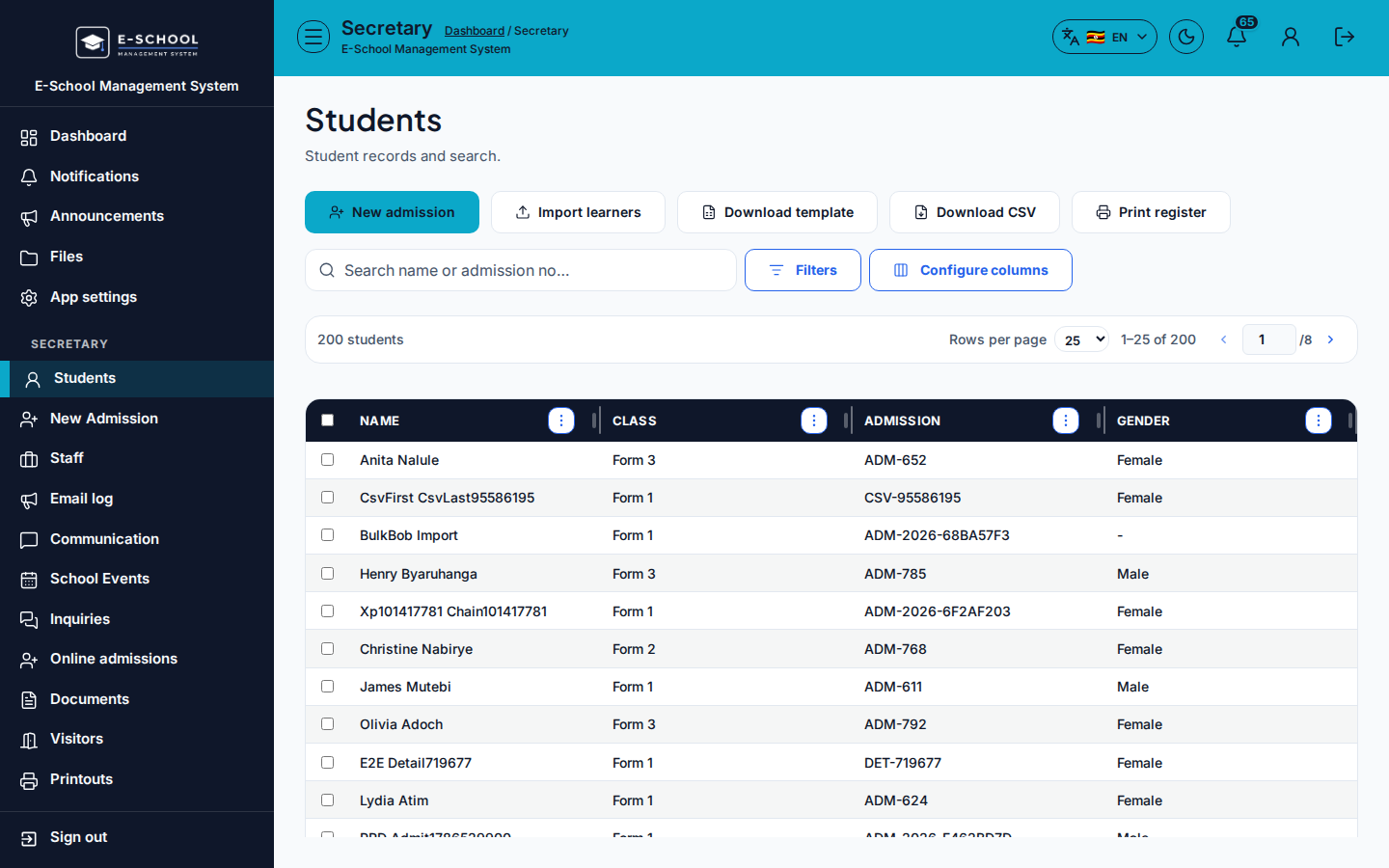
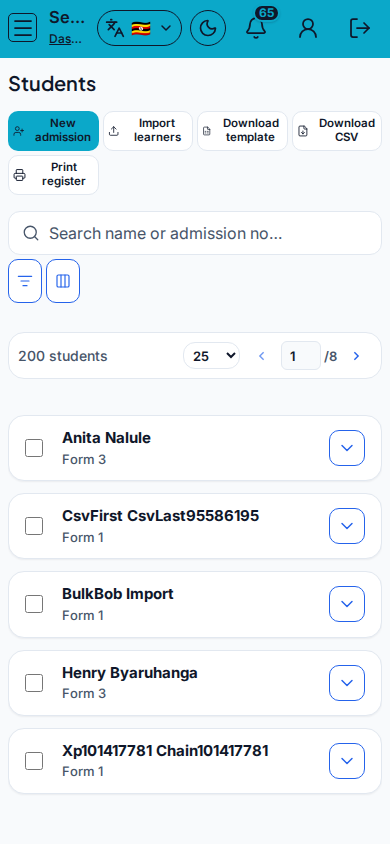
Office learner list with admit, import, and print register shortcuts.
Who can use this
- SECRETARY
- ADMIN
Path
/secretary/students
Dependencies
- Classes/streams exist.
- Prefer Admit wizard for correct admission numbers and credentials.
Screenshot
Steps
- Open Students at
/secretary/studentsas SECRETARY. - Filter Class and Gender; search name or admission no.
- Admit student or New admission for enrolments. Use Import learners only after Download template.
- Download CSV or Print register for office packs.
- Deep edits (guardians, subjects, move) continue under Admin Students when needed.
Fields and actions
- Admit student / New admission / Import learners / Download template
- Download CSV / Print register
- Filters: Class, Gender / Search name or admission no…
- Columns: Name, Class, Admission, Gender
Common mistakes
- Import without template
- Admitting without selecting class/stream
- Printing the wrong class filter