Inquiries
Track admission/office inquiries from phone, email, walk-in, website, or referral.
Who can use this
- SECRETARY
- ADMIN
Path
/secretary/inquiries
Dependencies
- None beyond office process agreements.
- Convert serious inquiries to Admit / Online admissions when ready.
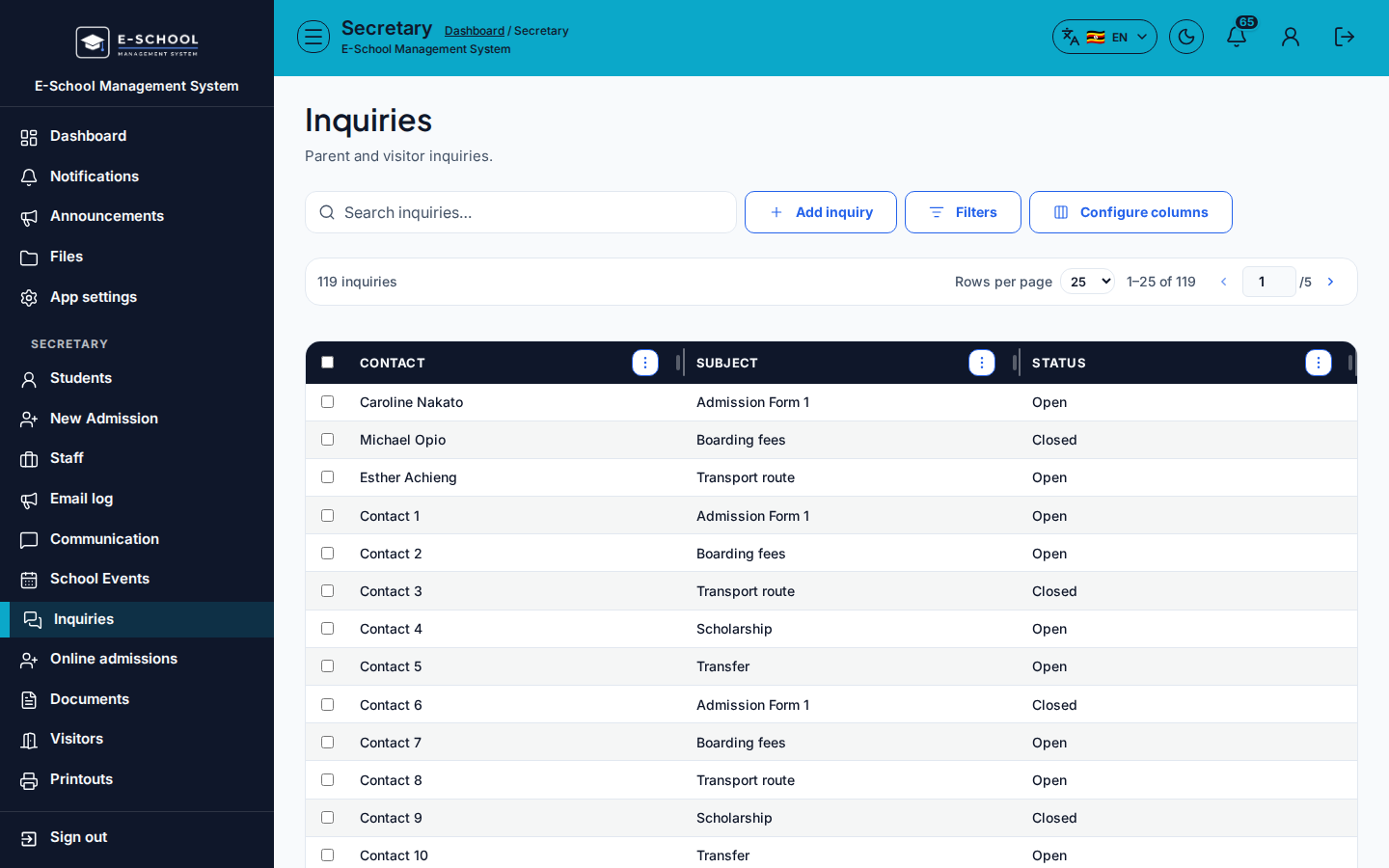
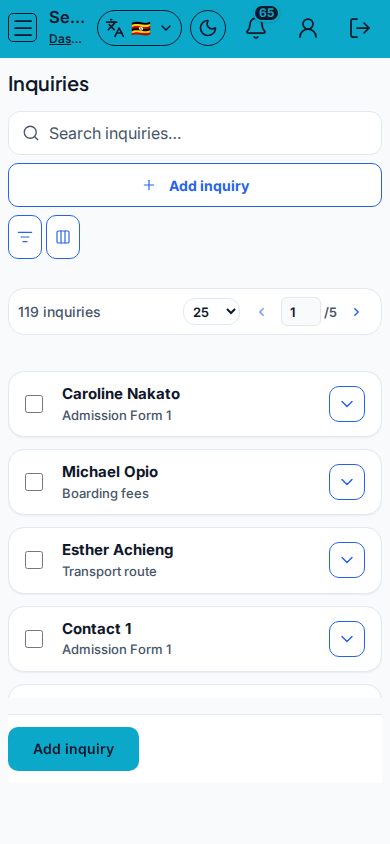
Screenshot
Steps
- Open Inquiries at
/secretary/inquiriesas SECRETARY. - Click Add inquiry. Fill Contact name, Email, Phone, Subject, Message, Notes, Source, then save.
- Filter Status (All / Open / In progress / Closed) and Source.
- Edit / Update as the case moves; Delete only clear spam.
- Close when resolved; note Resolved at.
Fields and actions
- Add inquiry / Edit / Delete / Update
- Contact name, Email, Phone, Subject, Message, Notes
- Status / Source filters
- Columns: Contact, Subject, Status, Source, Notes, Resolved at
Common mistakes
- Leaving Open forever
- Deleting instead of Closing
- Missing phone on walk-in follow-ups