SMS log (offline)
Offline SMS batch log: record estimated guardian/student/teacher SMS sends and credit use.
Who can use this
- SECRETARY
- ADMIN
Path
/secretary/messages
Dependencies
- SMS credits known from Communication hub.
- Recipient lists depend on guardians, students, or teachers existing.
Screenshot
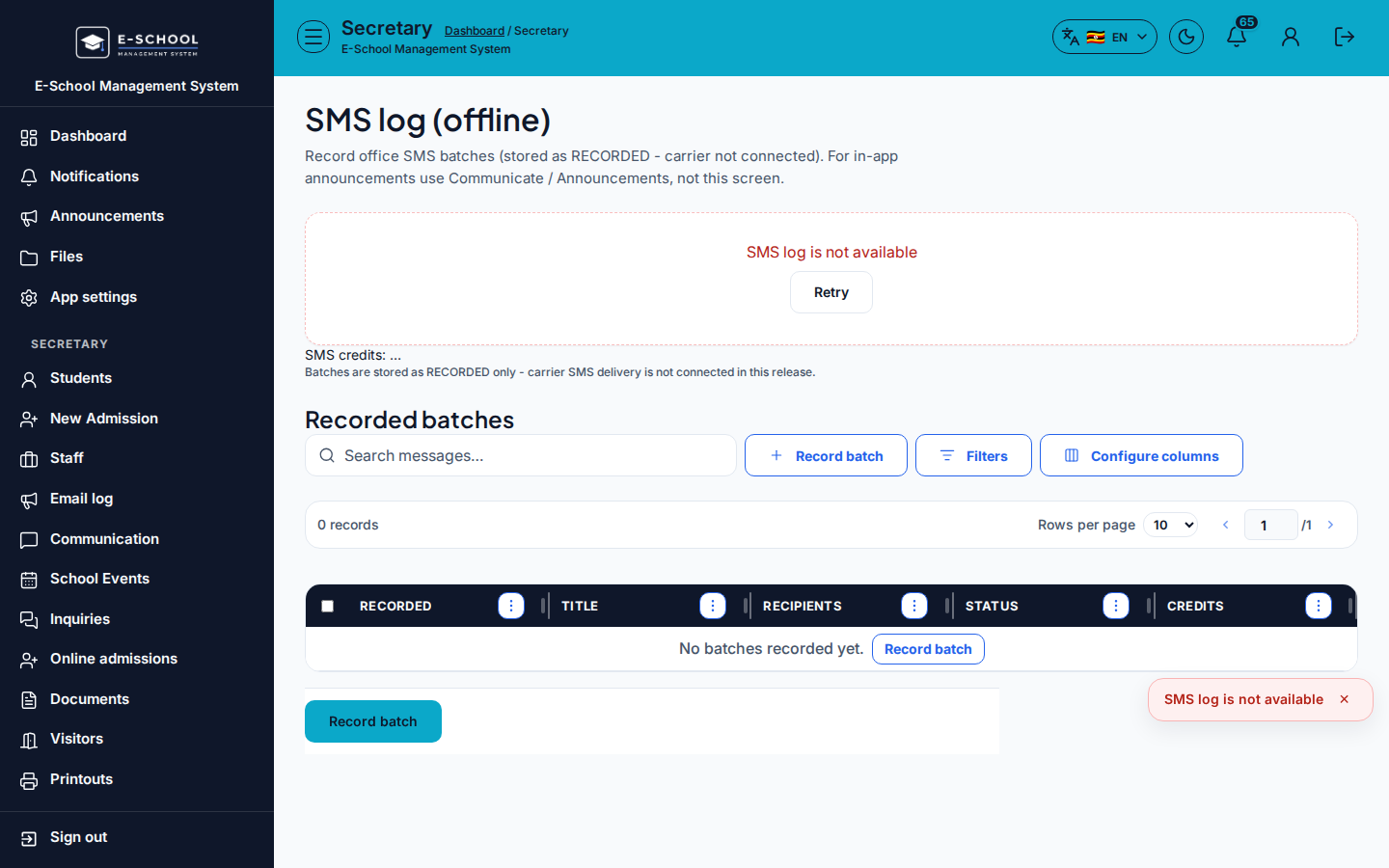
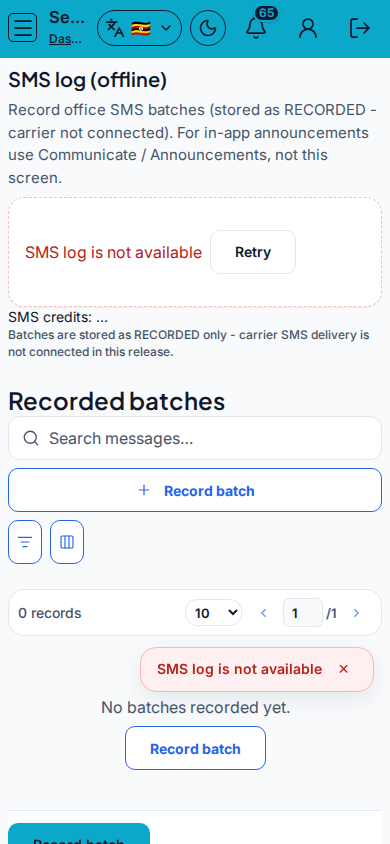
Steps
- Open SMS log (offline) at
/secretary/messagesas SECRETARY. - Click Record batch. Fill Title, Body, Recipients (All guardians / All students / All teachers / Class / Individual), plus Class or student when needed.
- Review Estimate, then Record batch.
- Check columns Recorded, Title, Recipients, Status, Credits.
- Use Email log for email channel instead of SMS.
Fields and actions
- Record batch
- Title, Body, Recipients, Class, Recipient (student)
- Columns: Recorded, Title, Recipients, Status, Credits
Common mistakes
- Recording a batch that was never actually sent on the gateway
- Choosing All guardians for a class-only notice
- Ignoring credit balance