Gate & Office
Gate & office visitor check-in/out register (same Visitors UI).
Who can use this
- SECRETARY
- ADMIN
Path
/secretary/gate
Dependencies
- Agree visitor purpose/host conventions with the office.
- Optional related student link when visiting a learner.
Screenshot
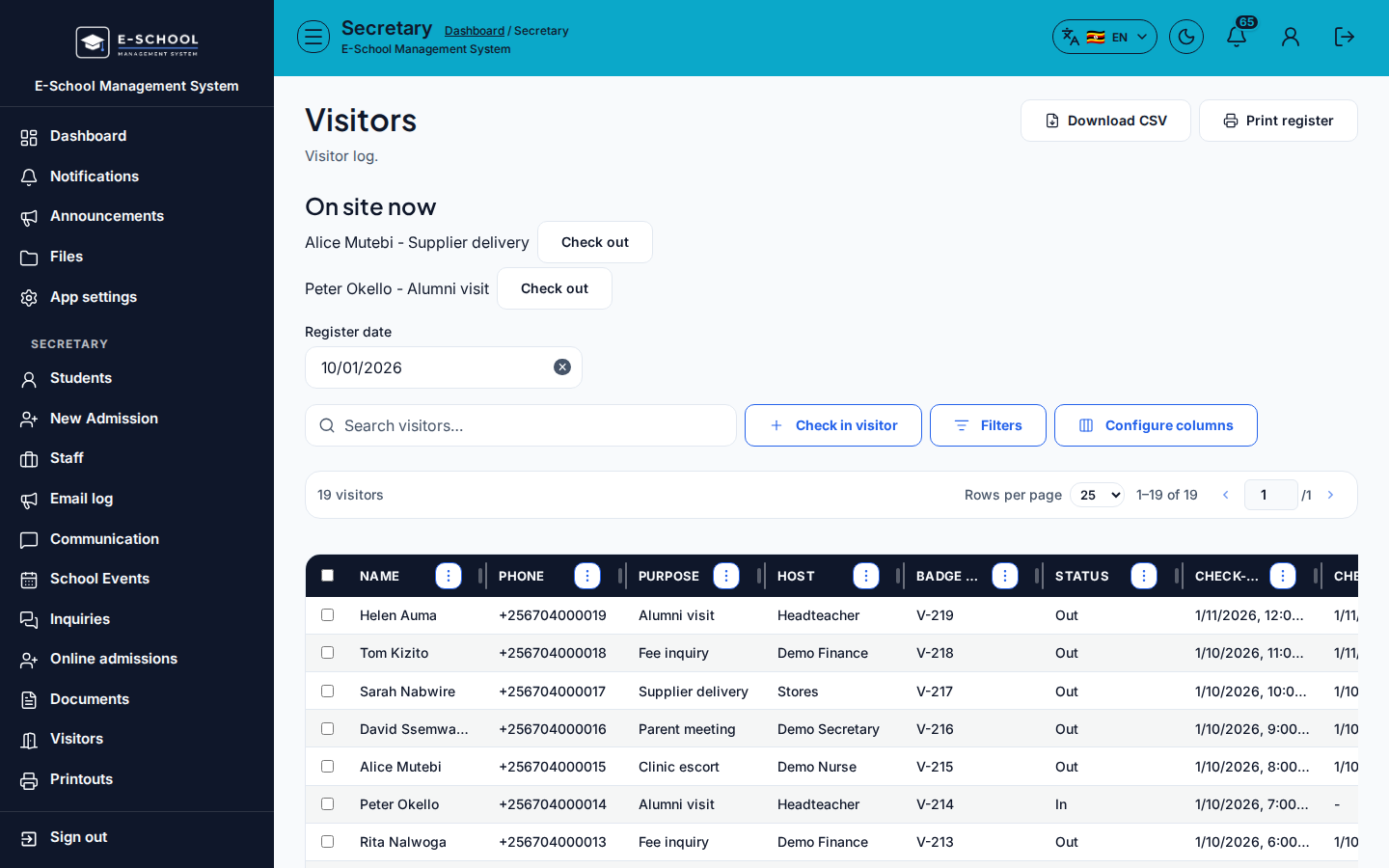
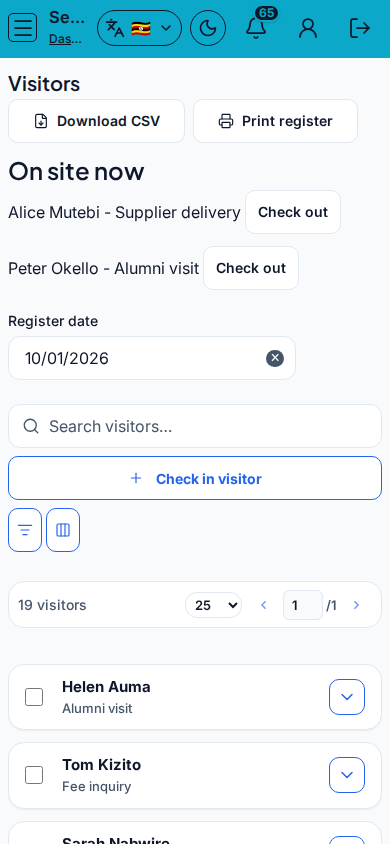
Steps
- Open Gate & Office at
/secretary/gateas SECRETARY. - Set Register date. Click Check in visitor and complete Visitor identity → Purpose & host → Badge / student link.
- Fill Full name, Phone, ID number, Purpose, Host, Badge no, Related student, Notes, then Check in.
- When the visitor leaves, Check out. Monitor On site now.
- Download CSV or Print register for the day.
Fields and actions
- Register date / Search visitors… / Filter students
- Check in visitor / Check in / Check out
- Full name, Phone, ID number, Purpose, Host, Badge no, Related student, Notes
- Download CSV / Print register / On site now KPI
Common mistakes
- Forgetting Check out (On site now stays high)
- Wrong register date
- Badge number reused the same day