Printouts
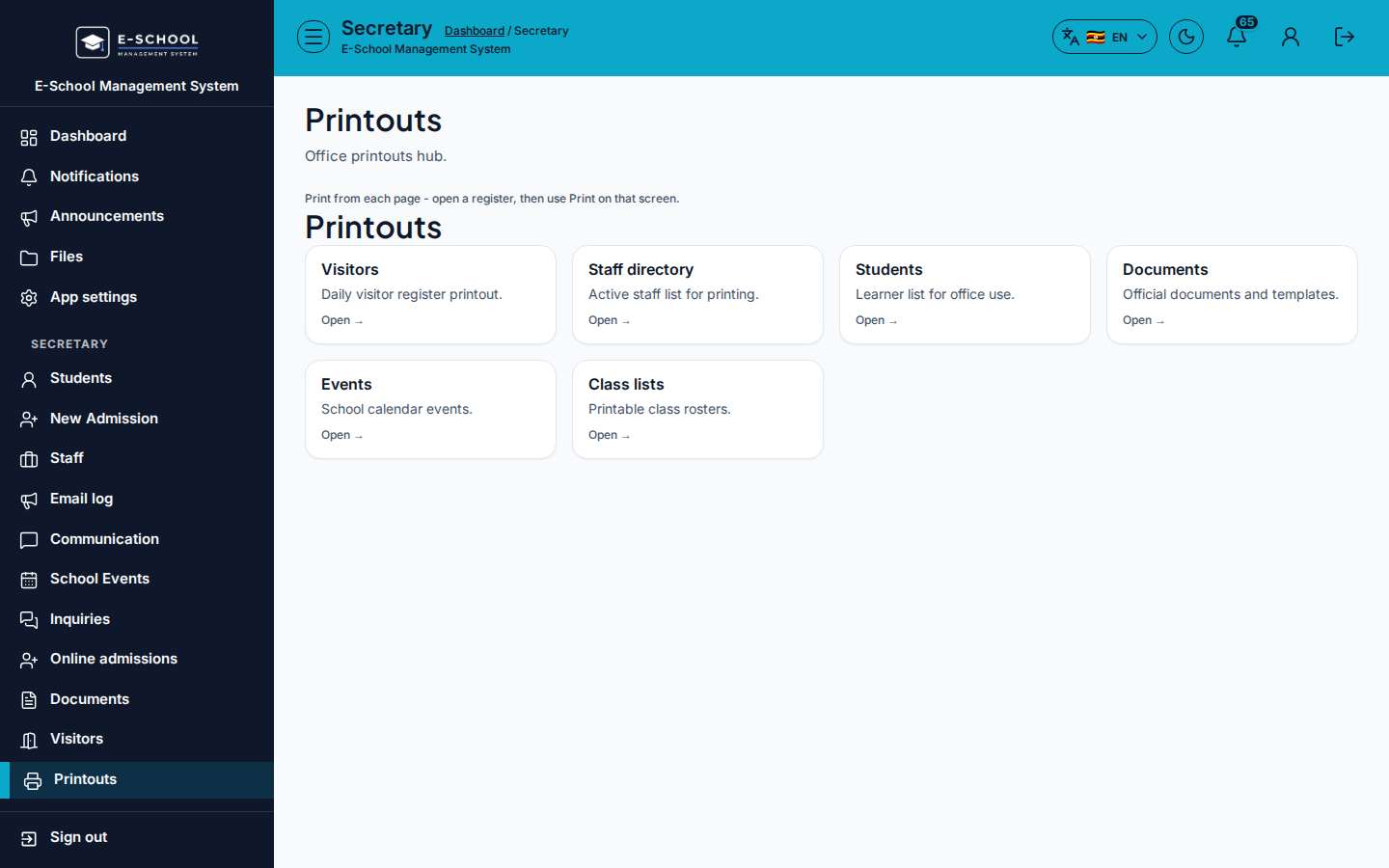
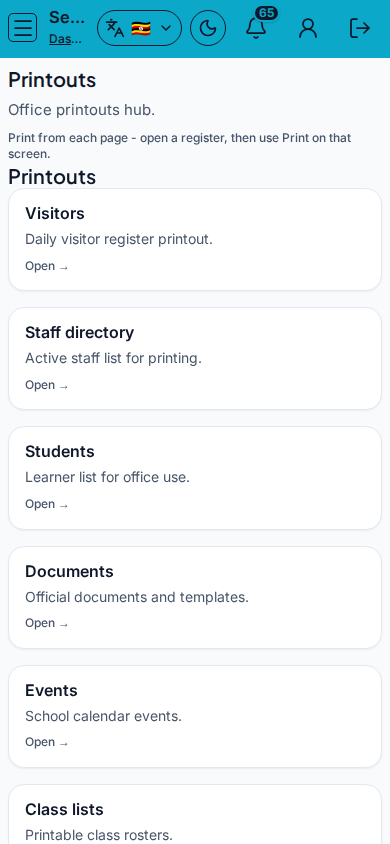
Secretary printout hub: visitors, staff directory, students, documents, events, class lists.
Who can use this
- SECRETARY
- ADMIN
Path
/secretary/printouts
Dependencies
- Underlying registers have data (visitors, students, events).
- Documents need templates from Admin documents.
Screenshot
Steps
- Open Printouts at
/secretary/printoutsas SECRETARY. - Open a card: Visitors, Staff directory, Students, Documents, Events, Class lists.
- Apply filters on the target screen, then print or export.
- Prefer Documents wizard when producing letters from templates.
- Use Gate/Visitors for live check-in before printing today's register.
Fields and actions
- Printout cards with Open
- Targets: Visitors, Staff directory, Students, Documents, Events, Class lists
Common mistakes
- Printing yesterday's visitor register without changing the date filter
- Generating letters without templates