Library
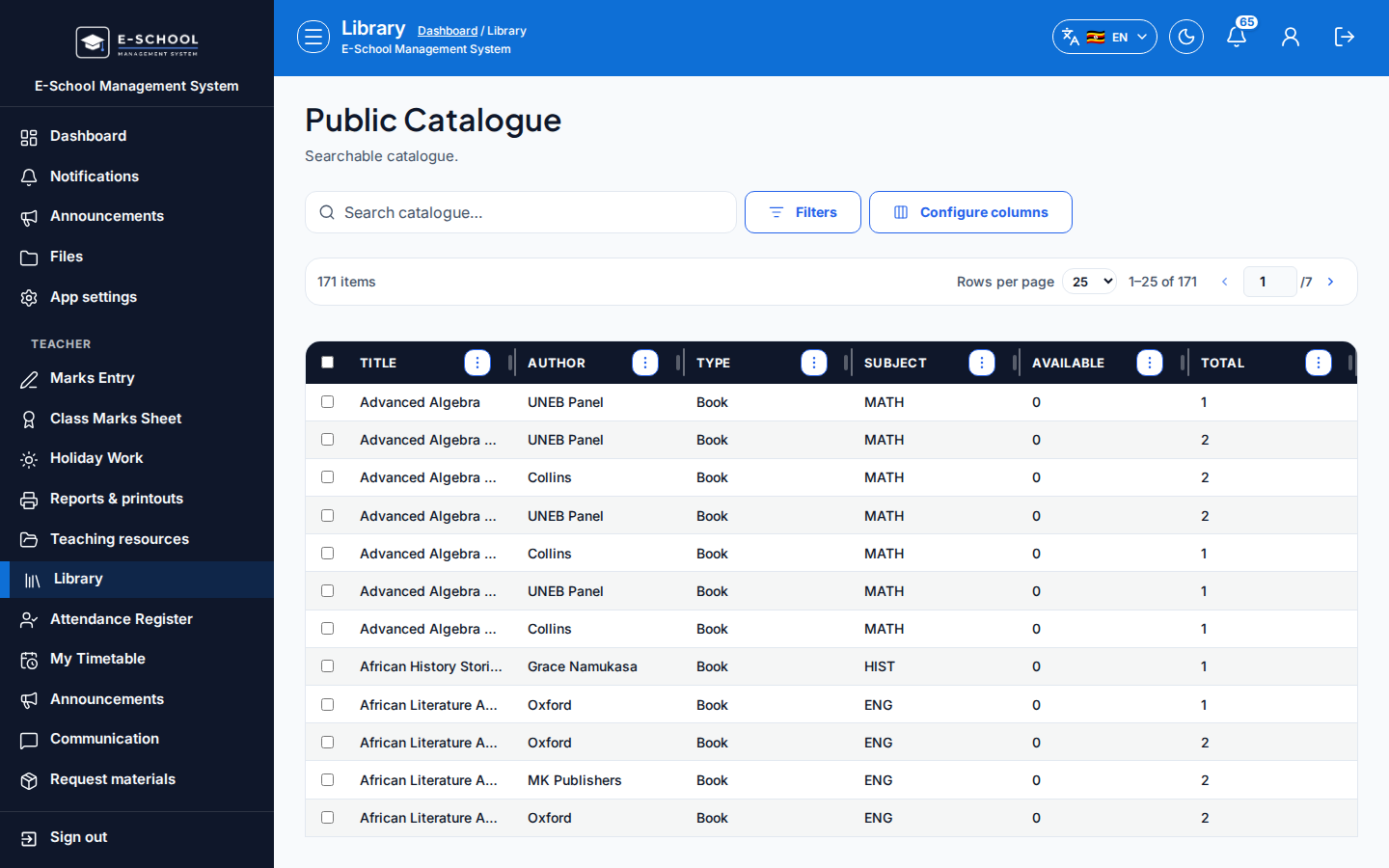
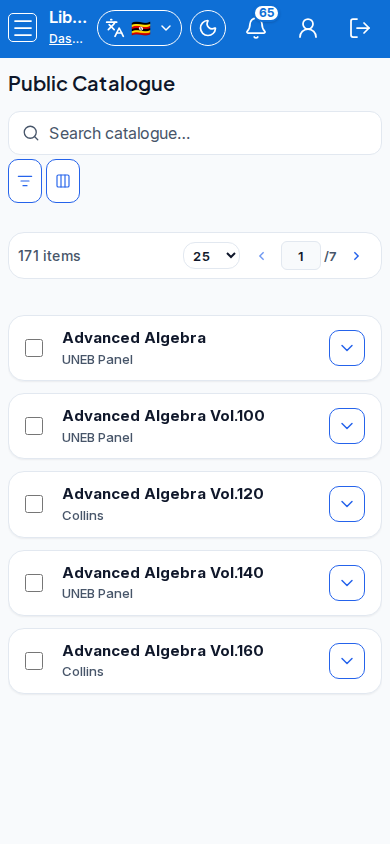
Teacher library catalogue access for browsing school holdings.
Who can use this
- TEACHER
- ADMIN
Path
/library/catalogue
Dependencies
- Inventory stocked by librarian.
- Staff may open Inventory when permitted.
Screenshot
Steps
- Open Library at
/library/catalogueas TEACHER.
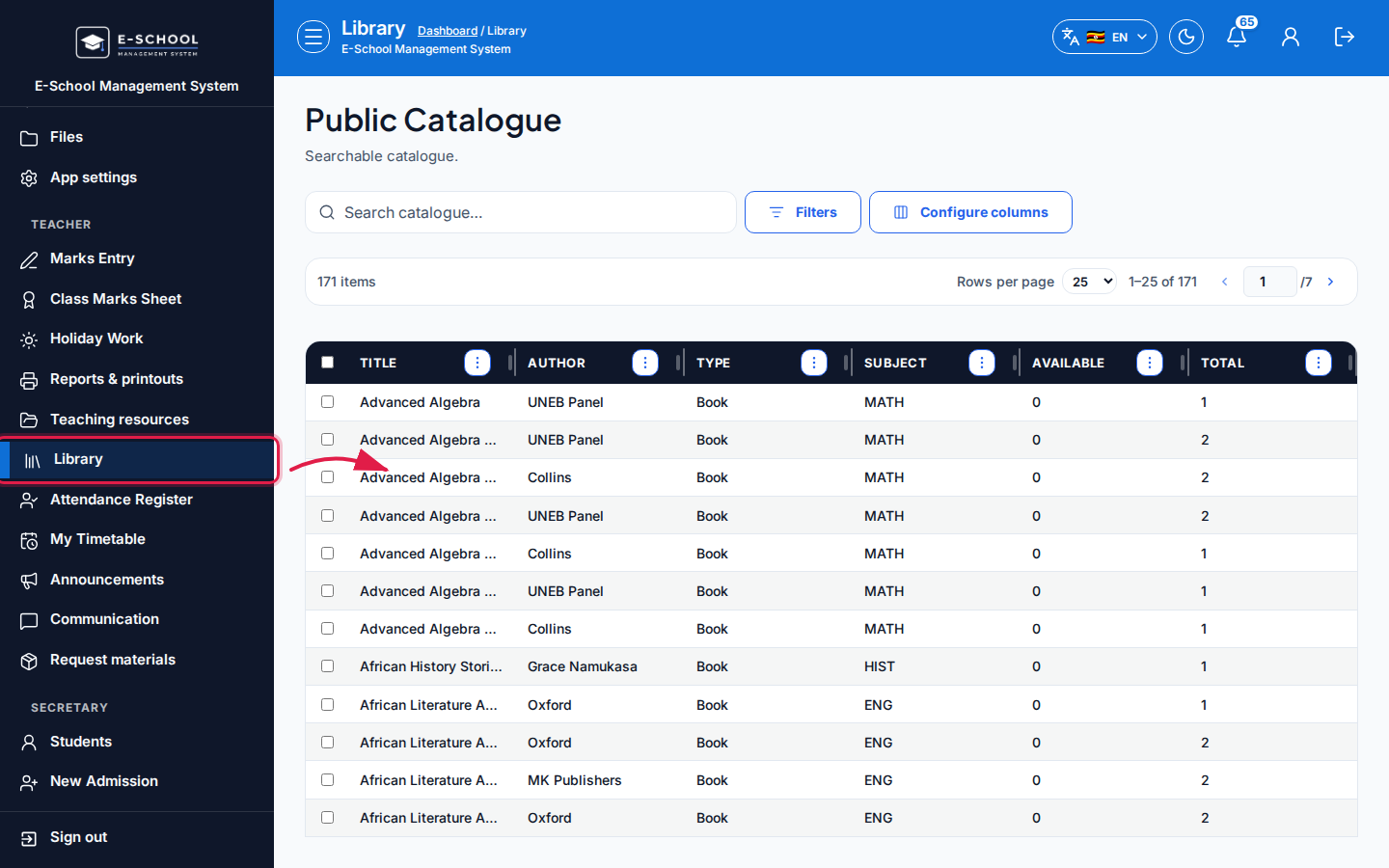 Desktop - focus for step 1
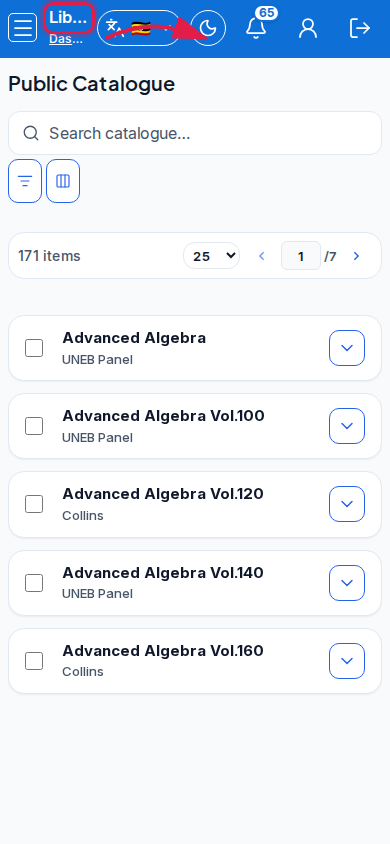 Mobile - focus for step 1
- Search/filter holdings. Review Available copies.
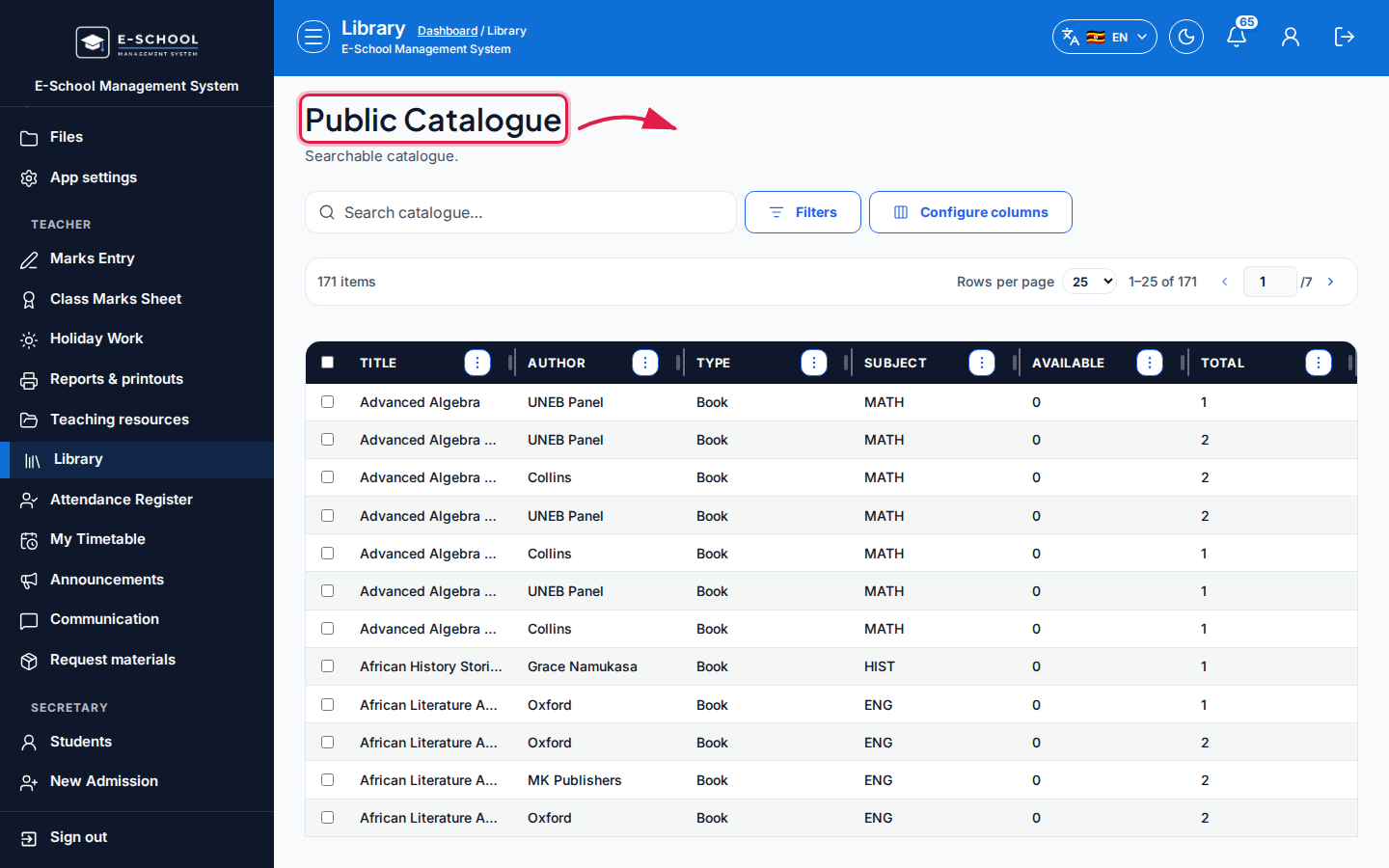 Desktop - focus for step 2
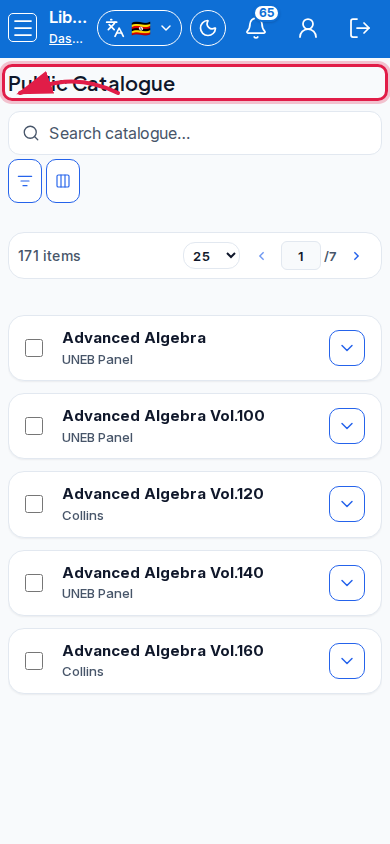 Mobile - focus for step 2
- Use Open inventory when you have staff rights and need stock details.
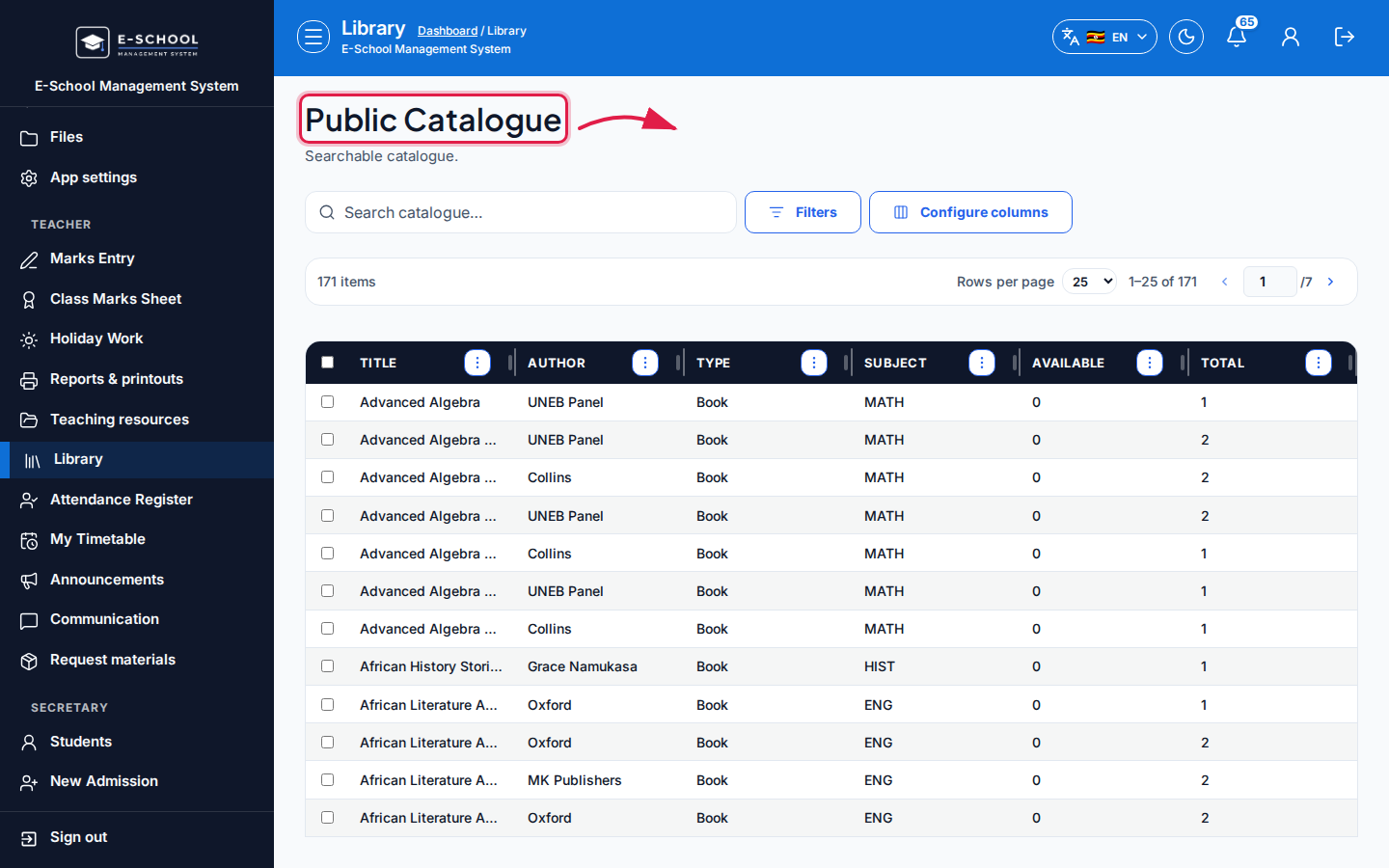 Desktop - focus for step 3
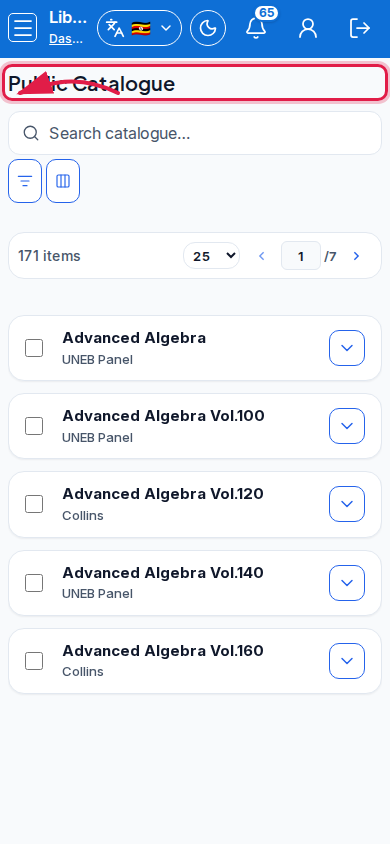 Mobile - focus for step 3
- Coordinate loans with the librarian Issue/return desk.
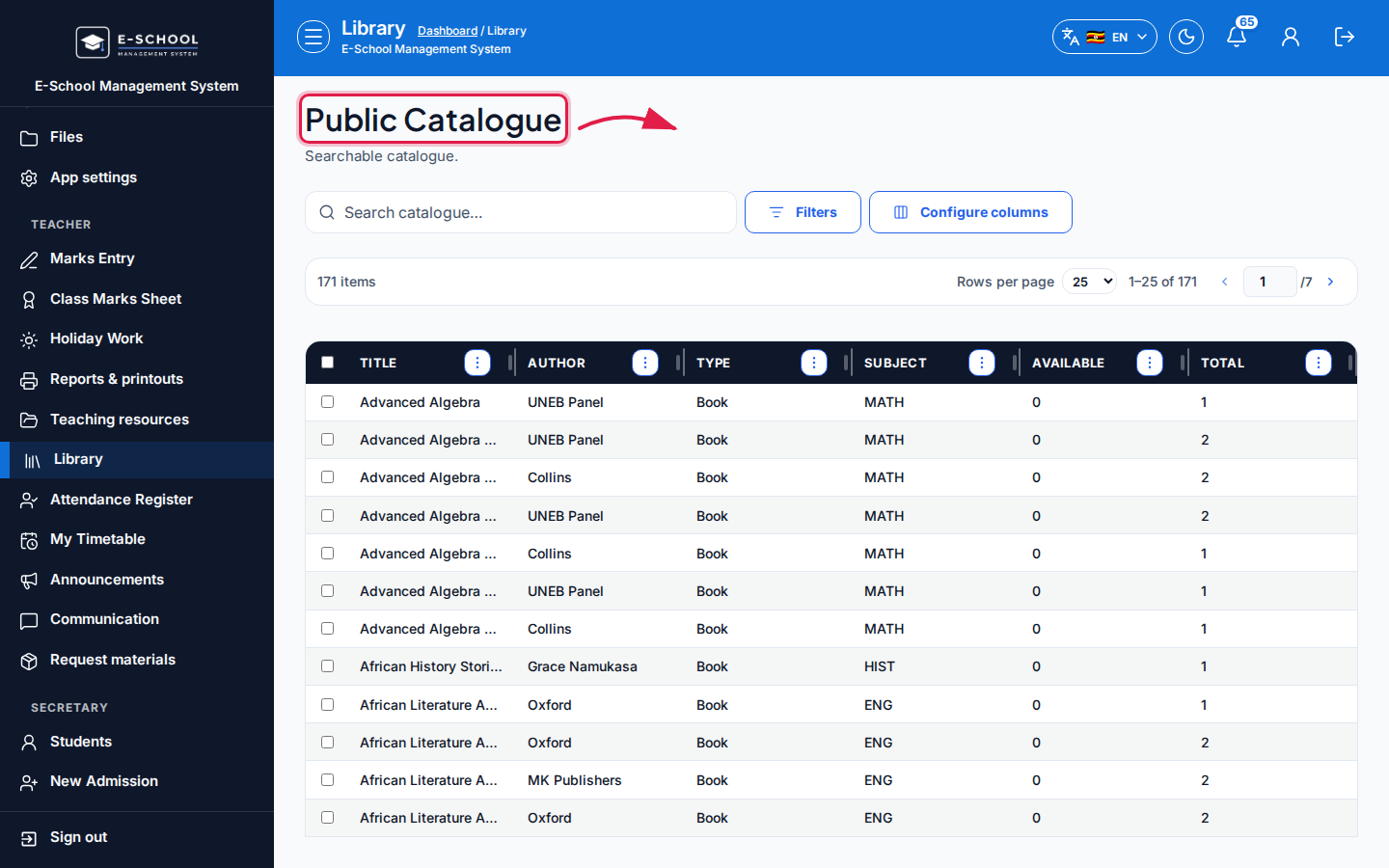 Desktop - focus for step 4
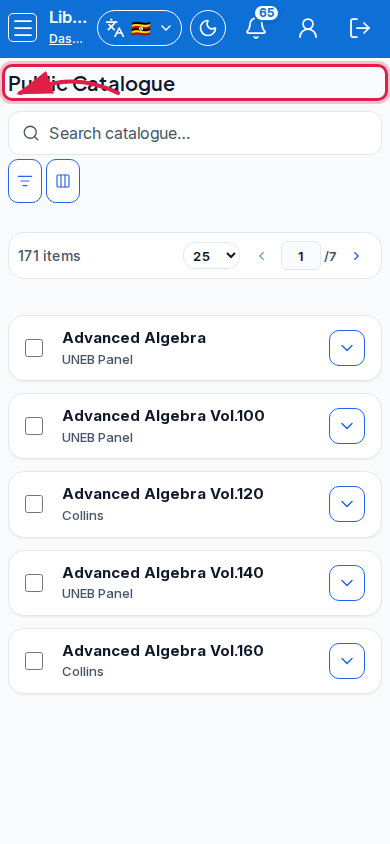 Mobile - focus for step 4
- Prefer messages if a title is missing from catalogue.
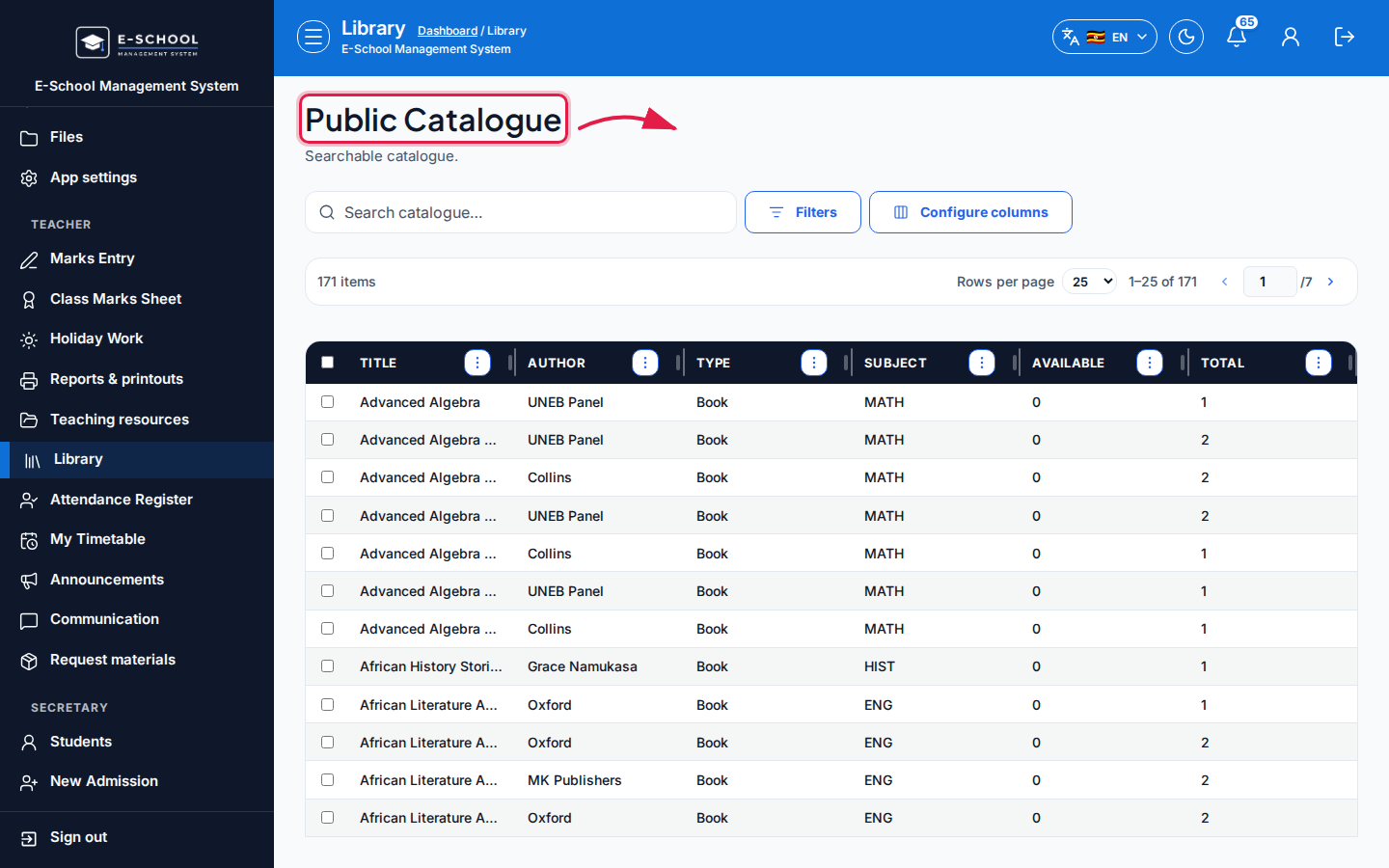 Desktop - focus for step 5
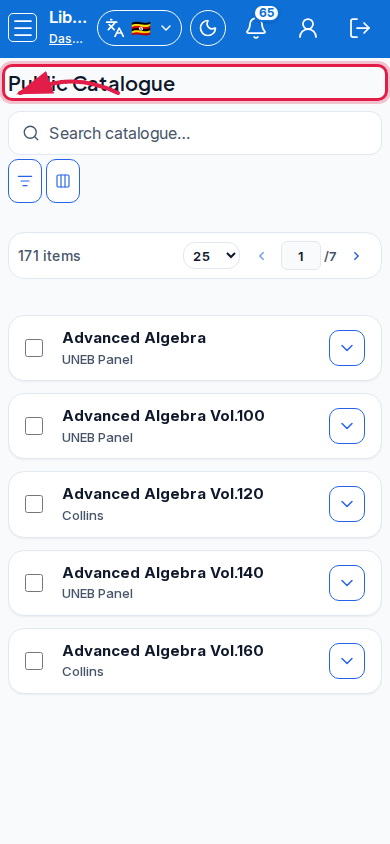 Mobile - focus for step 5
Fields and actions
- Search / Type filter
- View / Open inventory (when permitted)
- Columns: Title, Author, Type, Subject, Available, Total
Common mistakes
- Removing inventory rows as a teacher without librarian process
- Assuming Available includes classroom sets not catalogued