Public Catalogue
Public library catalogue search by type; staff jump to inventory for stock edits.
Who can use this
- LIBRARIAN
- ADMIN
- TEACHER
- STUDENT
Path
/library/catalogue
Dependencies
- Inventory items exist before the catalogue shows copies.
- Students/teachers use this read-oriented view; librarians manage stock under Inventory.
Screenshot
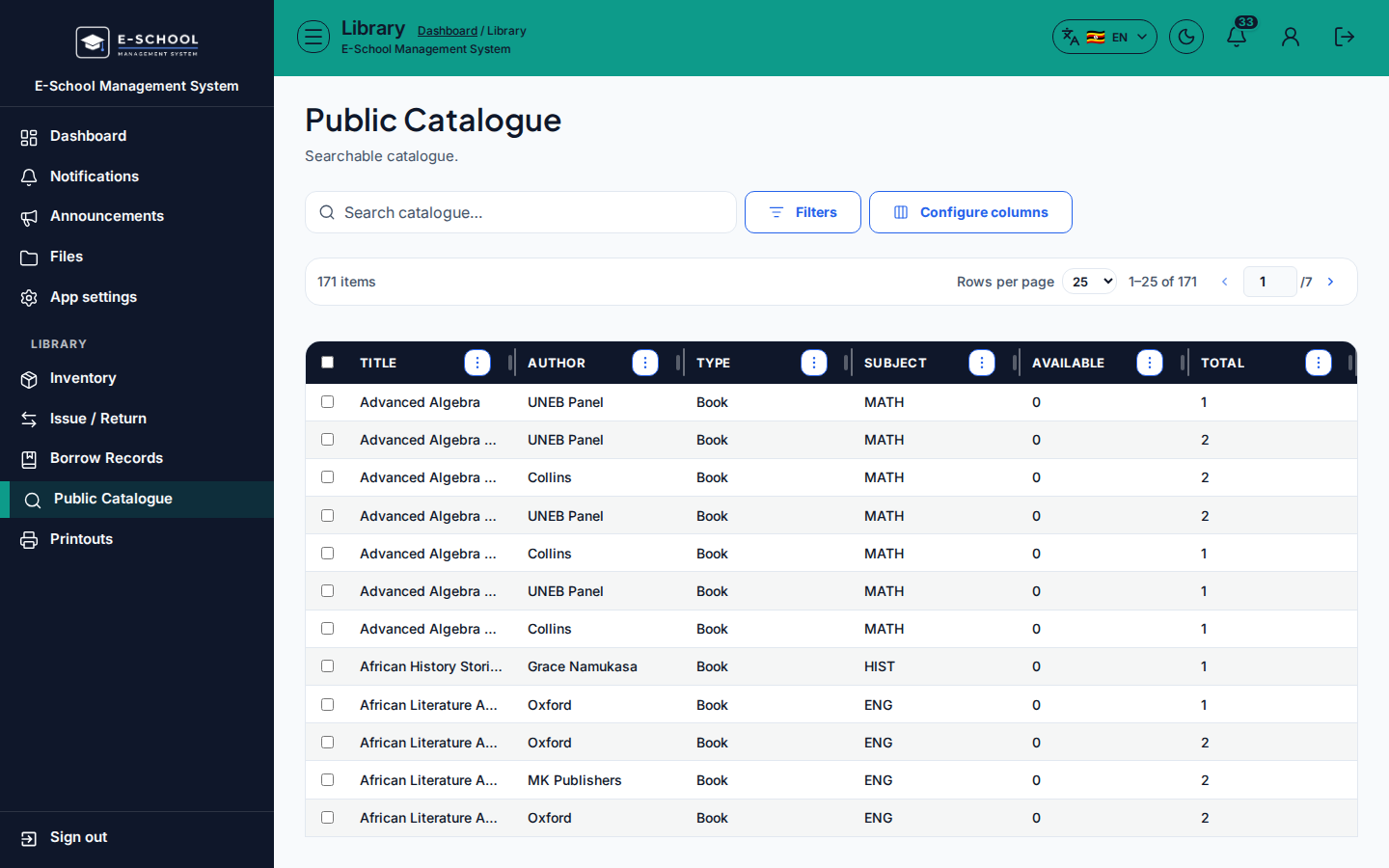
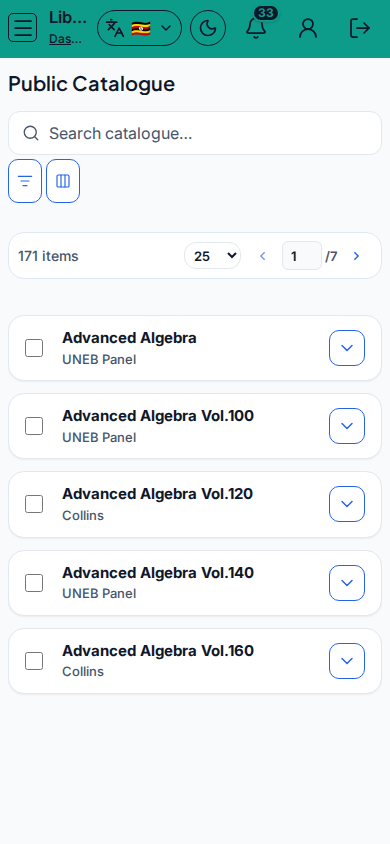
Steps
- Open Public Catalogue at
/library/catalogueas LIBRARIAN (or teacher/student Library nav). - Search catalogue and filter Type: All / Book / Manual / Periodical / Other.
- Review Title, Author, Type, Subject, Available, Total. Use View on a row.
- Staff: open Inventory / Open inventory to add or edit copies.
- Empty student view: contact office or Open messages.
Fields and actions
- Search catalogue… / Type filter
- View / Inventory / Open inventory
- Columns: Title, Author, Type, Subject, Available, Total
Common mistakes
- Expecting issue/return controls on the catalogue
- Catalogue empty because inventory was never stocked