Attendance Reports
Attendance summaries and master matrix for a class over a date range.
Who can use this
- TEACHER
- ADMIN
- SECRETARY
Path
/teacher/attendance/reports
Dependencies
- Daily register marks already saved for the range.
- Class filter required for meaningful totals.
Screenshot
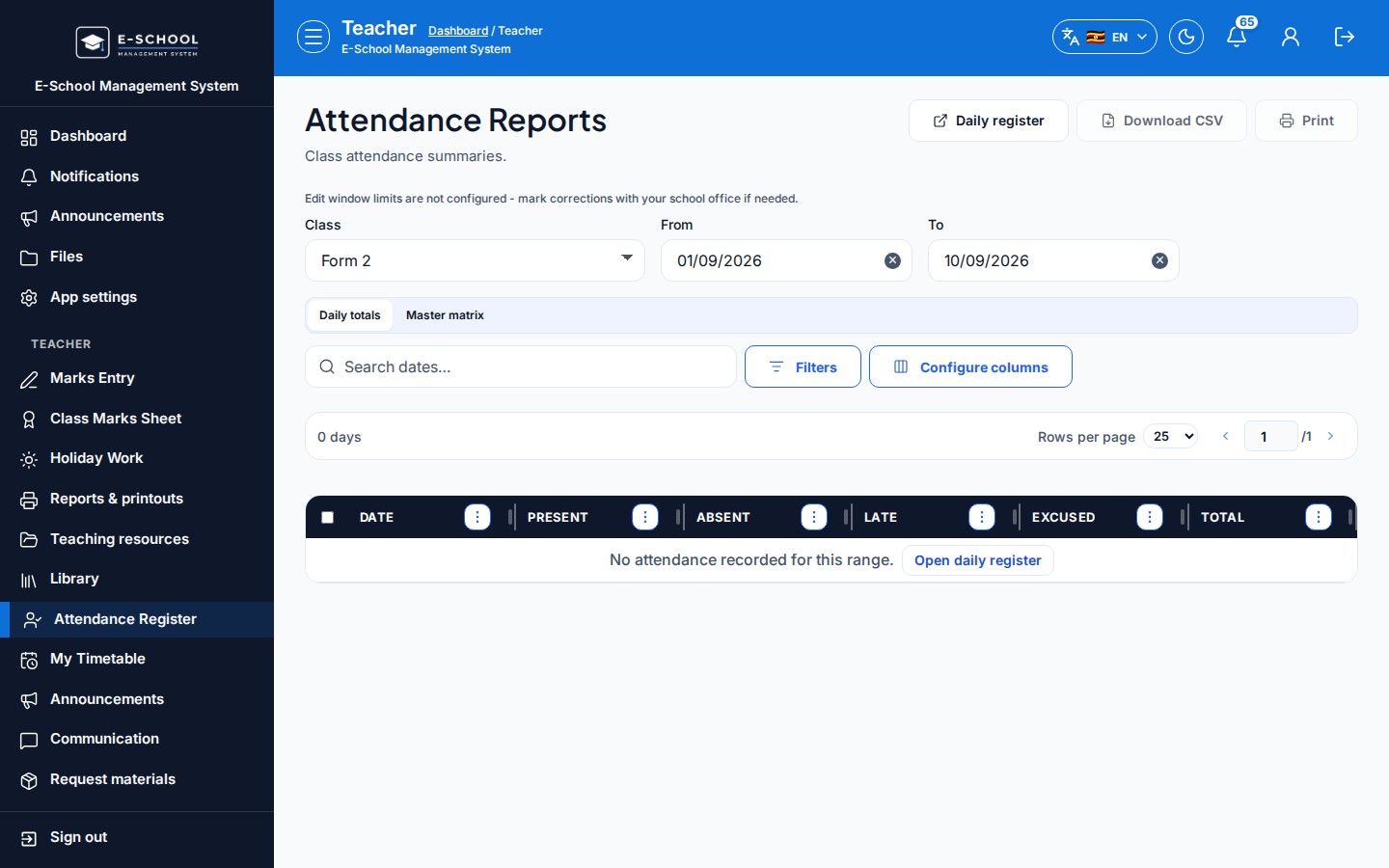
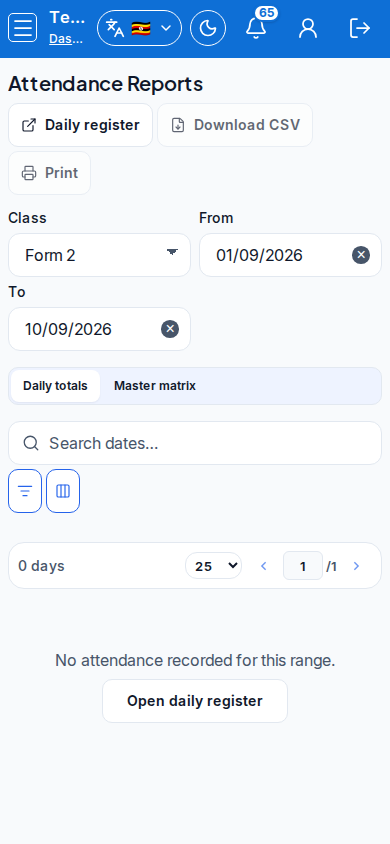
Steps
- Open Attendance Reports at
/teacher/attendance/reportsas TEACHER.
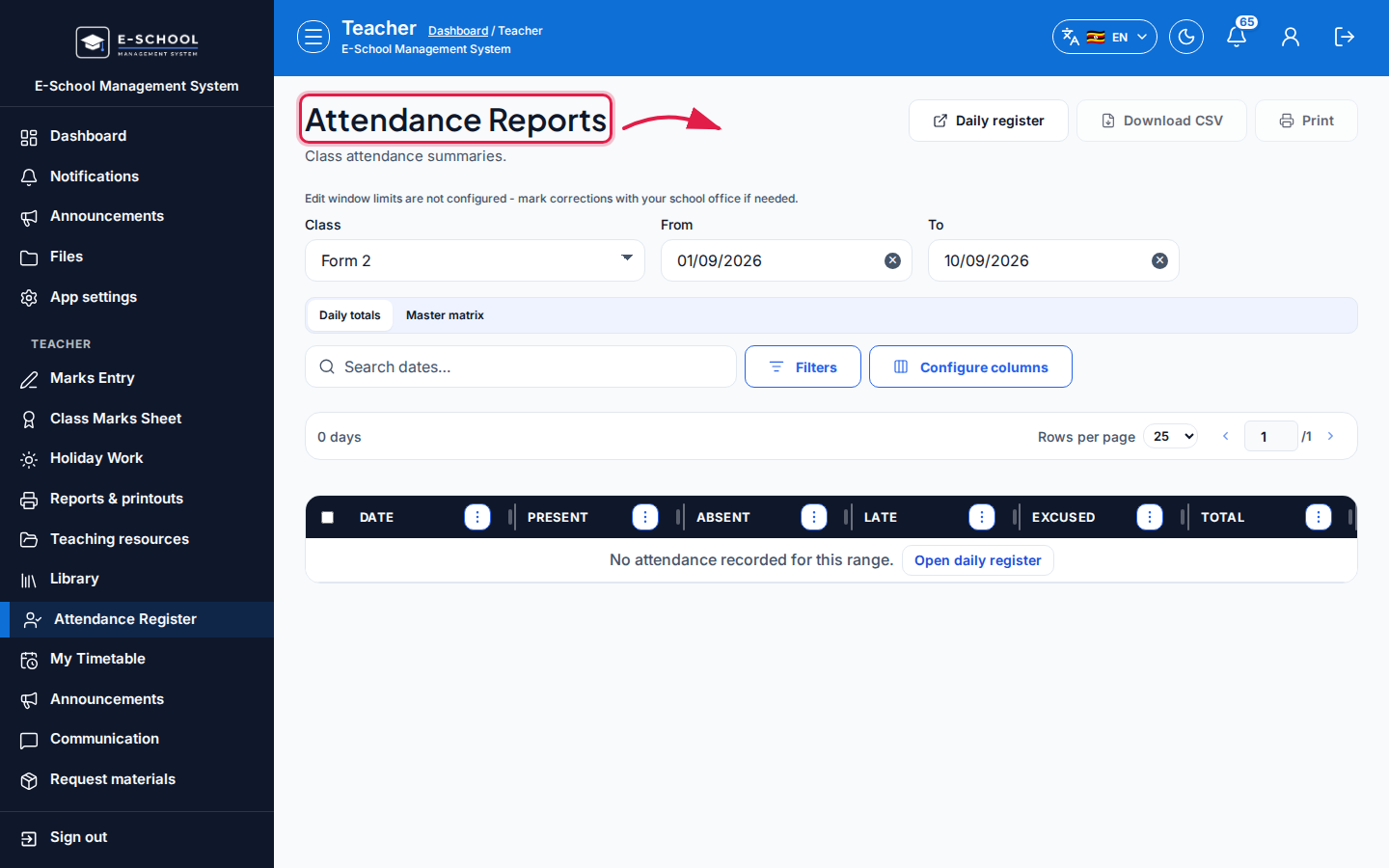 Desktop - focus for step 1
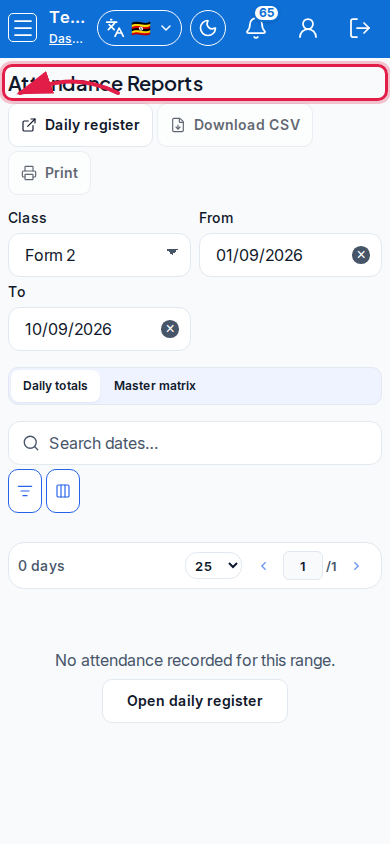 Mobile - focus for step 1
- Set Class, From, and To.
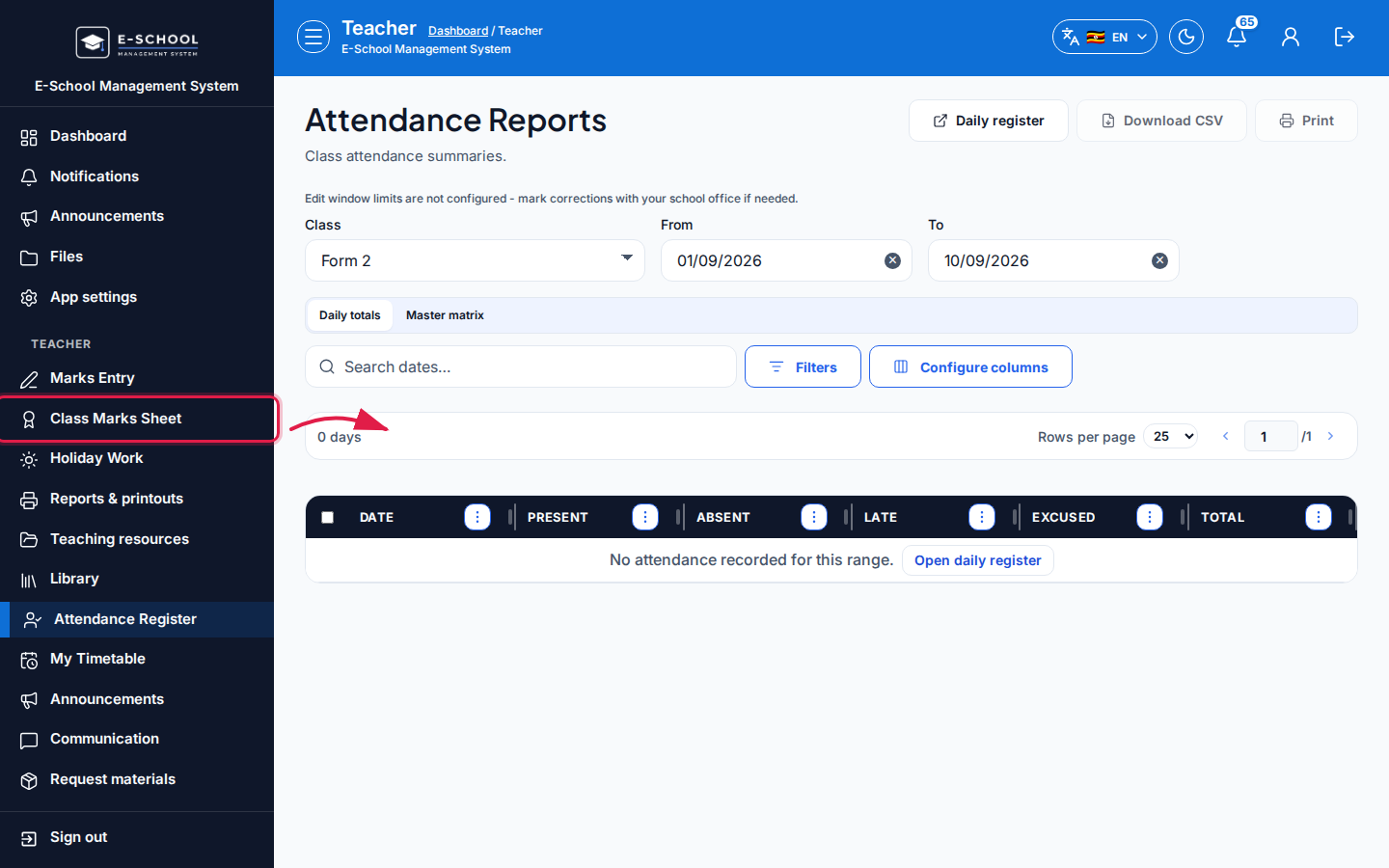 Desktop - focus for step 2
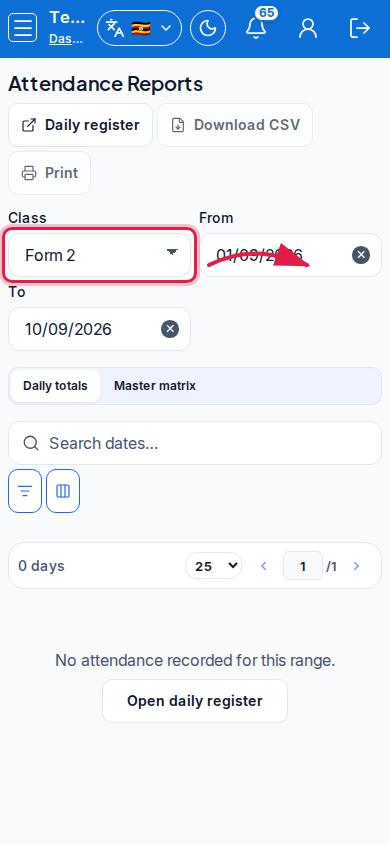 Mobile - focus for step 2
- Switch Daily totals or Master matrix. Use Download CSV or Print as needed.
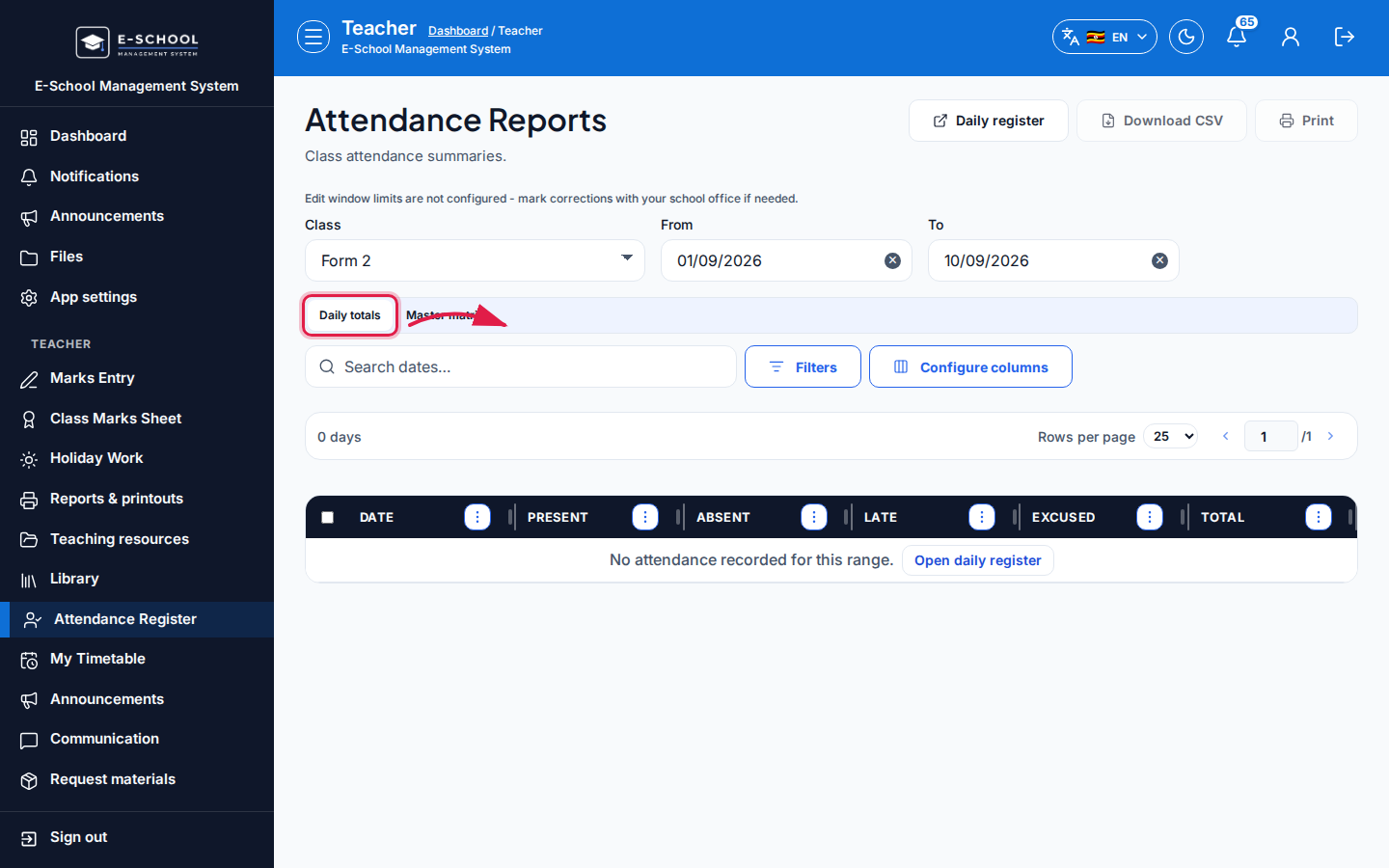 Desktop - focus for step 3
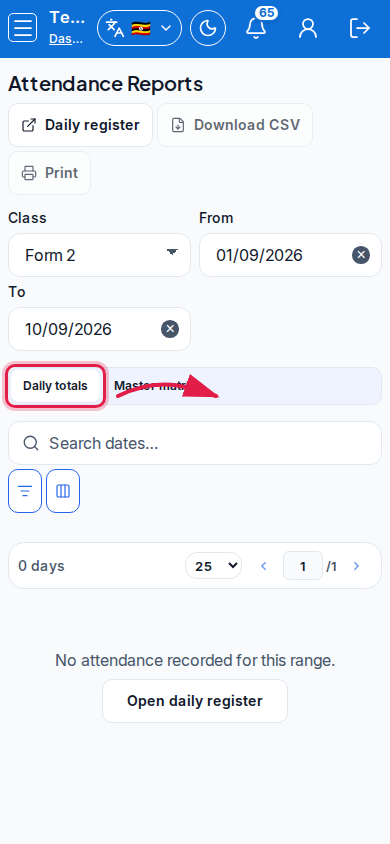 Mobile - focus for step 3
- Click Daily register (or Open daily register) to jump back and fix missing marks.
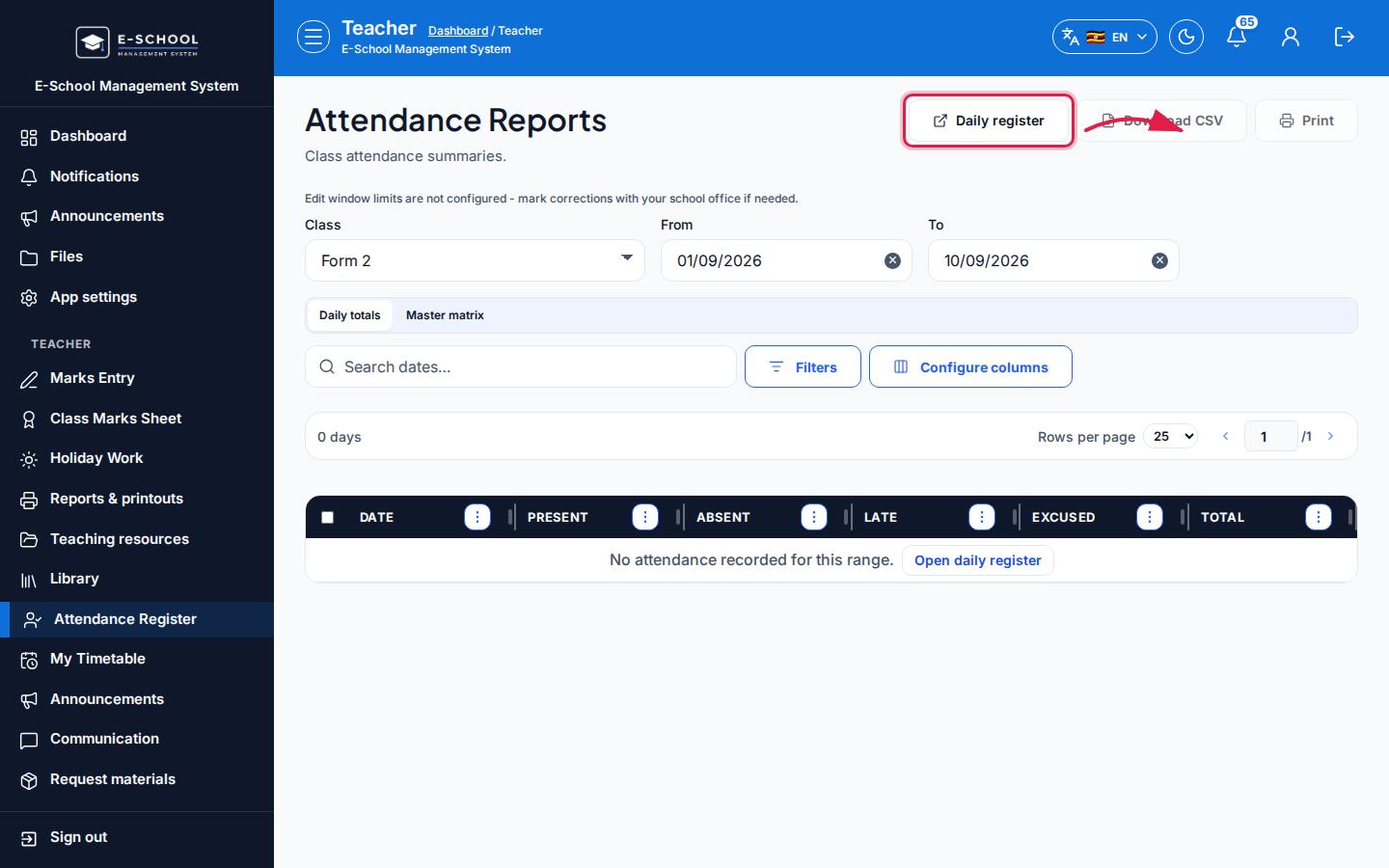 Desktop - focus for step 4
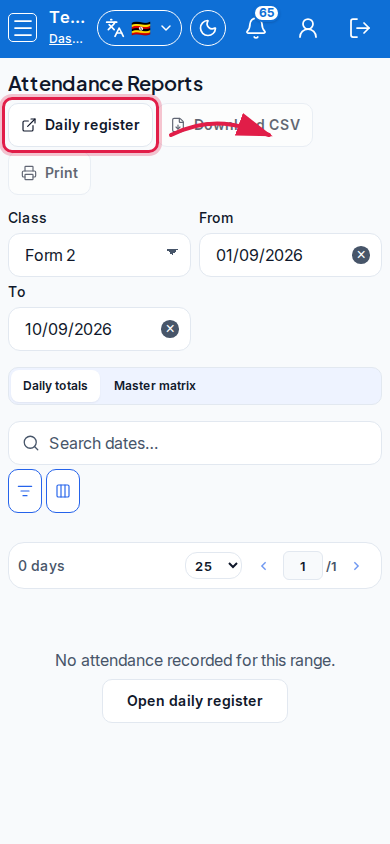 Mobile - focus for step 4
- Confirm print titles (Attendance summary / Attendance master matrix) before distributing.
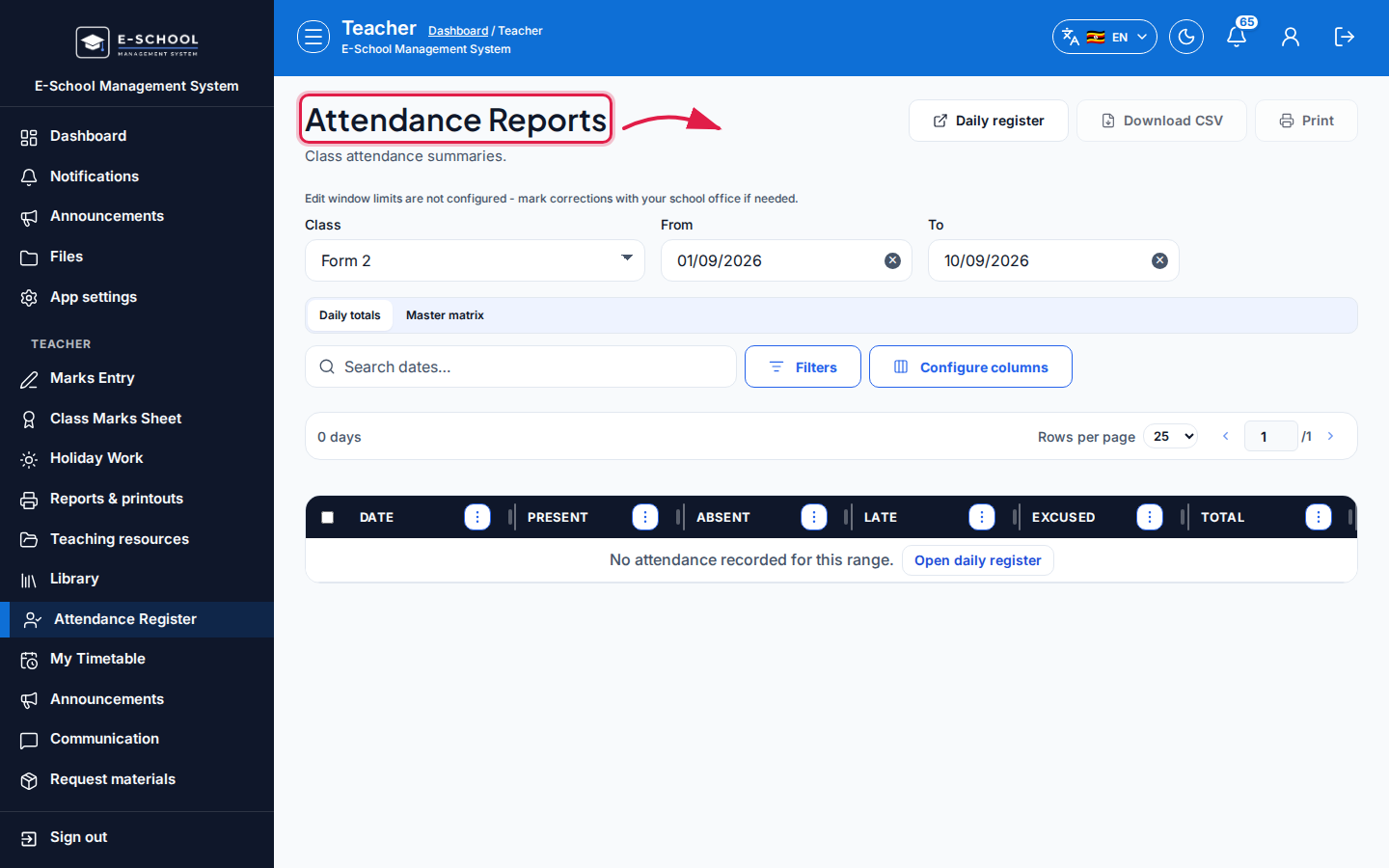 Desktop - focus for step 5
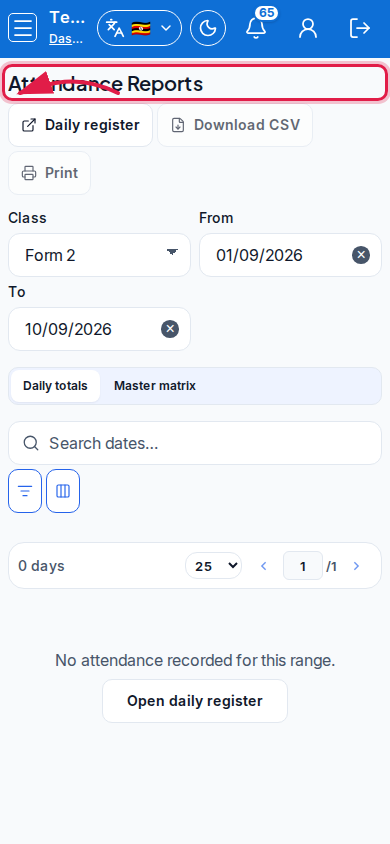 Mobile - focus for step 5
Fields and actions
- Filters: Class, From, To
- Tabs: Daily totals | Master matrix
- Download CSV / Print / Daily register
- Summary columns: Date, Present, Absent, Late, Excused, Total
Common mistakes
- Empty matrix when the daily register was never saved
- Date range that excludes the term
- Printing before selecting the class