Inventory
Library stock master: add/edit items, copies, shelf location, and condition.
Who can use this
- LIBRARIAN
- ADMIN
Path
/library/inventory
Dependencies
- Catalogue reads from these items.
- Issue/return needs Available copies > 0.
Screenshot
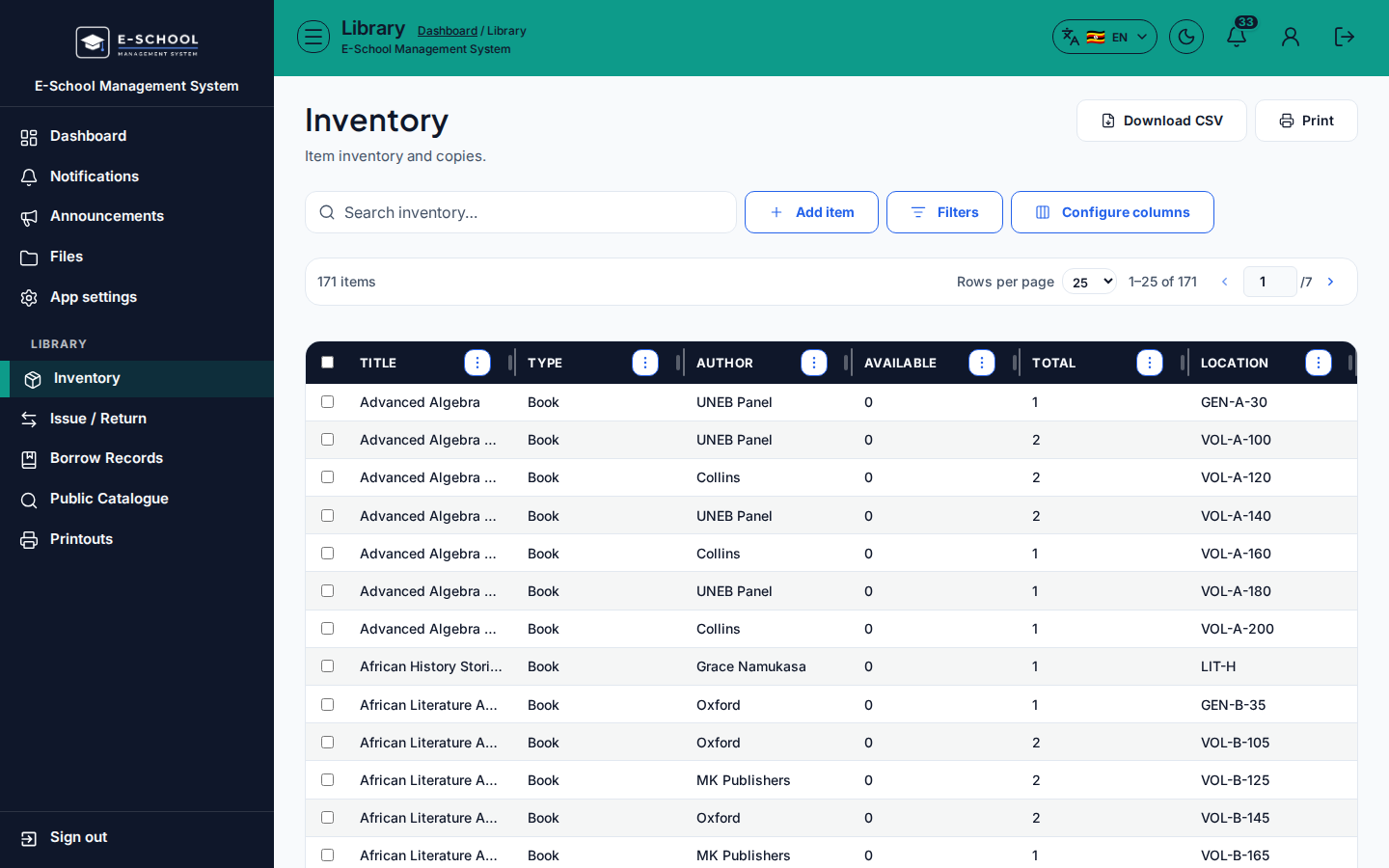
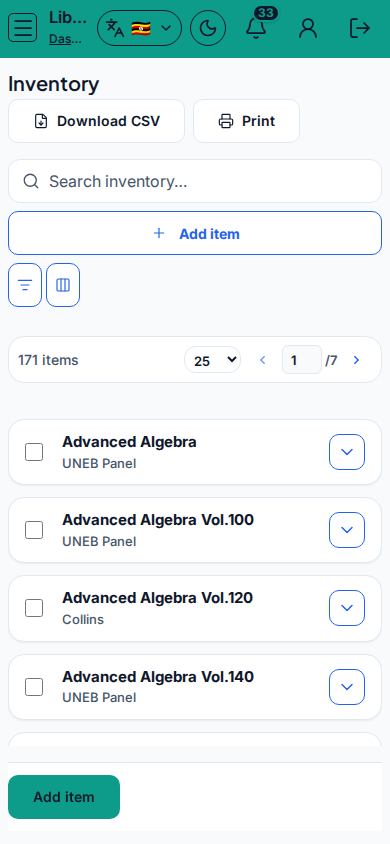
Steps
- Open Inventory at
/library/inventoryas LIBRARIAN. - Click Add item. Fill Title, Author, Type, ISBN/reference, Subject, Category, Publisher, Year, Total/Available copies, Shelf/location, Condition, Notes, then save.
- Select a row to Edit or Archive. Use Print for shelf checks.
- Keep Available copies aligned with active loans.
- Search inventory before creating duplicates.
Fields and actions
- Add item / Edit / Archive / Print / Update item
- Form: Title, Author, Type, ISBN, Subject, Category, Publisher, Year, Total/Available copies, Shelf, Condition, Notes
- Search inventory…
Common mistakes
- Available copies higher than reality after loans
- Archiving an item with active loans
- Duplicate titles without ISBN distinction