Admit student wizard
Full-page admit flow (not a small modal): three steps - Identity, Enrollment, Guardian - then optional Account credentials (copy now). Canonical routes are /secretary/students/admit (New Admission) and /admin/students/admit (Admit student). /secretary/admit redirects to the secretary path.
Who can use this
- ADMIN
- SECRETARY
Path
/secretary/students/admit (also /admin/students/admit; /secretary/admit redirects here)
Dependencies
- Classes and academic years exist (Classes, Academic calendar).
- Prefer this wizard over inventing admission numbers offline.
- After admit, register learner subjects before expecting report cards (subjects ticked on step 2 help, but office follow-up still matters).
Screenshot
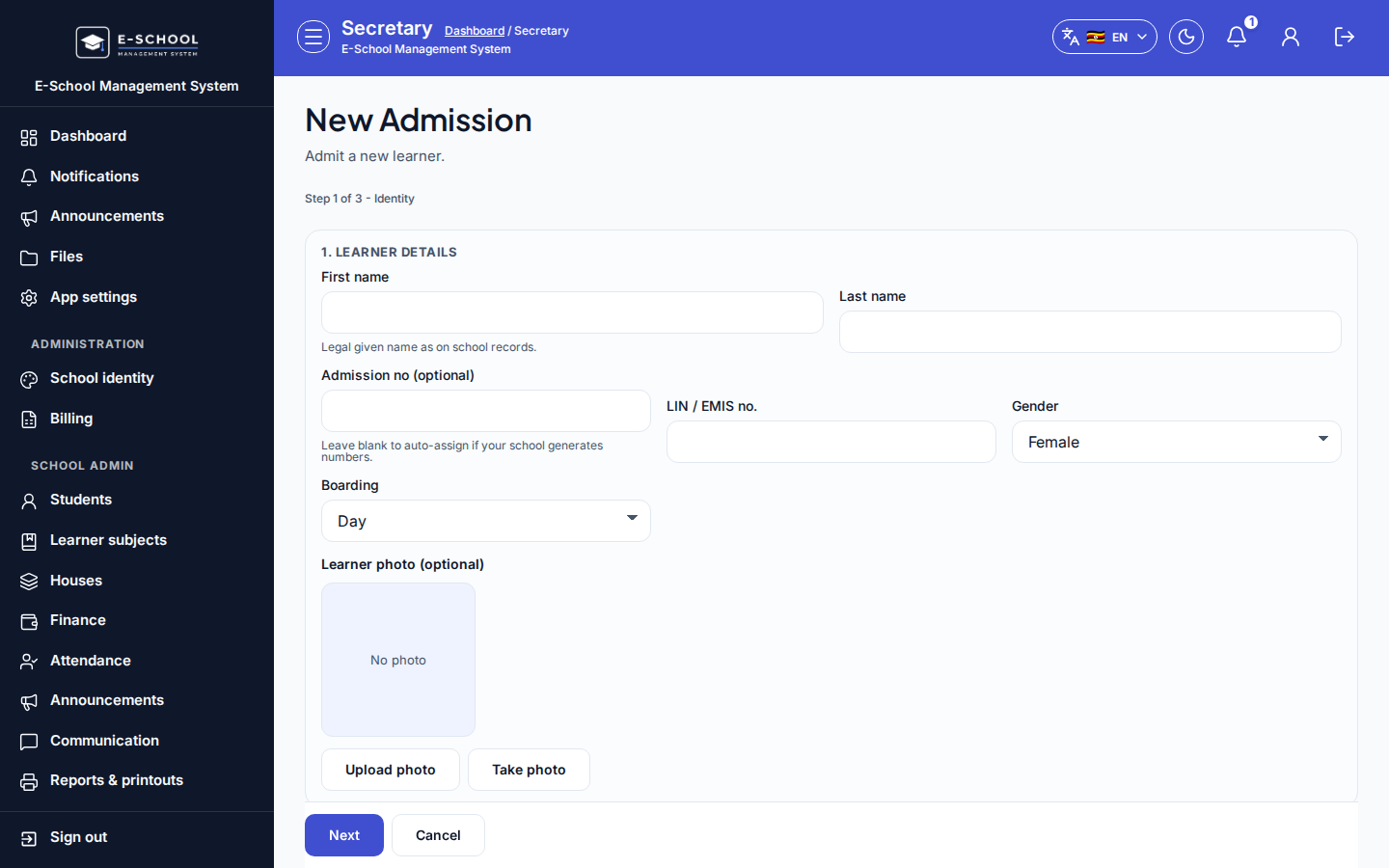
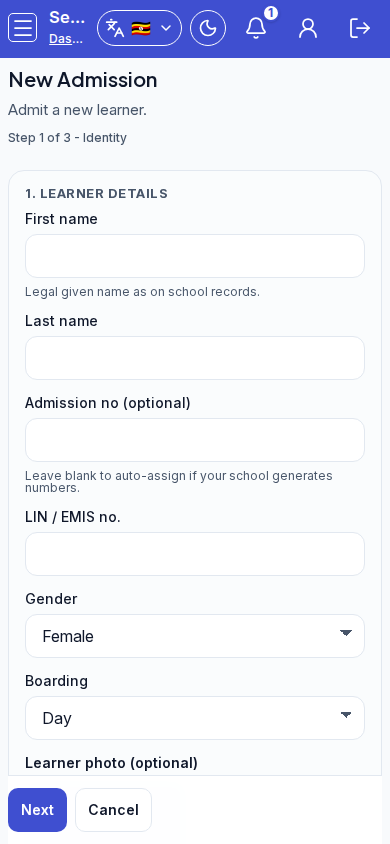
Step sequence
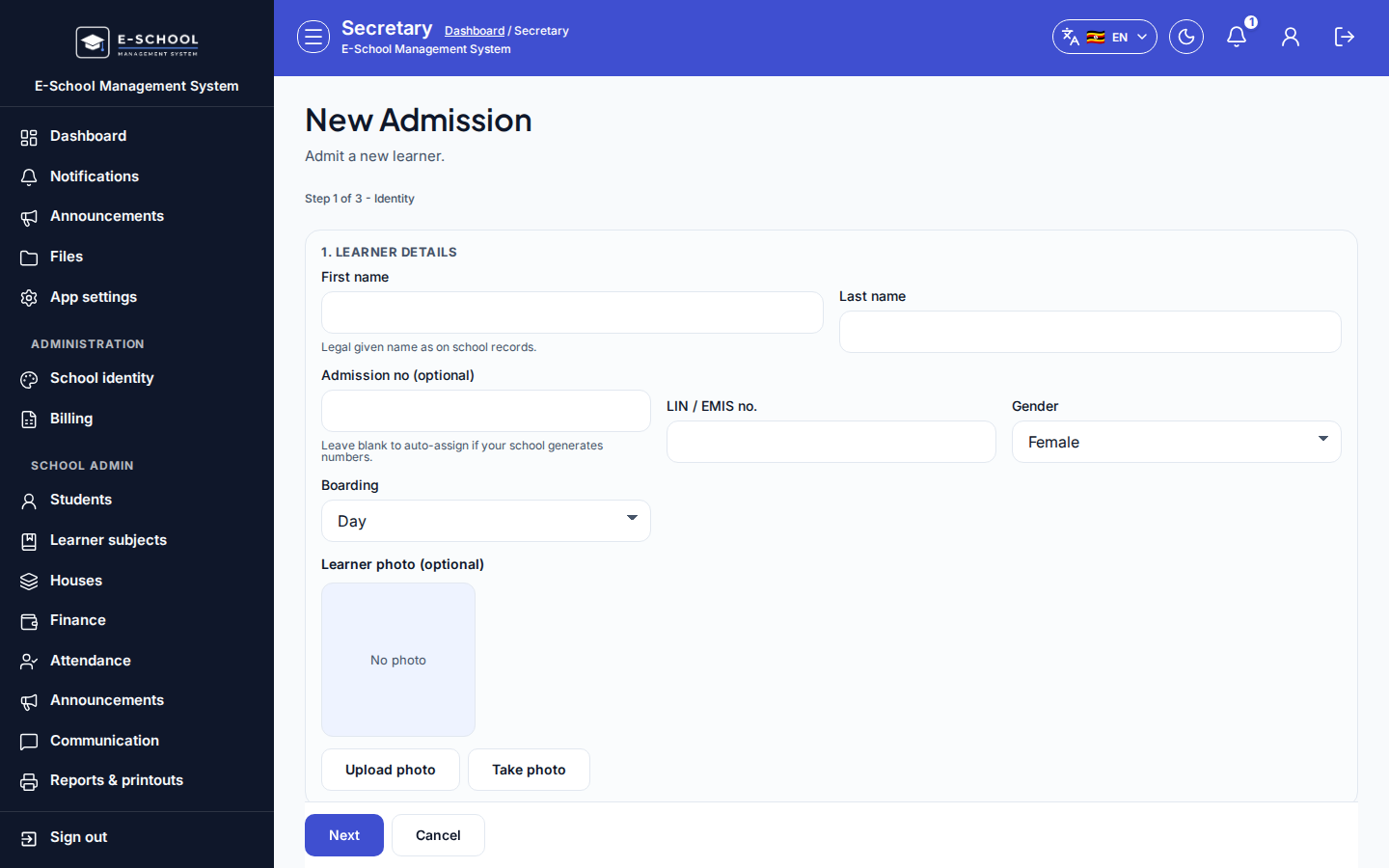
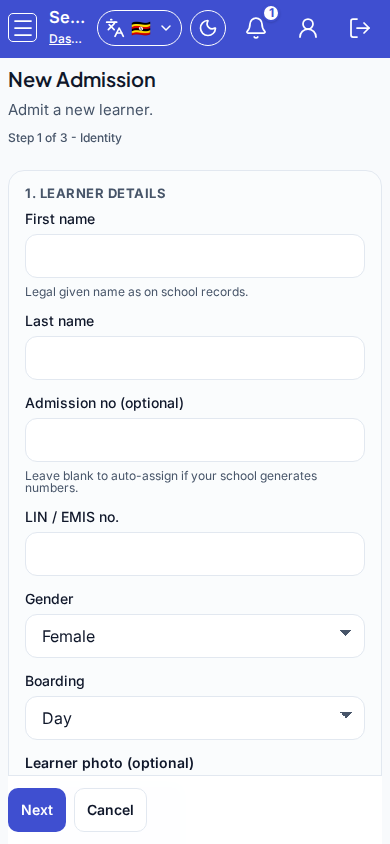
Dialog appears when
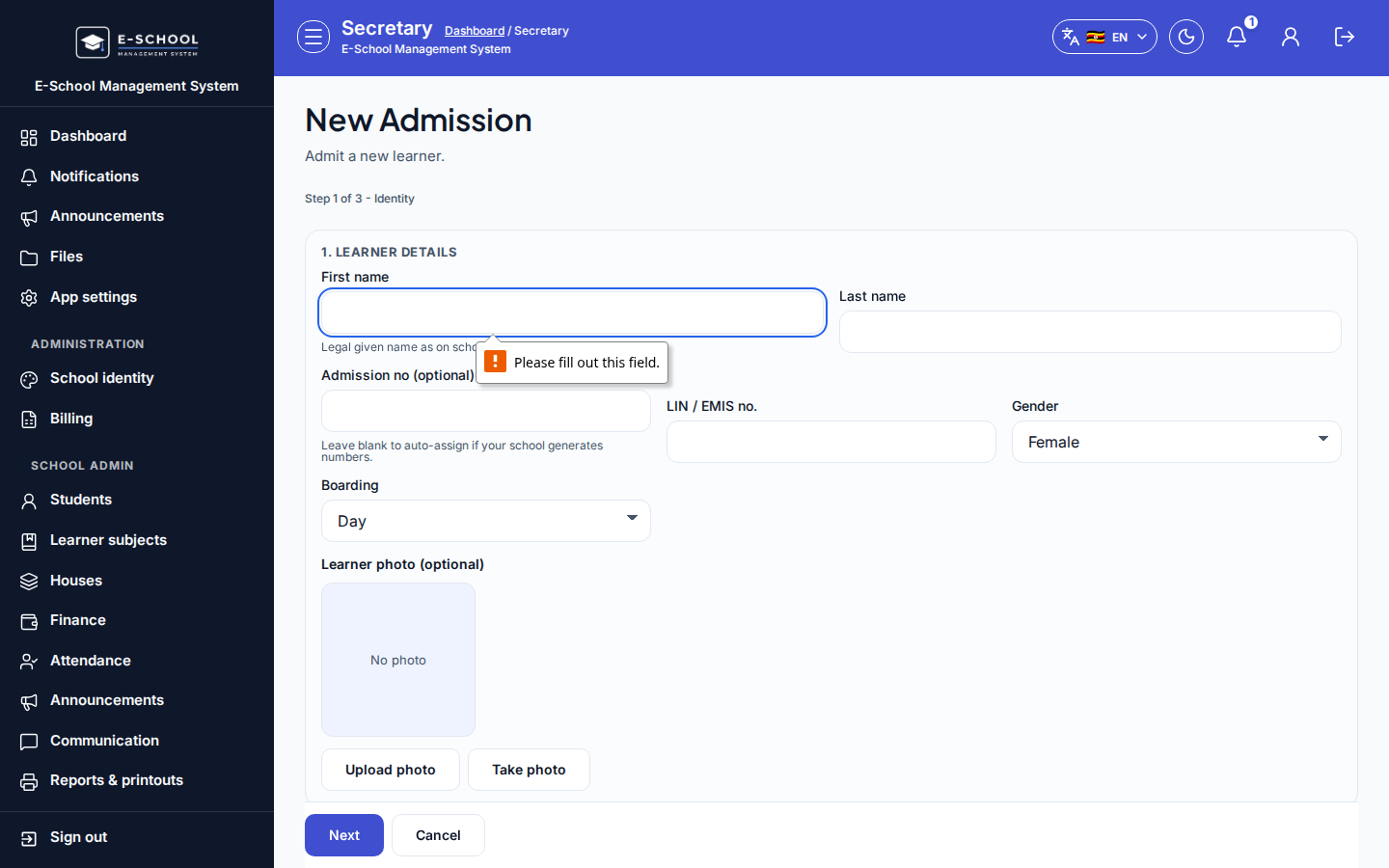
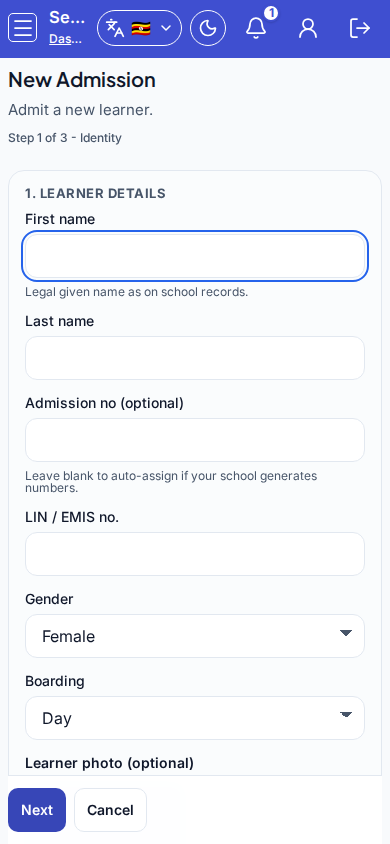
Opened from Admit student on Students, Secretary New Admission, or by navigating to /secretary/students/admit / /admin/students/admit. Progress caption reads Step N of 3 - Identity|Enrollment|Guardian.
Steps
- Open Admit student / New Admission at
/secretary/students/admitor/admin/students/admit. - Step 1 - Identity: enter First name and Last name; optionally admission number, gender, boarding, date of birth, contacts, and Learner photo (Upload photo / Take photo). Click Next.
- Step 2 - Enrollment: choose required Class and Academic year, optional Stream, and subject checkboxes (compulsory subjects for the class level tick automatically). Click Next.
- Step 3 - Guardian: enter Guardian name, Guardian phone, optional email and relationship. Click Admit.
- If Account credentials (copy now) appears, copy School ID, User ID, and temporary password before Close (Issued credentials).
- Review the learner on Students; set fees and finish learner-subjects follow-up as needed.
Fields and actions
- Progress: Step 1 of 3 - Identity / Enrollment / Guardian
- First name, Last name, Admission no (optional)
- Gender, Boarding, Date of birth, Phone, Email, National ID, LIN, Address
- Emergency contact name / phone
- Learner photo (Upload photo / Take photo)
- Class, Stream, Academic year, Subjects
- Guardian name, phone, email, relationship
- Next, Back, Admit, Cancel
Common mistakes
- Admitting before classes or academic years exist (empty setup message)
- Wrong class or stream (forces a later Promote / move)
- Skipping guardian phone when SMS is expected
- Closing credentials without copying the temporary password
- Empty report cards later because subjects were never registered