Store material requisition
Teacher requests classroom materials; Finance approves the requisition, posts stock movements, or raises a purchase order when stock is insufficient.
Steps
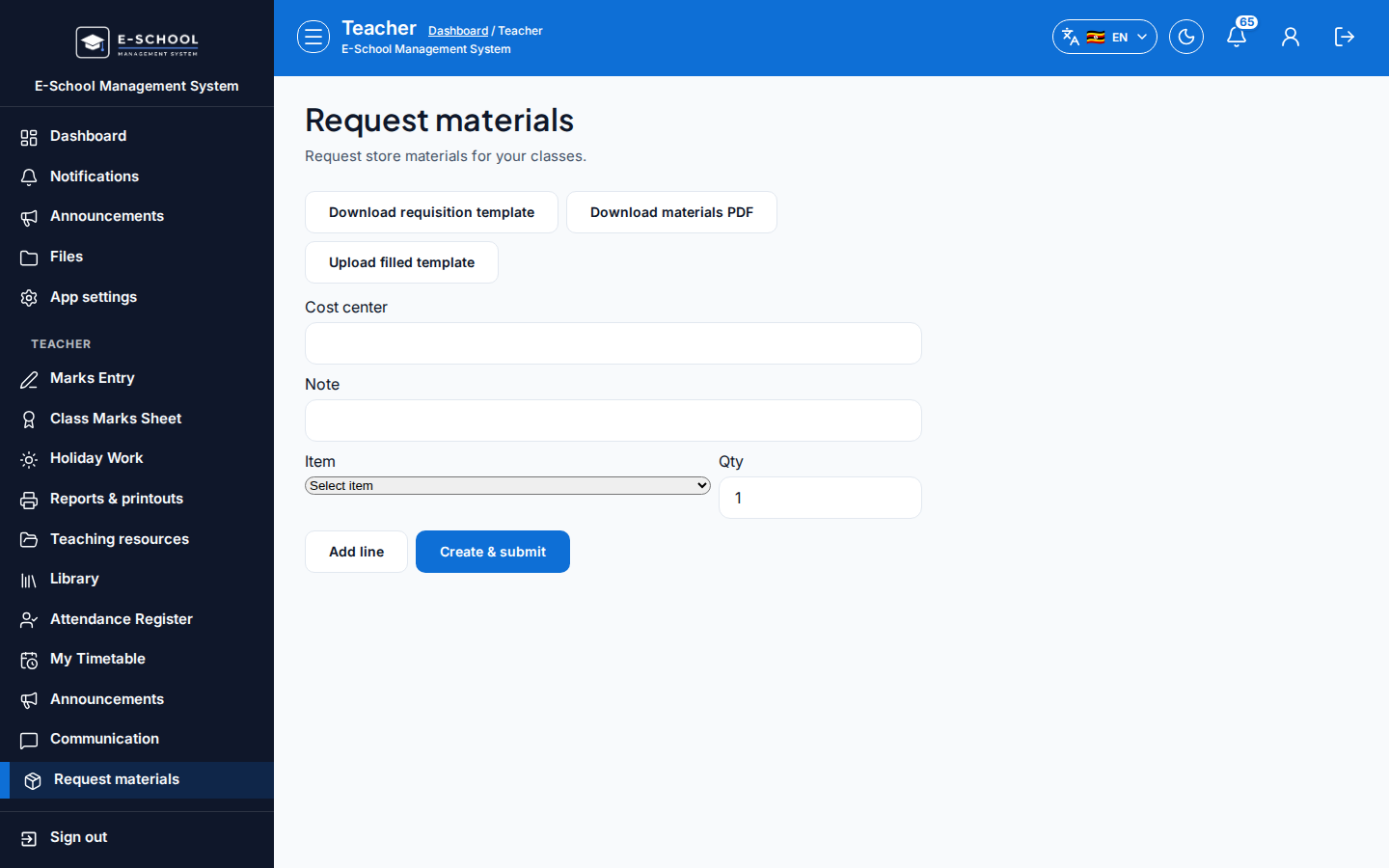
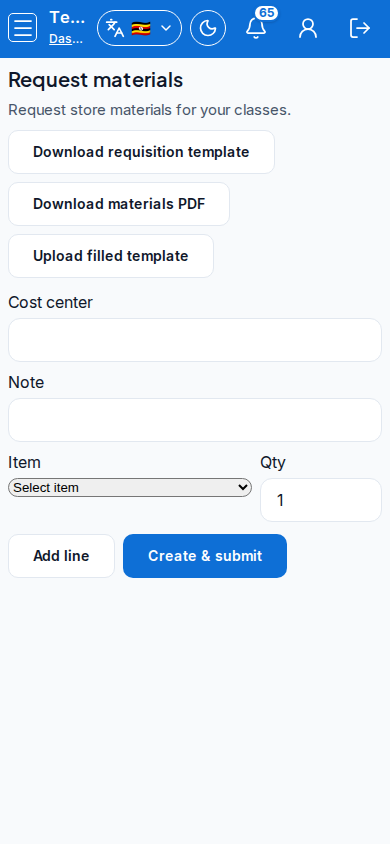
- Teacher request - Request materials
- Create a request with item, quantity, and needed-by date.
- Tip: be specific on item names so Finance can match Store items. Vague requests bounce.
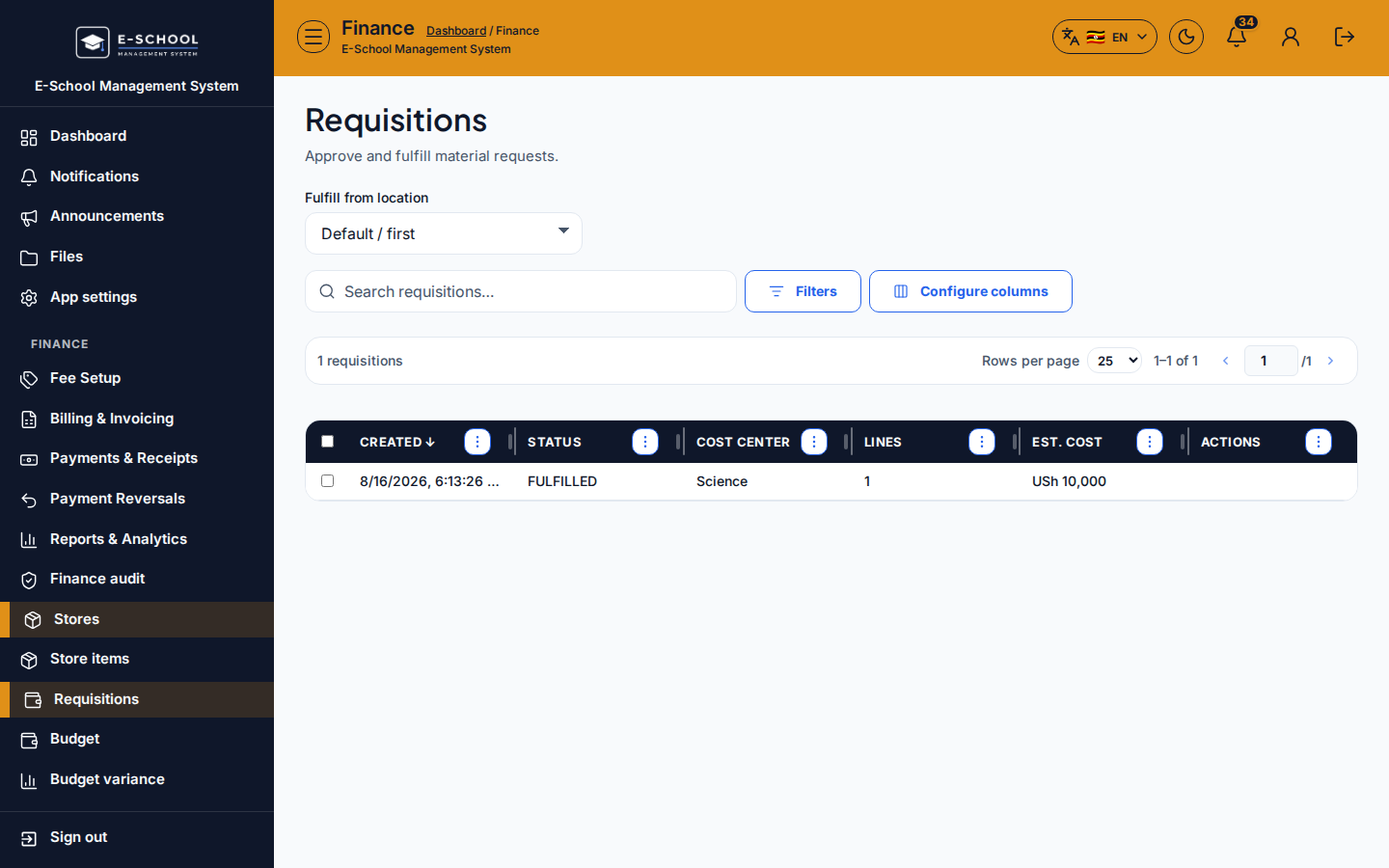
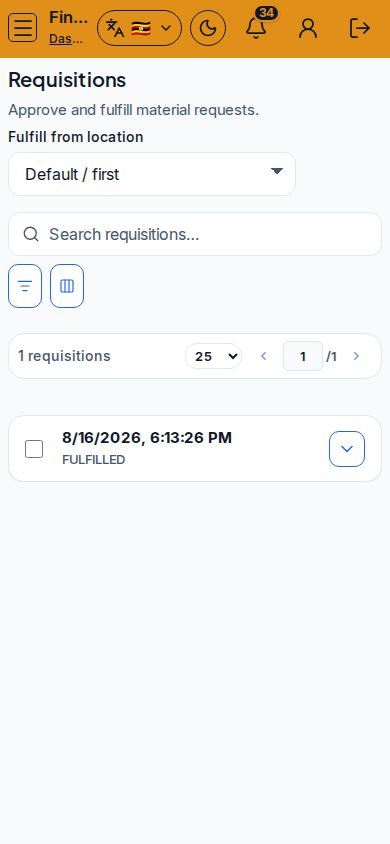
- Finance requisitions - Requisitions
- Open the pending request, confirm location, then approve or reject.
- Tip: approving without a store location leaves stock nowhere to issue from.
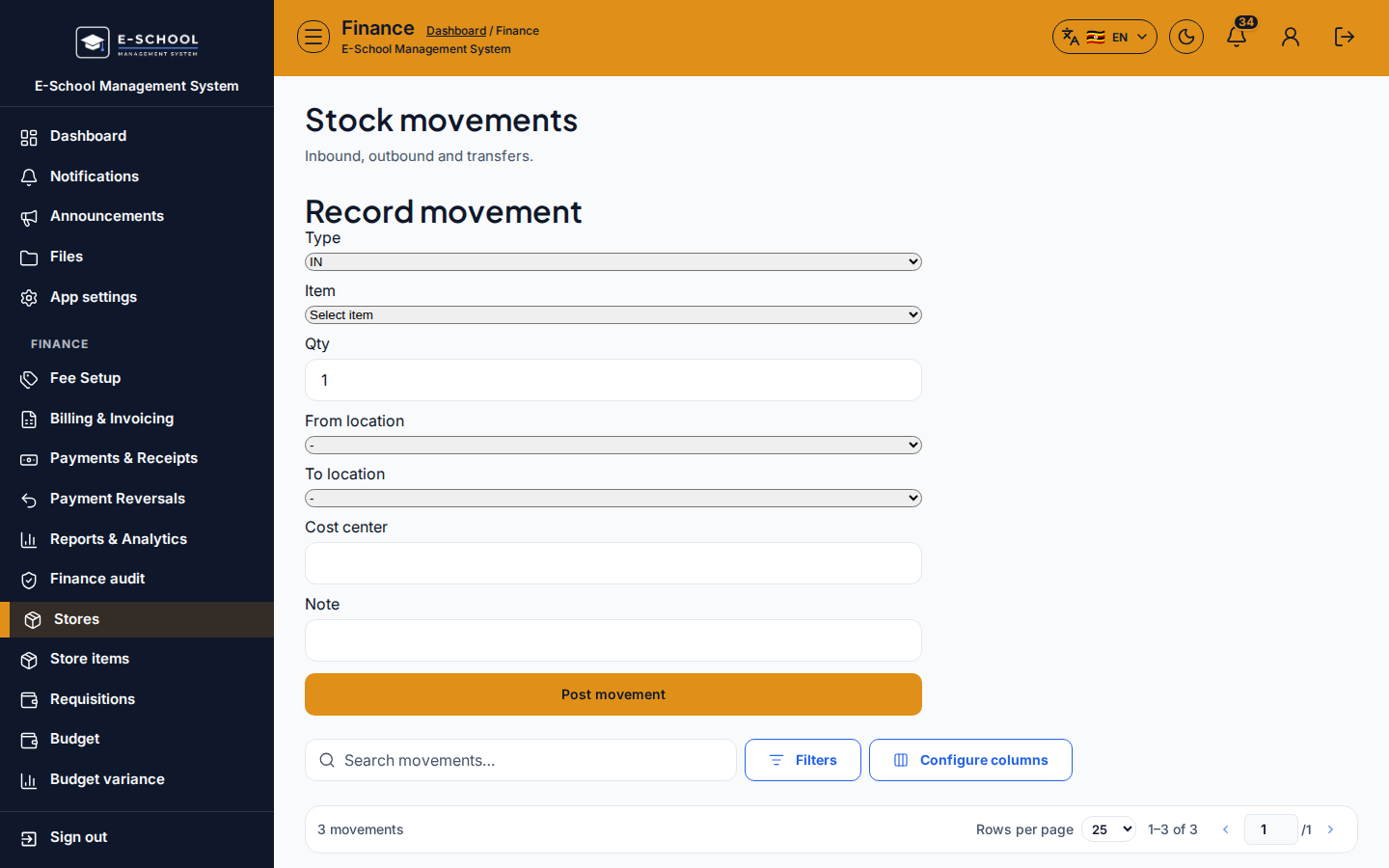
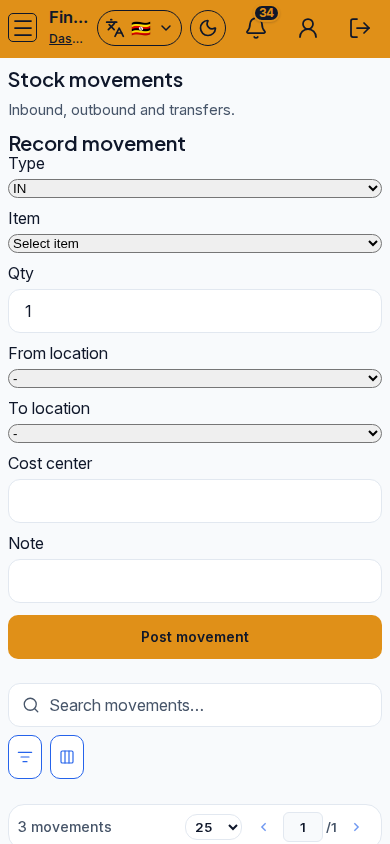
- Issue stock - Stock movements
- Post the issue against the approved requisition when stock exists.
- Tip: do not issue below zero. Check Low stock first.
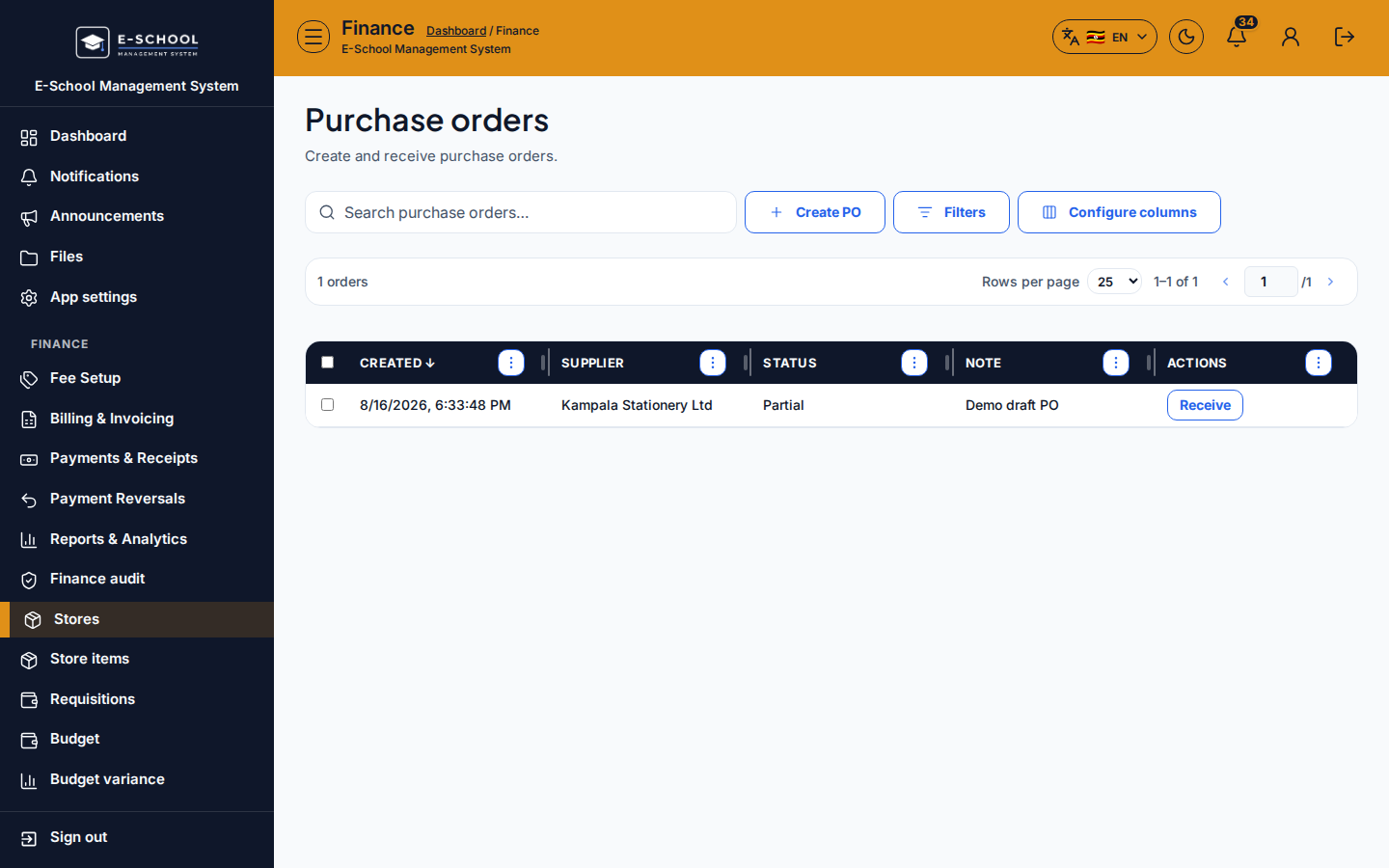
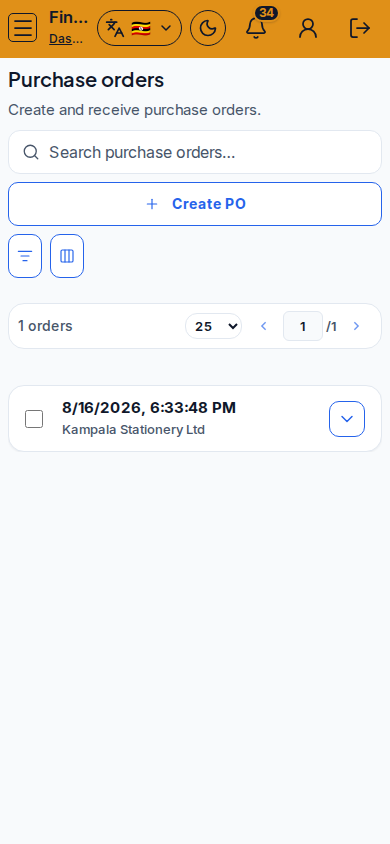
- Purchase if needed - Purchase orders
- Raise a PO to a supplier, then receive via Goods receipts when goods arrive.
- Tip: movements and POs are different paths - do not mark a request complete until stock actually moved or arrived.
Role handoff
Teacher requests. Finance approves, posts movements, and owns POs/GRNs. Admin may oversee via Stores & Budget.
Common mistakes
- Approving requisitions without a location
- Issuing stock below zero
- Closing the teacher request before the movement posts
- Raising a PO without a supplier on file