My Holiday Work
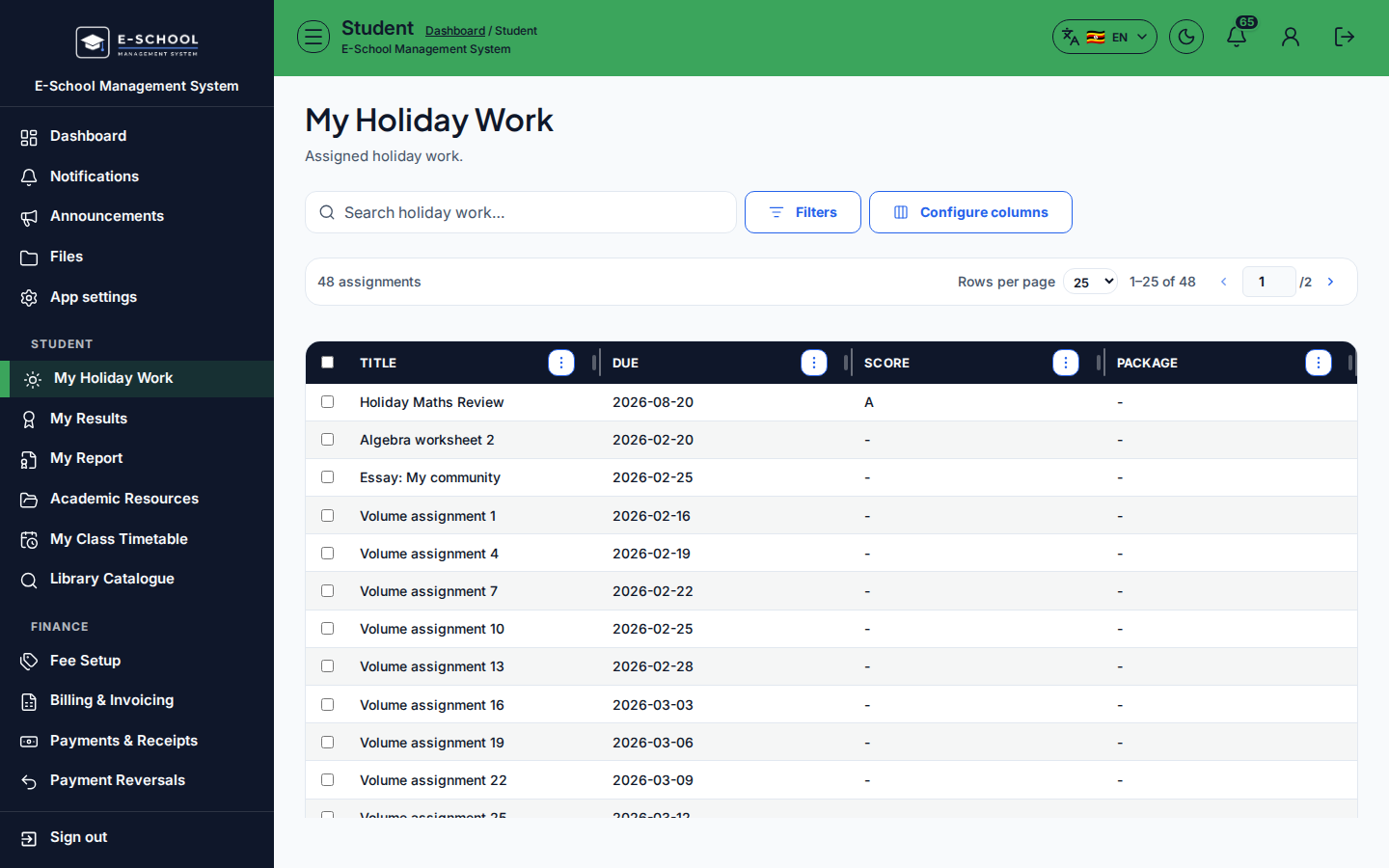
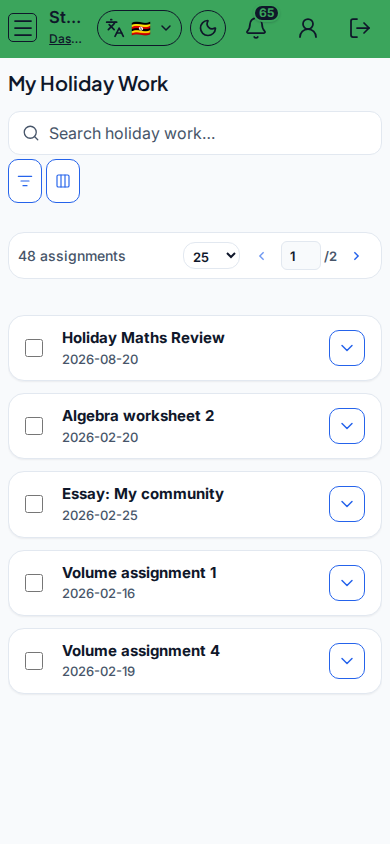
Learner holiday assignments: open packages, submit text/attachments, and view scores.
Who can use this
- STUDENT
- ADMIN
Path
/student/holiday-work
Dependencies
- Teacher created holiday work for the learner's class.
- Package PDF optional but common.
Screenshot
Steps
- Open My Holiday Work at
/student/holiday-workas STUDENT. - Select an assignment - Open assignment, View PDF, or Download PDF.
- Enter Submission text, optional Attachment, then Submit.
- Check Score when graded.
- Use Open academic resources for related notes.
Fields and actions
- Open assignment / View PDF / Download PDF
- Submission text, Attachment, Submit
- Columns: Title, Due, Score, Package
Common mistakes
- Missing the due date
- Submitting without attachment when the teacher required a PDF
- Looking for grades under Results instead of this page