Library Catalogue
Student library catalogue access (same catalogue UI, learner-facing nav).
Who can use this
- STUDENT
- ADMIN
Path
/library/catalogue
Dependencies
- Catalogue/inventory stocked.
- Loans are handled at the library desk - not self-checkout here.
Screenshot
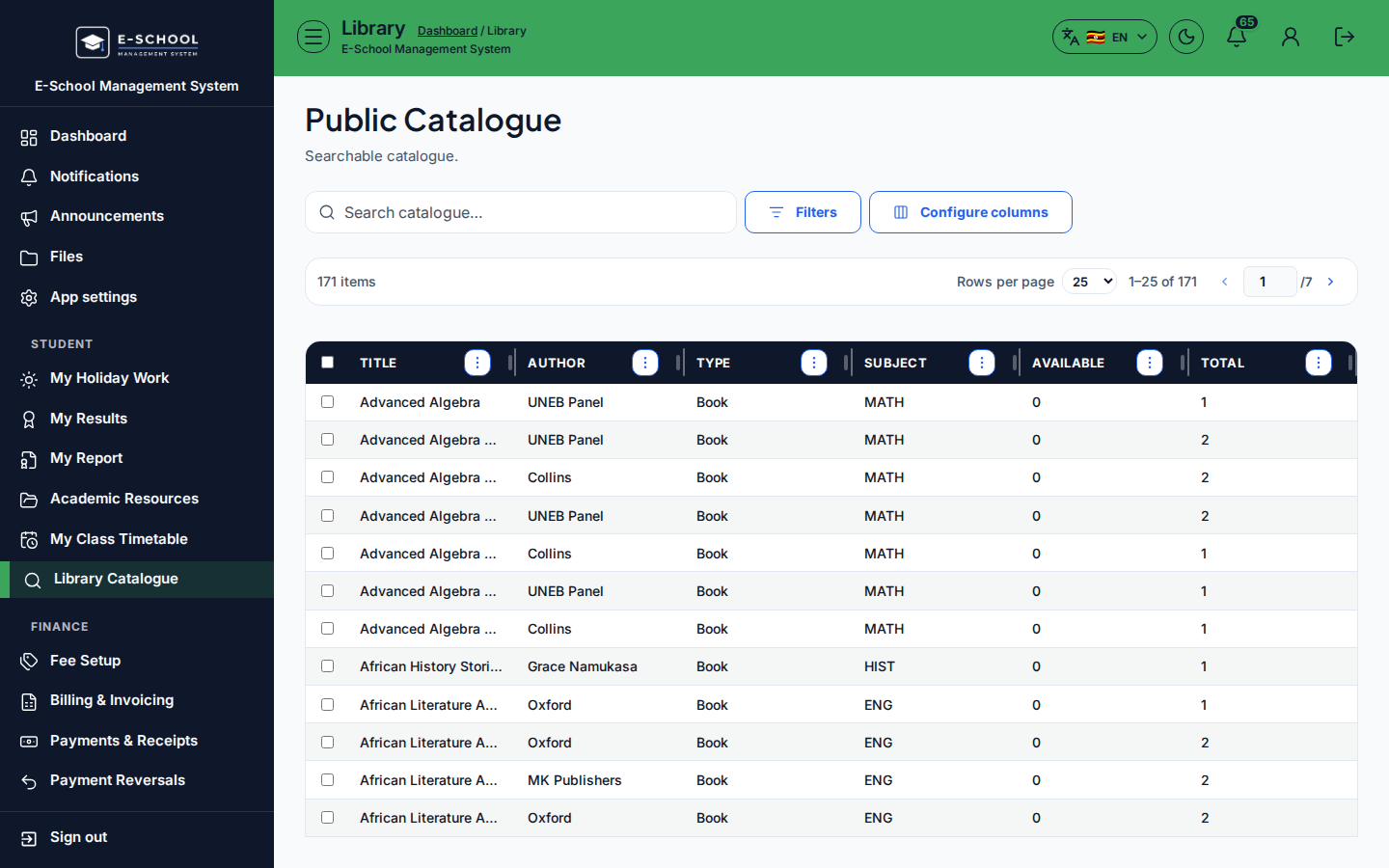
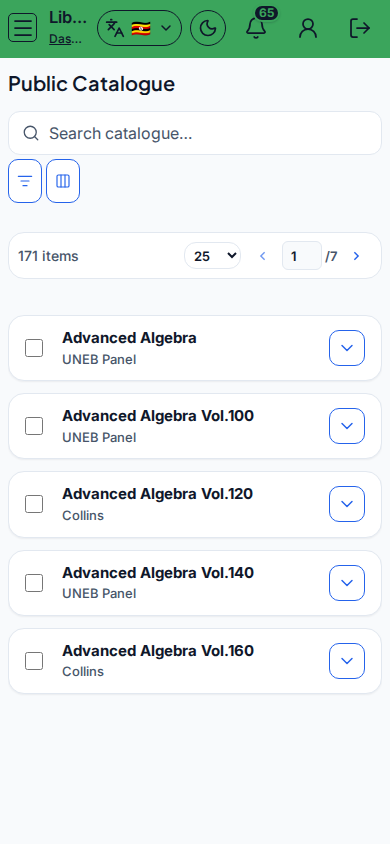
Steps
- Open Library Catalogue at
/library/catalogueas STUDENT. - Search and filter by Type.
- Check Available vs Total before visiting the desk.
- Use Open messages if the catalogue is empty and you need help.
- Return items through the librarian Issue/return desk.
Fields and actions
- Search / Type filter
- Columns: Title, Author, Type, Subject, Available, Total
Common mistakes
- Expecting self-checkout
- Ignoring Available = 0