My Report
Learner report card view with term, overall, comments, and print preview when released.
Who can use this
- STUDENT
- ADMIN
Path
/student/report
Dependencies
- Admin generated and released the card.
- Exam results page lists subject scores separately.
Screenshot
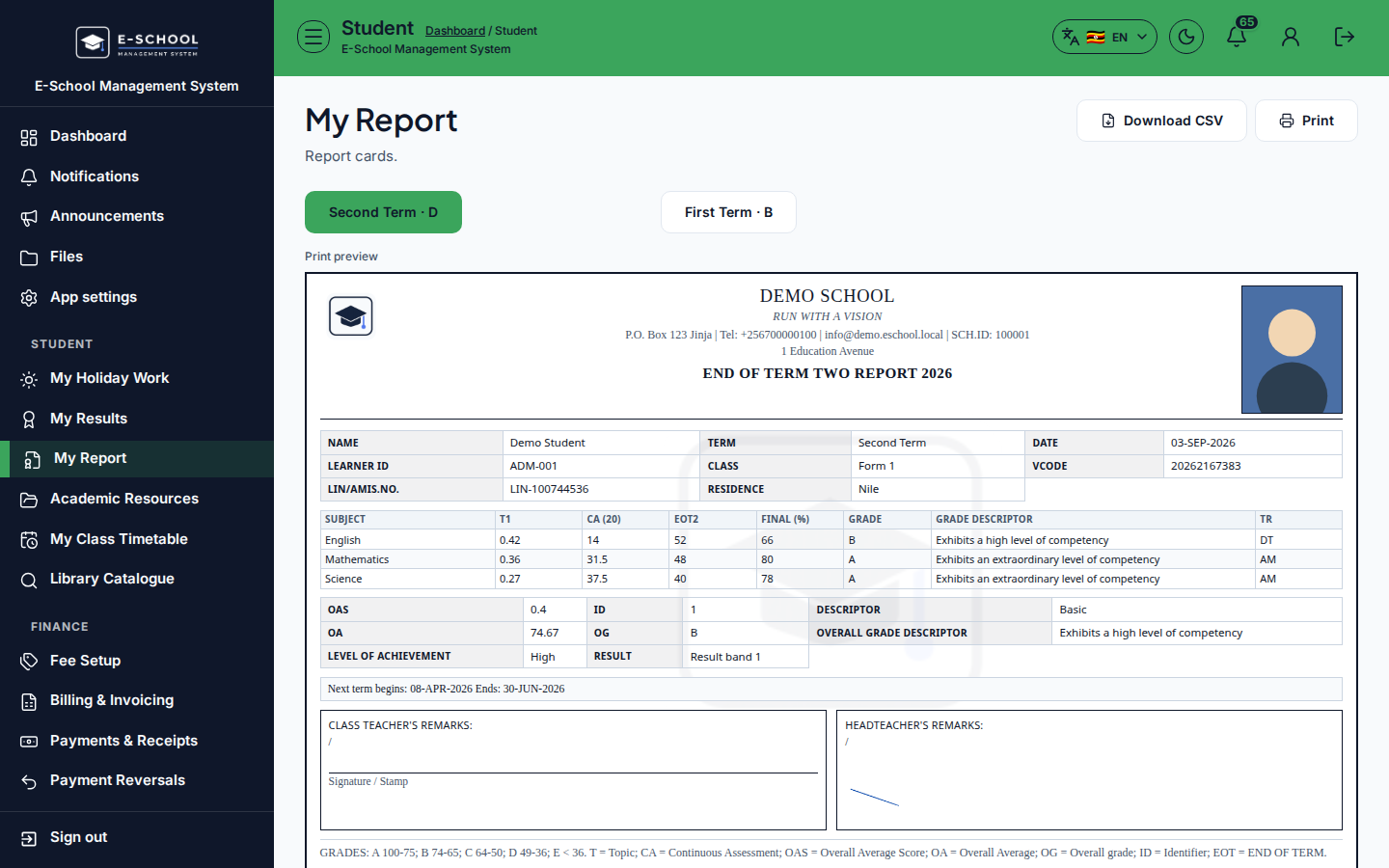
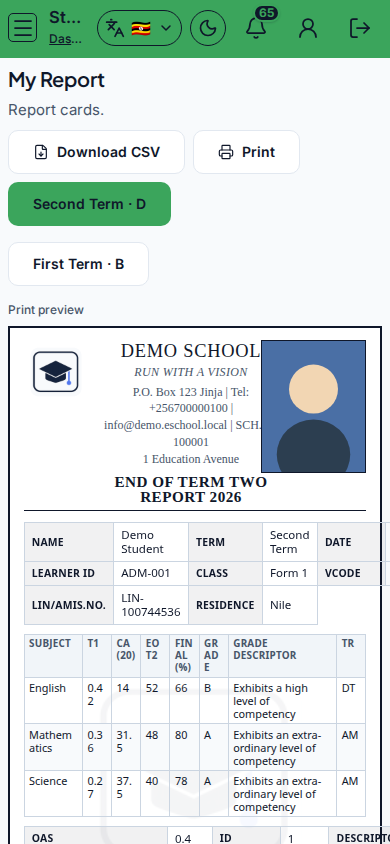
Steps
- Open My Report at
/student/reportas STUDENT. - Confirm Term, Overall, Comments, Released labels.
- Use Print preview when allowed.
- Open Exam results / View results for per-subject scores.
- If empty, the card may be unpublished - ask the office.
Fields and actions
- Term / Overall / Comments / Released
- Print preview
- Exam results link
Common mistakes
- Printing before Released
- Looking only here for mid-term quiz scores