Printouts
Library report generator: inventory, catalogue, loans, overdue, and borrower history.
Who can use this
- LIBRARIAN
- ADMIN
Path
/library/printouts
Dependencies
- Inventory and loan data exist for the chosen report.
- Borrower history needs a selected student.
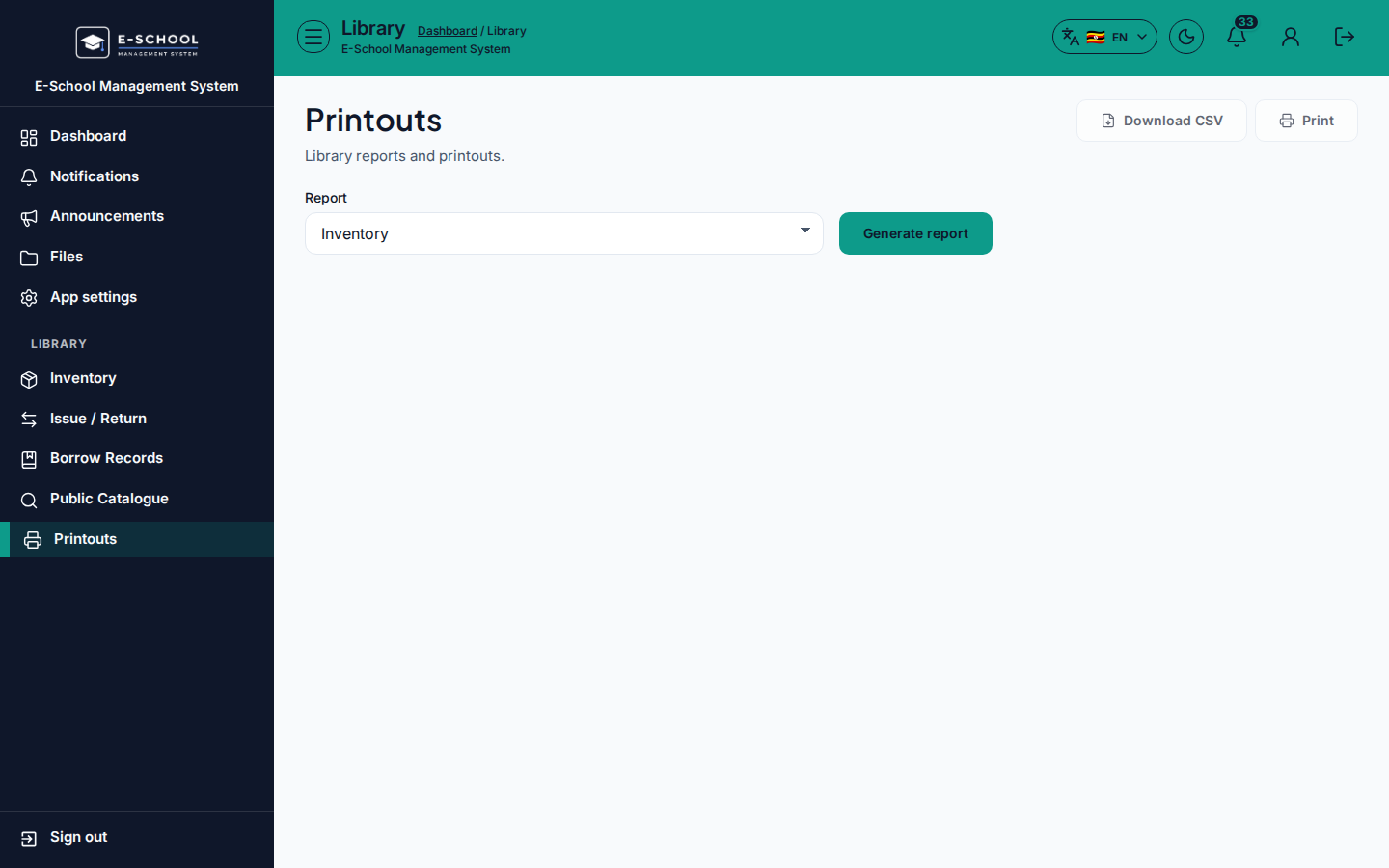
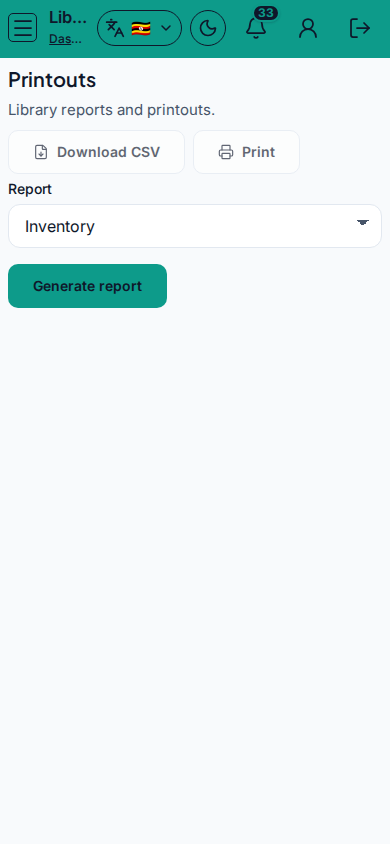
Screenshot
Steps
- Open Printouts at
/library/printoutsas LIBRARIAN. - Choose Report type: Inventory, Catalogue, Active loans, Returned loans, Overdue, or Borrower history.
- For borrower history, select Borrower / student.
- Click Generate report, then Print preview.
- Fix source data under Inventory or Issue/return if the report is empty.
Fields and actions
- Report selector, Borrower / Select student
- Generate report / Print preview
Common mistakes
- Borrower history without selecting a student
- Printing Overdue before loans were issued