Results
Parent view of published exams and released report cards for the selected child.
Who can use this
- PARENT
Path
/parent/results
Dependencies
- Child linked; results published/released by school.
- Pick the correct child first.
Screenshot
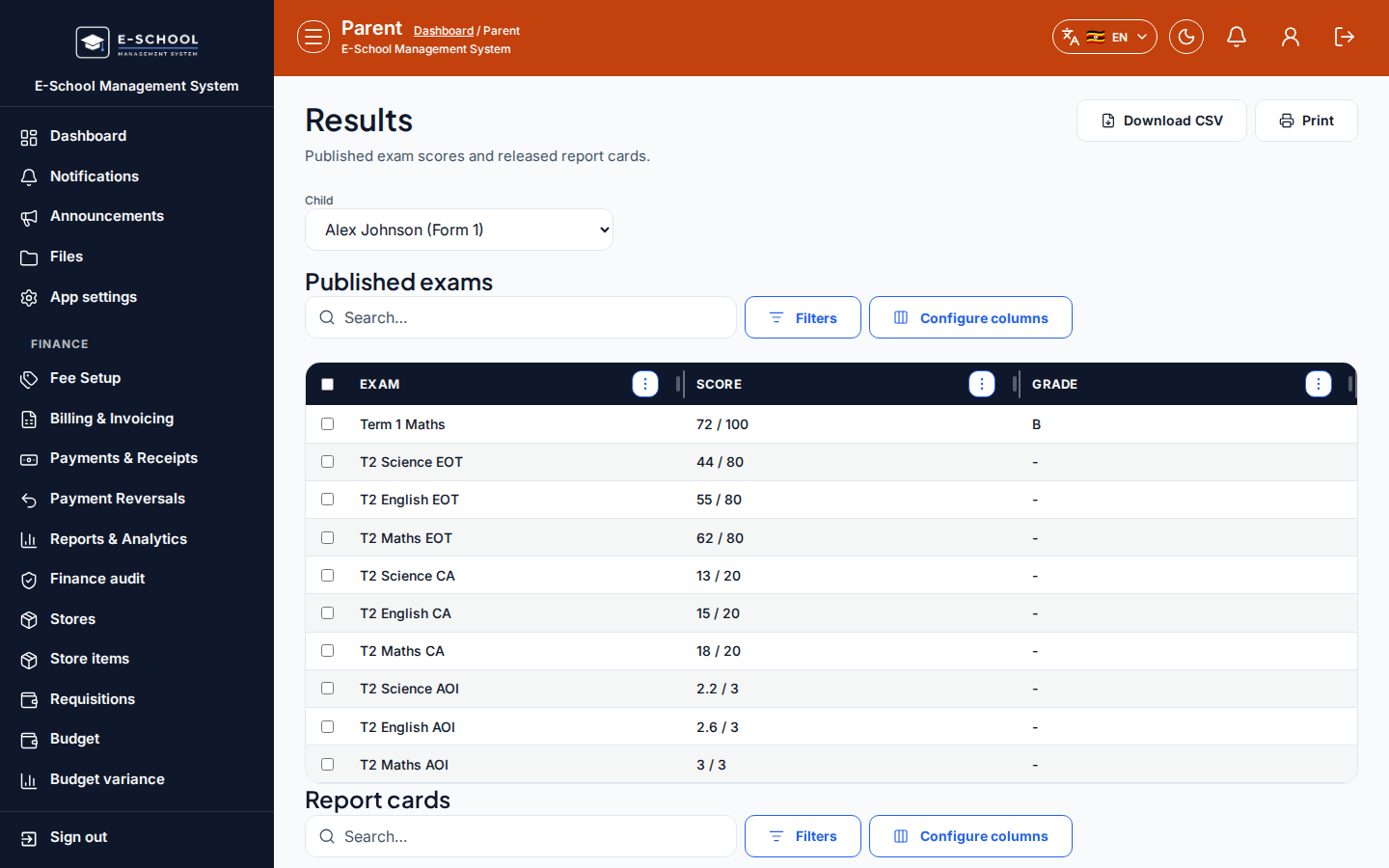
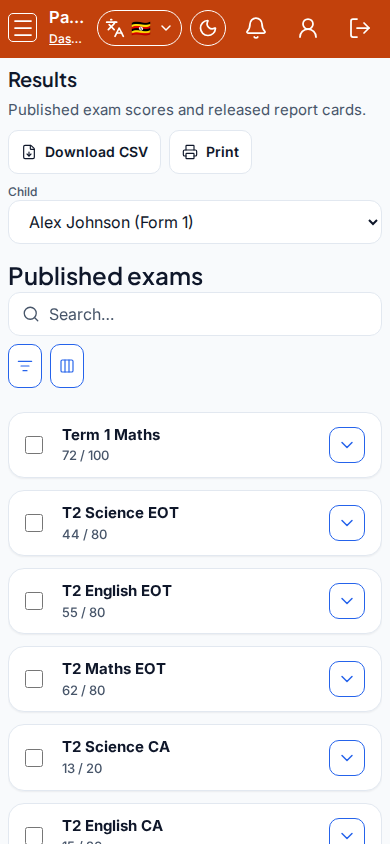
Steps
- Open Results at
/parent/resultsas PARENT. - Select Child.
- Under Published exams, review Exam, Score, Grade, Remarks.
- Under Report cards, open released Title rows.
- Contact the office if a card shows Released incorrectly or is missing.
Fields and actions
- Child picker
- Published exams columns: Exam, Score, Grade, Remarks
- Report cards: Title, Released
Common mistakes
- Wrong child selected
- Expecting unpublished drafts
- Confusing exam rows with full report PDFs