Fees
Parent fee statement for the selected child: balance, invoices, and payments.
Who can use this
- PARENT
Path
/parent/fees
Dependencies
- Child linked; invoices generated by finance.
- Payments appear after cashier posting.
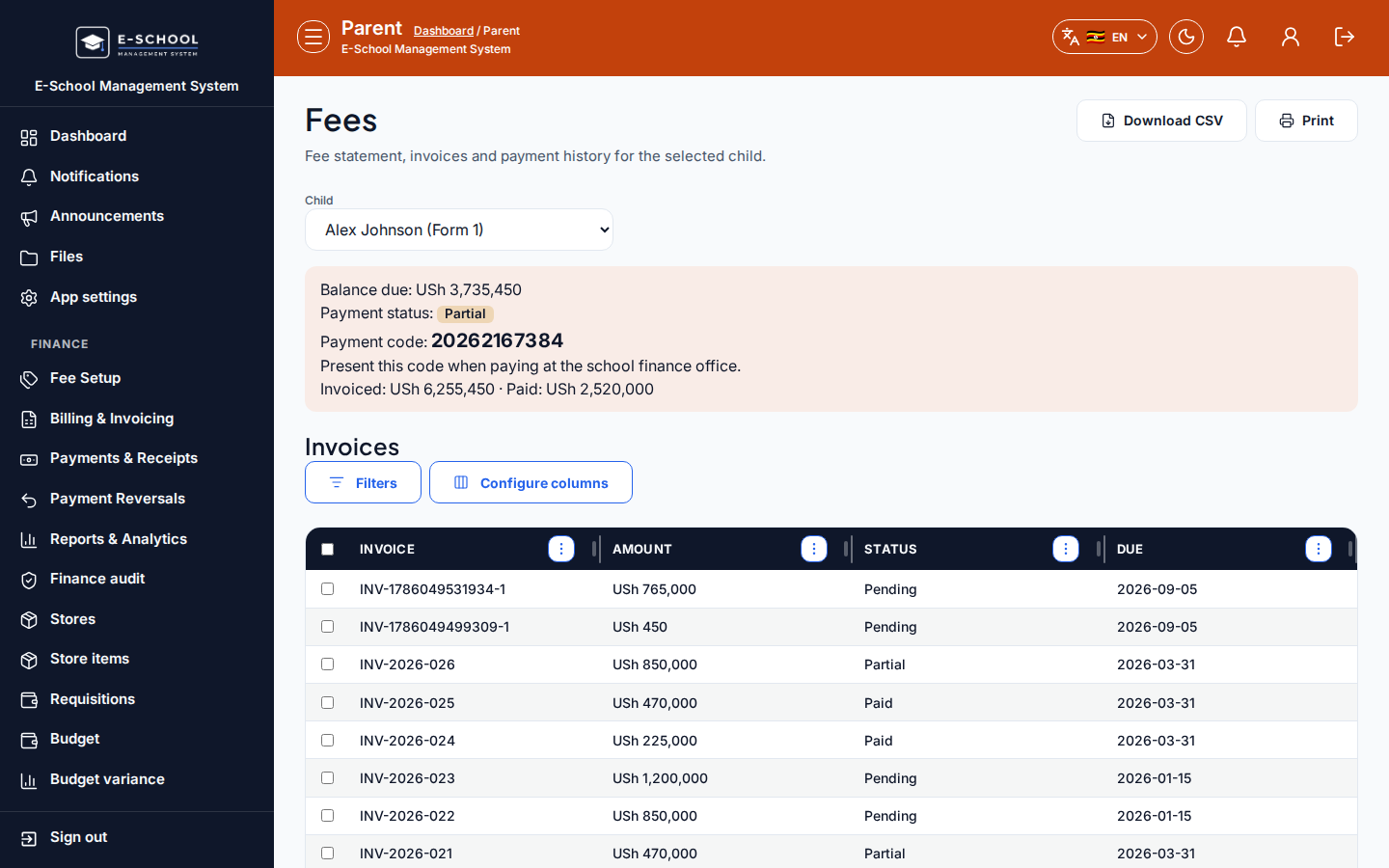
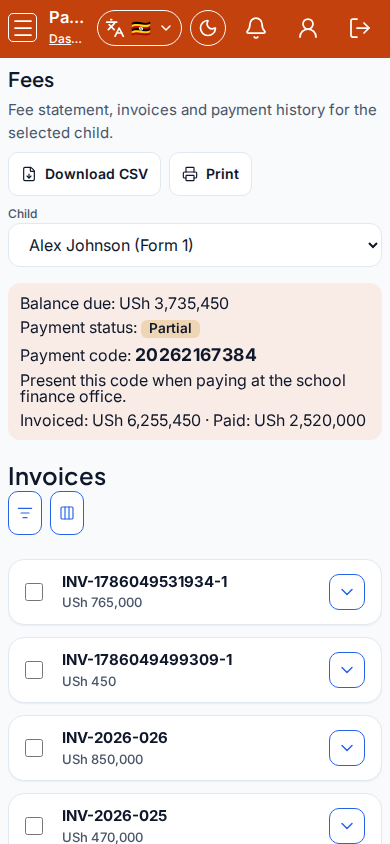
Screenshot
Steps
- Open Fees at
/parent/feesas PARENT. - Select Child. Review Balance due, Payment status, Payment code, Invoiced, Paid.
- Open Invoices and Payments sections for line detail.
- Use Payment code at the school office when paying.
- Download/print if the toolbar offers export on your build.
Fields and actions
- Child picker
- Balance due, Payment status, Payment code, Invoiced, Paid
- Sections: Invoices, Payments
- Columns: Invoice, Amount, Status, Due, Receipt, Method, Paid at
Common mistakes
- Wrong child
- Paying without quoting Payment code
- Expecting card checkout on every school tenant