Vaccinations
Record vaccinations given to learners with dose and notes.
Who can use this
- NURSE
- ADMIN
Path
/health/vaccinations
Dependencies
- Active learner selected.
- Keep vaccine names consistent for reports.
Screenshot
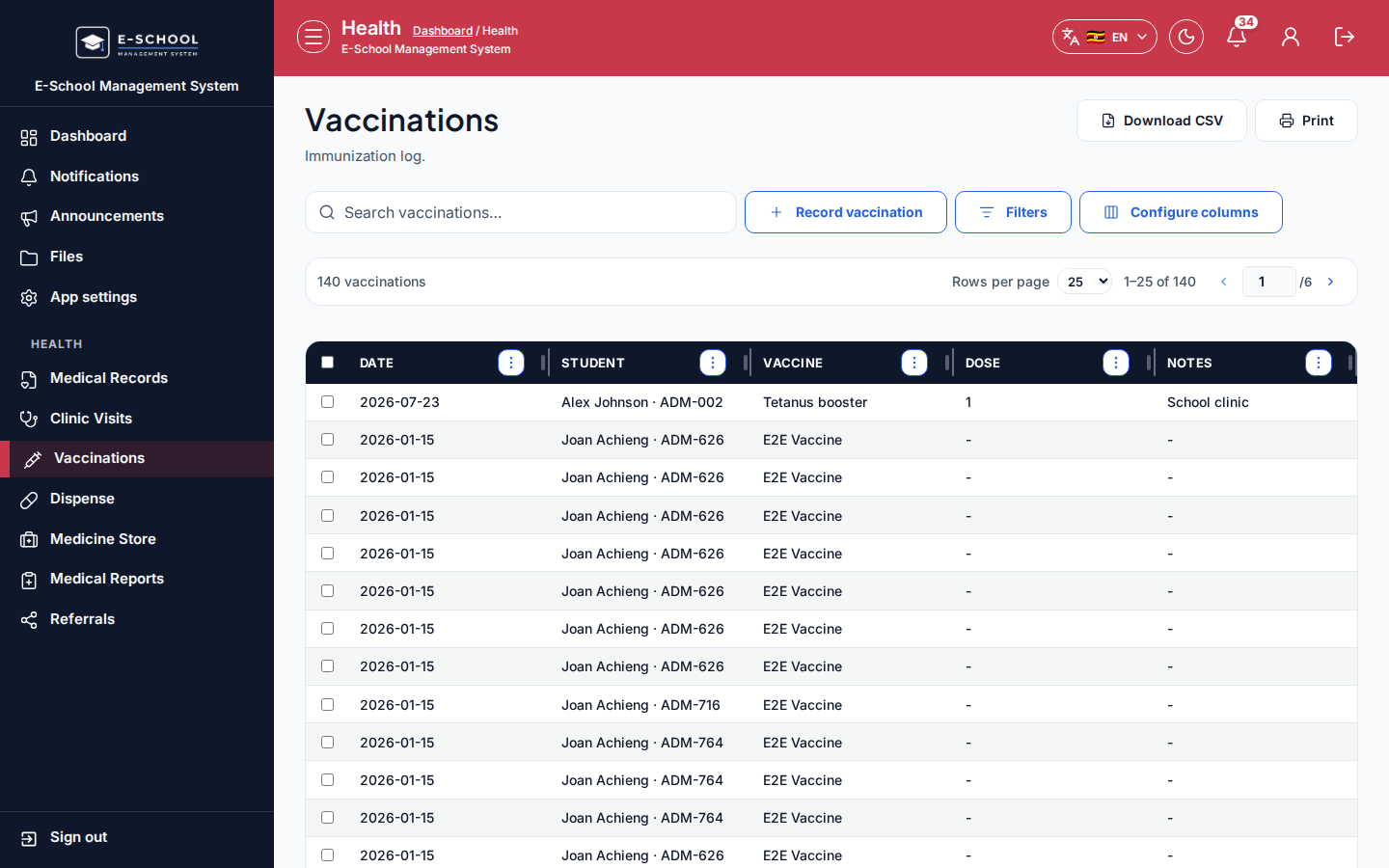
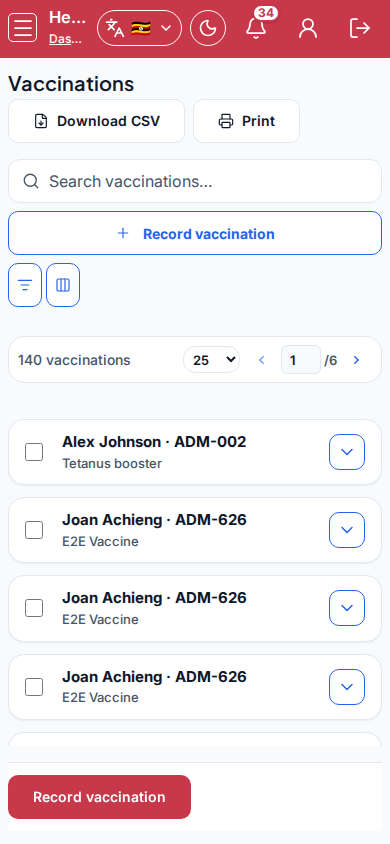
Steps
- Open Vaccinations at
/health/vaccinationsas NURSE. - Click Record vaccination. Select Student, Vaccine, Date given, Dose, Notes, then save.
- Review Date, Student, Vaccine, Dose, Notes.
- Export summaries from Medical Reports when needed.
- Confirm guardian consent offline per school policy before recording.
Fields and actions
- Record vaccination
- Student, Vaccine, Date given, Dose, Notes
- Columns: Date, Student, Vaccine, Dose, Notes
Common mistakes
- Wrong dose label
- Duplicate entries for the same date
- Student mismatch